


Skyrim’s interface was built for controllers and consoles in 2011, and it still feels awkward on PC. Inventory sorting, compass labels and readable health bars all need work, which is where these mods come in. For other parts of your setup, see the Skyrim mod collections.
SkyUI
SkyUI remakes the Skyrim interface for a mouse and keyboard, without breaking the usual style of the game. Instead of an inconvenient division into two lists, the mod provides a single inventory panel with sorting, search and additional weight and cost columns.

- sortable inventory with full-text search and additional columns (weight, price, damage, armor)
- Categorized favorites menu with eight customizable hotkey groups
- MCM mod settings menu shared by hundreds of other plugins
- search for locations on the map by name
- active effects directly in the HUD, without opening the magic menu
- gamepad support and easy keyboard navigation
- support for several languages, including Russian.
SkyUI needs SKSE; most features will not work without it. Install with Vortex or manually. It also provides the foundation for many other mods on this list.
✅ SkyUI replaces endless tab-hopping with a usable PC interface. Search for an item by name instead of scrolling through twenty pages of armor and potions.
Nordic UI — Interface Overhaul
Nordic UI changes almost the entire interface, from the main menu’s parallax background to click sounds and the shout meter. It needs SkyUI and SkyHUD; some elements will not work without them.
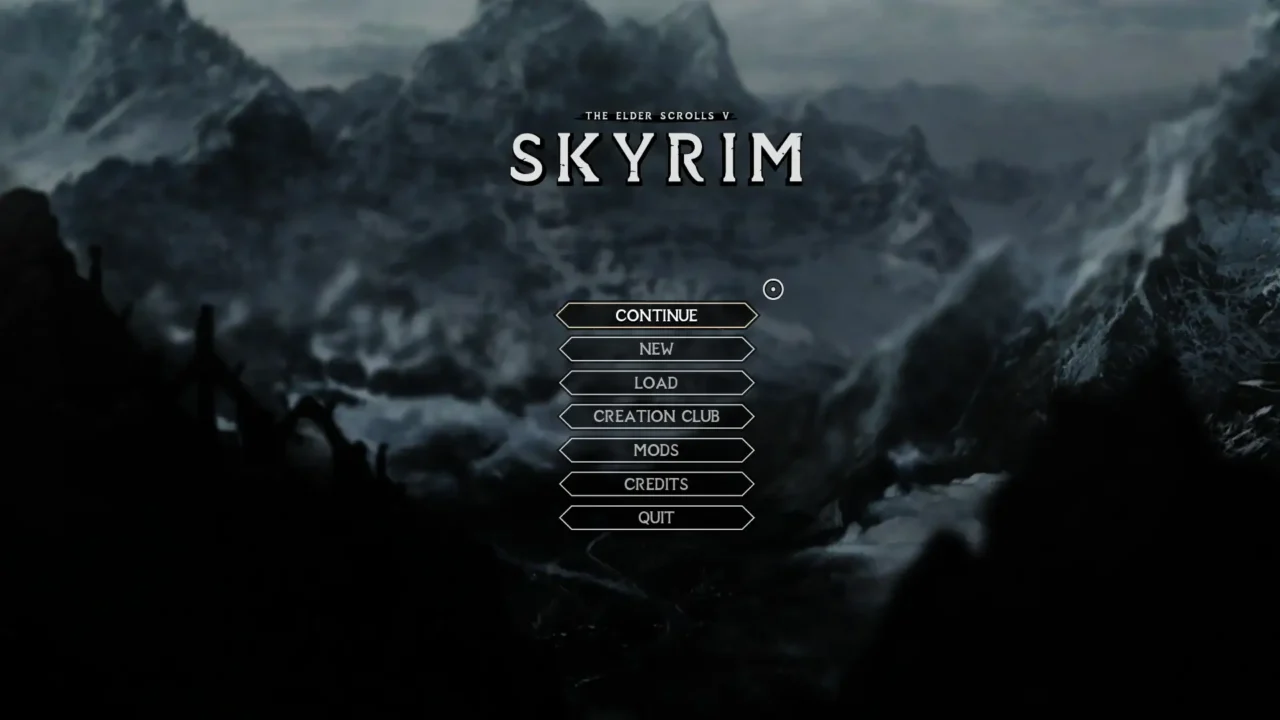
- new parallax background in the main menu
- new interface sounds
- new skill menu background
- redesigned shout meter
- SkyHUD and True Directional Movement support.
Use the author’s recommended SkyHUD preset: positions and sizes are tuned for it, and other presets may misalign elements.
✅ If the vanilla menus have worn thin, Nordic UI gives the whole interface a more consistent look in one go.
Compass Navigation Overhaul
The vanilla Skyrim compass shows the same icons for all purposes, and when multiple quests are active at once, you have to open the map to understand which marker belongs to what. Compass Navigation Overhaul solves exactly this problem.
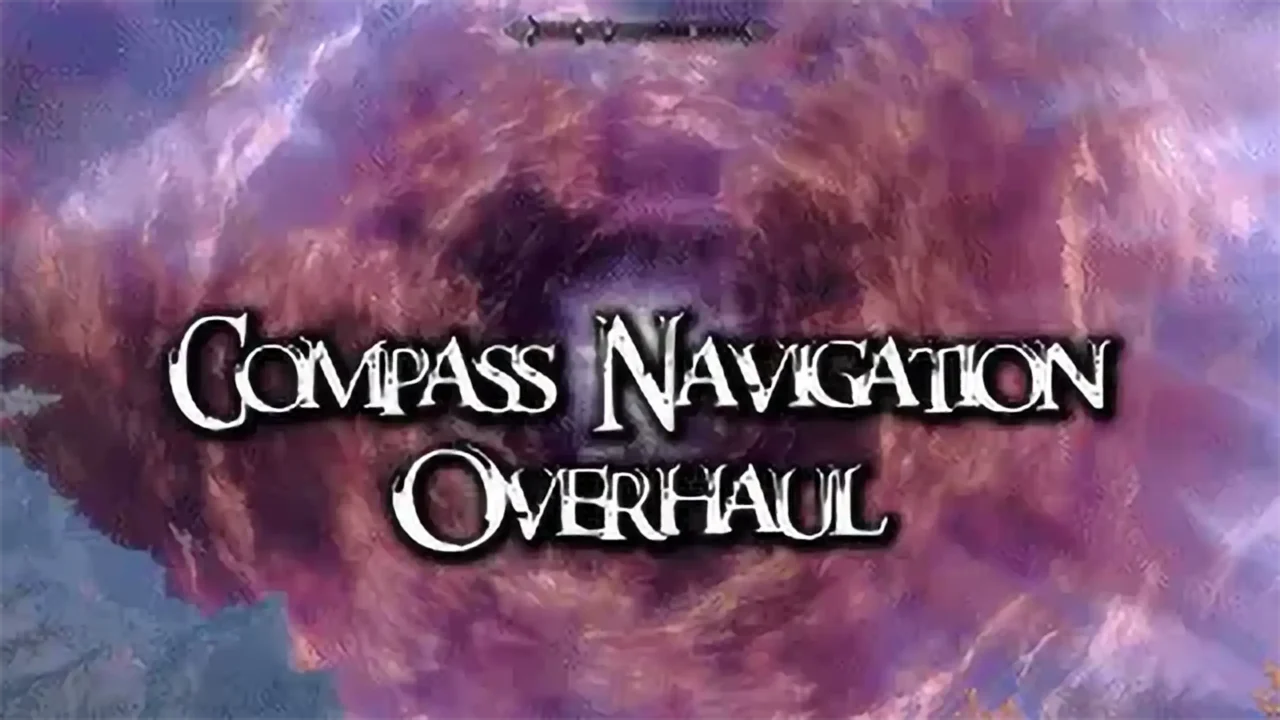
- names of markers and distance to them directly on the compass
- height difference indicator
- custom display of inaccessible and undetected locations
- separate settings for enemy markers and objects behind doors
- support for Russian interface language, including names of markers and locations.
Settings are edited via an INI file; the author plans to add an MCM menu later.
✅ If you’ve been confusing quest markers in the Skyrim compass for a long time, this mod takes the guesswork out of it: you can immediately see which goal is closest and which quest it belongs to.
Better Third Person Selection — BTPS
Technically a gameplay mod, but one that directly changes third-person interaction. Vanilla item selection is designed around first-person aiming, which makes picking coins out of grass awkward in third person.
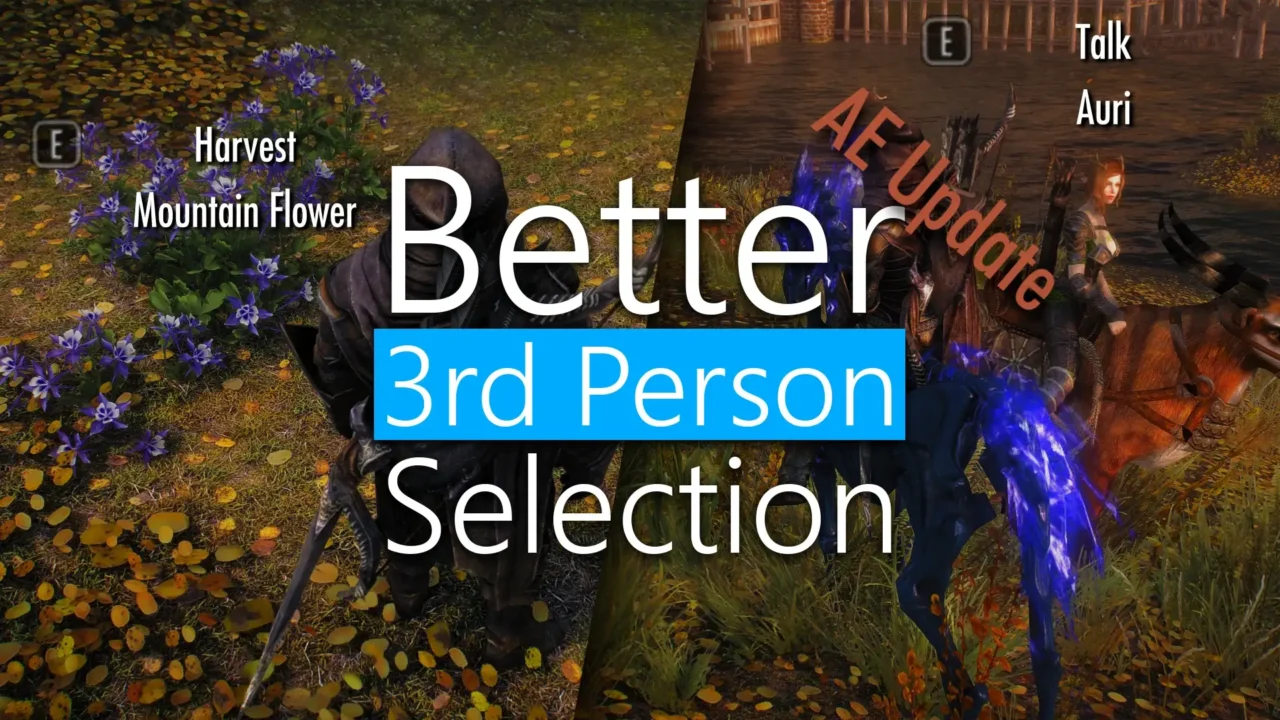
- smart object selection based on viewing direction rather than precise pointing
- customizable priorities by item type and value
- support for selecting objects while riding a horse without dismounting
- 3D widget that highlights the selected object.
✅ Picking arrows out of tall grass or finding a coin in the dark no longer becomes a quest of its own.
Colored And Animated Celtic Icons For SkyUI SE
A small but nice mod for those who have already installed SkyUI and want more lively designed icons instead of the standard white silhouettes. The author simply redrew the icons in the Celtic style and added animation.
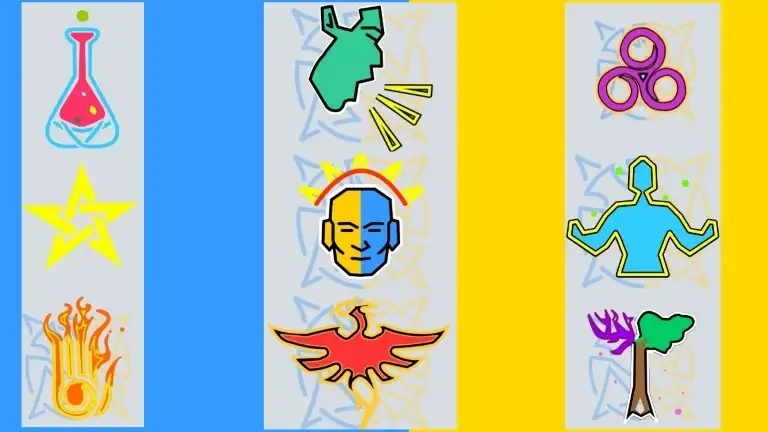
Installed through any mod manager, after installation you need to select the Celtic theme directly in the SkyUI settings.
✅ A small thing, but a nice one: colorful animated icons make the inventory and magic menu look more lively than vanilla flat icons.
Horizons UI Remake — User Interface Overhaul
A from-scratch remake of Horizons UI, using vector graphics rather than raster images. It is built on Dear Diary Dark Mode and reflects the author’s preferences, so some design choices are quite distinctive.
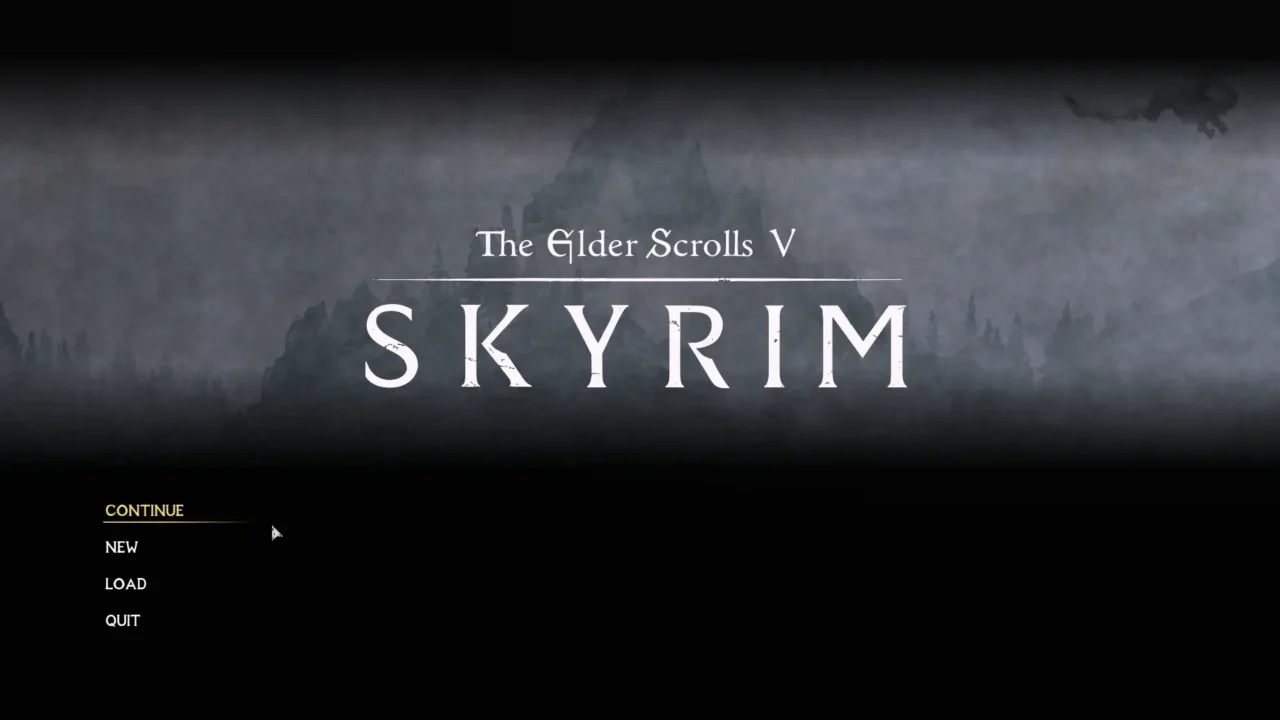
- full dark fantasy interface reskin
- native Slimventory inventory support by default
- compatible with TrueHUD, Compass Navigation Overhaul and moreHUD
- Recommended fonts are Sovngarde or Sanguis.
The mod is installed through the FOMOD installer, and there it is important to accurately select the version for your build of Skyrim SE or AE, otherwise you can get a crash or break the difficulty settings.
✅ If you prefer a darker fantasy look to Skyrim’s familiar parchment, Horizons UI Remake covers most of the interface.
Edge UI — Modern Skyrim Interface
Edge UI takes inspiration from modern games such as God of War and Elden Ring. It is still a work in progress, with some unfinished elements, but regular updates have made it a useful interface overhaul already.
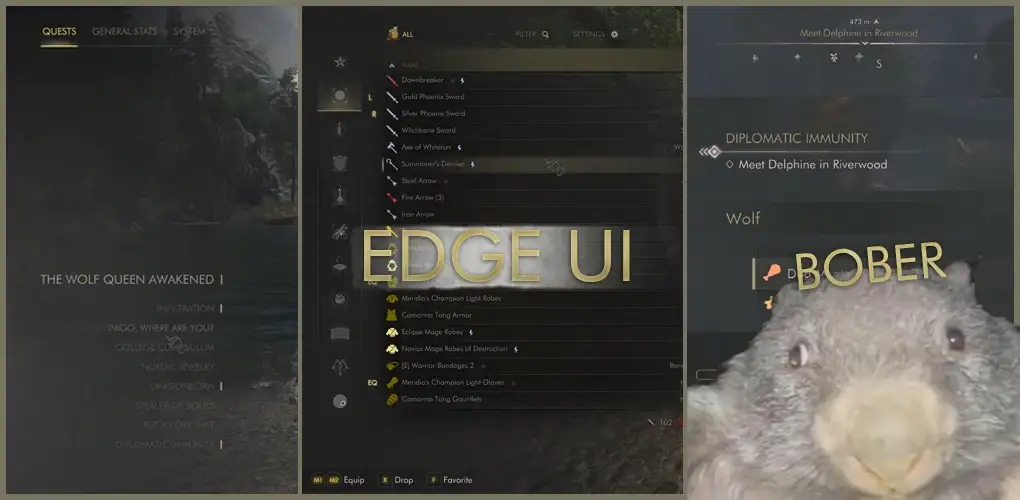
- reskin of almost all SkyUI and SkyHUD menus
- custom notification icons, experience bar and level up widget
- reskins for TrueHUD, MoreHUD, QuicklootIE and a dozen other popular mods
- support for 16:9 and 21:9 aspect ratios.
To work you need SkyHUD, SkyUI and the Widescreen Scale Removed fix for game version 1.6.1130 and higher.
✅ Edge UI is suitable for those who are tired of classic Skyrim and want the game to be visually closer to modern RPGs.
TrueHUD — HUD Additions
TrueHUD began as part of True Directional Movement before its author separated and expanded the HUD features. It now provides a foundation for many interface mods on this list.
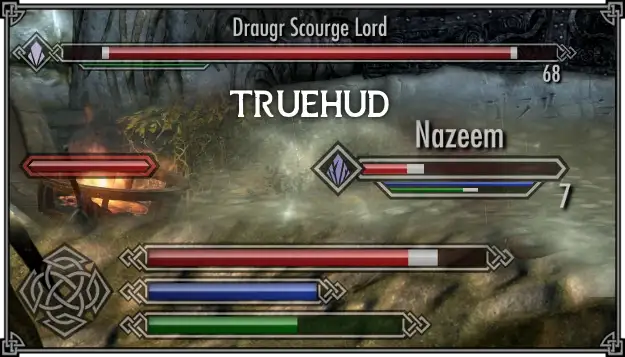
- floating health bars over enemies and allies
- separate boss health bars for strong enemies, lining up if there are multiple bosses
- movable, scalable health, magicka and stamina bars
- log of recently picked up items
All functions are enabled and configured separately via MCM, so you can leave only HP bars on bosses and disable the rest if not needed.
✅ TrueHUD is especially noticeable in battles with dragons and dragon priests: the boss’s health bar immediately shows how much health the target actually has left, rather than making you guess by the animation.
STB Widgets
STB Widgets adds a set of information widgets that are simply missing in the original version of the game. Everything is configured through the ImGui menu in real time, without leaving the game.
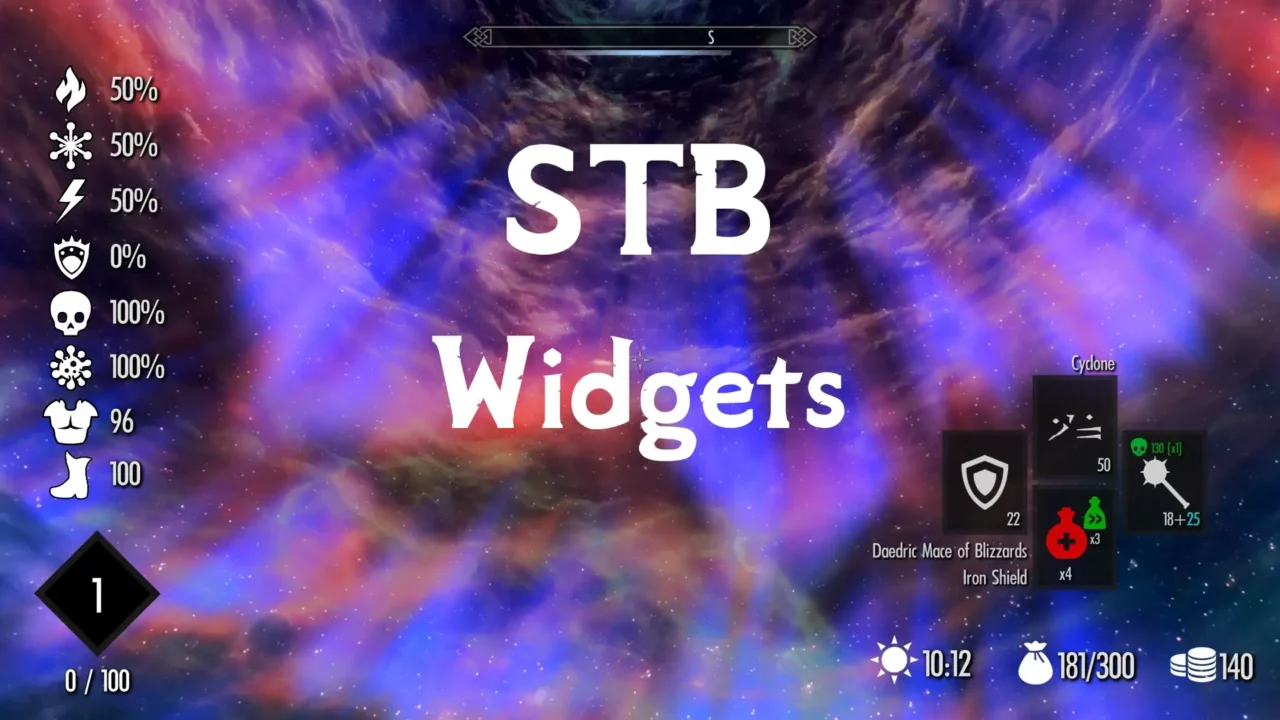
- elemental and disease resistance plus movement speed
- equipped weapons and spells for both hands, including damage and arrow count
- character level and experience needed for the next level
- shout cooldown
- game clock, gold, inventory weight and real time in the game.
Each widget can be turned on, off, moved and configured separately, including a display mode only in battle.
✅ You no longer need to open a menu just to ask, “How many arrows do I have left?” The information is already on screen.
Explorer Addon – TrueHUD and STB Widgets Only
This version of the Edge UI Explorer Addon reskins only TrueHUD and STB Widgets. It is for players using Nordic UI, Untarnished UI or another overhaul who want these widgets without installing all of Edge UI.
Requires TrueHUD and STB Widgets installed, installed as a regular mod on top of them and must have priority in load order.
✅ A convenient option if you like the look of the Explorer Addon, but you don’t plan to install the full Edge UI.
Recommendations for installing mods
Several dependencies overlap here. SkyUI needs SKSE, while many other options need SkyUI or SkyHUD. Install the foundations before the reskins that depend on them.
- First install SKSE and SkyUI, without them nothing from the list will work.
- Then SkyHUD and TrueHUD, if you plan bossbars and widgets.
- After them, put reskins like Nordic UI, Horizons UI Remake or Edge UI – they redefine the appearance of basic elements.
- Put small cosmetic mods like Celtic icons last – they almost never conflict with others.
Which interface mod should I try first?
Start with SkyUI and TrueHUD if you want useful changes without assembling a whole interface setup. Then choose Nordic UI, Edge UI or Horizons UI Remake according to the look you prefer.
If I missed some interesting interface mod, write to me, I will test it and perhaps add it to the list.


