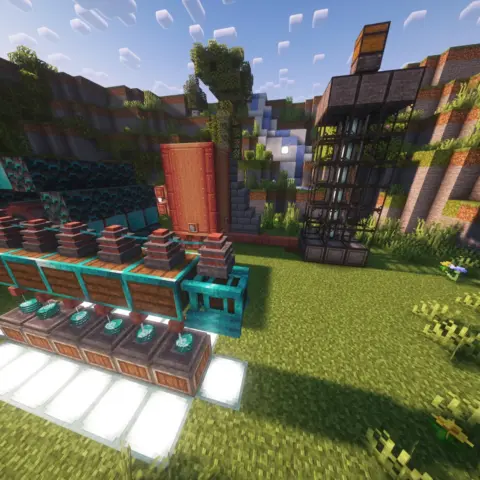
If Minecraft stutters even without shaders or a huge modpack, part of the problem may be how the game uses your computer’s resources. These ten optimization mods target frame rate, memory use and other performance bottlenecks, including those that become more noticeable in large packs.
Sodium
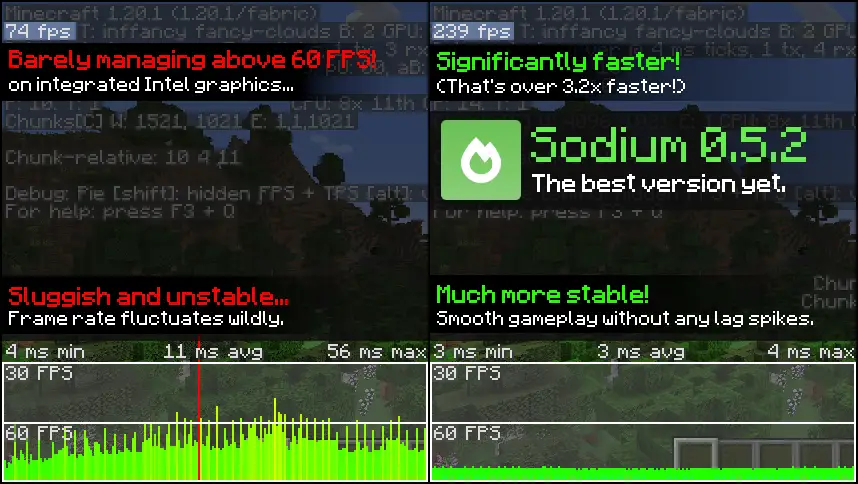
Sodium replaces Minecraft’s client renderer and can reduce micro-stutter while improving frame rates without deliberately changing the familiar look. You get the same block game with a more efficient rendering engine.
- Improves rendering efficiency for chunks and blocks
- Can make frame delivery more consistent and reduce slowdowns
- Adds an expanded video-settings interface
- Sodium 0.9.0 introduced experimental Vulkan support for Minecraft 26.2, selected through the Graphics API option in video settings
Install the file for your Minecraft version and loader in the mods folder, using the dependencies listed for that release. Sodium has Fabric, Quilt and NeoForge releases on supported branches. Vulkan support is experimental and version-specific; it is not a guaranteed performance improvement on every graphics card.
✅ Sodium is a strong first option when rendering is your bottleneck. The size of the improvement depends on your hardware, drivers, settings and other mods rather than a universal FPS multiplier.
Lithium
Lithium optimizes Minecraft’s internal systems, including physics, mob AI and block ticking. It targets simulation work that occupies the CPU even when you are standing still, rather than replacing the renderer.

- Optimizes physics, mob AI and block-tick processing
- Reduces simulation CPU work in single-player and on servers
- Can be installed on the client, server or both without requiring the other side to match
- Its Fabric installation does not require Fabric API; NeoForge and Quilt releases are also listed for supported versions
The developers aim to preserve vanilla mechanics. They note that this approach has led to Lithium being allowed in Minecraft speedrunning, though individual categories and events still have their own rules.
✅ Lithium helps free CPU time by making simulation work more efficient. It complements Sodium because the two target different parts of the game.
FerriteCore
FerriteCore reduces memory use. The author provides a specific example: All Of Fabric 3 version 2.5.9 used 984 MB of heap memory instead of 1,792 MB after generating a fixed-seed world and waiting two minutes. That is a historical test, not a promised reduction for every pack.

- Reduces memory overhead from block states and related data
- Includes optimizations useful on both the client and server
- Has broad mod compatibility, with version-specific exceptions such as unsupported Hydrogen combinations
FerriteCore is particularly useful when memory is tight, but it does not make a large pack suitable for a computer with 4 GB of total RAM by itself.
✅ Lower memory use can reduce pressure during exploration and in large modpacks. It does not guarantee the end of crashes or stutters, but it addresses a different problem from a rendering optimizer.
Entity Culling
Minecraft can render entities and block entities hidden behind walls or ceilings. Entity Culling calculates line-of-sight visibility using asynchronous path tracing and skips unnecessary rendering work.

- Checks visibility of entities and block entities
- Uses spare CPU threads for visibility calculations
- Leaves server-side mob behavior, farms and simulation unchanged
- The author’s current support table covers Fabric, Forge and NeoForge from Minecraft 1.19.4 onward, subject to release availability
If you use fast graphics or custom leaves, the configuration can treat leaves as solid for visibility checks. Entities with unusually large render bounds or special client animations may need to be whitelisted if they disappear incorrectly.
✅ Scenes with many hidden mobs or chests can benefit substantially. The server simulation stays the same, but the client has less to draw; on a CPU already at its limit, measure whether the extra visibility work actually helps.
ImmediatelyFast
ImmediatelyFast improves immediate-mode rendering, including entities, particles, text, the HUD and block entities. It batches work and transfers data to the GPU more efficiently than the original rendering path.
- Optimizes entity, particle, interface and text rendering
- The author’s historical Minecraft 1.19.3 test with 1,000 cows and Sodium increased performance from 21 to 82 FPS using ImmediatelyFast 1.1.7 on a Ryzen 5 1600, GTX 1060 and 32 GB of RAM; this is a specific benchmark, not a general FPS promise
- Optimizes map rendering; the author’s separate 1.19.3 test with around 930 maps and ImmediatelyFast 1.1.1 reported gains of roughly six times on the same hardware
- Designed to work alongside other compatible optimization mods, including Sodium
OptiFine and closed clients such as Lunar Client are not supported. Use a normal supported mod-loader profile instead of assuming you can add it to any client.
✅ It can be especially useful in busy scenes with many players, mobs or maps. Alongside Sodium, it covers additional rendering paths, although neither mod fixes every possible source of lag.
Dynamic FPS
Dynamic FPS watches the state of the Minecraft window and reduces resource use when the game is unfocused, minimized, hidden or idle. It is particularly useful on laptops or when you regularly switch to other applications.
- Configurable frame rate and volume for inactive or hidden windows
- Battery-aware settings for laptops and handhelds
- Stops drawing the world while a resource-loading overlay covers it
- Fixes unnecessary background CPU use
For the in-game configuration screen, install Mod Menu and Cloth Config as described by the project.
✅ If you switch between windows often or play on battery, Dynamic FPS keeps Minecraft from using full resources when you are not actively looking at it. It is a background-use tool rather than a general active-play FPS booster.
ModernFix
ModernFix combines launch optimizations, memory improvements and bug fixes. The author reports that many Forge 1.16–1.19.2 packs start roughly twice as fast with it installed; that is a version-specific author claim rather than a guarantee for every modern pack.

- Speeds up parts of startup and reduces certain initialization crashes
- Offers optional memory-saving changes; the author’s All The Mods 8 example of 3 GB or less depends on non-default settings
- Backports selected fixes from newer Minecraft and Forge versions
- Includes debugging tools for investigating some difficult crashes and freezes
The author does not recommend OptiFine in modded profiles, and using it with ModernFix is not officially supported. Some aggressive options are disabled by default because of compatibility concerns.
✅ ModernFix is worth considering when startup is slow or a large pack puts pressure on memory. It can help on powerful computers too, but the available fixes and gains depend on the Minecraft branch and configuration.
BadOptimizations
BadOptimizations collects smaller client optimizations that larger performance mods may not cover. Individually they are modest; together they can reduce avoidable work, with results that depend on your setup.
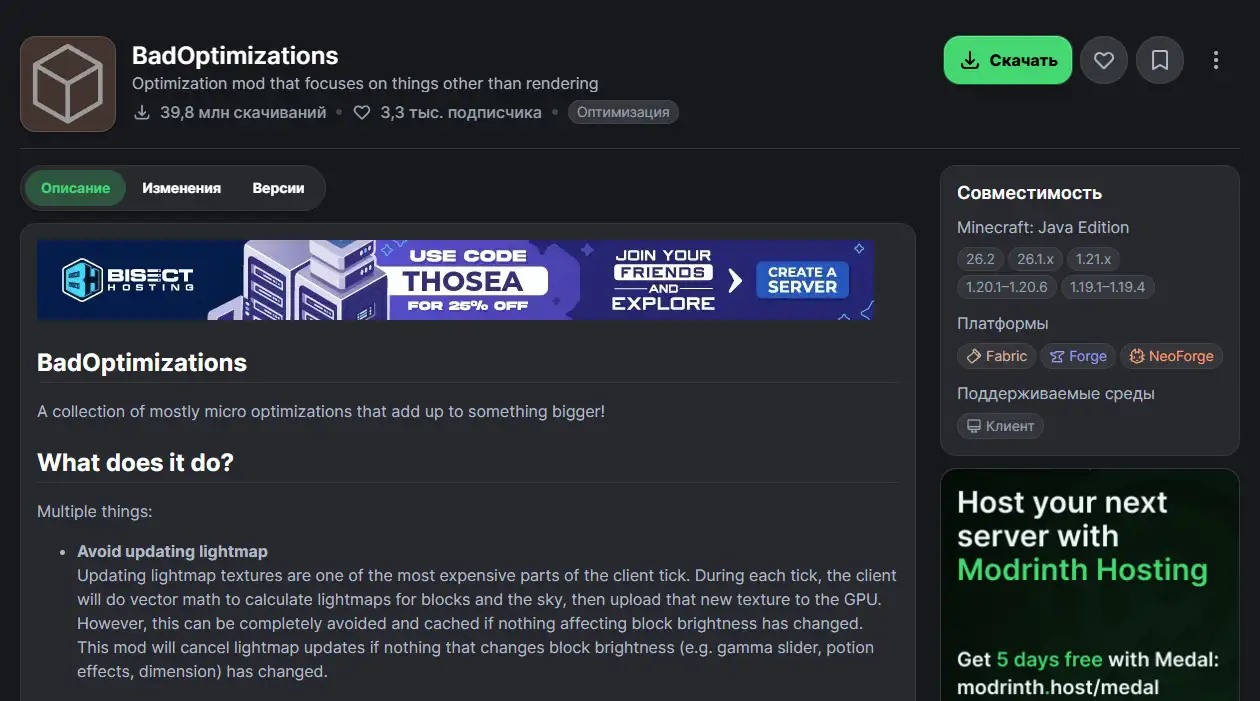
- Caches lightmap updates when nothing affecting brightness has changed
- Skips unnecessary debug-renderer logic when it is inactive
- Optimizes biome sky-color calculations on Minecraft 1.21.10 and older supported versions
- No additional mod dependencies; individual optimizations can be disabled in the configuration
✅ This is a lightweight supplementary optimizer. Add it to a compatible profile and disable individual changes if another mod relies on behavior they affect, rather than assuming it is conflict-free in every pack.
More Culling
More Culling extends the ways Minecraft avoids drawing things the player cannot see. It targets additional culling opportunities that the vanilla renderer does not always use.
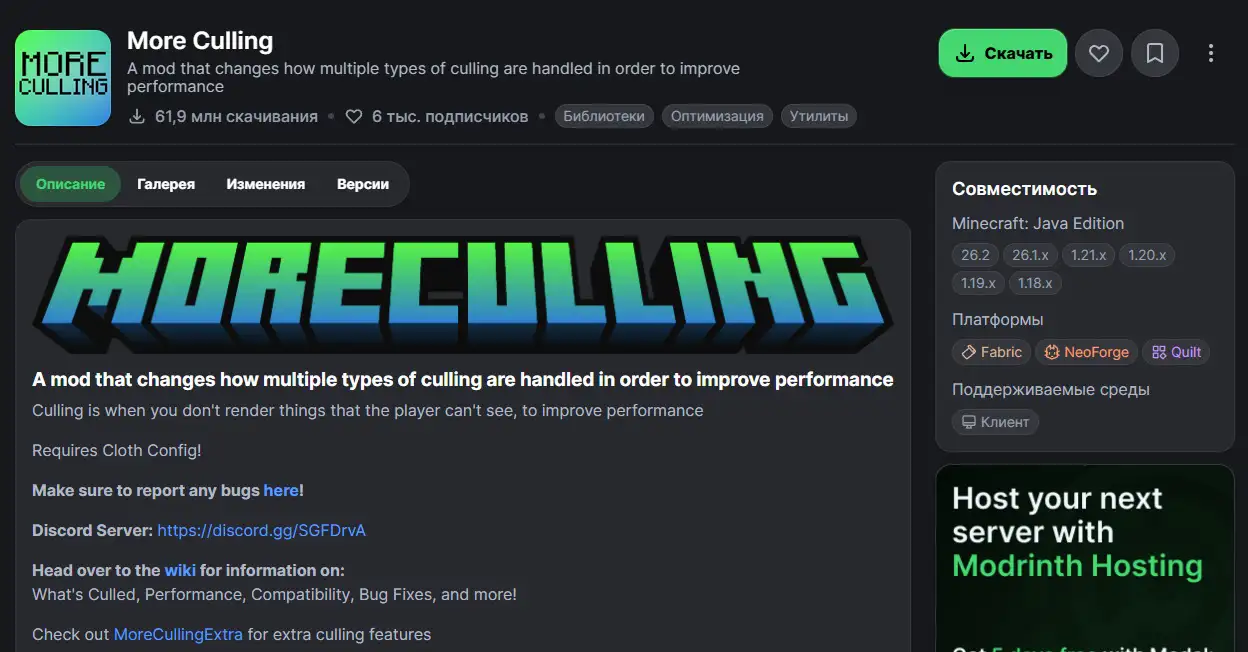
- Changes culling for several categories of rendered objects
- Includes rendering-related fixes and adjustments
- Requires Cloth Config and provides configuration options
- Can complement Entity Culling by targeting different rendering work
✅ In suitable scenes it reduces unnecessary drawing. It is worth trying in a compatible low-end profile, but compare both performance and visual behavior rather than assuming every scene benefits equally.
Clumps
Clumps tackles a specific source of lag: XP farms or large groups of defeated mobs can leave dozens of experience orbs, and each orb is an entity that needs processing. The mod merges nearby orbs and lets players collect them immediately on contact.
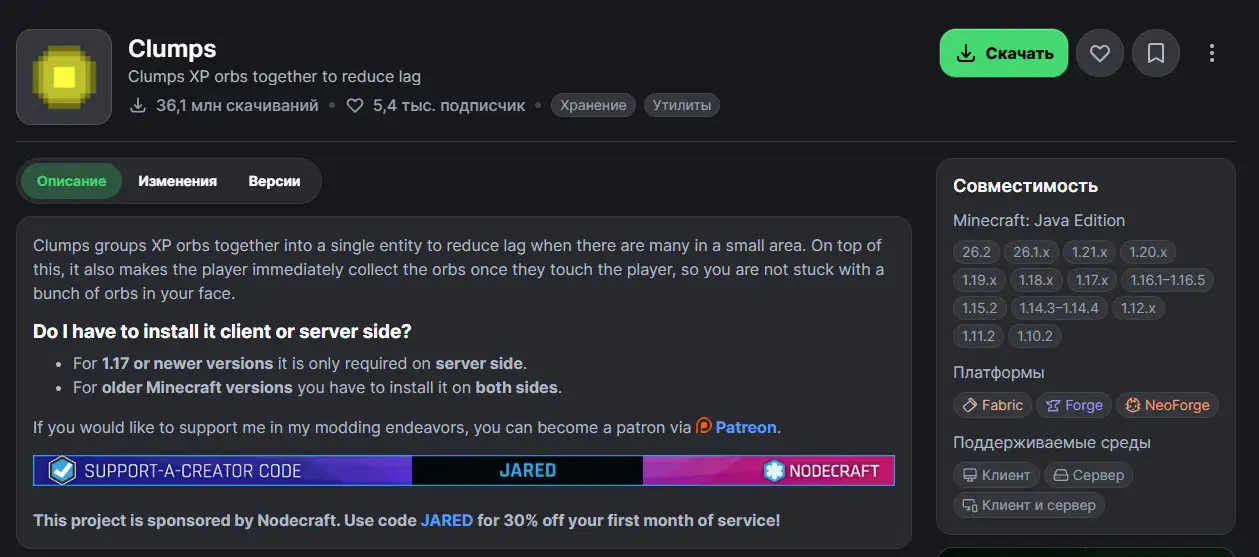
- Groups nearby XP orbs into fewer entities
- Collects the experience immediately when an orb touches the player
- For Minecraft 1.17 and newer, it is only required on the server side; older versions require installation on both sides
✅ Clumps is most relevant when experience orbs are causing the slowdown. On XP farms it can remove that particular bottleneck, while offering less benefit in scenes where orbs are not an issue.
Installation recommendations
Before enabling everything at once, follow a short checklist. It saves time when identifying loader mistakes or overlapping optimizations.
- For a Fabric profile, install Fabric Loader for the exact Minecraft version you plan to use. Existing Forge or NeoForge packs need matching builds instead.
- Install Fabric API when a selected Fabric mod lists it as a dependency; it is not a universal requirement for every optimizer.
- Place compatible JAR files in the mods folder. Launchers such as Prism Launcher and Modrinth App can help manage profiles and dependencies.
- Start with modest graphics settings: fast graphics, a render distance around 6–10 chunks, simulation distance around 4–8 chunks, fewer particles and clouds disabled. Available settings vary by Minecraft and renderer version; adjust them while comparing results.
- Keep the memory allocation appropriate to the profile. Around 2–4 GB can be a starting point for a small vanilla-style setup, but heavy packs have their own requirements. Leave memory for the operating system instead of assigning all system RAM to Java.
- Match both Minecraft version and loader. Do not install a Fabric file in a Forge or NeoForge profile, and avoid adding a second copy of an optimizer already bundled in a pack.
Which Minecraft performance mods help most on a weak PC?
Sodium, Lithium and FerriteCore are a useful starting combination because they address rendering, simulation and memory use. The other seven target more specific workloads, so choose according to the problem your machine actually encounters.
Entity Culling and More Culling help with unnecessary rendering, while ImmediatelyFast covers additional drawing work. Dynamic FPS is useful for background and battery use. BadOptimizations and ModernFix add further improvements where supported, with compatibility depending on the profile.
Clumps is for situations with large numbers of XP orbs, especially experience farms. It is unnecessary to expect the same improvement in a quiet world without that workload.
Have I missed a mod that helped your lower-end PC? Tell me about it; I may test it and add it to the list if the results justify it.