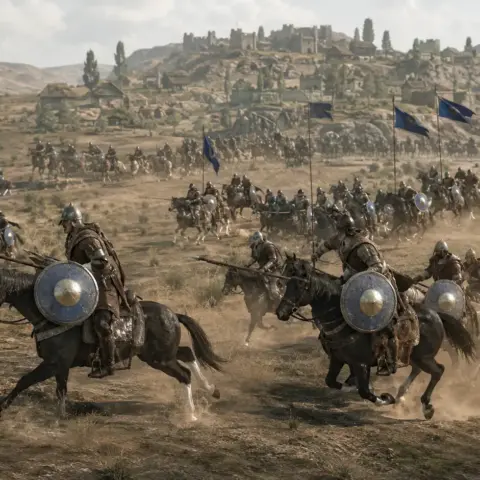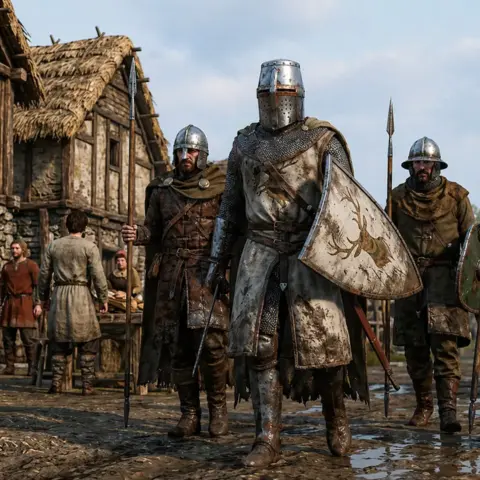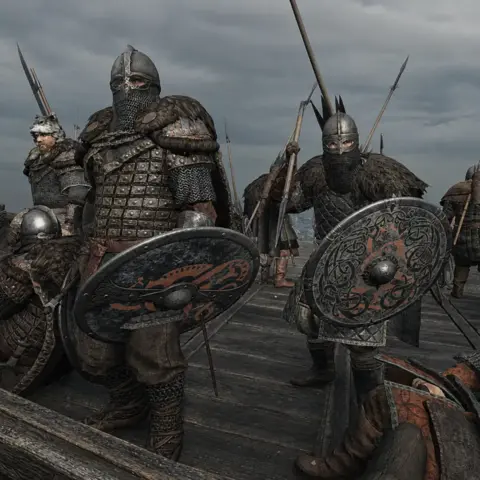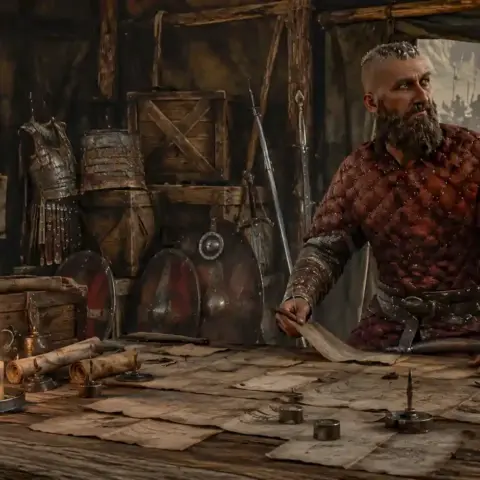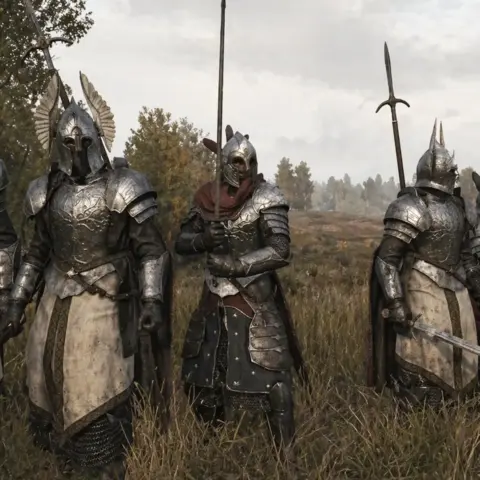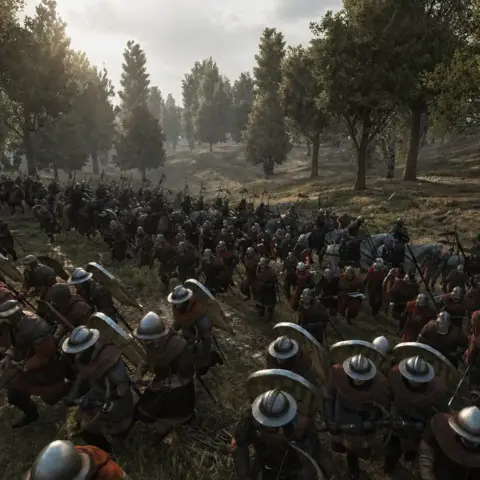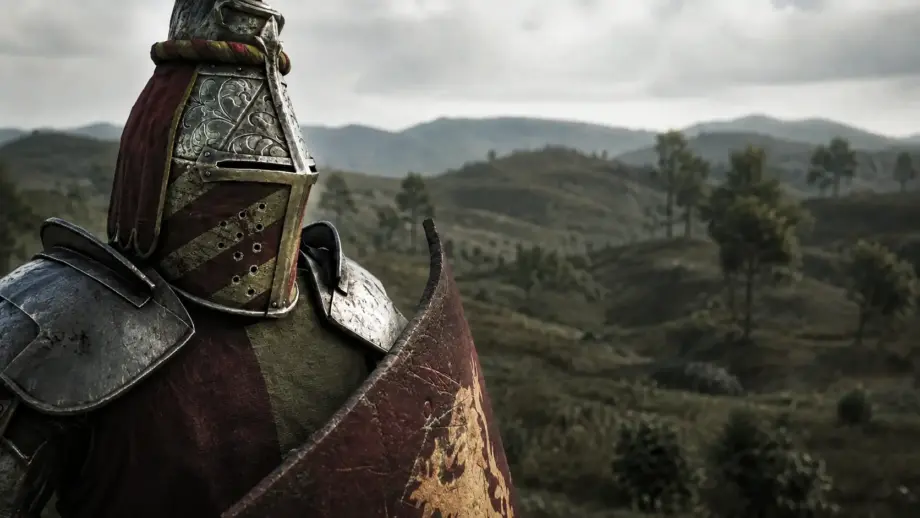
Bannerlord gets plenty right, but its visuals are hardly cutting-edge. The good news is that modders have been working on them seriously for a long time.
Here are 10 ReShade presets, graphics improvements, and weather mods for Mount & Blade II Bannerlord worth installing if your eyes cannot take the vanilla visuals much longer.
Ratthew’s Reshade with Ray Tracing Exclusive
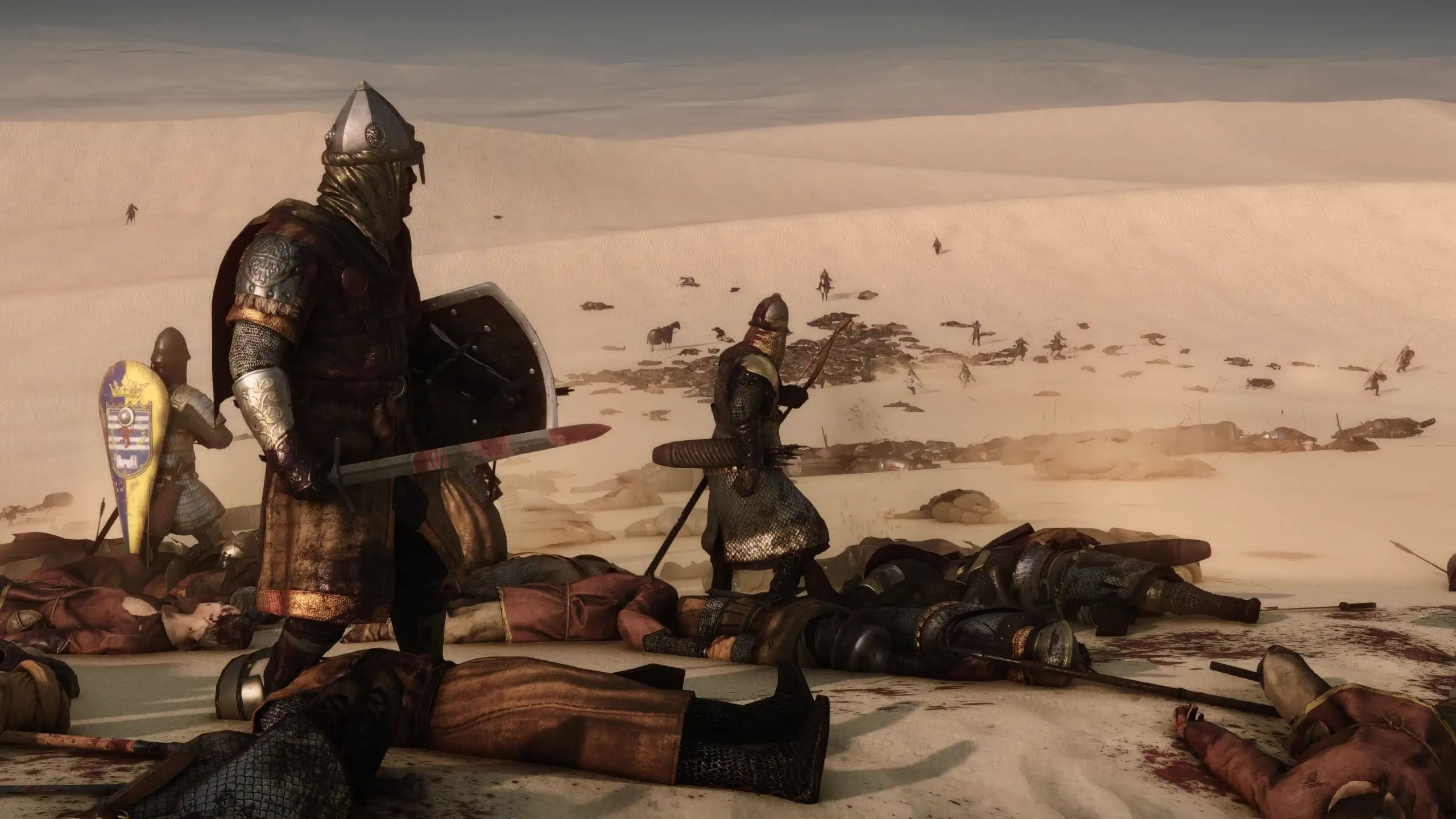
Ratthew’s Reshade is a preset package with options for different tastes and hardware. It improves ambient lighting, shadows, reflections, and color grading, adding simulated ray tracing through special shaders without requiring an RTX card.
Performance costs vary significantly: the base option costs 30-40 FPS, Performance costs 15-20 FPS, and Ultimate up to 5-10 FPS. Depth of field can be disabled, and it works on non-RTX cards.
How to install:
- Extract the archive into:
\Steam\steamapps\common\Mount & Blade II Bannerlord\bin\Win64_Shipping_Client - Start the game and press Home.
- Choose your preset from ReShade’s dropdown.
- If ReShade does not start, rename dxgi.dll to d3d11.dll.
- Incompatible with Dros Lighting.
✅ Ratthew’s Reshade offers the widest choice of presets here. Start with Performance and see what your hardware can handle before moving to Ultimate.
Realistic Reshade Preset
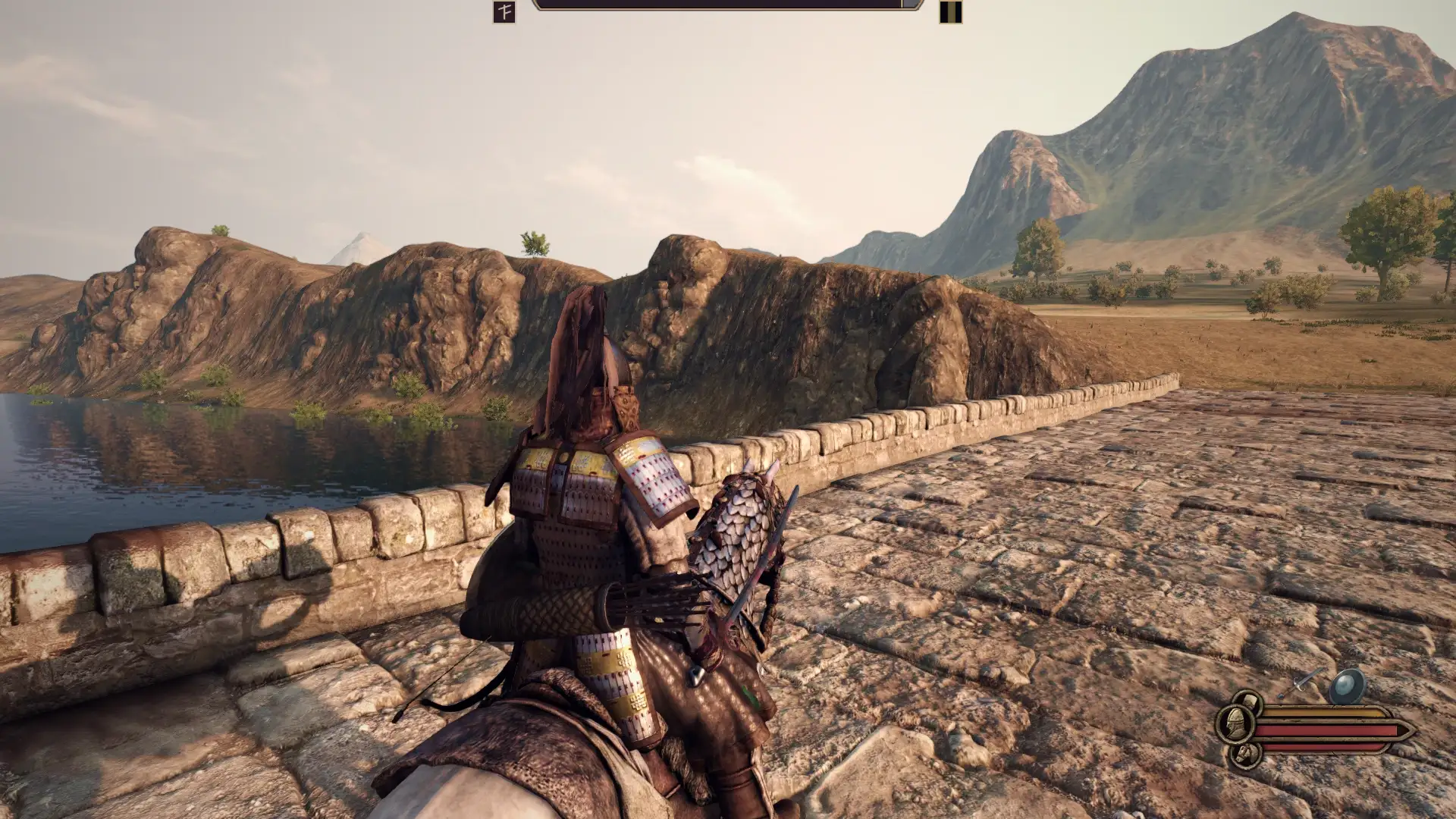
Realistic Reshade is a minimalist preset without bloom, cinematic effects, or excess fog. Adjusted colors, stronger contrast, and slightly cleaner shadows sharpen the image while preserving the game’s style.
How to install:
- Copy every file into the launcher folder, alongside the game’s executables.
- If shadows look too dark, increase contrast in the game settings.
- For little or no FPS impact, disable MXAO through ReShade’s Home menu.
✅ The best option if previous ReShade presets felt too aggressive. Realistic Reshade is a quiet, almost invisible improvement you appreciate most when you turn it off.
Cinematic Preset for ReShade by jan1morant
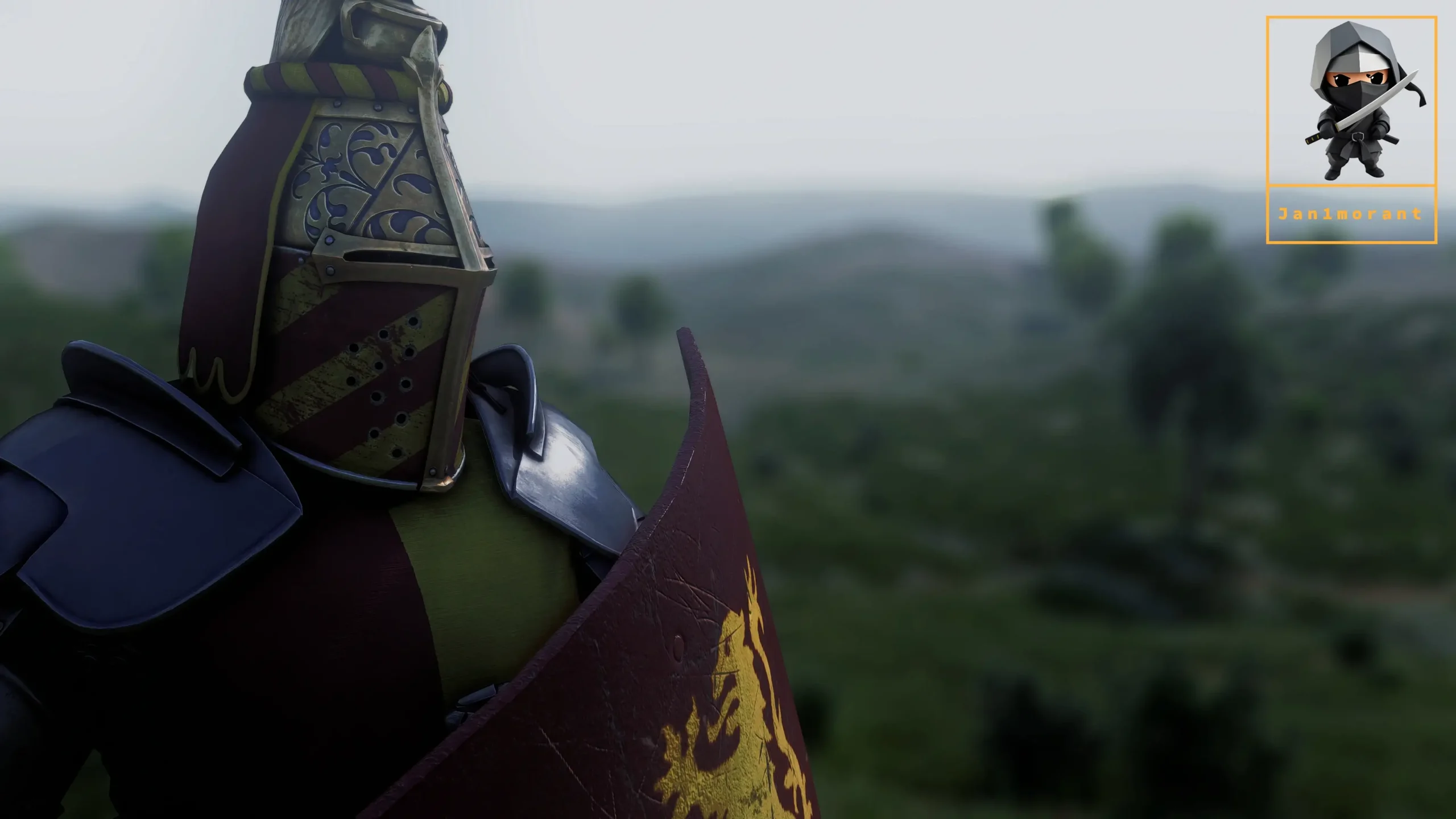
jan1morant’s preset aims for cinematic presentation: dramatic lighting, color toning, and depth of field make battles resemble scenes from a historical film. A Cinematic Ultimate option is included.
How to install:
- Install ReShade from reshade.me with all effects
- Copy the mod files into \bin\Win64_Shipping_Client
- Press Home in-game and load Cinematic Ultimate by jan1morant.ini
✅ The best choice for screenshots and video. It may be demanding for regular play, depending on your preferences and how many frames you will sacrifice for appearance.
Realistic Cinematic Graphic
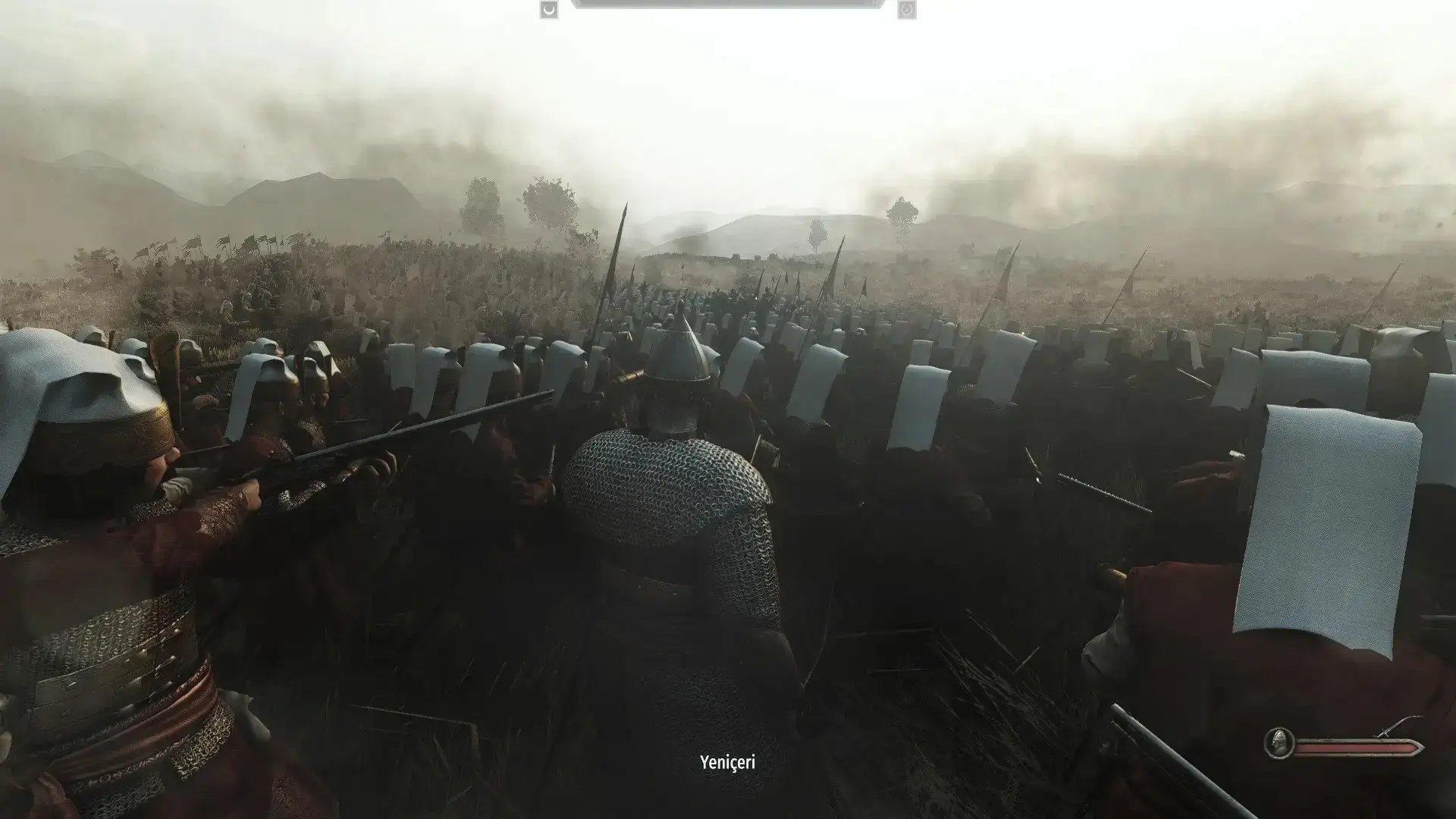
This improves Bannerlord’s overall graphics with cinematic but playable visuals. The original release hit performance hard, but the author fixed that, and the current version runs stably.
How to install:
- Copy the archive’s files into:
Mount & Blade II Bannerlord\bin\Win64_Shipping_Client - The author recommends combining it with their faction-detail mods to improve equipment and environments.
✅ Realistic Cinematic Graphic works well as a foundation for a ReShade preset. Install it first, then add a preset from this list: the difference from vanilla is immediately visible.
The Real Slim Shader
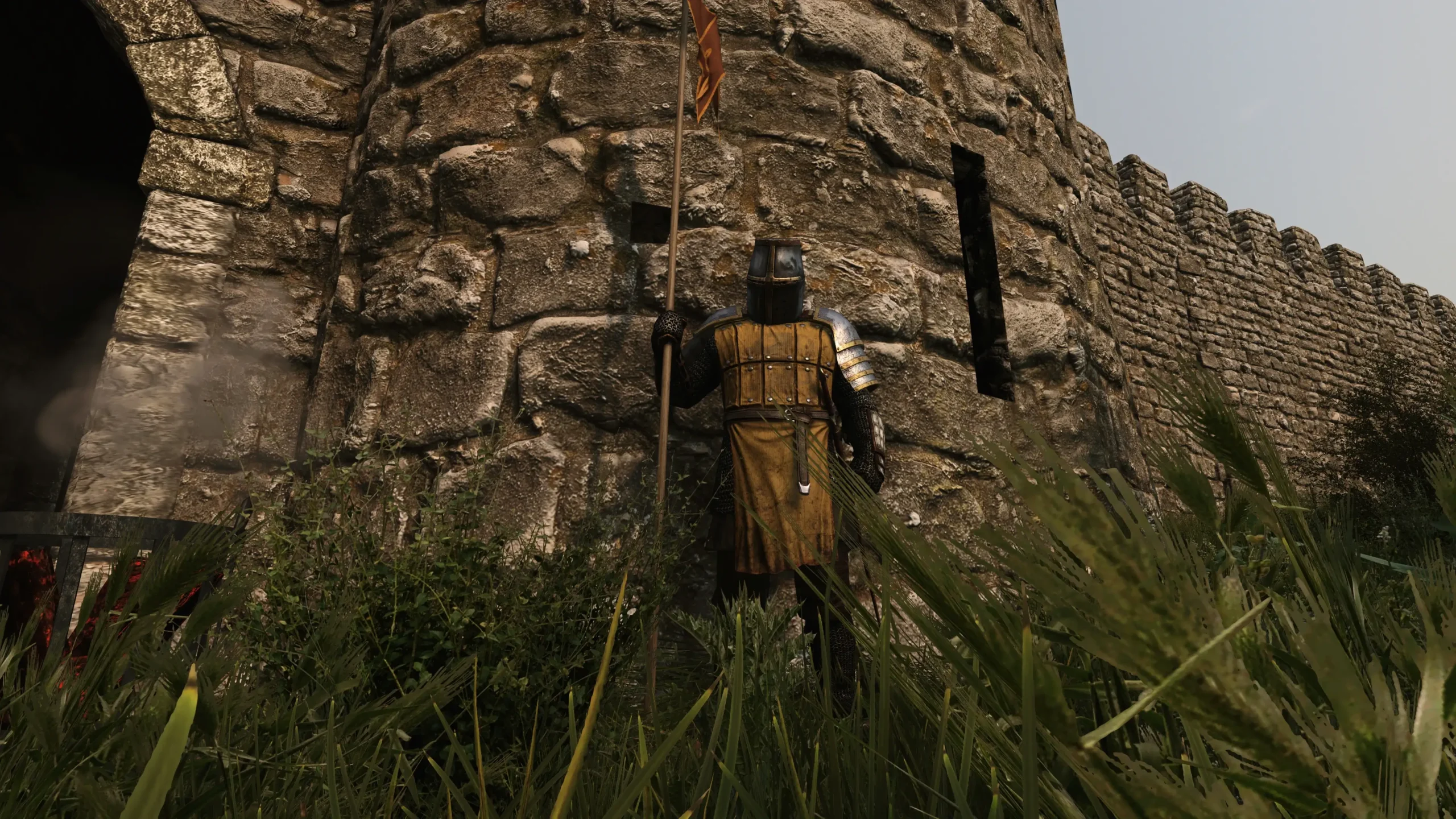
The Real Slim Shader is a personal project by an author tired of presets with excessive bloom and simulated ray tracing pushed to extremes. It does two things: reduces oversaturation and deepens shadows. Performance impact is zero.
Two settings underpin it: Colourfulness and Fake HDR. The author warns that different monitors need manual adjustment, with starting values of HDR Power = 1.346 and Colourfulness = -0.21.
How to install:
- Download ReShade 5.6.0 from reshade.me
- Run the installer, choose Bannerlord.exe, and select DirectX 10/11/12
- Choose Vanilla Plus (Test 4).ini from the mod’s files
- Press Home or End in-game to load the preset automatically
✅ If presets make your game look more like a promotional trailer than something you can actually play, The Real Slim Shader is a good fit.
Ambience Lord
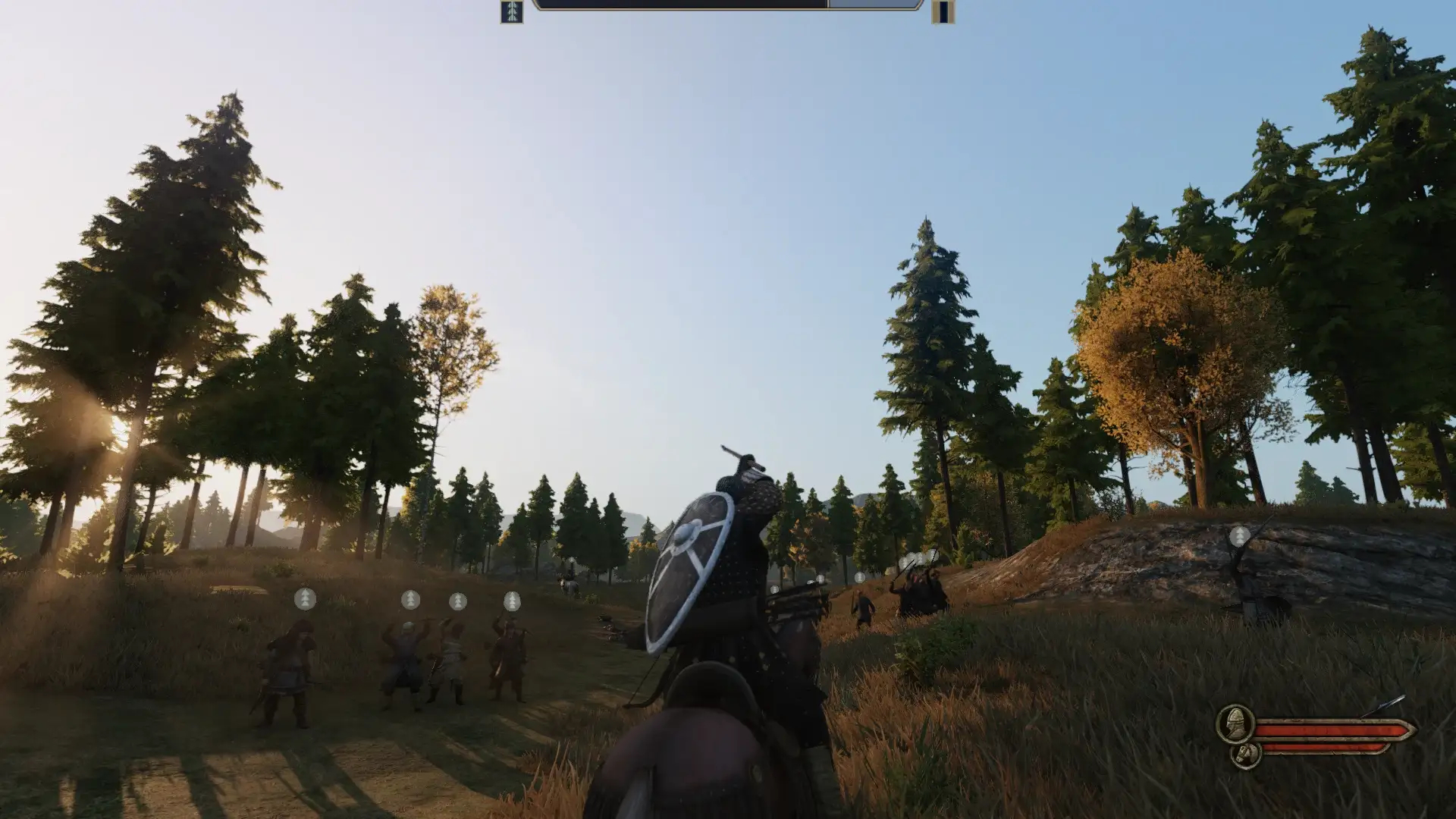
Ambience Lord is an older but still functional ReShade preset covering everything from sunny plains to nighttime sieges. It uses two ambient occlusion techniques: MXAO for the foreground and SSDO for backgrounds and large objects.
The result: deep shadows without lost color, improved reflections on armor and mail, and simulated global illumination that helps models blend into the world. The cost is substantial: up to 50% lower FPS in some scenes.
How to install:
- Install ReShade from the official site and select DirectX 10/11/12
- Put AmbienceLord.ini in \bin\Win64_Shipping_Client
- Press Home in-game and select AmbienceLord
- Use F12 to toggle the effect
✅ Ambience Lord suits screenshots and recordings rather than everyday play. RTX 3070-class cards and above make the performance loss less painful.
Face Texture Overhaul
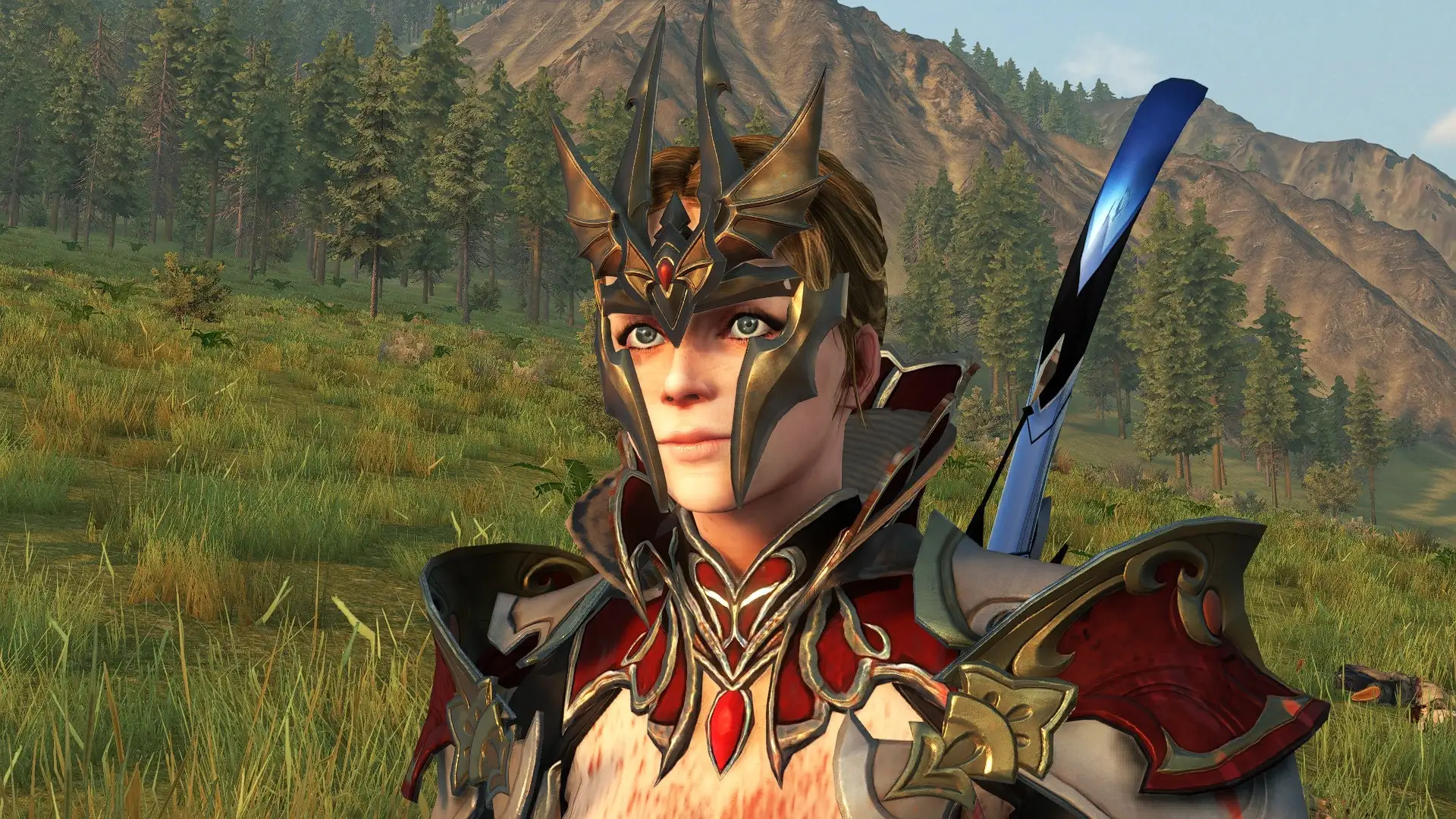
Face Texture Overhaul replaces every female character’s face and body textures with more detailed versions. It works independently of MC Amazon Body while remaining compatible with it.
How to install:
- Install manually by extracting FaceTextureOverhaul into:
C:\SteamLibrary\steamapps\common\Mount & Blade II Bannerlord\Modules - Do not use Vortex: it breaks the mod.
- Place it at the very end of the load order.
- The author warns of a small but visible color seam around the neck.
✅ For players who invest time in character creation or want less plastic-looking NPCs. It works with most mods, except Women in Calradia.
Ultra Realistic Graphics — Bannerlord RTX Mod
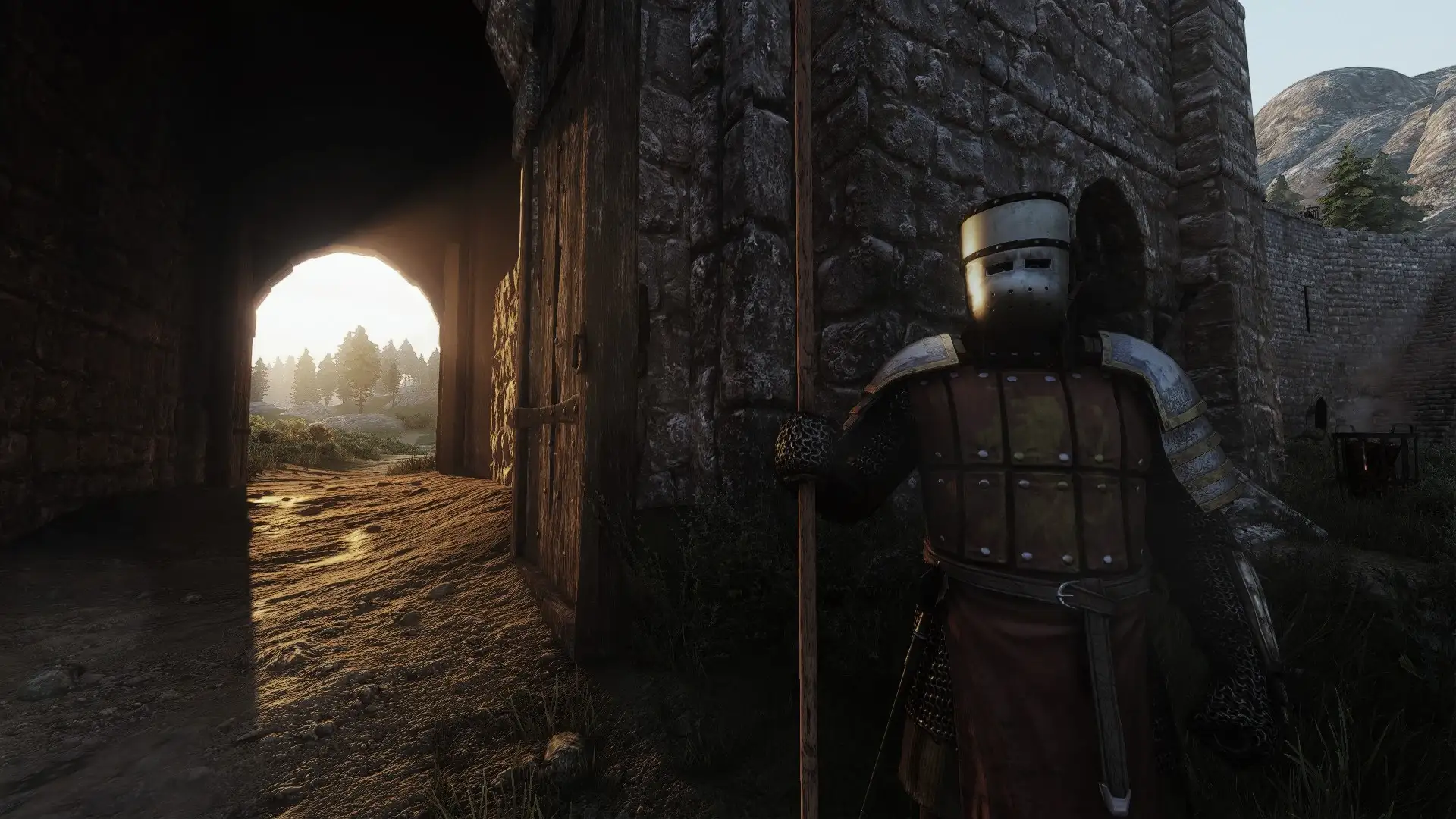
Ultra Realistic Graphics RTX Mod is a ReShade preset pursuing maximum realism through simulated RTX effects. It targets powerful systems capable of pushing visuals as far as possible.
How to install:
- Copy the archive’s files into:
Mount & Blade II Bannerlord\bin\Win64_Shipping_Client - Start the game and press Home.
- Make sure ReShade has OAS_Rtx_Graphics selected.
- Move exposure all the way left.
- Calibrate the image for your monitor.
✅ If everything else here felt too restrained visually, Ultra Realistic Graphics RTX Mod is for you. Check first that your hardware can handle large battles.
ARTEMIS — A ReShade Preset
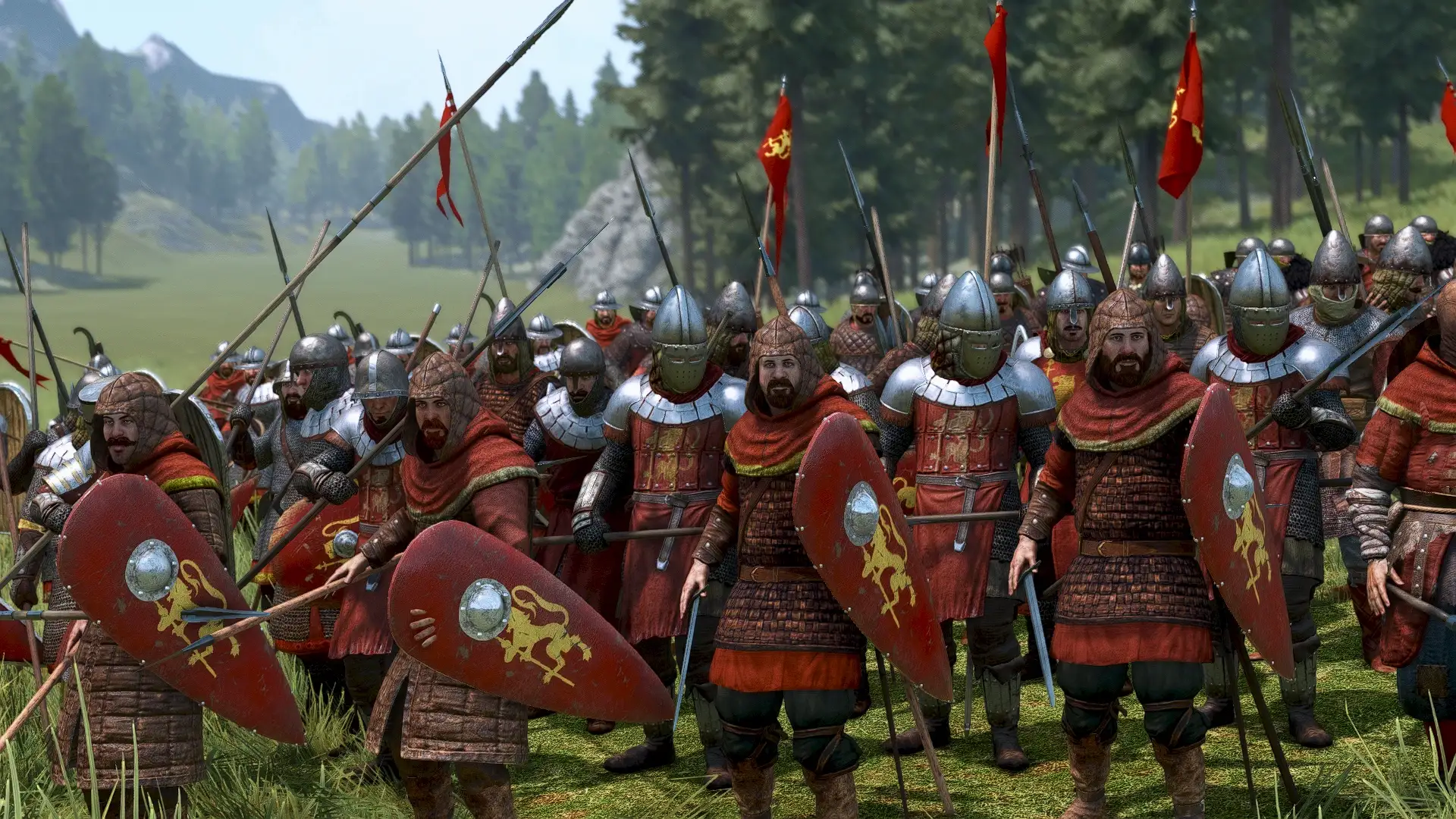
ARTEMIS is the preset its author uses in their Bannerlord videos. It offers a sharper picture, deeper ambient occlusion shadows, and less washed-out color. No experimental tweaks, just established settings.
How to install:
- Download ReShade from reshade.me
- Run the installer and choose Bannerlord.exe in \bin\Win64_Shipping_Client
- Select Direct3D 10/11/12
- Include SweetFX by Ceejay.dk, qUINT by Marty McFly, and Legacy Effects when choosing shaders: the preset needs them to work
- Put the mod files in the same Win64_Shipping_Client folder
- Press Home in-game and choose ARTEMIS RESHADE.ini
✅ ARTEMIS is a good everyday option: stable, without extreme settings, and visually a careful enhancement of vanilla.
Realistic Weather
Realistic Weather adds variable rain, snow, fog, and dust storms at intensities absent from vanilla. Each affects mechanics: rain and snow reduce ranged accuracy and morale, fog makes AI archers less accurate, and dust storms slow movement.
Bad weather affects party speed, sight range, and morale on the campaign map. Precipitation intensity and fog can be set manually in custom battles. With Realistic Battle Mod, weather also affects stamina consumption. Incompatible with mods changing campaign-map party morale, speed, or sight range.
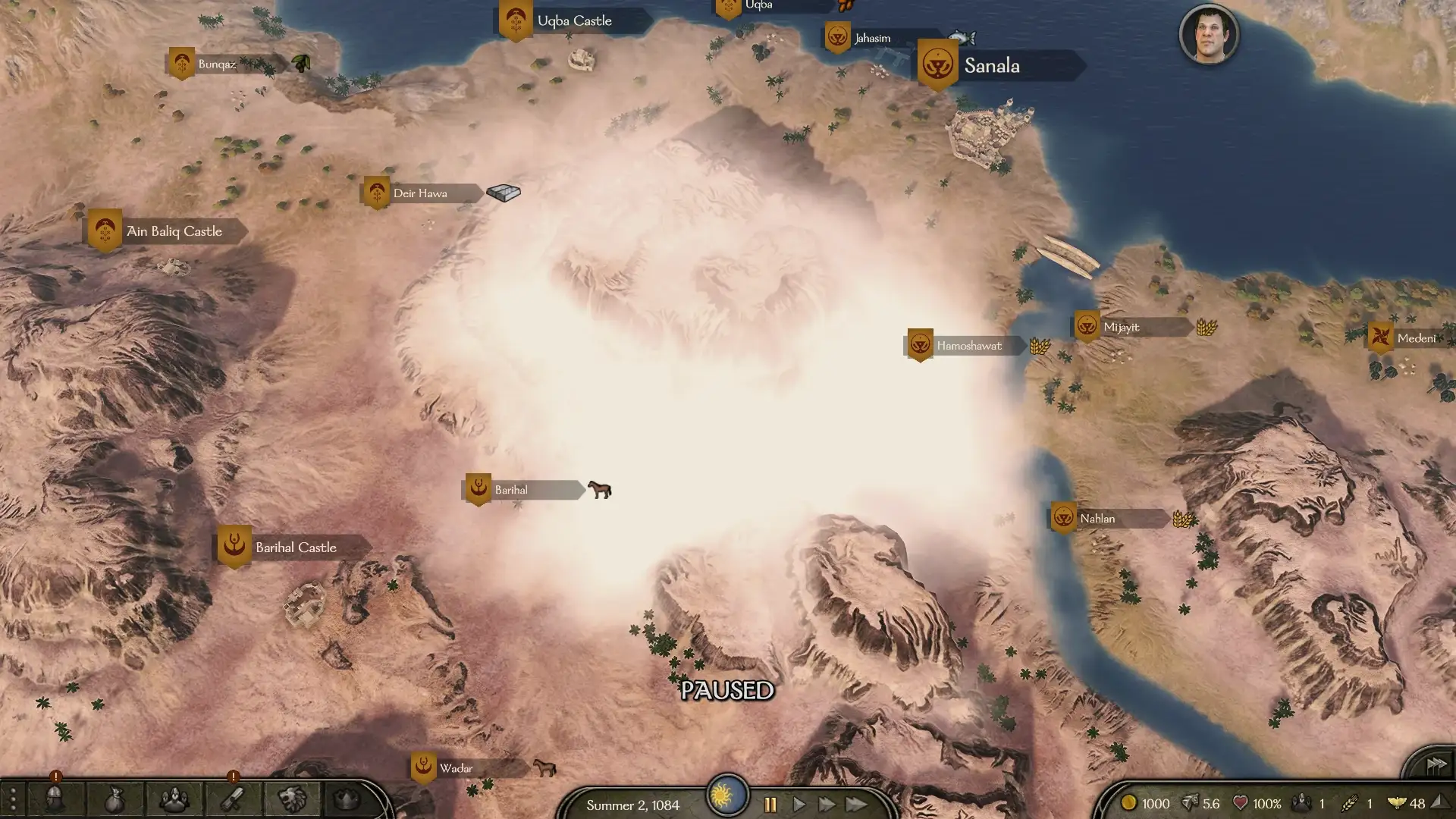
Installation: place it last in the load order. It can be added to and removed from an existing save.
✅ Realistic Weather is the only mod here that changes tactics as well as visuals. Battlefield fog takes on new meaning when AI archers start missing and you become less vulnerable to volleys.
Installing Bannerlord graphics mods
Most entries here are ReShade presets that do not conflict with core gameplay mods. Still, keep a few details in mind before installing everything.
Basic rules:
- Install only one ReShade preset: they overwrite the same files, so running several at once makes no sense.
- Install Face Texture Overhaul manually and load it last.
- Put Realistic Weather at the very end and check compatibility with party morale and speed mods.
- Before enabling demanding presets such as Ambience Lord or Ratthew’s Ultimate, check FPS in a large battle: that is where problems begin.
- If ReShade does not load its preset at startup, rename dxgi.dll to d3d11.dll in Win64_Shipping_Client.
Graphics mods are particularly temperamental: they need shader cache cleanup after game updates to avoid black textures or severe FPS drops. The mod installation guide explains the visual-mod pitfalls so you do not have to guess your way through them.
Which Bannerlord graphics mod should you choose?
For everyday play, choose ARTEMIS or Realistic Reshade. Both behave predictably, need little fine-tuning, and work with most mods. For screenshots and video, use Cinematic Preset by jan1morant or Ambience Lord, although the latter needs plenty of performance headroom.
Realistic Weather is worth installing regardless of your ReShade choice: it is the only option here that changes tactics rather than visuals alone. Dust storms in Aserai deserts and dawn fog will affect your tactical habits.
Install graphics near the end of a setup, not the beginning, to track conflicts and FPS drops more easily. Major overhauls come first, then armies and weapons, then towns, and finally visuals. My Bannerlord collection manual explains the complete category-by-category sequence.
If I missed a worthwhile Bannerlord graphics mod, send it my way. I will test it and add it if it works as described. To bring these ideas together, use my Bannerlord mod collection guide to plan the rest of your setup.