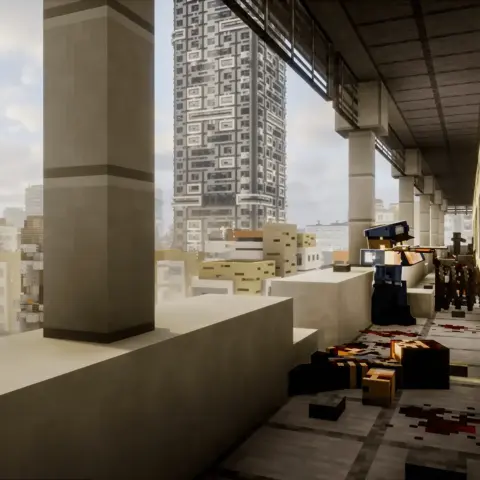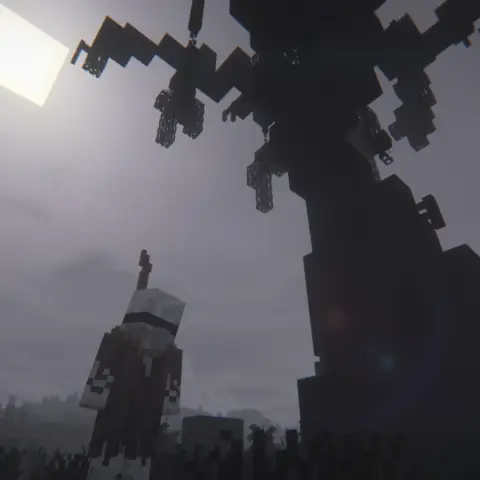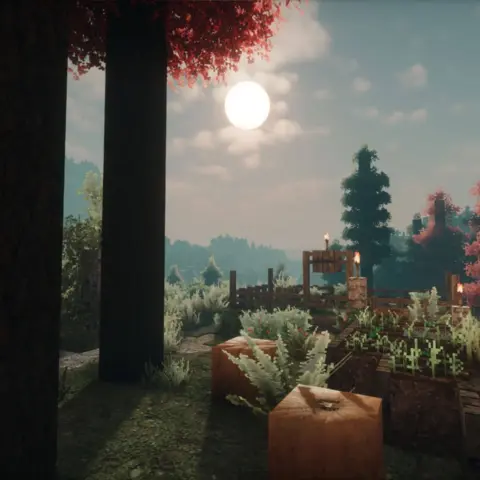
Some of these Minecraft packs come with a world of their own. Others work in the save you already play. Here’s where to get each one and how to start playing.
Better on Bedrock
There comes a point when you can get a new Minecraft world up and running on autopilot. Better on Bedrock changes the order in which you upgrade tools and gives you dungeons to explore and bosses to fight once you have the gear.
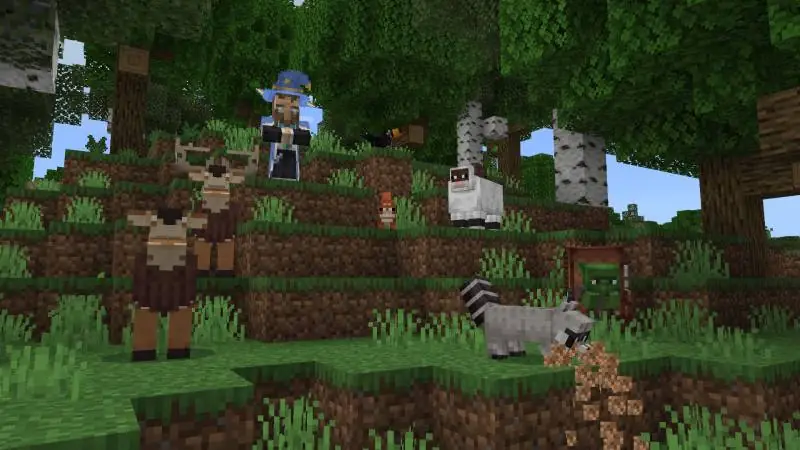
The paid Marketplace edition is a Dynamic World. It starts a separate save with the overhaul already set up.
- Early quests introduce the altered path to better tools.
- Dungeons include the Well Dungeon, which has trial spawners and vaults.
- Boss health and damage scale with the world’s difficulty setting.
After buying it, go to Marketplace → My Library → Owned → Better on Bedrock → Create this World. Use the guidebook and quests when you first load in.
FoxyStar Studios also offers a free Better on Bedrock add-on on BedrockBuddy. The separate .mcaddon file labeled 1.2.2 lists Bedrock 1.26.20–1.26.60. Open it with Minecraft and activate the behavior pack in the settings of the world you want to use. Check that the matching resource pack is active too. The studio says experiments are unnecessary. For an existing save, try it on a copy first.
✅ Pick this if you want a fresh start with more direction. You’ll still spend time mining and crafting, and the quest log can point you to something to do between expeditions.
Skyblock Fantasy
In Skyblock Fantasy the first bridge you build is your way off the starting island. There are other islands to reach once you have a foothold, so you have to decide how much of your starting supply you can spare for the trip.
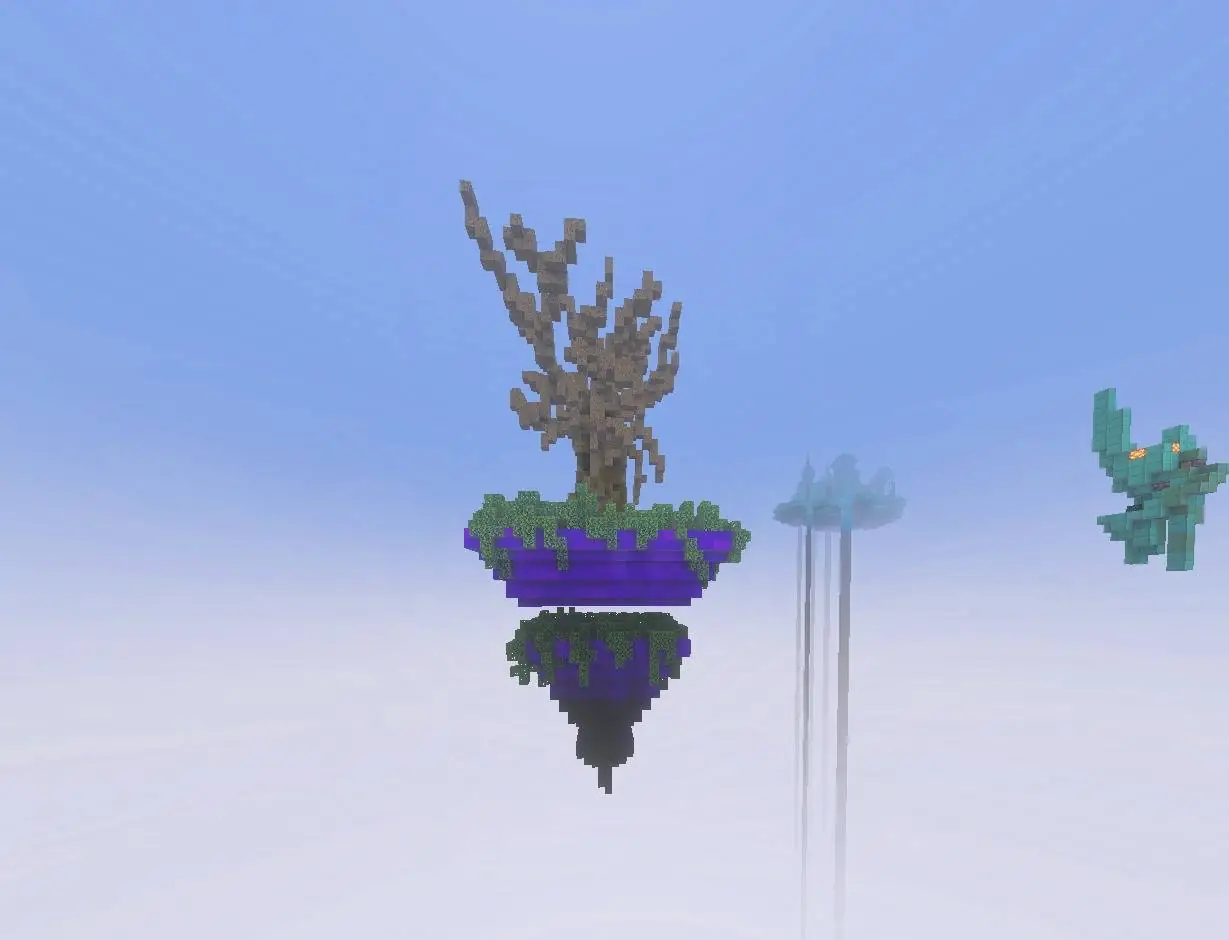
BedrockOne’s free survival map imports as a separate world.
- More than 15 islands with different biomes, challenges and loot.
- Five Nether islands give you somewhere to go once the starting island is under control.
- The map has its own dragon boss to work toward.
CurseForge lists the v1.4 file for Bedrock 26.50. Download the .mcworld and open it with Minecraft. Once it imports, pick Skyblock Fantasy from the worlds under Play.
✅ Pick Skyblock Fantasy if you like eking out a start with limited materials and want a boss to work toward. Finding a new island matters when the things you need are on the other side of the void.
Playing the other edition? The Minecraft survival modpack roundup covers setups for Java Edition, including packs with thirst, temperature and injuries.
Mounts of Mayhem: Dungeon Descent
Learning to land a charge with a spear is easier when the target holds still. Dungeon Descent gives you training dummies to get the hang of it, then puts your timing to work in a dungeon where the layout changes.
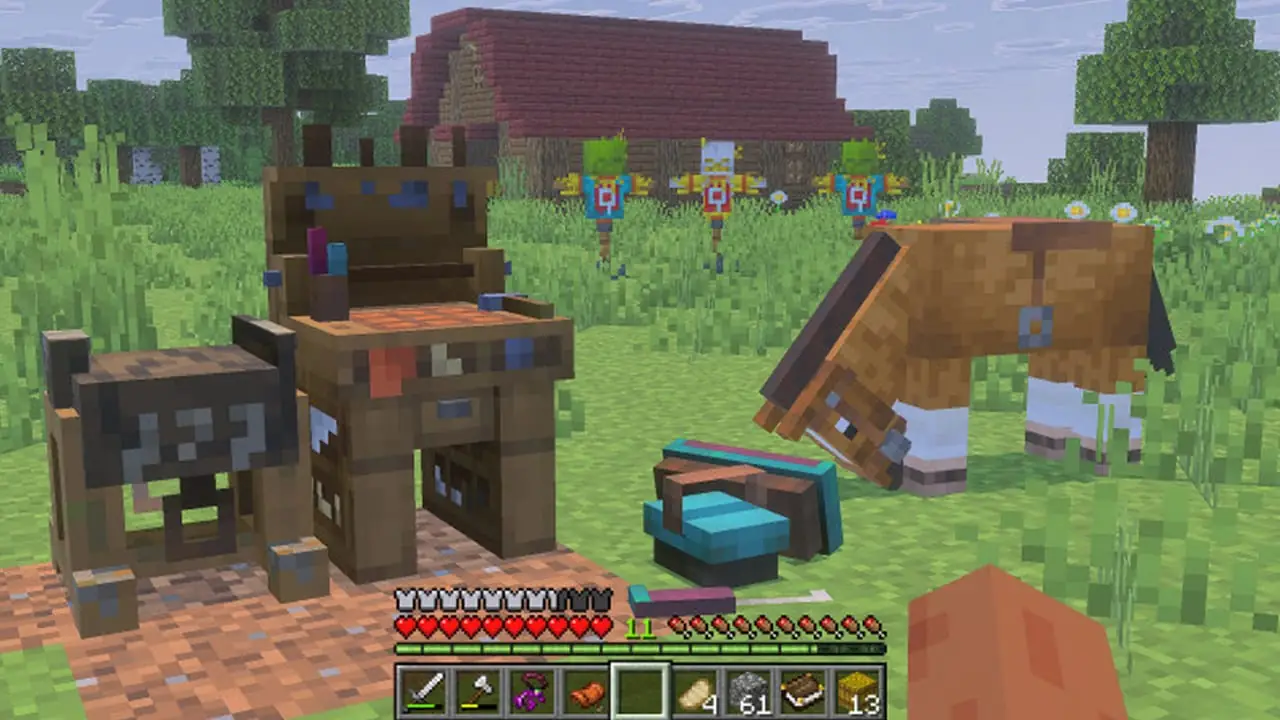
This free 57Digital add-on works in your own world, including an existing save.
- Four kinds of training dummies let you practice with the spear.
- The Spear Trials dungeon is randomly generated. You can find saddle charms in its vases.
- Combine a charm with a saddle at the saddle table to give your mount a particle trail.
Search Marketplace for Mounts of Mayhem: Dungeon Descent and download it. Select the pencil icon beside your save, open Resource Packs or Behavior Packs, then choose the add-on under My Packs and select Activate. Mojang asks for the latest version of Bedrock Edition and access to Marketplace.
✅ Pick this for a side trip in a world you already play. You can practice a weapon, take on the trials and come home with a new look for your mount.
RPG Add-On
When everybody in your group brings the same gear to a fight, there’s little reason to work out who does what. Kubo Studios’ RPG Add-On introduces classes, ranks and bosses with their own mechanics, so you have something to plan together before you head out.
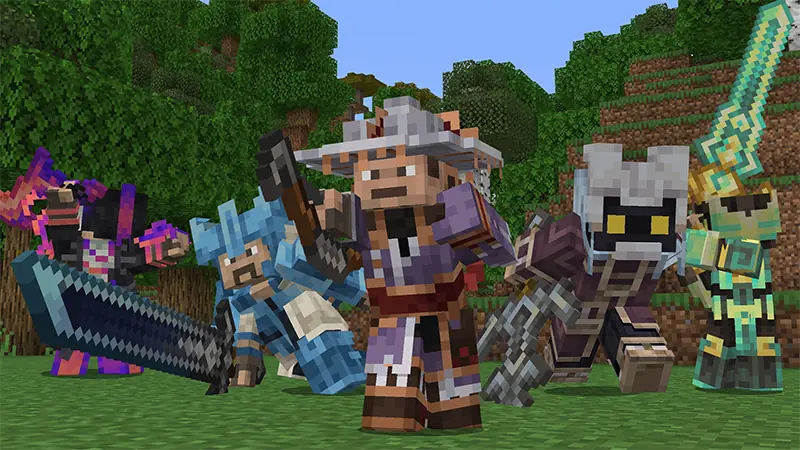
This paid add-on adds RPG progression to an existing or new world. Look for Kubo Studios on the listing to distinguish it from similarly named packs.
- Choose a class, rise through the ranks and unlock skills.
- Build a guild and encounter custom mobs, tribes and companions.
- Take on bosses with mechanics of their own and customize your weapons and armor.
Search Marketplace for RPG Add-On by Kubo Studios, then buy and download it. Select the pencil icon beside your world, open Resource Packs or Behavior Packs, choose the add-on under My Packs and select Activate.
✅ This is the pick for a shared survival world where you want to keep your builds and give the group something new to work on. Guilds and boss fights give you a reason to care who brings which skills.
If you want classes and quests on Java Edition, the Minecraft RPG modpack roundup for Java covers packs built around loaders such as Forge and Fabric.
Spellrune
Want to spend the evening casting spells? Spellrune gets you there quickly. Combine runes in the workshop, take your spell into a rift and see how it handles a wave of enemies. If the spell only hits its first target, try a piercing rune.
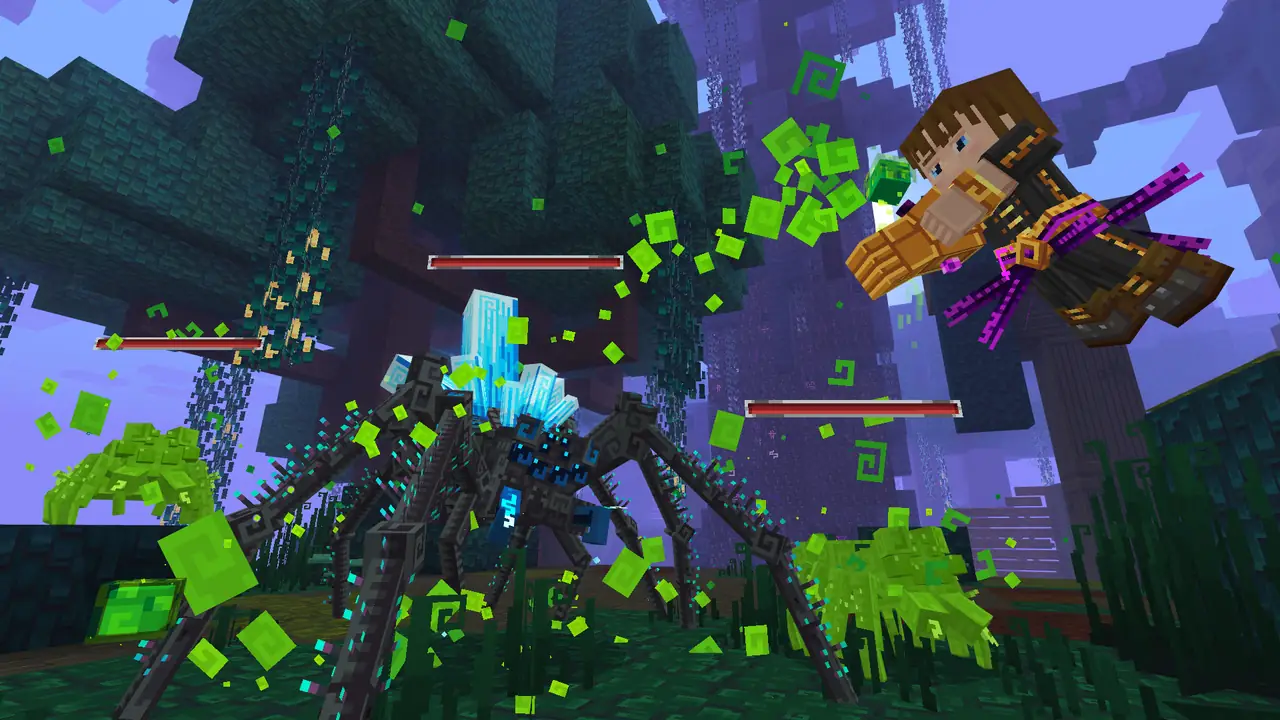
Gamemode One’s free RPG map starts its own world, with a workshop and rifts to explore.
- Runes change how projectiles behave. Some let them bounce, pierce enemies or seek targets.
- Fight waves in magical rifts. Tougher encounters give you a reason to change your spells.
- Upgrade attributes such as health and mana at the Mastery Mirror.
Claim it on Marketplace, then open My Library → Owned → Spellrune → Create this World. Keep the world local. Gamemode One lists Realms as unsupported for this map because some progress can be lost after the last player leaves. In local play, use Save & Quit to preserve progress.
✅ Start here if you want spellcrafting and fights in a dedicated world. Each rift gives you a way to tell whether a change to your spell actually helped.
RPG Adventure : Skill Tree
When your next gear upgrade is still a long way off, it helps to have a second way to get stronger. Dead_Maxyt’s RPG Adventure turns combat into a source of character upgrades. You earn Souls as you kill hostile mobs, then work toward skills that suit the class you picked.
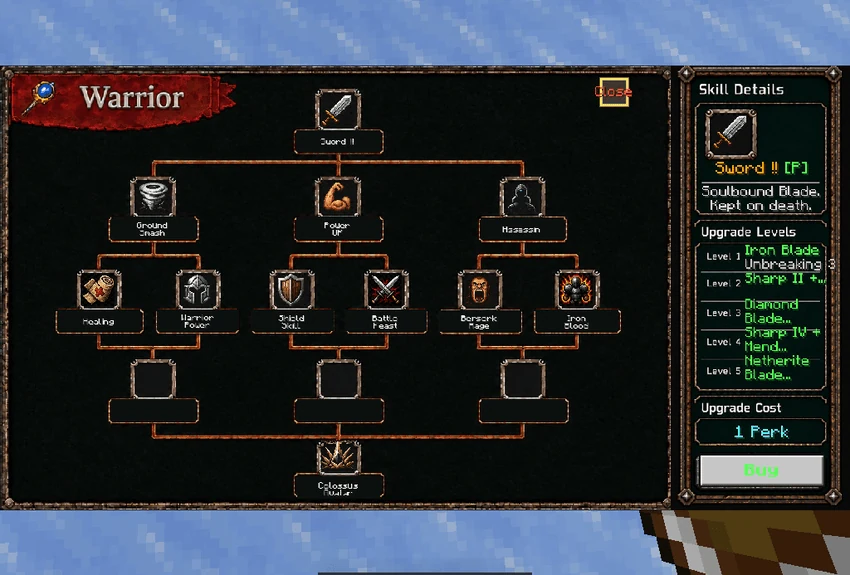
This free add-on adds class progression to a new world or a survival save you already have.
- Choose a class such as warrior, archer, mage or assassin. Each one has a branching skill tree.
- Use the RPG Guide Book to level up with experience and Souls, then spend perk points on skills.
- Active and passive skills open up different ways to fight. A mage, for example, can use craftable staves.
Open the v5.0.5 .mcaddon with Minecraft. CurseForge lists Bedrock 26.60, 26.50 and 26.40 for this file. In your world’s settings, activate both the behavior and resource packs, then turn on Experiments → Beta APIs. The creator requires this switch for scripts and menus. Try it on a copy of your save first.
✅ Choose this to build a character in your own world. Make sure the guidebook and skill menu open before you go hunting for Souls.
How to install Minecraft Bedrock worlds and add-ons
Start with the file type or the category shown in Marketplace. Downloading an add-on makes it available to the game. You still have to enable it for the world where you want to play.
- Marketplace world. Open Marketplace → My Library, find the world under Owned or Marketplace Pass, then select Create this World.
- Marketplace add-on. Download it, open Play and select the pencil icon next to your save. Open Behavior Packs or Resource Packs and select Activate for the pack. Check both tabs if the add-on includes both types. Minecraft’s add-on activation guide
- File on Windows, Android or iOS. Open a .mcworld file with Minecraft to import a separate world, then find it under Play. Open a .mcpack or .mcaddon with Minecraft to import the pack, then enable it in your world’s settings as in step 2. Check the creator’s supported Minecraft versions and enable experiments only if required for that specific release. Microsoft’s device-specific installation guide
- Console. Use the in-game Marketplace for its worlds and add-ons. For a compatible third-party file, the route Microsoft documents requires a Windows PC with Bedrock Edition and a Realms subscription. Import the file on the PC. For an add-on, enable it in a world first. Upload the world to a Realm and open it on your console.
If you’re adding anything to a world you care about, make a copy and enable one add-on at a time on that copy. If something breaks, it’s easier to tell which pack did it.
Which pack fits a fresh start or an existing Bedrock world?
For a new survival run, pick Better on Bedrock if you want quests and dungeons woven into the usual crafting loop. Choose Skyblock Fantasy if you’d rather see how far you can stretch a small pile of resources. For an evening of magic and wave combat, start a separate Spellrune world and keep it local.
To stay in the world you’ve built, use Dungeon Descent for a free dungeon and spear challenge, RPG Add-On for classes and guilds through Marketplace, or RPG Adventure : Skill Tree for a free skill tree if you’re comfortable enabling Beta APIs. Before you commit, open a copy of your save and try the one mechanic you downloaded the pack for.