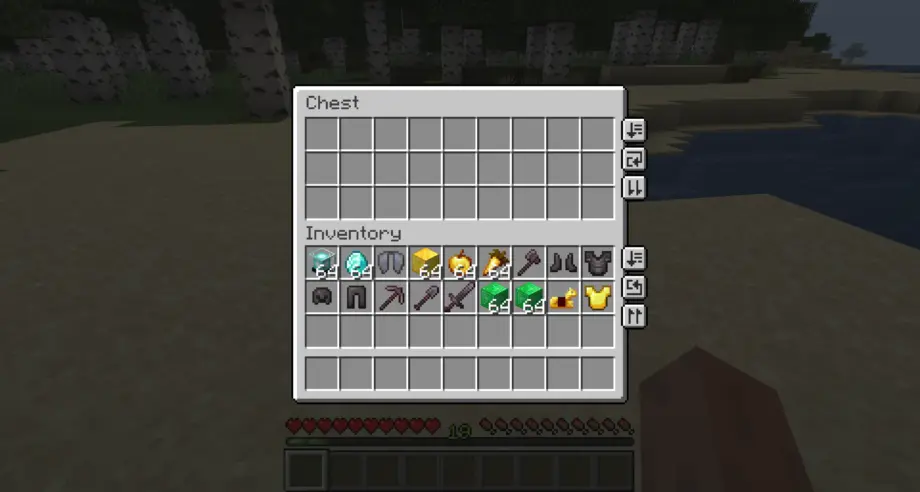
You come back from the mine with a full inventory and find supplies mixed in with loot. These ten mods for Minecraft can help you unload faster, keep your tools in place, or give everyone on a server a way to sort.
Inventory Profiles Next
If you’re afraid to open the chest marked ‘Misc’ after a mining trip, start with Inventory Profiles Next. Open a chest that already holds coal and iron. The mod can move coal and iron from your inventory and leave your food alone if there’s none in the chest.
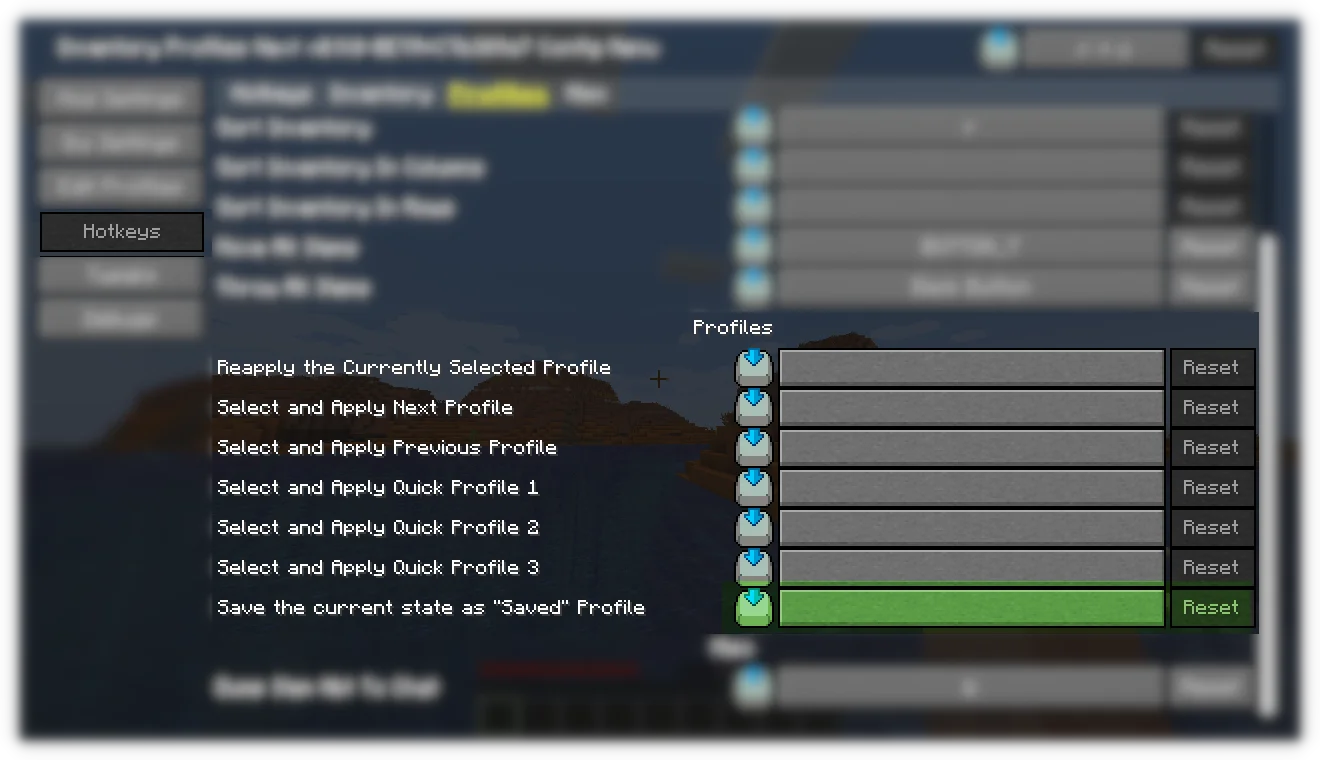
Before you unload, decide which slots you want to keep the way they are.
- Lock occupied slots to keep your pickaxe or food where you expect to find it. You can also lock empty slots to keep sorting from filling them.
- There’s a separate action for dumping everything into a chest you’ll sort later. Check which button does that so you don’t hit it by accident.
- Open the settings with
R + C. You can look up the controls and change any bindings that clash with something else. - The mod runs on the client. For Java 1.21.1 on Fabric, it needs libIPN, Fabric API, and Fabric Language Kotlin. Mod Menu is optional. The NeoForge build needs libIPN and Kotlin for Forge.
✅ Useful if you already have a place for everything. Lock the slots in your hotbar and unload without having to put your pickaxe back where it belongs every time.
Client Sort
Sometimes you want to tidy a chest and leave your inventory alone. Client Sort has separate buttons for sorting and moving items. Put the chest in order, then decide which stacks to top up.
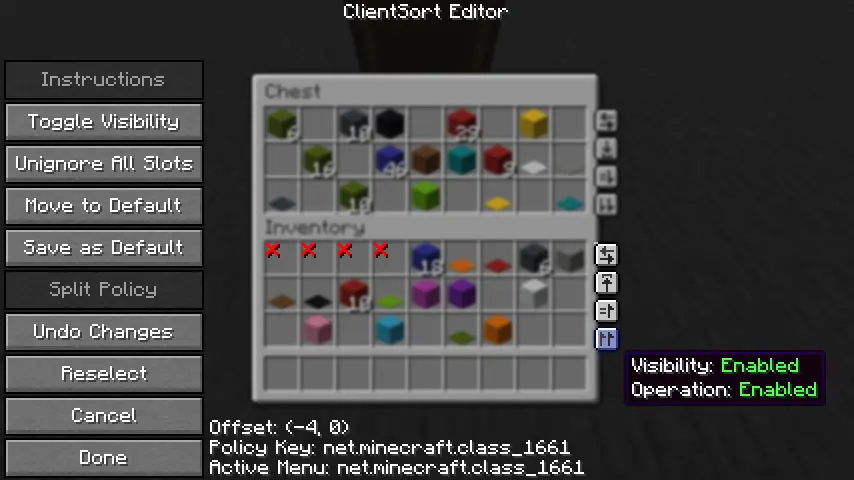
Move the cursor over the panel you want to sort and try a few different orders.
- Sorting is bound to the
middle mouse buttonby default. Items follow the order of the Creative inventory. HoldShiftto put the biggest stacks first, orCtrlfor alphabetical order. - Fill Stacks tops up the partial stack of iron already in the chest. Restock can start a new stack of iron in an empty chest slot. Any kinds of items the chest doesn’t already hold stay with you.
- The editor lets you move or hide buttons. Installing the mod on the server is optional. If the admin adds it there, operations can run faster for players who have the mod installed.
- For Fabric 1.21.1, the author lists Fabric API, Mod Menu, and Cloth Config API. For NeoForge 1.21.1 and Forge 1.20.1, you’ll need Cloth Config API.
✅ Useful when you want different orders in different chests. Sort by quantity for building supplies, then switch to alphabetical order when you’re looking for one thing in a chest full of loot.
Inventory Management
Different wool colors and types of planks can get mixed up with everything else in a chest of building supplies. Inventory Management 2.0 can group them by family. That helps when you’re picking between similar blocks and want to see them side by side.
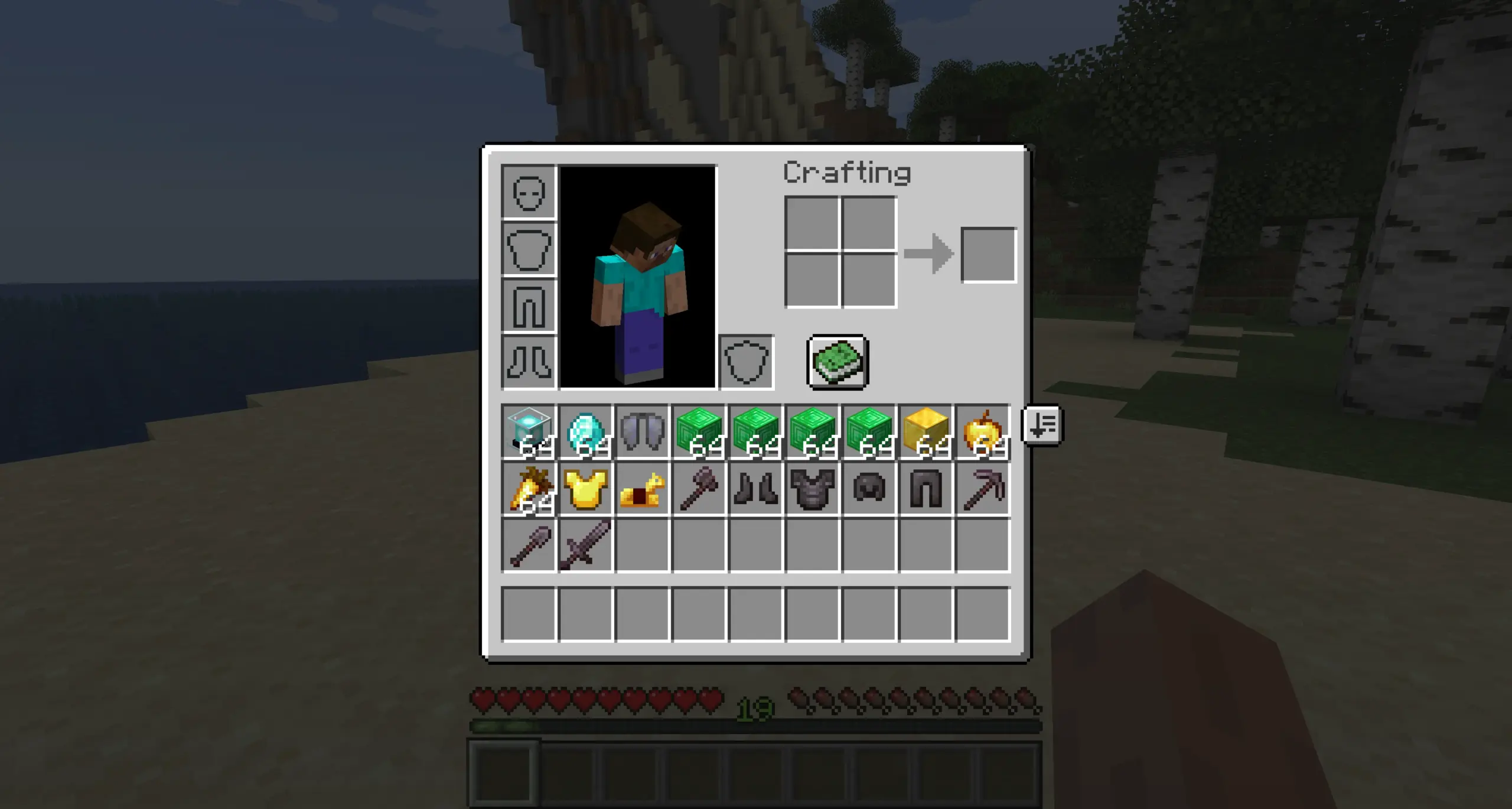
You can choose the sort order and the groups separately.
- In the settings, choose alphabetical or Creative menu order. Turn grouping on for the families you care about, such as all wool colors or all plank types.
- One button transfers everything. Another tops up existing stacks. Hold
CtrlorCmdand click one of your own inventory slots to make sorting and bulk transfers skip it. - The
2.0.0build for Minecraft 26.1–26.1.2 has these features. You’ll need Fabric API whether you use Fabric or Quilt. To sort and transfer in multiplayer, install the matching file on the client and server.
✅ This works well for storage where similar blocks ought to stick together. Try sorting a chest of building supplies before setting up anything else.
InvSort
InvSort helps when sorting has to respect where you keep your tools. Set a rule for a particular slot, then configure the order of everything else separately.
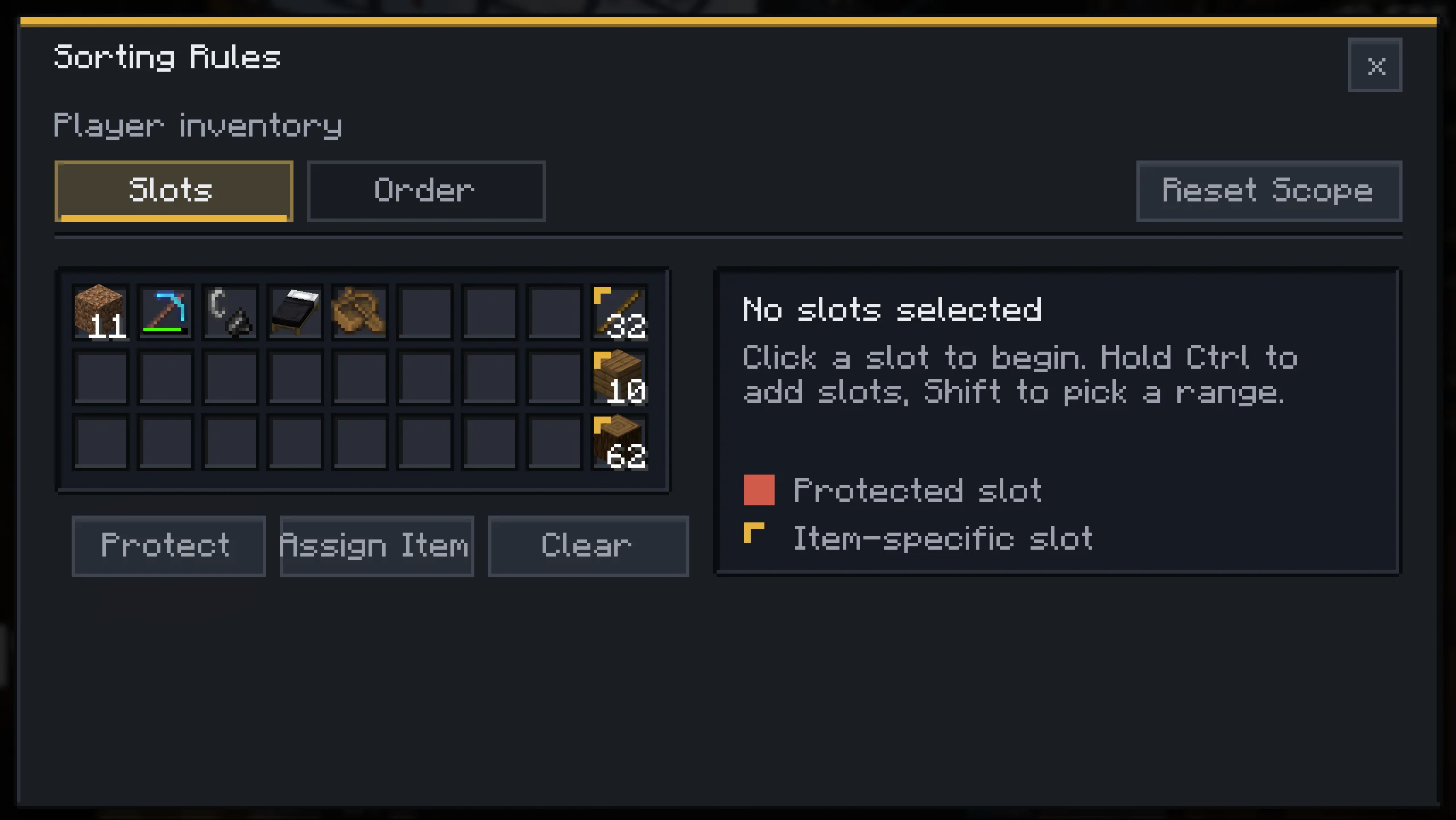
Start with the slots you rely on when you’re fighting or mining.
- Individual slots can have their own rules. The general sort order has separate settings.
- Buttons sort your personal inventory and chests. You can set custom rules for chest sorting as well.
- Client release
3.4.0supports Minecraft 26.1–26.1.2 and 26.2 on Fabric. It requires Fabric API.
✅ Useful if a few items need to stay in exact positions. Take a moment to set those rules and try them with a familiar set of tools.
Sorted – Inventory & Chest Sorting, Quick Stack
The storage room’s grown, and you can’t remember where you put the last stack of iron. Sorted lets you search chests it already knows. It can also unload loot into nearby storage when you get back from a trip.
Search and Quick Stack solve different problems.
- Use a button or keybind to sort a chest or your own inventory. Quick Stack moves matching items into nearby containers.
- Search only sees containers you’ve opened and the mod has recorded. Open your chests before relying on it to find something across the room.
- On Minecraft 26.3 with NeoForge, use client release
0.1.47. Its listing names no separate required libraries. The separate Fabric build uses Fabric API.
✅ A good fit for a big storage room, especially if finding the right chest takes longer than sorting what’s inside.
A sorter fits a run where you want less busywork and the same familiar Survival loop. If you want a ready-made option for a separate world, see the Vanilla+ Minecraft modpack roundup.
CleanContainer
An ordinary base can have several kinds of storage. Ore goes in chests, materials ride in minecarts, and valuables stay in your ender chest. CleanContainer gives you sorting for all of them.
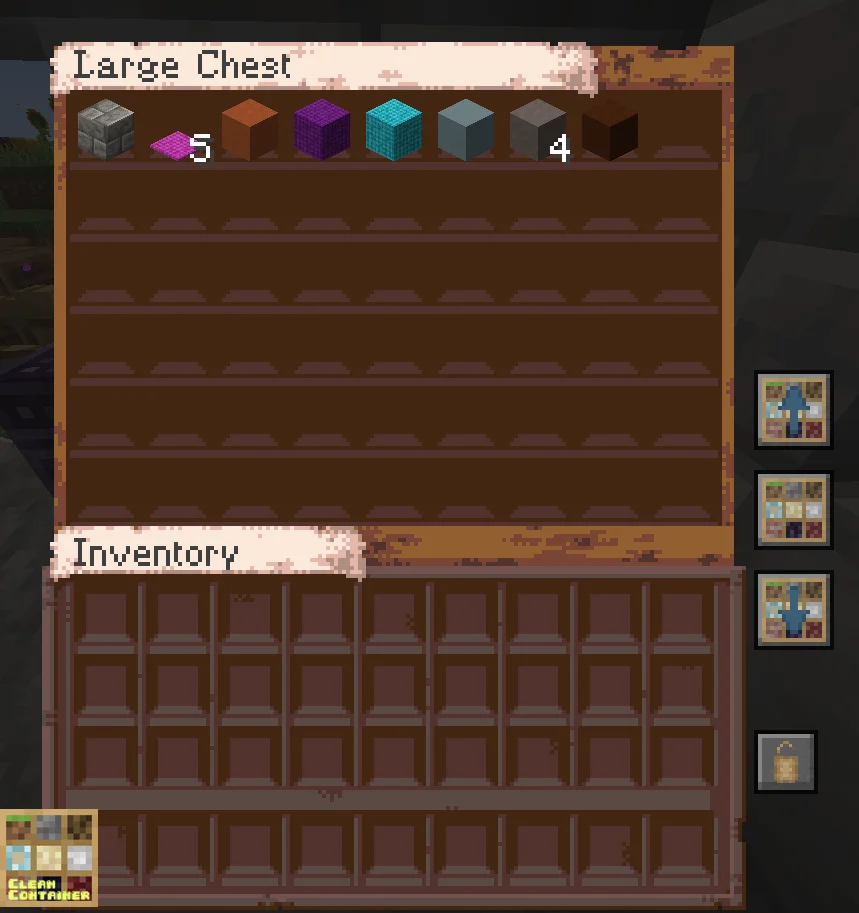
Start with the containers you open the most.
- Sort your own inventory, chests, barrels, shulker boxes, minecarts with chests, and ender chests.
- Lock the hotbar to keep its layout. Set a keybind to sort your own inventory.
- Release
1.5.0is for Minecraft 1.21.1 on Fabric and requires Fabric API. In multiplayer, install it on the client and server.
✅ Pick it if you want one sorting tool for different kinds of storage and a separate shortcut for your own inventory.
Inventory Enhancements
You might want to group loot by type, then look for one item alphabetically a minute later. Inventory Enhancements cycles through sort orders with a click and can bring back the layout you had before sorting.
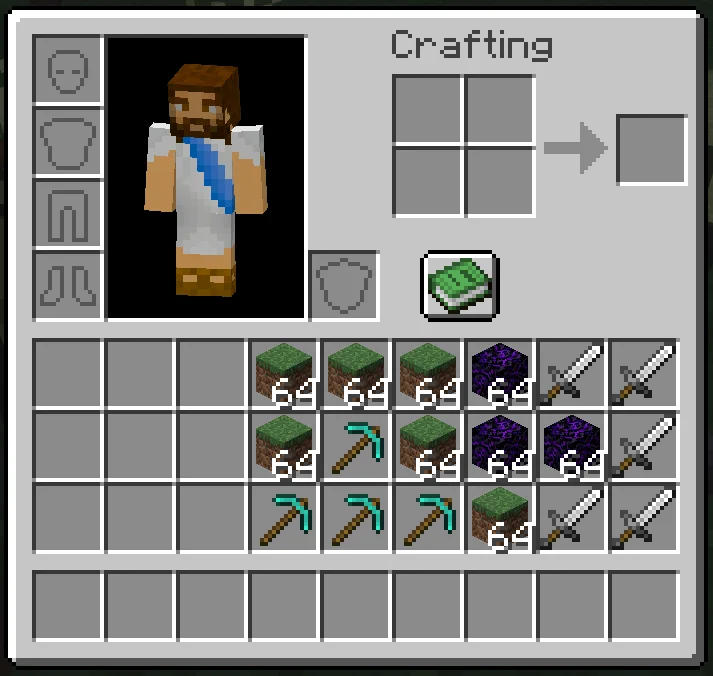
Pick the part of the inventory you actually want to rearrange.
- Middle-click your main inventory, hotbar, or open container. Each section can be sorted independently.
- Further clicks switch between alphabetical order, item type, and the previous layout. The mod also adds storage overlays and recipe screens.
- Release
1.1.10needs Fabric and Fabric API on Minecraft 26.3. For multiplayer, install it on the client and server.
✅ Handy if your preferred order changes with the task. If you only need a sort button, consider whether you’ll use the extra screens.
InventorySorter
You can pack the same kit the same way before every expedition. InventorySorter gives you a dedicated item that holds a layout preset.
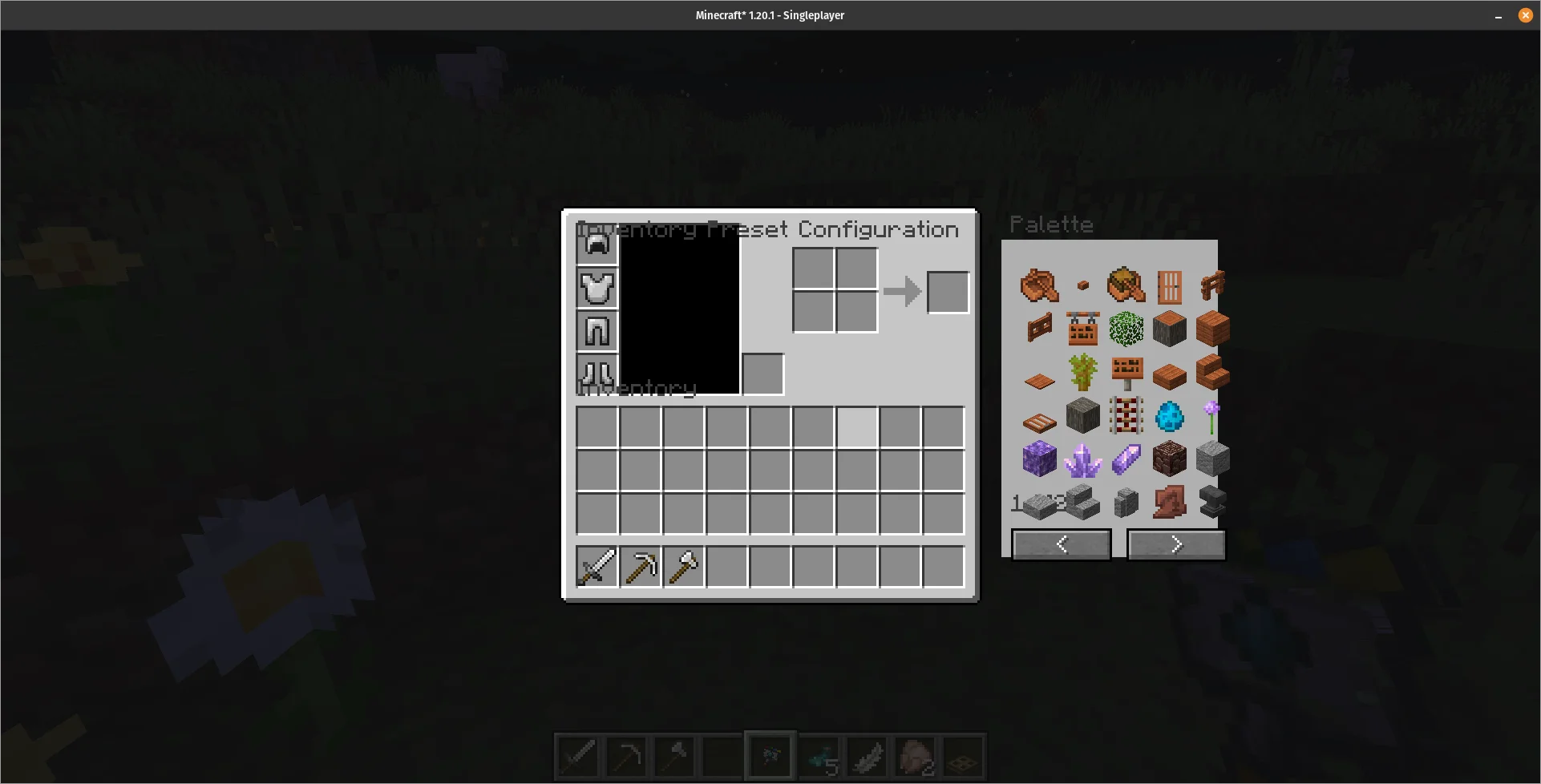
Set up the preset once, then apply it to your personal inventory.
- Sneak and use the Inventory Sorter to open the visual preset screen. Set where you want your items to go.
- Double-click the item to rearrange your inventory to match the preset. This is for personal layouts, without a separate chest sort button.
- Release
7.0.0on Minecraft 1.20.1–1.20.6 needs Fabric Loader 0.16.14+ and Fabric API. Install the mod on the client and server for multiplayer.
✅ Useful if you want the same kit in the same places before a trip or need to find your tools after a long one.
Quark
Quark is worth a look if you already want several small improvements to Survival and the interface. Its sorting feature groups supplies by category.
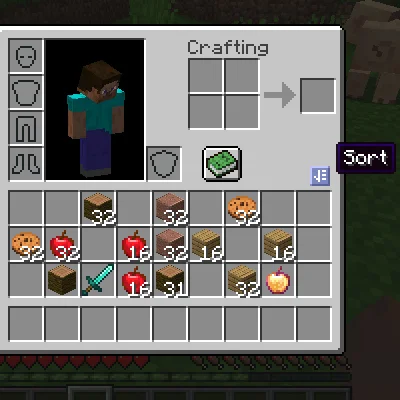
Items in your hotbar stay where you put them.
- Buttons work in your inventory and in chests. Armor, food, tools, and blocks go into their own categories, with rules for the order inside each one.
- The mod includes other features too. Check the module settings if sorting is your main reason for installing Quark and you want to see what else it changes.
- For
4.1-488on Minecraft 1.21.1 with NeoForge, install Zeta. In multiplayer, install both on the client and server.
✅ I’d choose Quark if you want sorting as part of a broader set of tweaks. A dedicated sorter is simpler when that’s the only change you need.
Inventory Sorting
Not everyone on a server with friends will want to install the same client mod. The Inventory Sorting build linked here can run on the server and still give players with vanilla clients a way to sort.
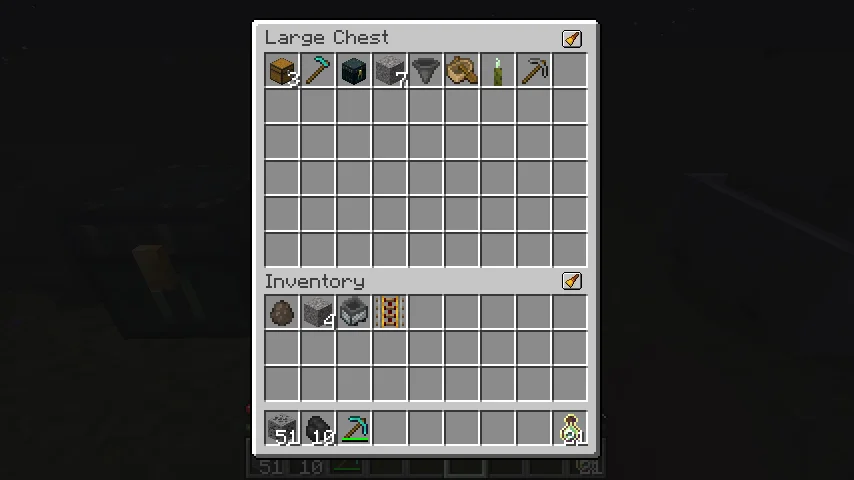
Add the client mod separately if you want more controls.
- On a server running the mod, vanilla clients can double-click an empty slot or use sorting commands.
- The client install adds buttons, keybinds, and settings you can change in-game.
- For
3.0.1on Minecraft 26.3 with Fabric, install Fabric API and Cloth Config API. Mod Menu is optional. The download is for Inventory Sorting, a separate project from cpw’s Inventory Sorter.
✅ A good fit for admins who want to offer basic sorting to everyone and leave the extra controls up to each player.
How to install a Minecraft inventory sorting mod
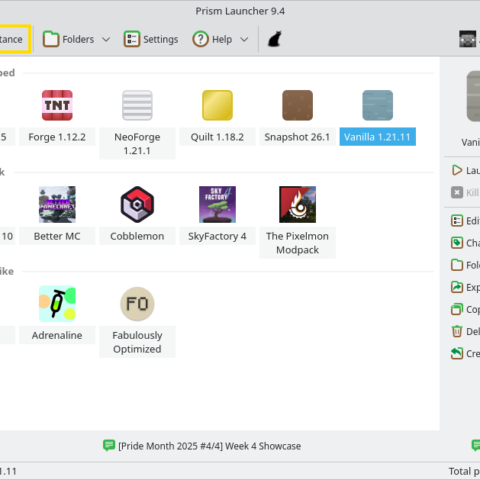
For a test, all you need is a small chest, a few partial stacks, and a tool in its usual slot. If you don’t have a separate instance, see the guide to installing Minecraft modpacks.
- Check the Minecraft version, loader, dependencies, and where the mod needs to go. Install client-side mods in your own instance. Server features need a server install, and some mods need both.
- Put the
.jarfiles in the right instance’smodsfolder. If you already have a sorter, test the tools one at a time so their shortcuts and buttons don’t get in each other’s way. - Test sorting and transfers separately in a test world. For example, sort a chest with mixed stacks, then see whether your pickaxe and food are still where you normally keep them.
Which kind of sorting will save you time?
Start with what keeps you at the chest longest. Client Sort can switch orders quickly, Inventory Management groups related blocks, and Sorted can search containers you’ve already opened. For a consistent personal kit, look at InvSort, InventorySorter, or Inventory Profiles Next.
If you can install a mod on the server, Inventory Sorting gives even vanilla clients basic sorting. After your first run, see how quickly you can get ready to head out again and whether you had to put any tools back in place.