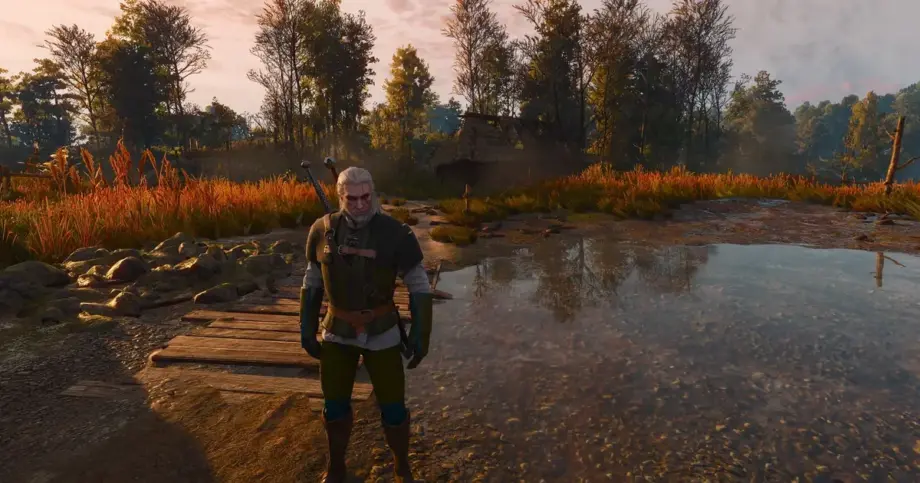
Performance mods for The Witcher 3 Remastered are easier to pick once you know which problem keeps coming back. Novigrad might stutter as you ride through, or the game might take too long to reload after Geralt dies. I touched on ray tracing in my Witcher 3 Remastered mod roundup. Here’s what to measure and which mod fits each problem.
This PC roundup covers Remastered 5.01c as of November 25, 2026. Each entry names the download and the evidence for compatibility. Any measurements from creators apply to their specific scenes and hardware.
Average FPS tells you how many frames the game puts out per second. For stutter, it helps to track frame time in milliseconds too. An occasional spike is noticeable even at a high average. If the hitch only shows up at the card table, my Gwent mod roundup covers the interface animation settings in Smooth UI Remastered. Time loads from the same starting point, and match crashes to the error details or the situation that triggers them.
Path Tracing and Ray Tracing Optimization (Remastered)
Individual shadows and bounced light can change how demanding ray tracing is. This mod brings those controls into the game’s Mods menu. My Remastered graphics mod roundup covers how lighting and fog change the look of a scene. Here, frame time is worth watching as well.
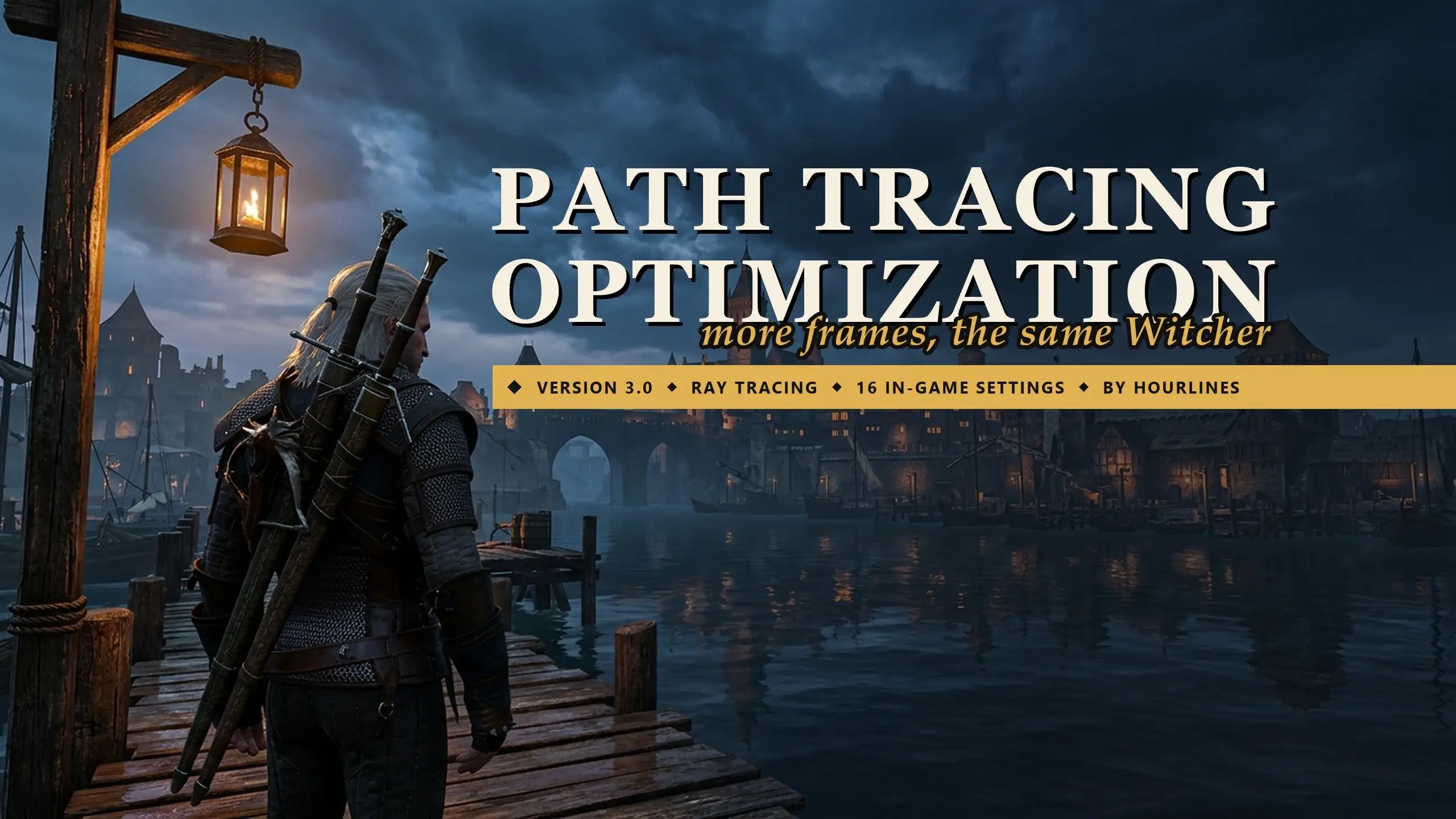
- Adjust light bounces, with a separate setting for hair, and tune ray-traced shadows. The settings affect both rendering load and appearance. In the creator’s wilderness test with path tracing, performance went from 55–60 to 78–80 FPS on 5.01c at 1440p with DLSS Quality. The PC used a Ryzen 7 5700X3D and RTX 5070.
- The creator lists full 5.01c support in version 3.0. It requires DirectX 12 and a GPU that supports the tracing features in use.
- The mod uses
bin/x64_dx12/xinput9_1_0.dll. If another mod uses the same filename, choose one of the two. Copybinandmodsinto the game folder or install the archive with Vortex.
✅ Try one setting in a familiar street or interior. That makes it easier to see what an effect costs on your GPU.
White Honey – VRAM Optimizer
After installing several texture packs, it helps to see which ones use the most video memory. White Honey runs outside the game on 64-bit Windows 10 or 11. It estimates texture sizes, lists the heaviest mods and helps measure VRAM use in the game.
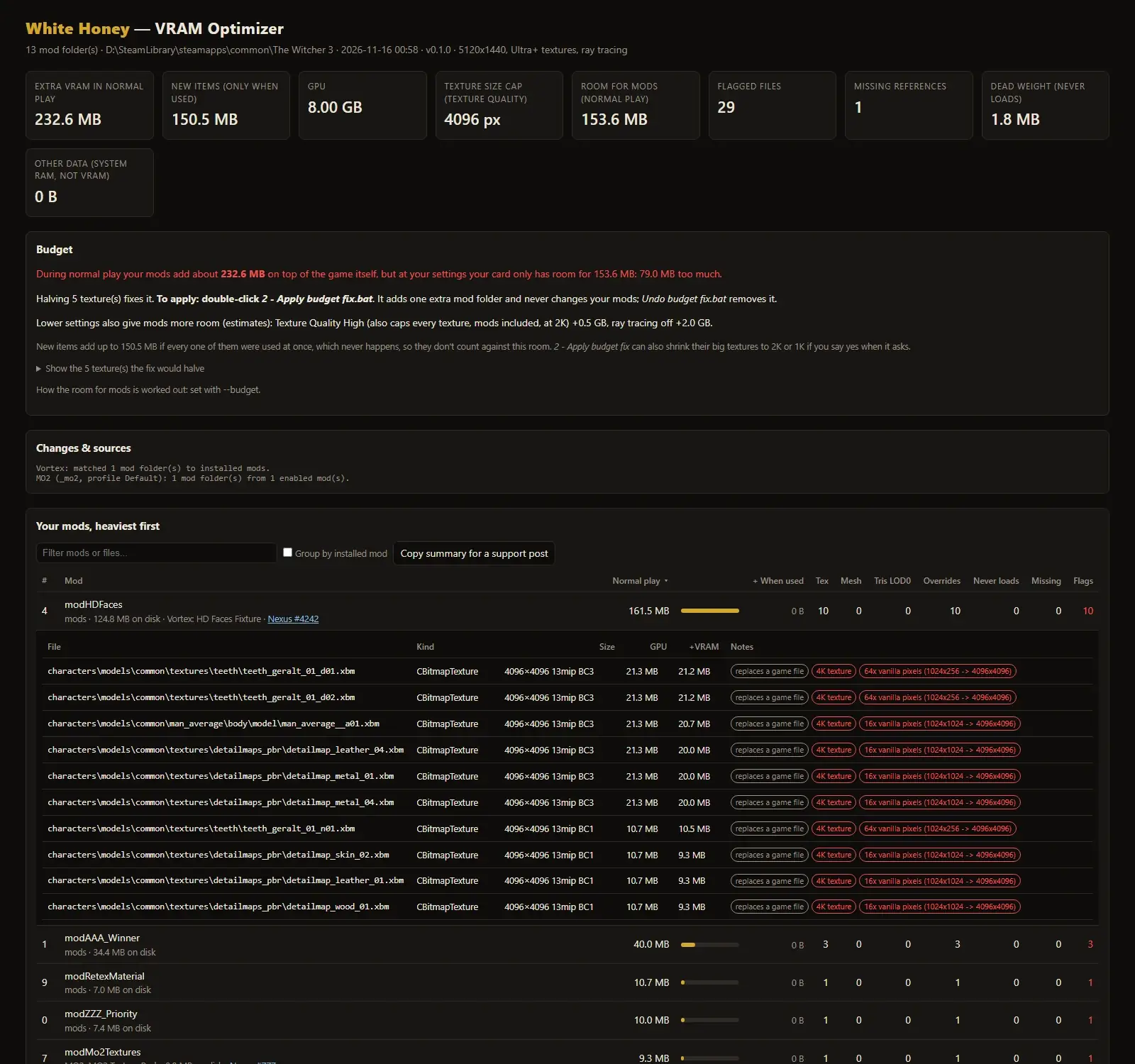
- The report separates textures loaded during regular play from textures loaded as needed, such as those for new pieces of armor.
- The creator tested reading game files on Steam 5.01c and tested the 0.3.0 interface with sample mods. Extract the archive into its own folder and open
WhiteHoneyUI.exe. Start with a scan. - If you enable texture reduction, the tool creates a separate mod with smaller copies. Your original files are kept. You can select which mods to include before applying the fix.
✅ Useful when textures load late and video memory is tight. Measuring the same scene with and without the change shows what happened to actual VRAM use.
W3LoadFix – Faster Loading Times
If the game leaves you on a loading screen after Geralt dies, W3LoadFix speeds up several stages of loading a save. Reloading the same save several times makes the difference easier to measure.
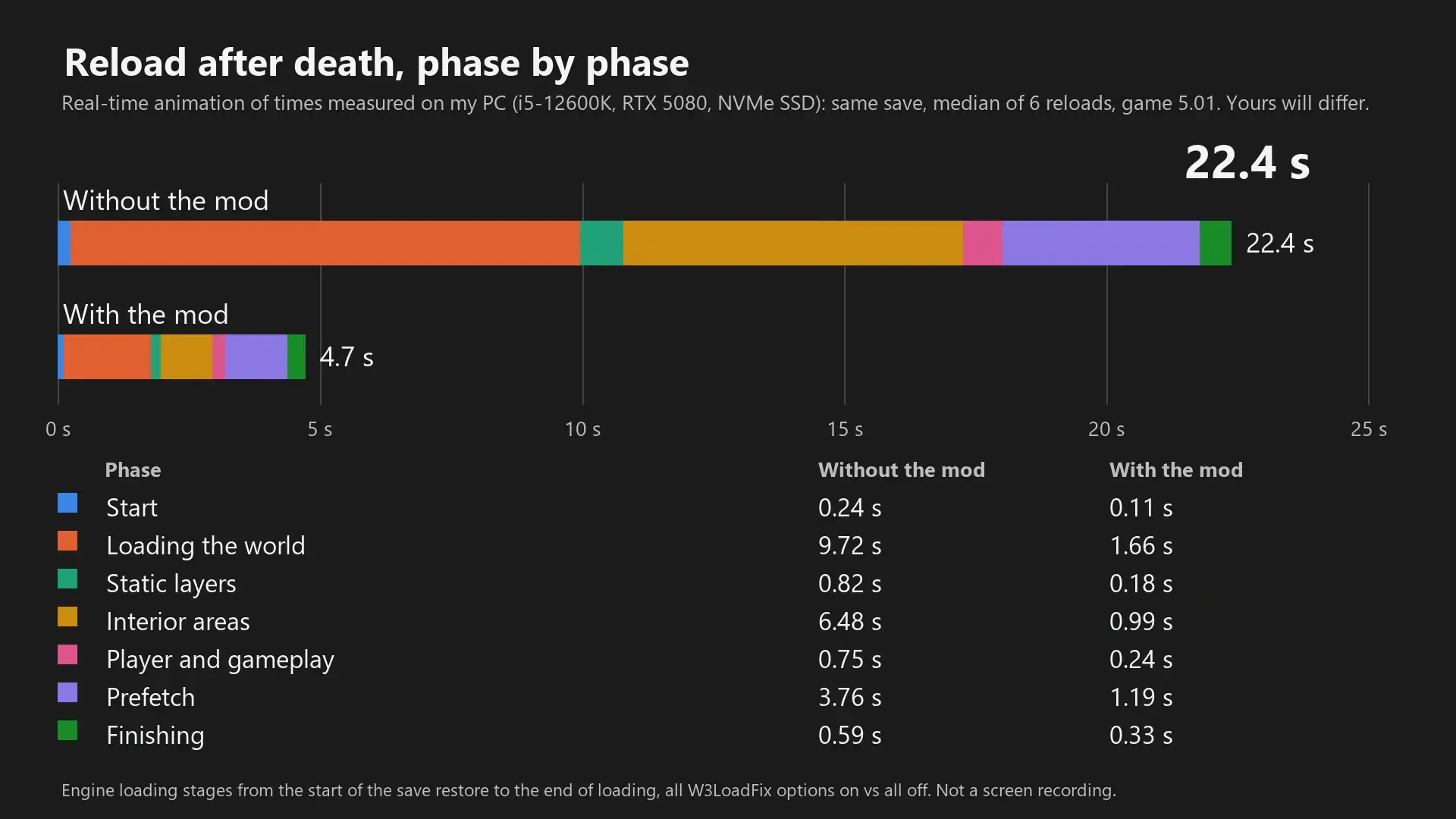
- In version 1.0.8, faster decompression and foliage loading run during loading screens by default. Experimental streaming improvements during gameplay are off. The creator also describes changes to quick loads and fast travel.
- The creator lists Steam Remastered 5.01 with DirectX 12. W3LoadFix is also included in Ascended for 5.01c. Before copying anything, check whether
dsound.dllalready exists inbin/x64_dx12. If it does, read the creator’s instructions. For a manual install, extract the archive into the game folder. - In the creator’s test, the median of six reloads after dying in Velen was 22.4 seconds with the options off and 4.7 seconds with them on. The PC used a Core i5-12600K, RTX 5080 and NVMe SSD. These timings cover the engine stages measured by the mod.
✅ Useful for loading times. Timing the full wait until you regain control shows what difference it makes on a particular PC.
W3CrashFix – Crash Fix for The Witcher 3 Wild Hunt Remastered (DX12)
A long session that ends in a crash can be a sign of a DirectX 12 descriptor leak. W3CrashFix addresses that specific crash and writes a diagnostic report when a crash happens.

- The creator tested 2.2.0-5.0.16 on Windows with DirectX 12 and Steam build 5.0.16.41566. That’s the executable version. The creator reports the fix running on GOG for players.
- The main
W3CrashFix.asivariant needs Ultimate ASI Loader x64. The creator also offers a separate standalone archive. Pick one installation option. - The report can help diagnose other crashes. The fix itself targets the descriptor leak. On an unrecognized build, it stays off and the log shows
FIX DISABLED.
✅ Useful when the symptom and game build match. Average FPS tells you little about whether this crash is fixed.
DLSS Frame Generation Keep Alive – W3FGKeepAlive
After a cutscene or conversation, DLSS Frame Generation can sometimes stop working until you restart. W3FGKeepAlive keeps already enabled frame generation and Reflex running through transitions.
- Version 0.1.0 requires Remastered 5.01c with DirectX 12 and working DLSS Frame Generation. The creator lists native support on RTX 40- and 50-series cards and describes a test with a separate mod that enables it.
- Install the archive as the creator directs. This mod uses one ASI loader. If a compatible loader is already installed, use it with
FGKeepAlive.asiandFGKeepAlive.inifrom the archive. - Before disabling frame generation or switching to FSR or XeSS Frame Generation, turn keep-alive off with
Ctrl+Shift+F10.
✅ Useful if frame generation drops out after a conversation. A brief hitch at the camera cut can still occur.
Installing Mods and Checking Performance
CD PROJEKT RED’s manual installation guide explains the basics. For files that use separate loaders, check the requirements and installation path for the exact archive.
- Check the version and store release of the game. Back up your saves and any settings that will be changed.
- Use the same scenario on a separate save. For stutter, repeat the same route at the same settings. For loading times, measure the same part of the process several times.
- Add one mod and measure what it claims to change. If the metric stays the same, check the requirements and whether the symptom matches the creator’s description.
- If files overlap, read the creators’ instructions first. Keep copies of any files you replace and check that the game loads before adding another mod.
The Symptom Determines What to Measure
Frame-time spikes are easier to compare along the same route. Slow loading is easiest to see in the time it takes to regain control, and video memory issues may only show up after moving between areas several times. A crash fix is best judged by repeating the situation that triggered the crash. One change at a time makes the result easier to attribute.