


Night City in Cyberpunk 2077 is demanding, both of your choices and your hardware. One minute you are enjoying a smooth 100 FPS; the next, you drive through Japantown and your PC sounds like a jet preparing for takeoff. We have all been there. CDPR has improved optimization considerably since release, but modders have found ways to make it better still.
This selection covers the essential mods for better FPS and smoother Cyberpunk 2077 gameplay.
Ultra Plus Best Performance and Visuals for Everyone
Sometimes you want a single solution that handles everything. Ultra Plus is exactly that: a comprehensive performance and visual-tuning toolkit, designed to fix a whole range of vanilla problems while improving FPS across the board.
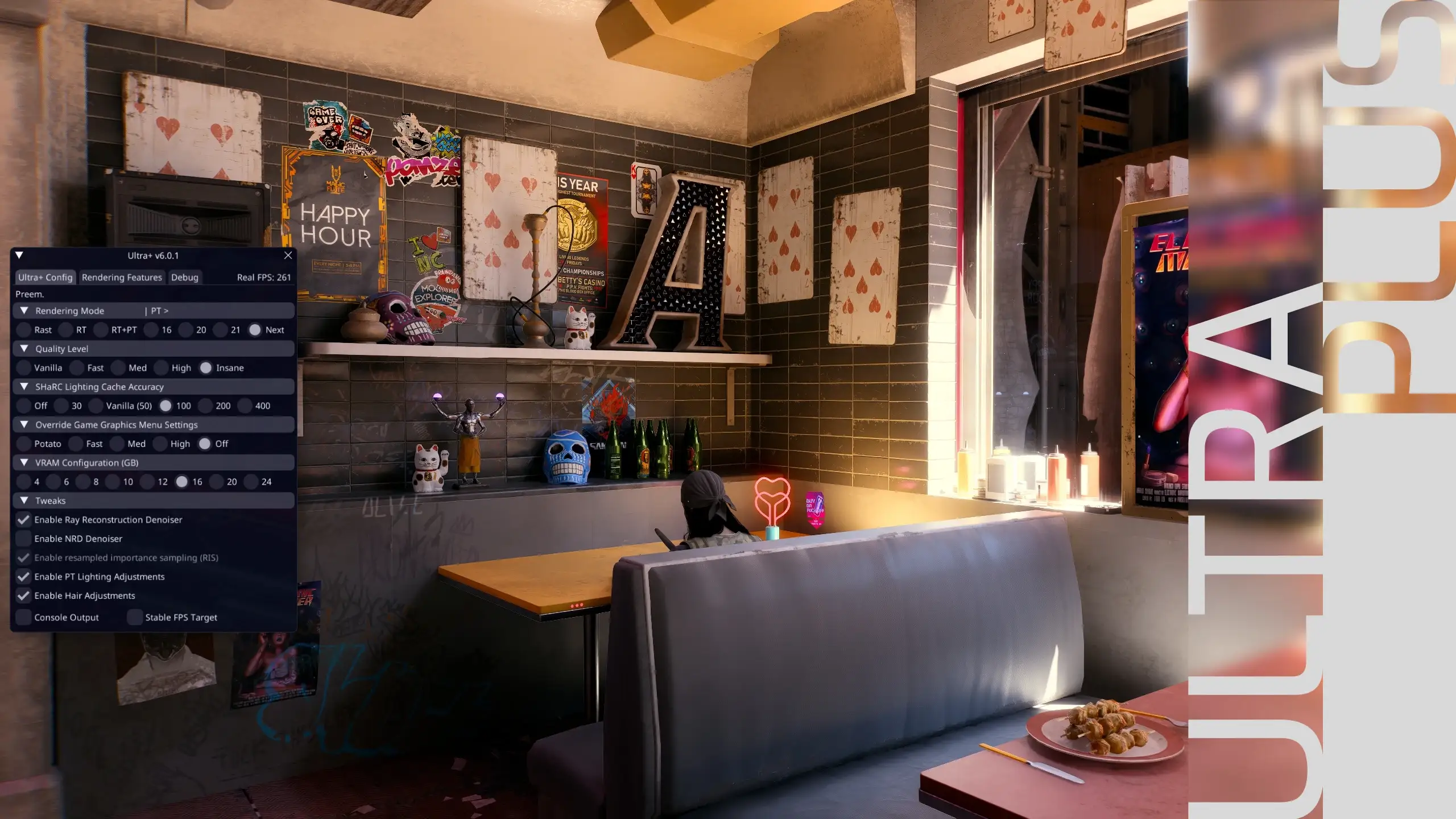
- One-click graphic presets (High, Medium, Low, and for weak PC builds) for quick setup.
- Fix popular bugs such as black squares DLSS, flickering light and suspended weather.
- Significant performance gains with path tracing, up to 30-40%.
- Enable advanced path tracing features that developers have left hidden.
- Decrease in stutters, sudden appearance of objects (pop-in) and crashes due to lack of video memory on cards with 12 GB or less.
✅ How it changes the game: changes resource management substantially, with stability as the main benefit. Driving through dense central districts becomes smoother, firefights suffer fewer drops, and play feels more consistent. An install-and-forget option if you would rather avoid hours adjusting separate .ini files.
CPU Optimization v3
Noticed those maddening microstutters when driving fast or starting a firefight against a crowd of enemies? Often, the CPU is overwhelmed and cannot keep up. This mod tackles that directly, rebalancing game performance to eliminate stutters and provide the smoothest possible response with low latency.
- Rebalancing performance to stabilize frametime and eliminate stutters.
- Optimization of crowd logic so that the processor does not overload in crowded places.
- Improves asset streaming and loading to reduce hitches.
- Supports processors ranging from 8-thread chips to powerful 16-thread models.
✅ How it changes the game: will not conjure another 20 FPS from nowhere, but makes existing frames feel better. The game becomes more responsive, especially in demanding areas such as Dogtown and the center. Lower heat, power draw, and system load improve comfort. The author also provides an Ultra Plus-compatible version.
General Performance Improvements (ini Tweaks)
For a more restrained approach, this .ini tweak collection improves performance without a major overhaul. It targets vanilla settings that are unnecessarily demanding, trimming excess work to improve FPS without a noticeable loss of image quality.
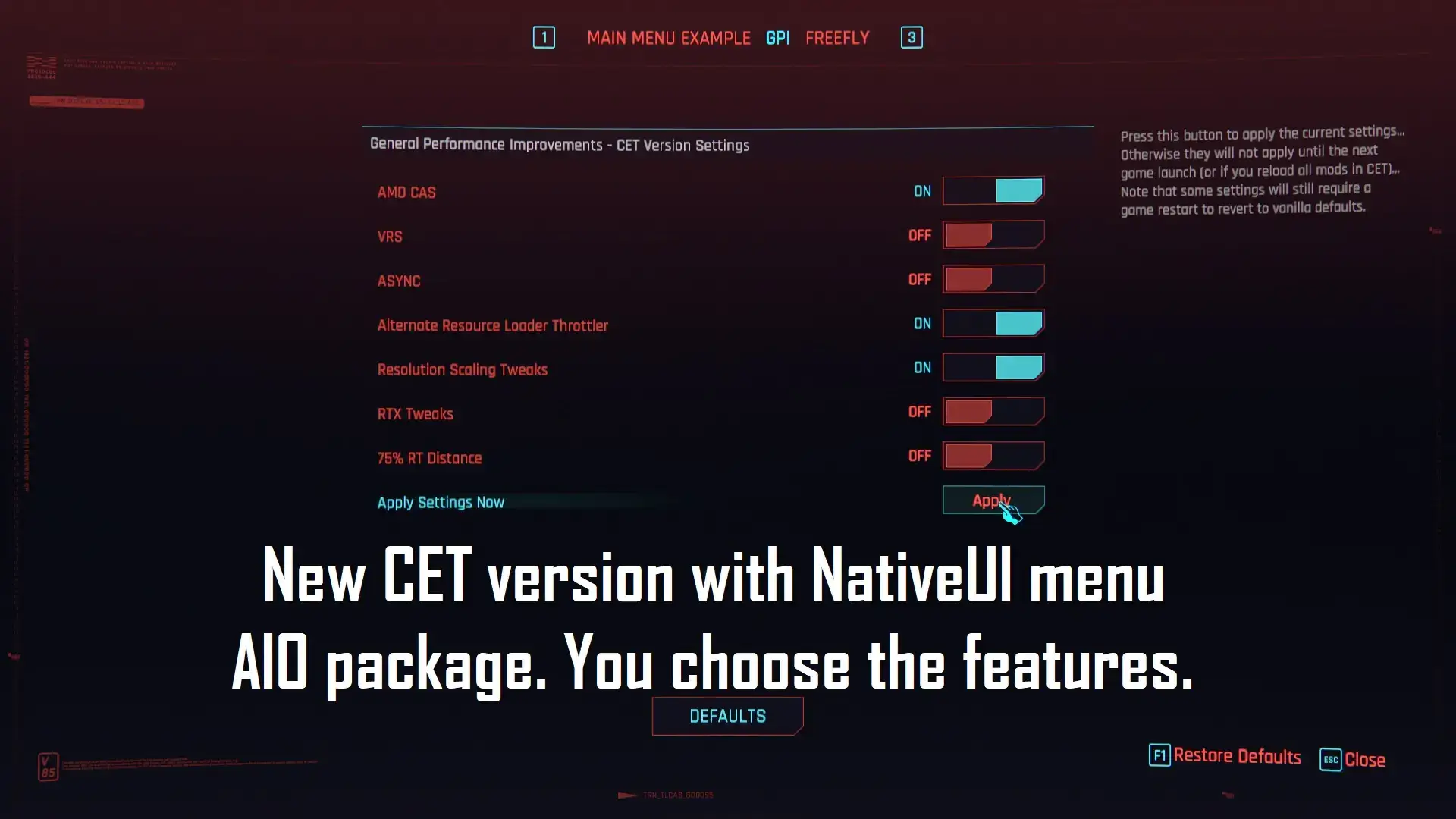
- Slightly reduces draw distance and decal detail, including LOD.
- Disables ASYNC Compute (there is an alternative version for modern graphics cards).
- Improves load distribution across the processor cores.
- Optimizes work with the video card and video memory.
- There are optional files for setting up raytracing, scaling resolution and more.
✅ How it changes the game: expect a modest but consistent FPS increase. Better resource use helps smooth gameplay on midrange systems. Be careful: the author explicitly states a serious conflict with Ultra Plus. Do not install both; choose the one that suits your needs.
FSR3 Frame Gen for Cyberpunk 2077
Frame generation is excellent technology, but for a long time it was exclusive to NVIDIA’s 40 series. This mod brings AMD FSR 3.1 Frame Generation to almost any modern graphics card, including NVIDIA, AMD, and Intel.
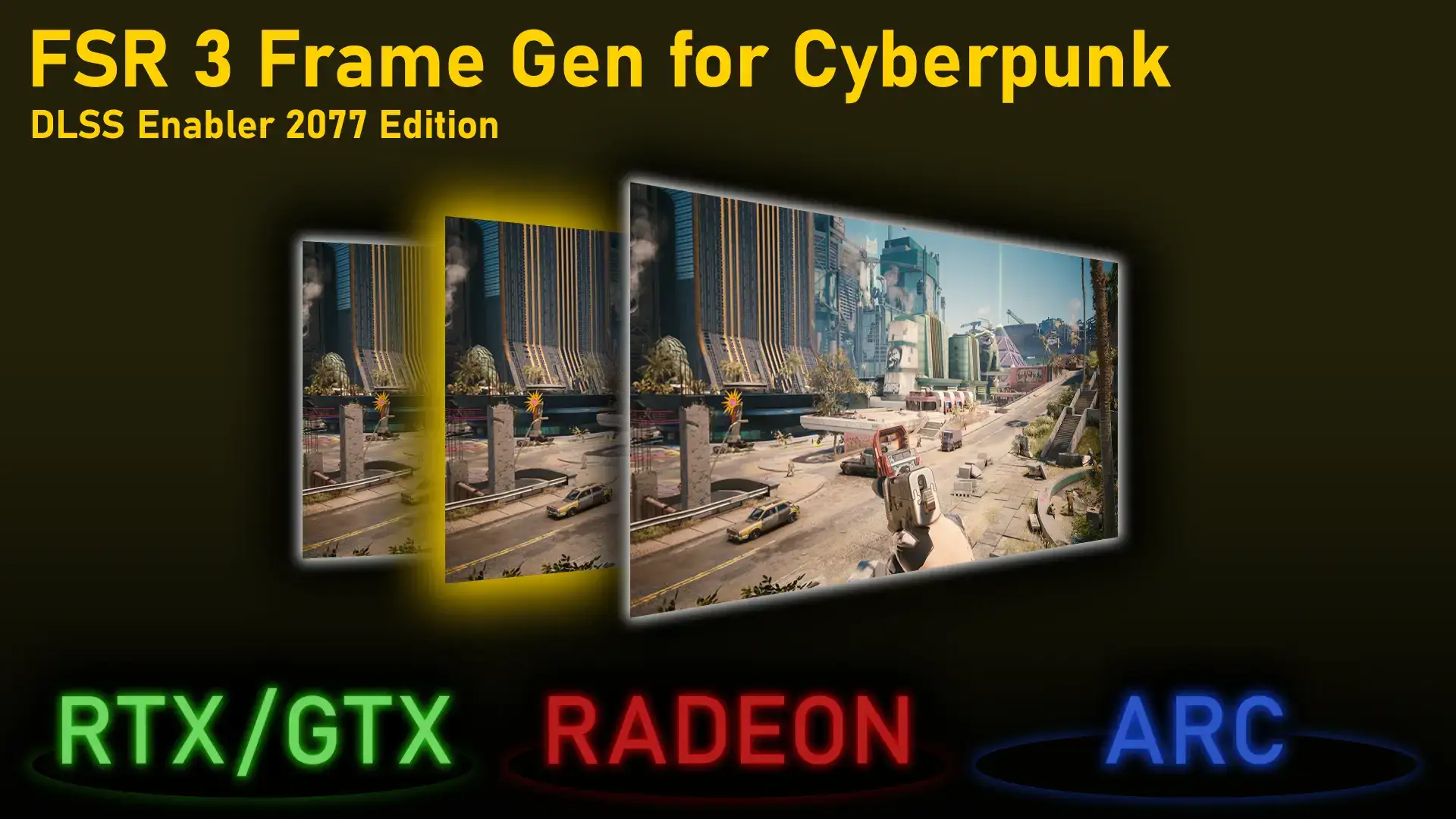
- It replaces the DLSS Frame Generation with FSR 3.1.
- Supports a wide range of graphics cards, starting with GTX 10 and RX 5000 series.
- Simple installation with separate packages for NVIDIA and AMD/Intel.
- Fully compatible with other mods such as Cyber Engine Tweaks and ReShade.
✅ How it changes the game: enable frame generation for a substantial FPS boost without a top-end RTX 4090. It can mean the difference between choppy 40 FPS and smooth 70+, opening higher resolutions and ray tracing to more players.
Just make sure you download the right archive to your card (RTX/GTX for NVIDIA, Radeon/ARC for AMD/Intel) and follow the instructions carefully.
Replace Nvidia DLSS Frame Gen with AMD FSR 3 Frame Gen
This mod performs a similar task, but for a narrower audience: NVIDIA RTX card holders. Why change your native DLSS Frame Gen to FSR 3? Sometimes, FSR 3 delivers better performance or feels different. This mod gives you the opportunity to experiment and understand whose “generator” works best on your system.

- Directly replaces the file nvngx_dlssg.dll to replace DLSS-G with FSR 3.
- It requires a NVIDIA RTX graphics card.
- Elementary installation.
✅ How it changes the game: a matter of choice. RTX owners can compare NVIDIA and AMD frame generation, useful for testing or if FSR 3 looks better to them in certain situations. AMD and Intel card owners do not need this mod.
General Optimization (INI Tweaks)
One of the oldest optimization mods on Nexus, and it comes with a bold warning. This is a set of .ini tweaks that try to raise the frame rate by disabling certain functions and changing the distribution of threads.
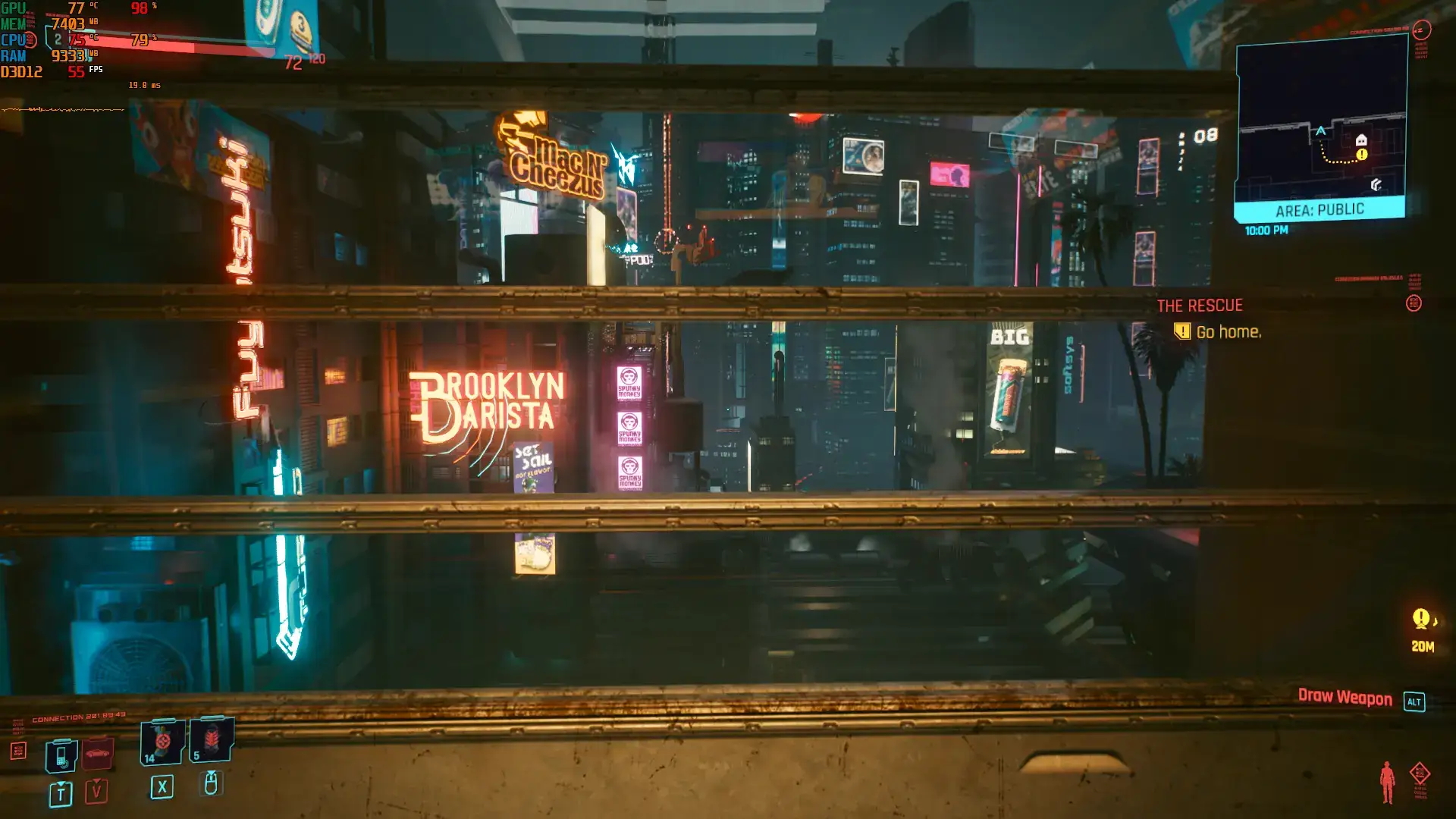
- Turns off features such as film graininess and experimental fog.
- Optimizes crowd AI and streaming data for better performance in motion.
- Redistributes processor threads for greater efficiency.
✅ How it changes the game: the mod can deliver a noticeable FPS increase, especially on ancient hardware. But it is a blunt instrument, something of a sledgehammer. The author warns that bugs are possible. Given its age and the availability of newer, smarter alternatives such as Ultra Plus or OAI Tweaks, I would recommend it only as a last resort for very weak PCs when nothing else has helped. Use at your own risk.
OAI Performance Tweaks
Want the benefits of .ini editing without the break-everything approach? OAI is a newer, modular, well-documented tweak package. It targets smoothness and efficiency without sacrificing graphics or turning the AI brain-dead.
- Fully modular config package.
- Focuses on reducing microstutters and improving 1% lows.
- Improves the streaming of assets for a smoother drive around the city.
- Preserves sensible AI and normal level of detail.
- Includes optional shadow tweaks and DLSS.
How it changes the game: stability is the goal. OAI addresses CPU load spikes and asset-loading stutters that affect even powerful systems. Smarter memory, texture, and thread management makes gameplay smoother while respecting the game’s visuals.
More Graphics Options — Performance Boost for Potato PC
A gift for settings enthusiasts and older hardware owners. This mod adds an in-game menu through Cyber Engine Tweaks, letting you change numerous graphics options on the fly and see their effect immediately.
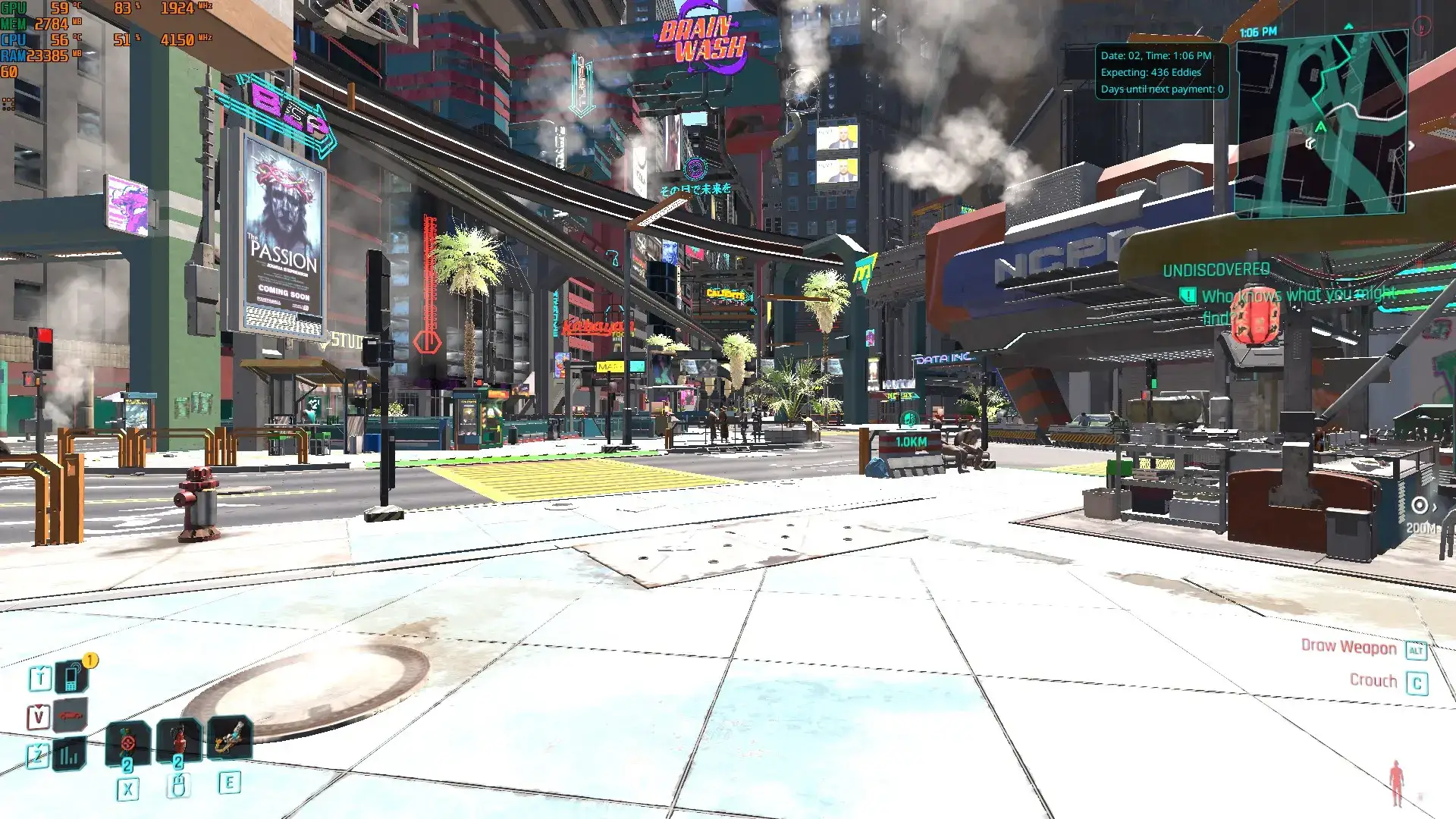
- Adds an ImGui menu with dozens of hidden graphics settings.
- Immediately shows how changes affect performance.
- It saves the config, so you don’t have to reconfigure everything every time you run it.
- Perfect for fine-tuning weak systems.
✅ How it changes the game: the mod gives you complete control to find the ideal balance between FPS and image quality for your hardware. Turn off shadows, adjust the weather, disable anti-aliasing, and change plenty more without restarting the game. Indispensable if you are trying to run Cyberpunk on a potato.
FPS mod installation recommendations
Installing Cyberpunk mods is straightforward, but a few tips prevent headaches:
- Read the descriptions carefully: I won’t get tired of saying that. Authors almost always write requirements, installation procedures, and known conflicts. Notice the words “conflicts with Ultra Plus”.
- Use Vortex Mod Manager: While many mods are simple drag and drop, Vortex will help manage complex builds and keep the game folder clean.
- Back up your saves: Mods rarely break saves, but it is better to overdo it than regret it later.
- Install one at a time: If you use several mods with .ini tweaks, install them in turn, run the game and check. It’s easier to know who’s to blame if something goes wrong.
Raise FPS in Night City
For an all-in-one solution, Ultra Plus is hard to beat. For stutters, try CPU Optimization v3 or OAI Tweaks. Outside the 40 series, FSR3 Frame Gen mods can work wonders for FPS.
To explore every mod category and put together your ideal Night City, take a look at my mod collection. You will find all kinds of options there.
Experiment, find your combination, and enjoy Night City as intended: smoothly, without your graphics card begging for mercy.
If you know other great performance mods I missed, write to me. I am always looking for new mods to test and add to this list.


