

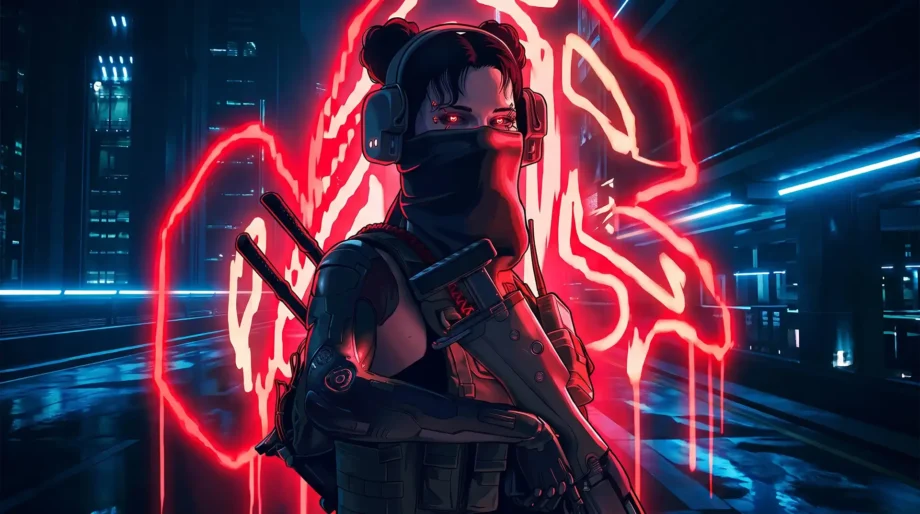
Cyberpunk 2077 is good, but mods take it further: more interesting combat, sharper visuals, and a livelier city. This selection brings together the best mods for Cyberpunk 2077. Also take a look at my Cyberpunk 2077 page, where you will find all my guides and mod lists for the game.
Preem Weaponsmith 2.0
The mod adds a separate menu to the crafting panel, where you build a gun from individual modules instead of using a finished template. An ordinary rifle can become a Smart weapon or a Tech weapon with different recoil and rate-of-fire characteristics.
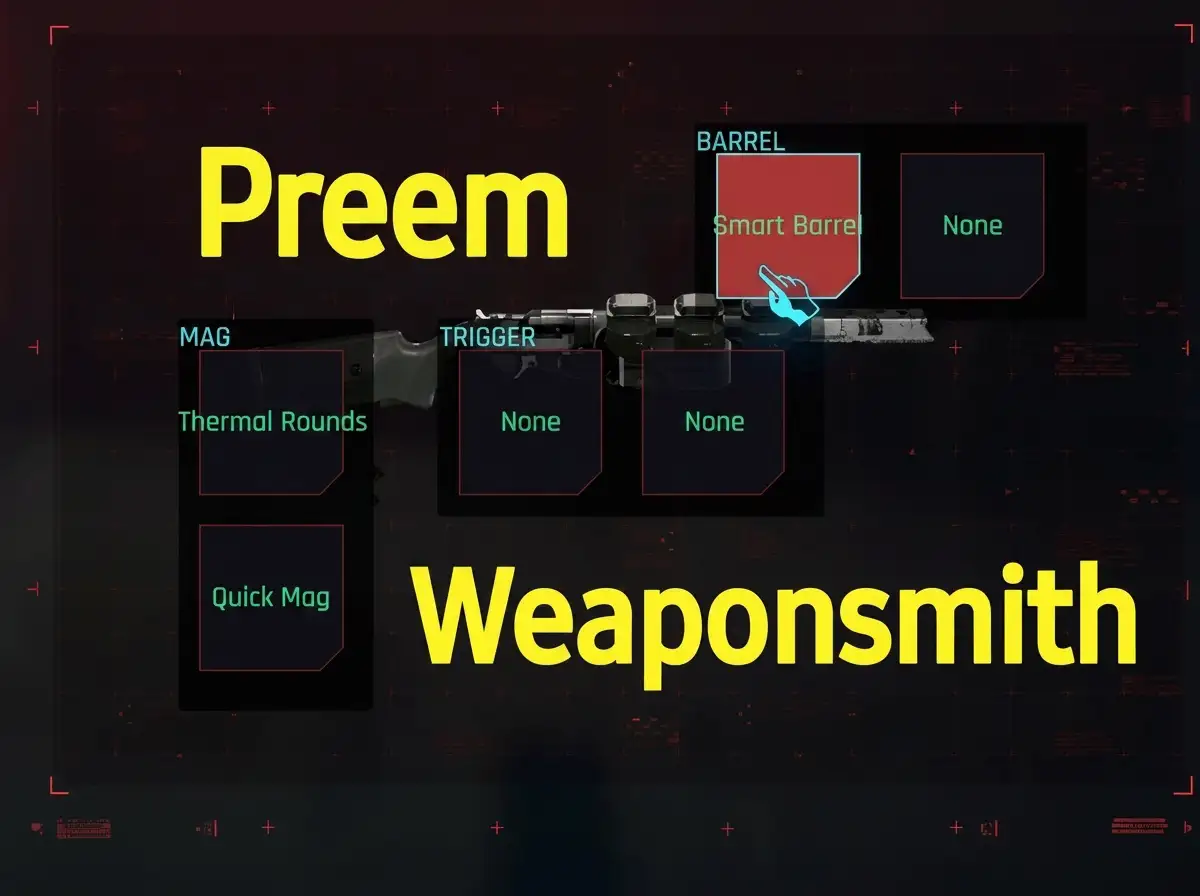
- Barrel and trigger customization
- Magazine and grip modifications
- Blades for melee weapons
Requires the latest versions of redscript, RED4ext, TweakXL, ArchiveXL, Codeware, CyberCMD, and Cyber Engine Tweaks.
✅ How it changes gameplay: you build weapons around your playstyle instead of adapting to factory specifications. It is especially satisfying if you have long wanted to perfect your favorite gun rather than replace it with yet another legendary weapon.
Preem Scopes
The game’s original scopes are cluttered with tinting, glare, and unnecessary 3D interface elements. The mod removes most of that visual noise and gives you a cleaner sight picture.
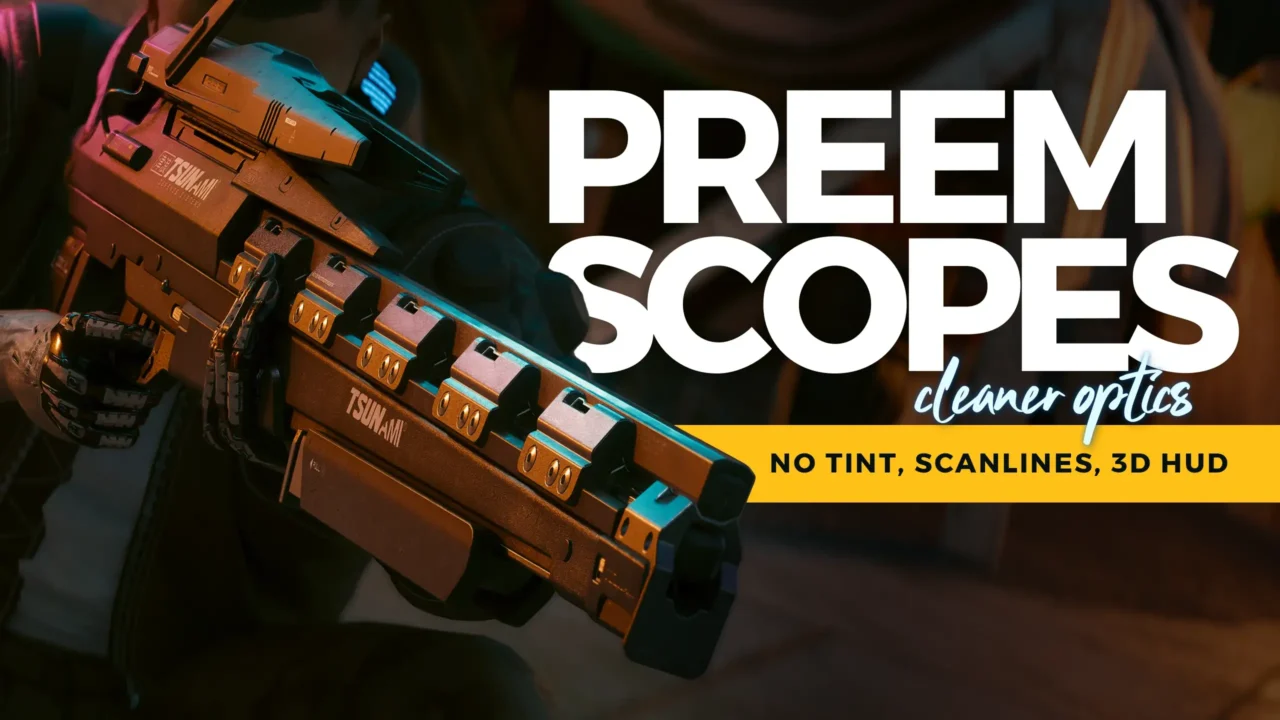
- Removes color tinting from scope glass
- Removes scanlines and glitch effects
- Reduces distortion and vignetting
Install it through Vortex or by dragging the archive’s contents into the game’s root folder. It works well with the same author’s other optics mods.
✅ How the game looks after installation: aiming feels better, with nothing distracting you from the target. A good choice if long-range visual distortion bothers you.
Realistic Map
The standard 3D map is inconvenient when you need to find your way through alleys quickly. This mod replaces it with a detailed 2D render of the actual game world.
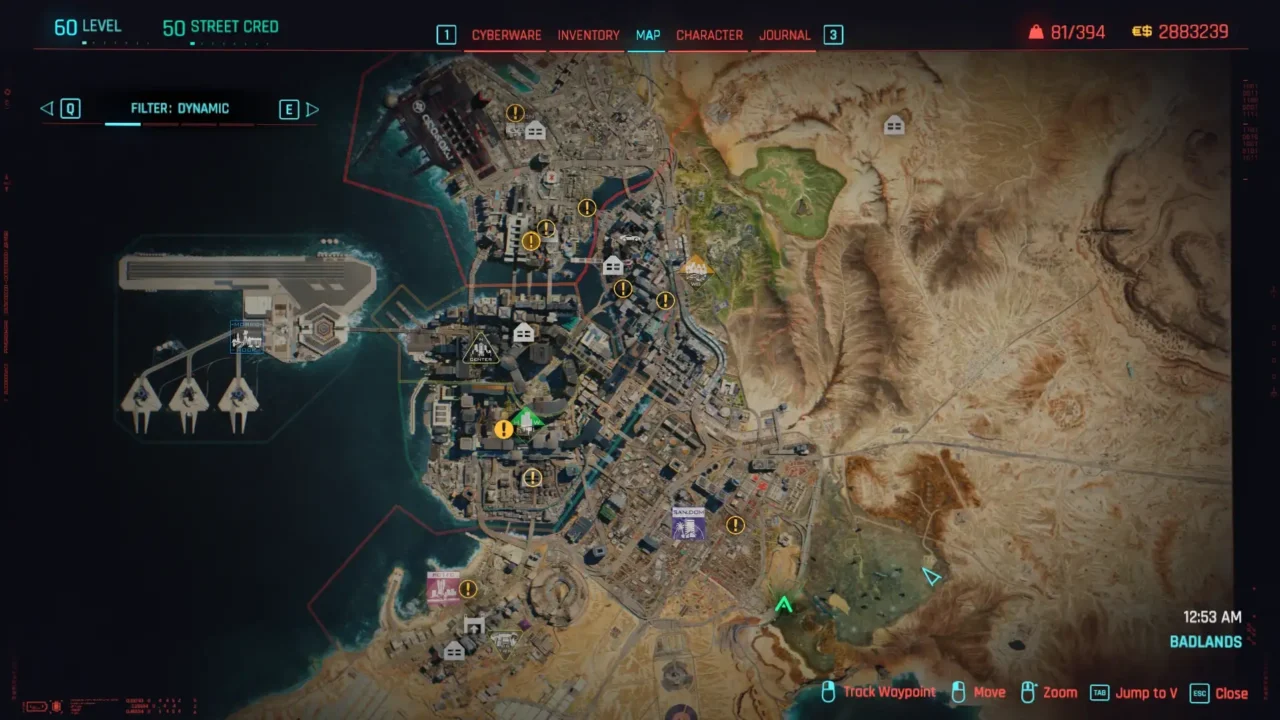
- Resolutions from 4K to 32K
- Clearly rendered roads and buildings
- Accurate terrain representation
If you decide to change resolution, remove the old map version from archive/pc/mod before installing the new one. Otherwise, the game will load both textures at once.
✅ What it gives you in-game: the map becomes easier to navigate and more pleasant to look at. For most systems, 8K is the best compromise: it does not take too long to load and remains easy to read.
Cyberpunk 2077 HD Reworked Project
The author of the well-known texture pack for The Witcher 3 has turned his attention to Night City. The mod replaces thousands of environmental textures with sharper versions while preserving the game’s original visual style.

- Reworked road, wall, and sidewalk textures
- Detailed vegetation and graffiti
- Two versions for different amounts of VRAM: Ultra and Balanced
✅ How it changes the visuals: the city looks noticeably more detailed, particularly on large monitors and at 4K. If your graphics card can handle it, install Ultra; the extra texture clarity is worth it.
Native Settings UI
Many complex mods need their own settings menu. Without this mod, you have to edit their configuration files instead. The library adds a separate Mods tab to the game’s standard settings menu.
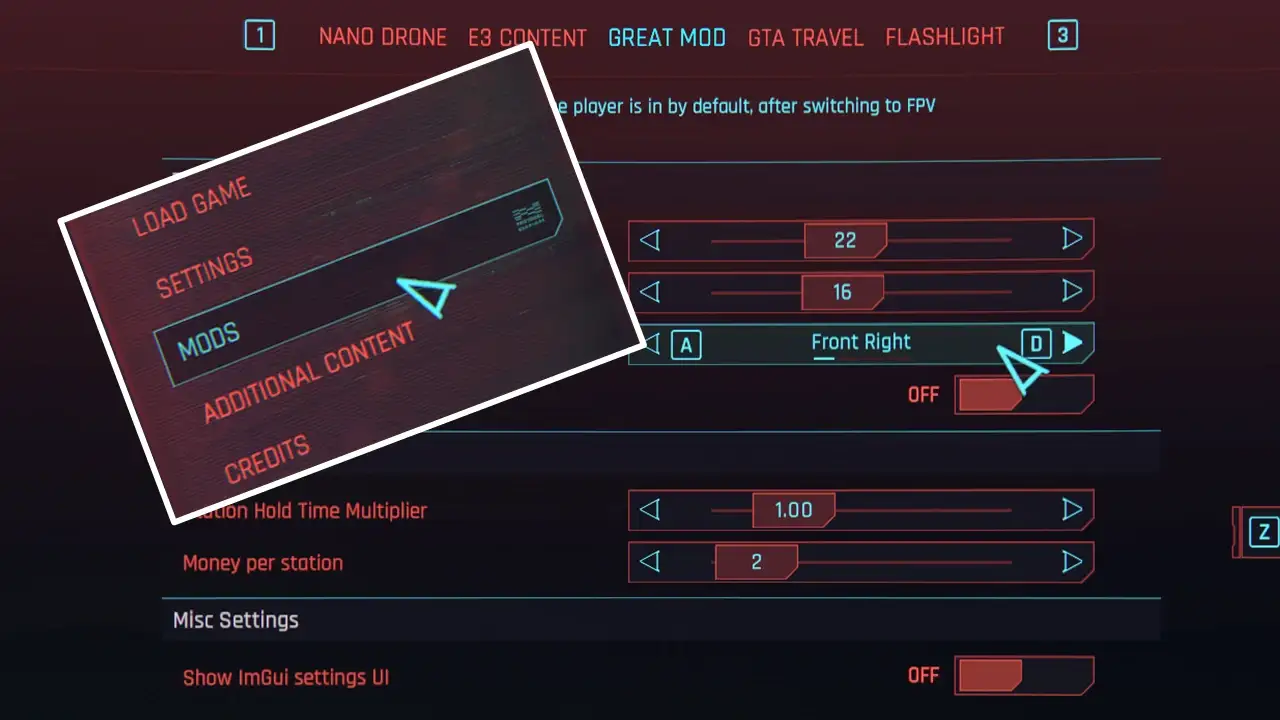
- A native interface that matches the game’s own UI
- Full controller support
- Sliders, toggles, and buttons to reset settings to their defaults
The mod does not change anything in the game by itself. It simply lets other mods add their own settings, and requires the latest version of Cyber Engine Tweaks.
✅ How it helps in practice: you adjust other mods directly through the in-game menu without wrestling with text files. It is practically essential groundwork for any advanced mod setup.
New Level Cap
By the middle of a playthrough, you often hit the level cap and stop developing your perks. This mod raises the maximum level to 80, opening up all the development trees at once.
- Raises the maximum level from 50 to 80
- Fixes vendors’ item offerings at high levels
- Customizable attribute caps to suit your build
✅ How it changes the game: you have a reason to finish every side job and gig. I recommend setting the cap to 80 straight away so you can put together a truly versatile ability build.
Hardcore22v2 Complete: Realistic Combat Overhaul
Enemies in the base game often act like bullet sponges, barely reacting to hits. This mod completely rewrites combat: character health drops to 100, and weapon damage becomes realistic.
- Fixed health for almost all living creatures
- Weapon damage recalculated around real-world calibers
- Stronger armor for mechs and security bots
It only works on the highest difficulty setting. This is a compatibility requirement that the author specifically warns about. You can fine-tune damage through the included YAML file; TweakXL is required.
✅ How gunplay feels after installation: every bullet becomes dangerous to you and your enemies alike, and cover stops being optional scenery. A good choice if you are tired of firefights with no real consequences.
Reinforcements System
In the base game, gangs fight to the last member and never call for help. This mod lets enemies call in reinforcements when they realize they are losing.

- Enemies play a phone-call animation to request backup and cannot shoot while calling
- Different reinforcement behavior for each gang and corporation, including Maelstrom, Arasaka, Militech, and others
- New abilities such as air strikes and calling Trauma Team
Requires Codeware version 1.16.0 or newer.
✅ How it changes combat: a simple clear-out can turn into a drawn-out siege with reinforcements constantly arriving. It makes you act quickly and stop enemies from finding time to call.
Night City Alive
Night City’s original streets look beautiful, but in practice they are static and safe. This mod lets gang members drive cars and motorcycles around the city alongside ordinary traffic.
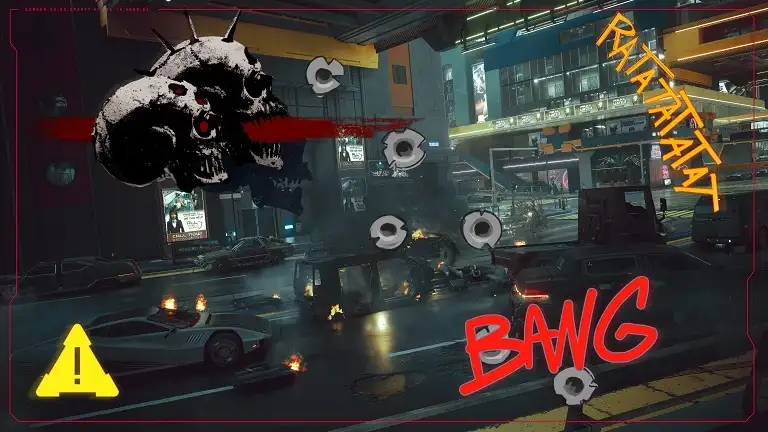
- Gang members join the regular traffic
- Motorcycles become part of city traffic
- Pedestrians react more aggressively to your crimes and those of others
Requires Phantom Liberty and active REDmod support. Drag the mods and archive folders into the game’s root folder, then enable the mod through redprelauncher.
✅ How it brings the city to life: a drive anywhere on the map can unexpectedly turn into a firefight between gangs and police. After installation, Night City stops being scenery and starts living a life of its own.
They Will Remember
After wiping out a gang in one area, you can usually return an hour later without a worry. This mod adds a recognition system: gangs remember killings and start hunting V within their territories.
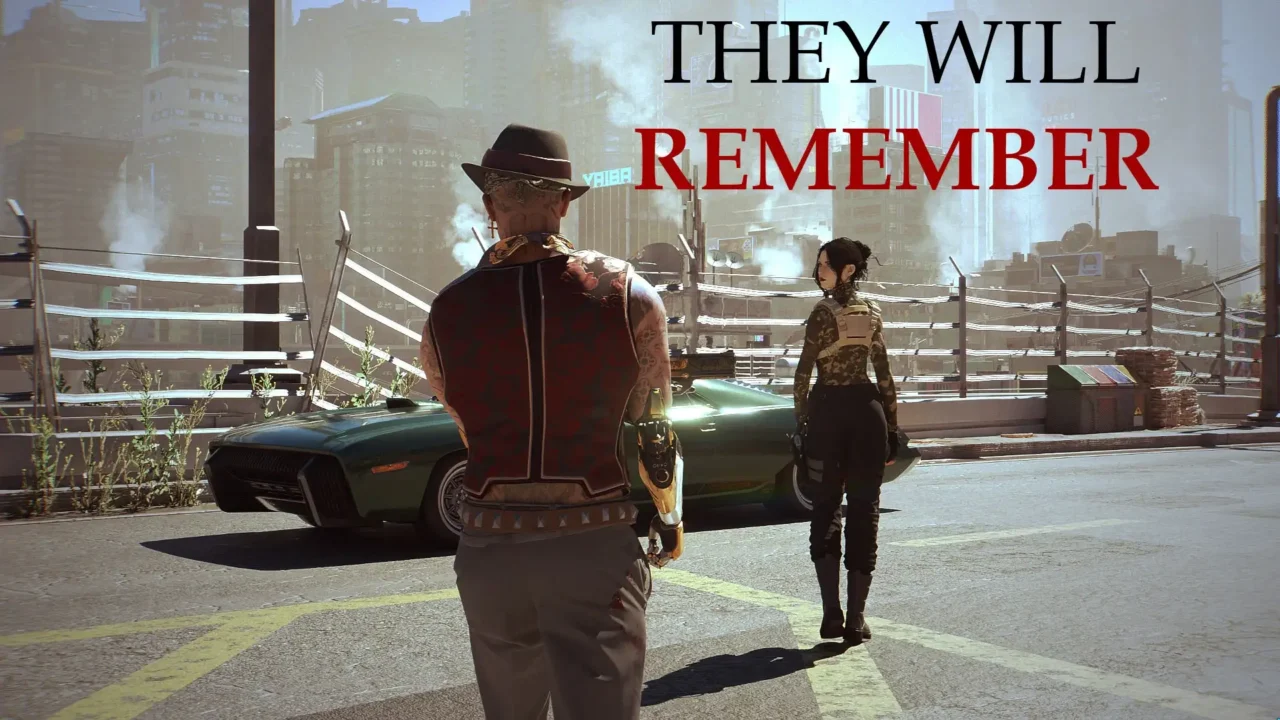
- A kill counter for each gang that increases when you are detected
- A system for concealing your face and disguising yourself as a hostile faction member
- Hit squads sent to territories where you have been identified
Requires Codeware version 1.16 or newer. Equipment-Ex is also recommended for the expanded disguise system.
✅ How it changes a playthrough: you have to pay attention to your clothing and avoid showing your face around hostile gangs unnecessarily. An excellent mod if you want to feel like a mercenary rather than an invulnerable hero.
Mod installation recommendations
Installation order matters if you want all the mods on this list to run reliably without conflicting. Most crashes can be resolved by simply updating the core modding utilities.
- Install CET, redscript, RED4ext, TweakXL, ArchiveXL, and Codeware first. They are the foundation for almost every mod in this selection.
- Download the mod archives and extract their contents strictly into the game’s root folder.
- If a mod requires REDmod, remember to enable it through the official game launcher.
- Before installing, check the requirements and incompatible-mods sections on the Nexus page.
If you are still figuring out where to start, I have a detailed Cyberpunk 2077 mod installation guide that shows the whole process step by step.
Should you install all these mods at once?
You do not have to install all 10 mods together. Start with the core utilities and a couple of graphics mods, then add combat and gameplay changes one at a time to see what you actually enjoy. For selections organized by topic, I have a Cyberpunk 2077 mod collection, where mods are grouped into categories to make it easier to find what suits your playstyle.
If I missed a great mod or something new has come out, write to me. I will check it and, if it is good, add it to this list.


