Gothic 1 Remake difficulty settings make you commit to a playthrough before you’ve fought your first enemy or met your first merchant. If you want tougher fights without slower leveling or worse prices, it helps to know what the presets bundle together. For other mechanics and walkthroughs, see my Gothic 1 Remake hub.
The New Game screen shows a red warning below the settings. This guide explains what each preset changes, which options stay locked and how to build a Custom setup for the kind of challenge you want.
All four difficulty options at a glance
| Mode | Combat | Resources | Progression | Close Combat Flow Helper | Permadeath |
|---|---|---|---|---|---|
| Novice | Novice | Novice | Novice | On by default | Unavailable |
| Gothic | Gothic | Gothic | Gothic | On by default | Off by default |
| Hard | Hard | Hard | Hard | On by default | Off by default |
| Custom | Your choice | Your choice | Your choice | On/Off | On/Off |
Novice, Gothic and Hard set the three difficulty sliders for you. Choose Custom to set them separately.
How Novice, Gothic and Hard play
Novice for story and exploration
Pick Novice if you’d rather get to know the Colony, hear the dialogue and work through quests without spending half an hour on one enemy.
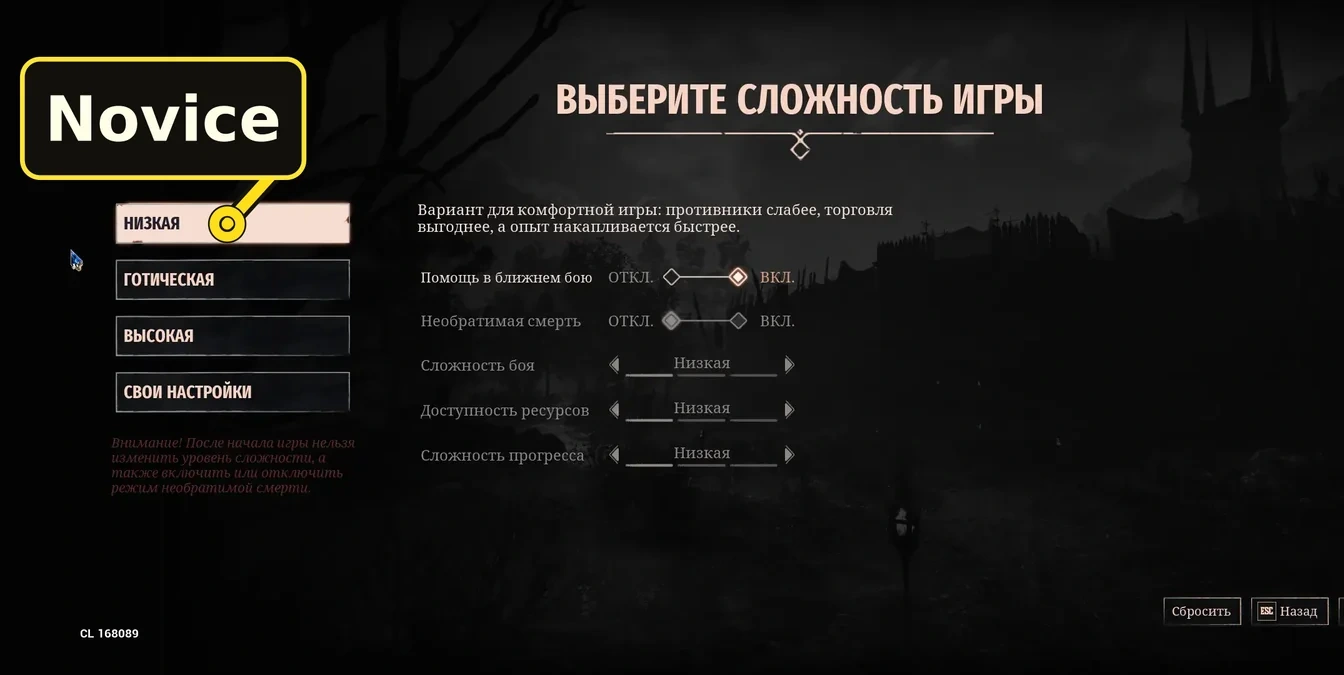
Here’s what changes when you start on Novice.
- Enemies are easier to fight.
- Merchants pay more for your goods.
- You level up faster.
- Close Combat Flow Helper is on by default.
- Your one-handed weapon skill starts at the Trained rank.
The Novice preset locks the Permadeath toggle off.
Gothic is the default
Gothic is the default preset, and the name makes that choice sound pretty deliberate. Here’s what you’re signing up for.
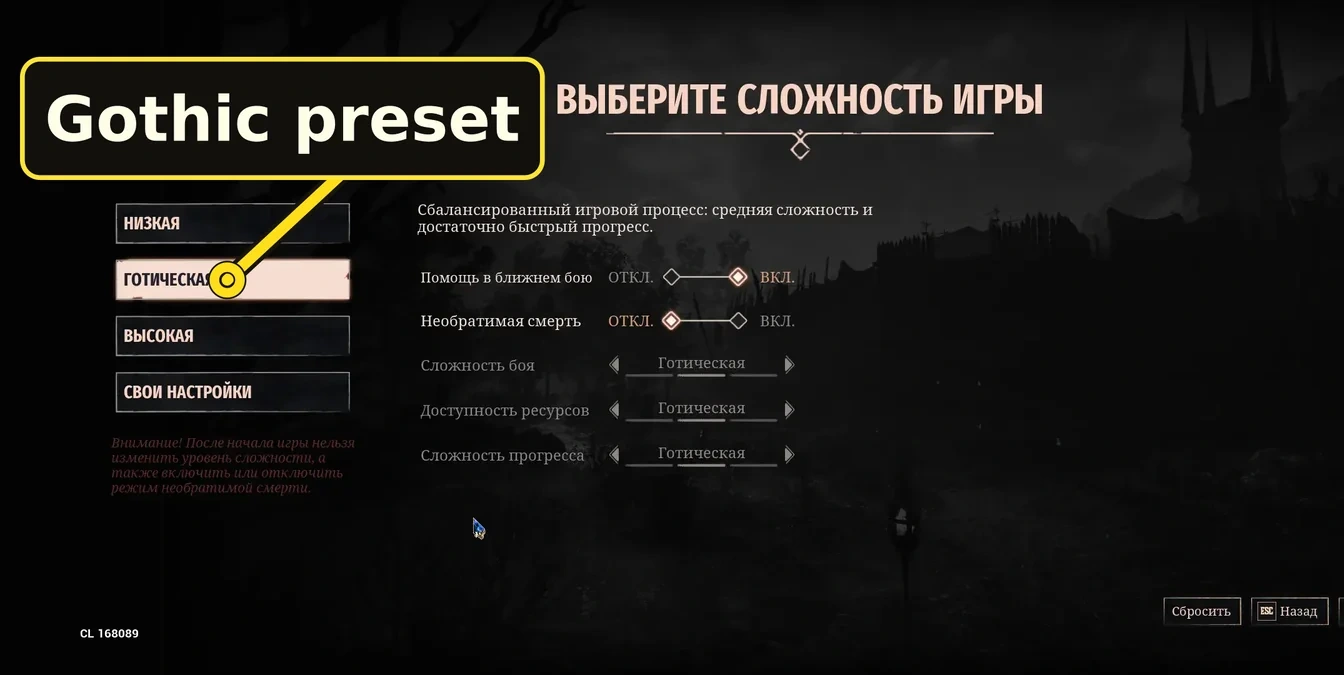
- Combat, Resource Availability and Progression all use the Gothic setting.
- You have to think about how you approach enemies, especially early on.
- Ore is tight at first, but ordinary trade still pays off.
- You gain levels at a steady pace, and each one matters.
- Close Combat Flow Helper is on by default. You can turn it off before you start.
- Permadeath is off by default. Turn it on before starting if you want it.
Hard makes the Colony bite back
Hard means stronger enemies, less favorable trade and slower leveling. Gothic already gives you a rough welcome. On Hard, an orc around the corner can cut an outing short.
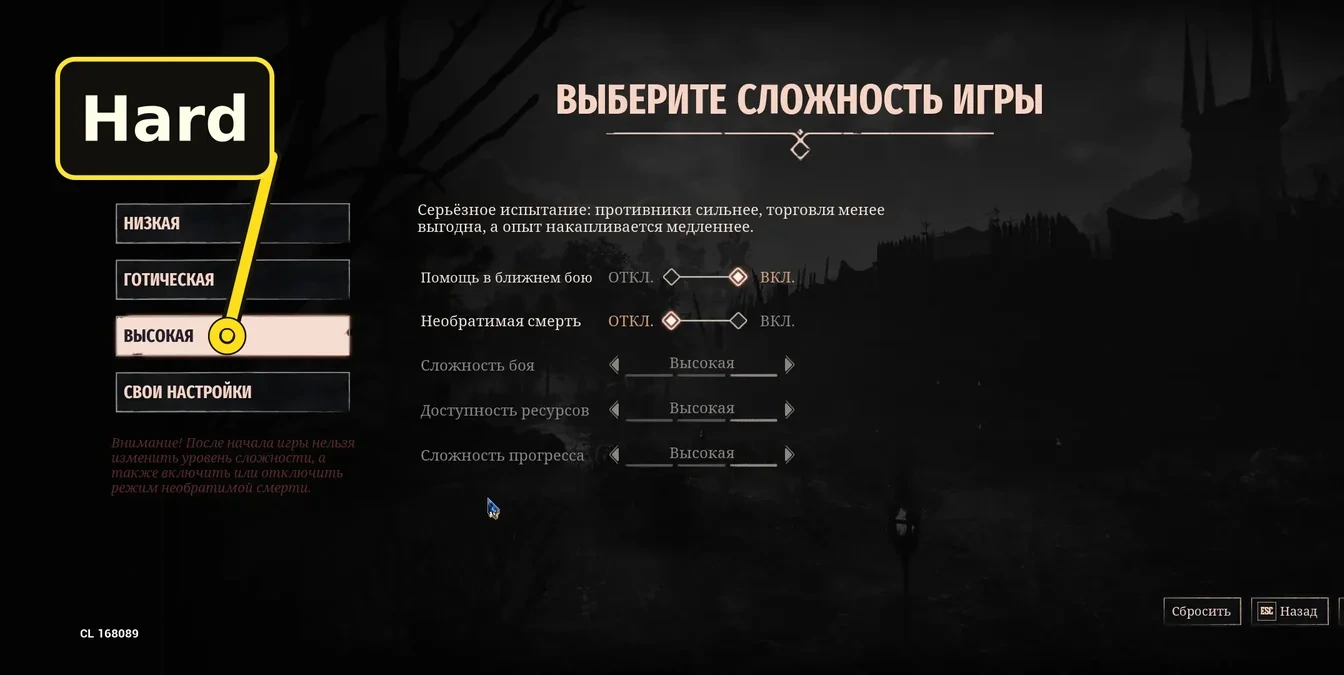
- Enemies are tougher, hit harder and can have stronger resistances.
- Merchants pay less for what you sell, and their stock is less generous.
- You level up more slowly.
- Close Combat Flow Helper is on by default. You can turn it off before you start.
- Permadeath is off by default. Turn it on before starting if you want it.
Can you change the difficulty after starting?
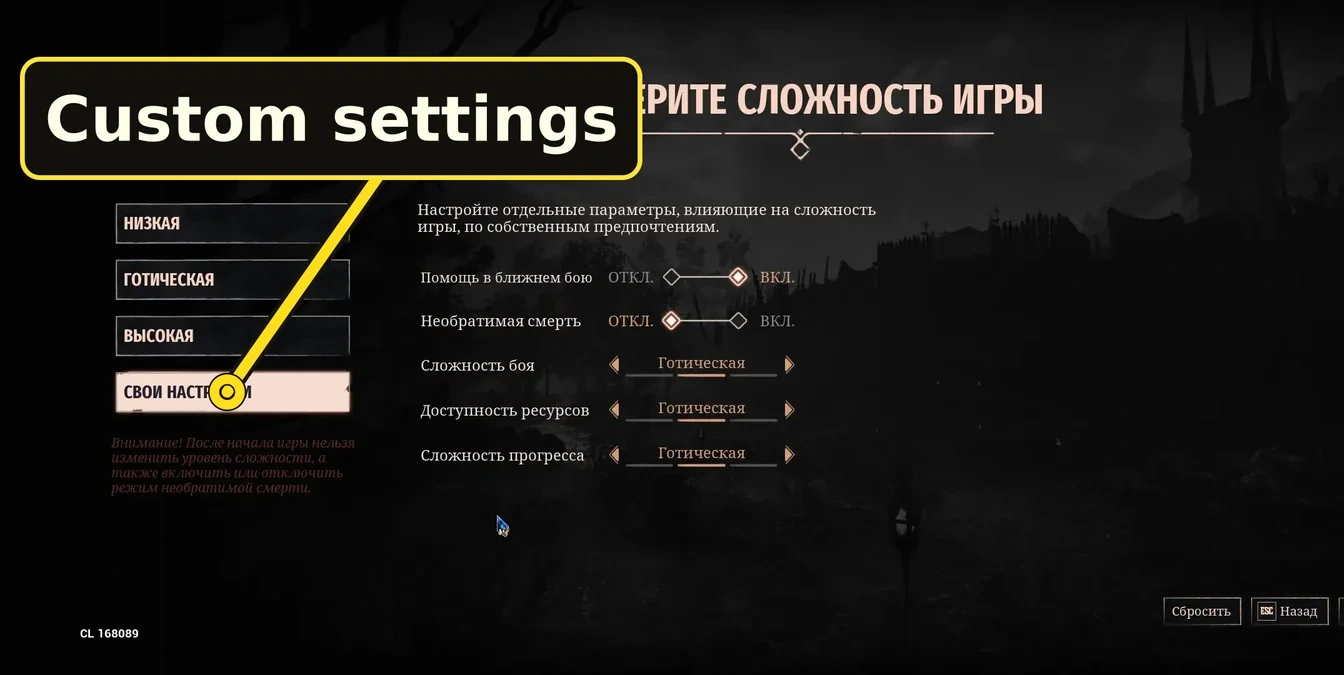
The New Game screen warns that difficulty and Permadeath are locked once you start.
These settings carry through the whole run.
- Combat Difficulty
- Resource Availability
- Progression Difficulty
- Permadeath
You can still toggle the Close Combat Flow Helper in the settings during play.
What the Custom settings control
Custom makes each of these five options available on its own.
Combat Difficulty
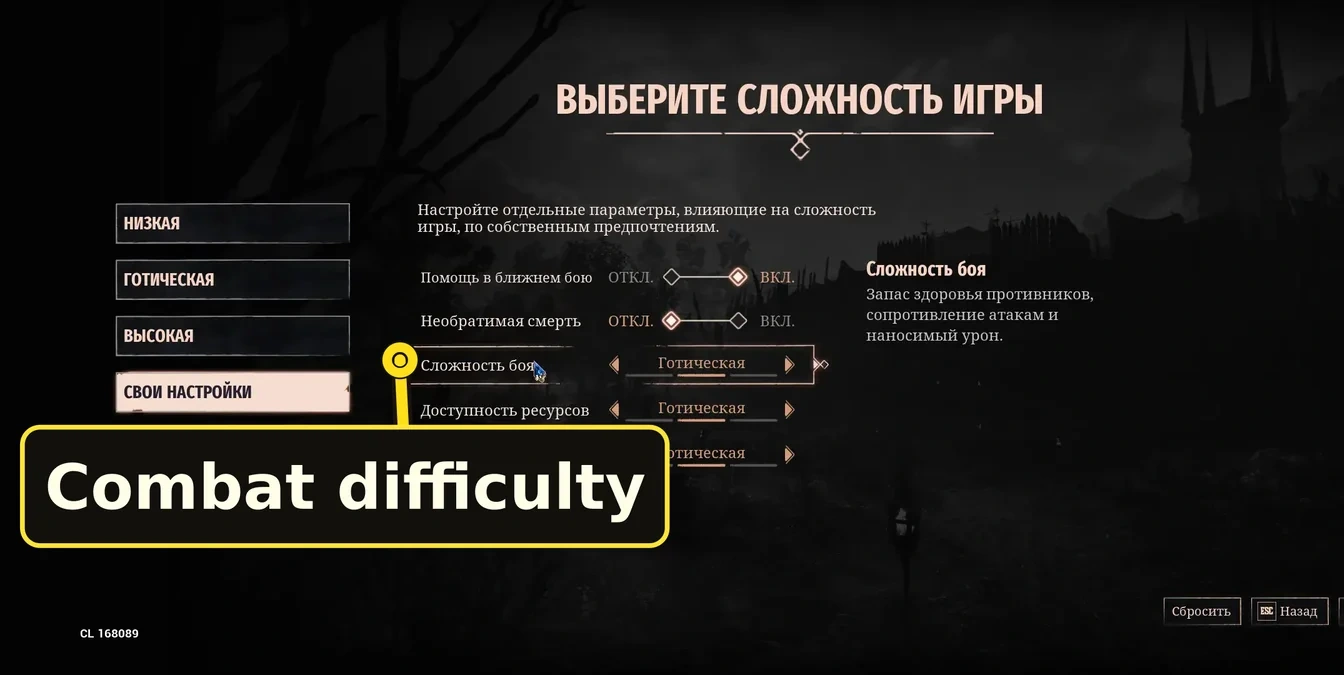
Novice, Gothic or Hard.
Combat Difficulty affects enemy health, resistances and damage. Raise it on its own if you want tougher fights while keeping your trade and leveling settings.
Resource Availability
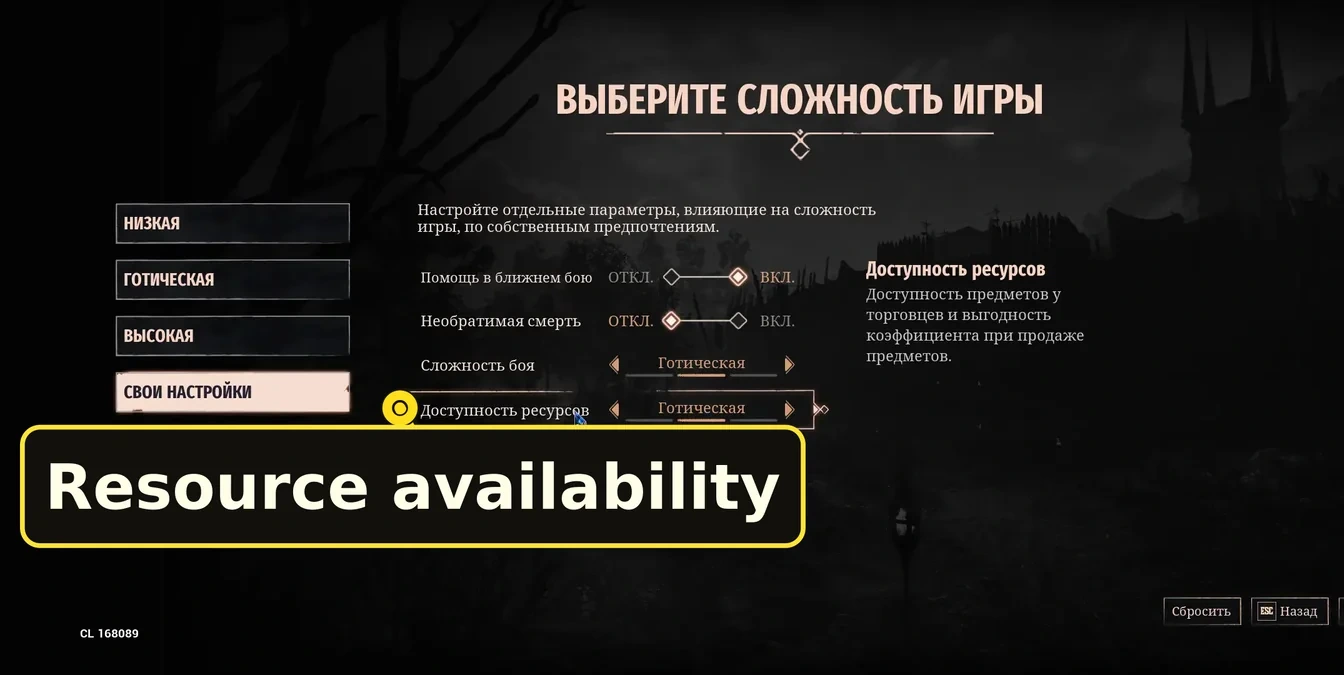
Novice, Gothic or Hard.
Resource Availability affects merchant stock and what you get for selling items. Novice makes selling loot more lucrative. Hard reduces the payout and affects what merchants keep in stock.
Progression Difficulty
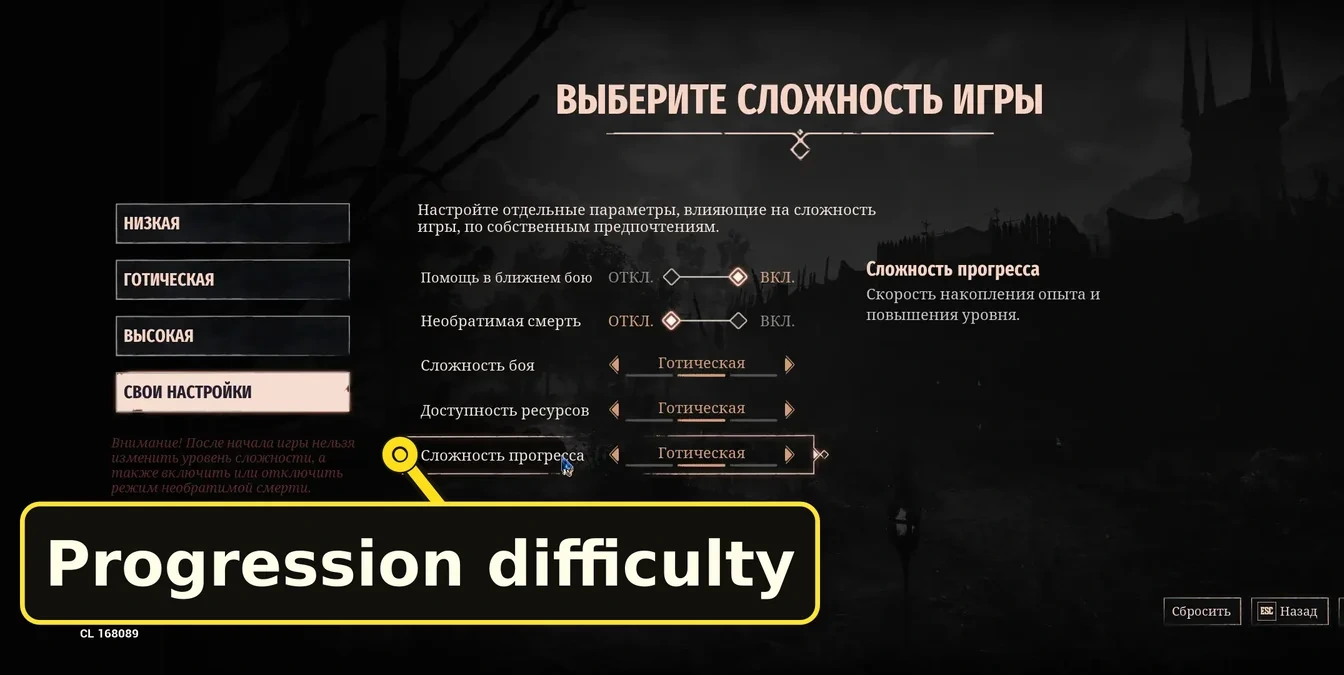
Novice, Gothic or Hard.
This slider controls the pace of leveling. Novice helps you reach stronger skills sooner. Hard makes you work longer for them.
Close Combat Flow Helper
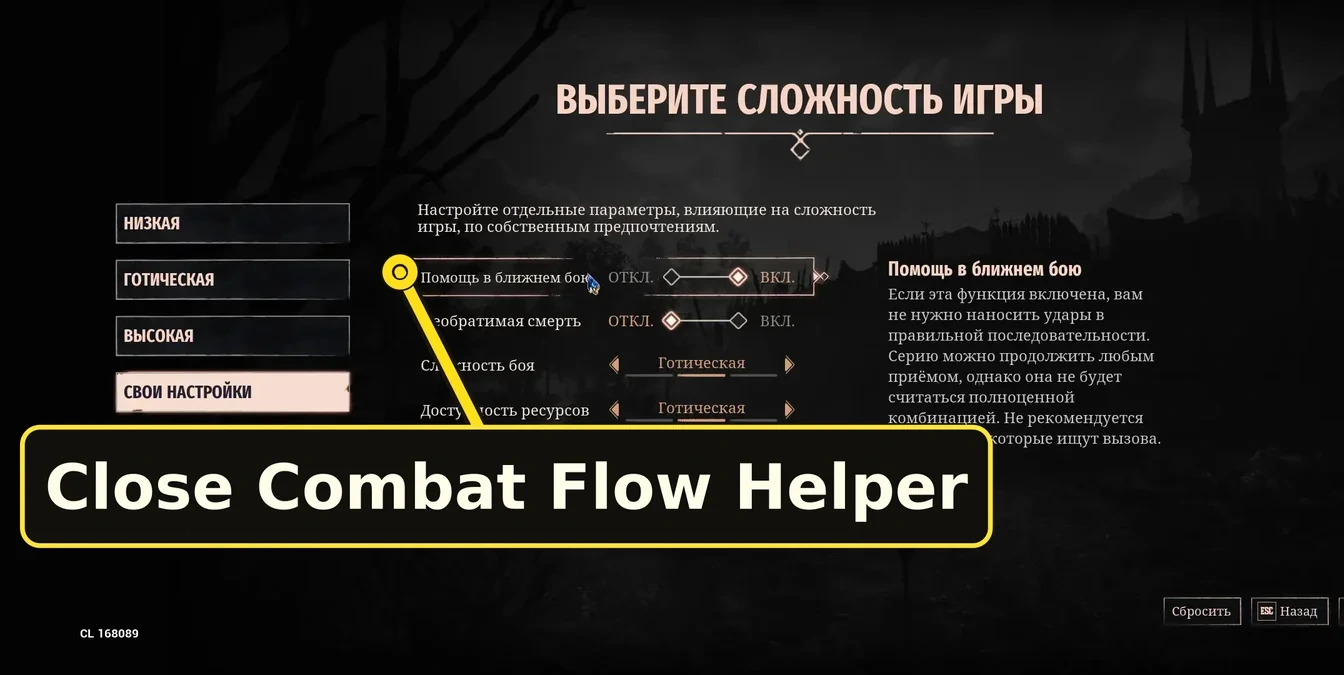
On or Off.
With the helper on, another attack can keep a combo going after a miss or a wrong input. The game still distinguishes the correct sequence from an improvised one. The menu advises players looking for a challenge to turn the helper off.
Turn it off if you want to practice the proper combos. Leave it on while you’re still getting used to the controls.
Permadeath
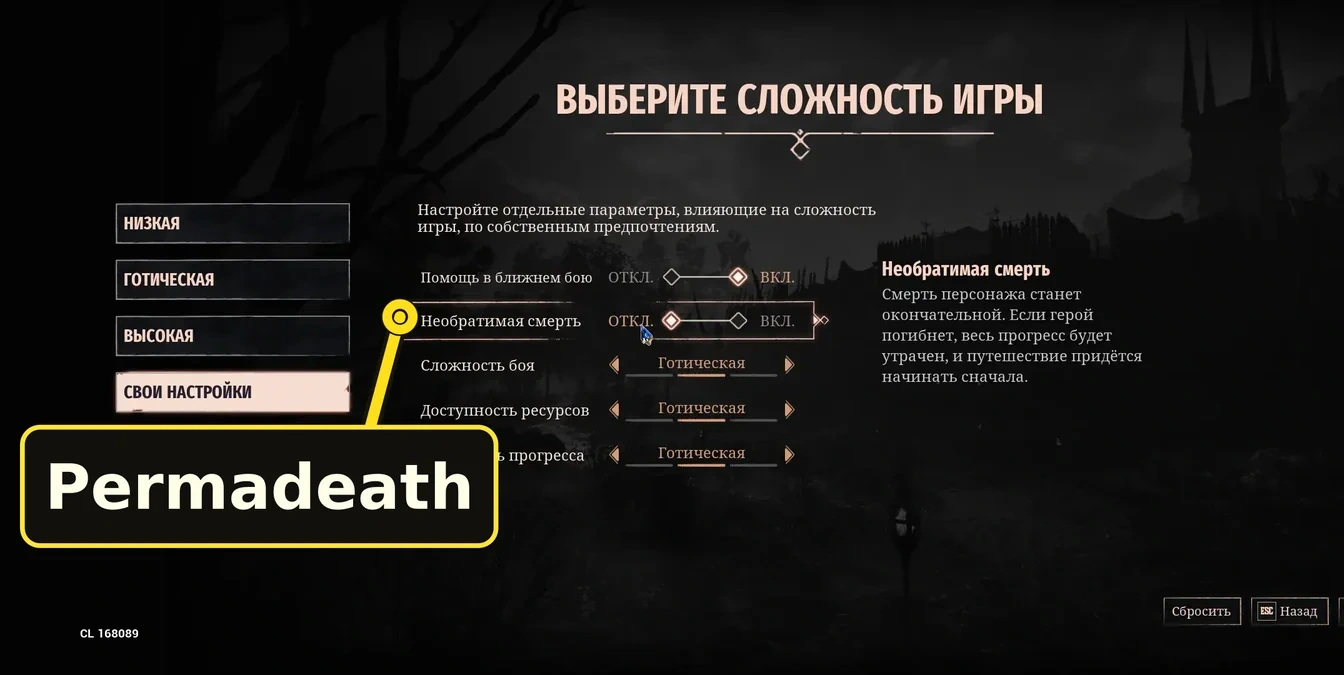
On or Off.
With Permadeath on, death ends the playthrough. The menu warns that you’ll lose your progress and have to start a new run.
Decide before you start, since Permadeath stays locked for the run. Completing the game in this mode earns the No time to die achievement.
Which Custom combination should you choose?
Use Custom if you want one part of the game to push back harder than the others.
Tougher fights at a steady pace
- Combat Difficulty: Hard
- Resource Availability: Gothic
- Progression Difficulty: Novice or Gothic
- Close Combat Flow Helper: your choice
Fights demand more care, but you’ll still make enough ore for potions and gain levels at a reasonable pace.
Hard across the board with Permadeath off
- Combat Difficulty: Hard
- Resource Availability: Hard
- Progression Difficulty: Hard
- Close Combat Flow Helper: Off
- Permadeath: Off
This stays close to the Hard preset, with stricter timing in combat. A wrong attack in a combo is easier to feel with the helper off.
Make ore the main concern
- Combat Difficulty: Novice or Gothic
- Resource Availability: Hard
- Progression Difficulty: Gothic
- Close Combat Flow Helper: your choice
Fights stay manageable, but every ore nugget counts. A trip to the merchant becomes its own little survival quest.
A Permadeath run
- Combat Difficulty: Gothic or Hard
- Resource Availability: Gothic
- Progression Difficulty: Gothic
- Close Combat Flow Helper: Off
- Permadeath: On
I’d save this for a later run. It’s easier to accept losing hours to a bad encounter once you know what can be waiting around the corner.
How the difficulty settings change the numbers
Alkimia’s public Modkit scripts show how the presets are configured. The examples below are values from those scripts. Exact behavior can vary with the game build.
Combat modifiers depend on the enemy and the attribute. Resource and Progression settings use their own values.
Combat modifiers, using a regular Biter as an example.
- Health and maximum health use a factor of 1.0 on Novice and 1.2 on Hard for this Biter.
- Its resistance to edged attacks uses 0.75 on Novice and 1.0 on Hard.
- Its Strength and Dexterity use 0.75 on Novice and 1.5 on Hard. Those are attribute modifiers, so the damage from a hit can’t be read directly from these numbers.
Resource Availability sets separate modifiers for selling and buying.
- Player sell modifiers are 0.75 on Novice, 0.50 on Gothic and 0.40 on Hard. The buy modifier is 1.0 on all three.
Progression also affects what happens when you fall.
- The fall damage modifiers are 0.5 on Novice, 1.0 on Gothic and 1.2 on Hard. The scripts set
m_ExperienceMultiplierto 0.8 on Novice and 1.2 on Hard.
The overall trade-off is the same one shown in the menu. On Novice, combat, trade and leveling give you more room. Hard squeezes all three.
The experience parameter alone doesn’t tell you whether quest and kill XP payouts change or how the game uses it to set level thresholds.
Which difficulty would I choose for a first run?
I play on Gothic with the Close Combat Flow Helper off. I’d recommend it if you know the series or want a demanding RPG. Trading stays manageable, levels feel earned and strong enemies remain dangerous for long enough to matter, much as they did in the original.
Try Hard on a later run if you want tougher fights and leaner trading. Permadeath changes how you approach every encounter. If the original Gothic taught you to think twice before walking into a cave, you’ll know the appeal.