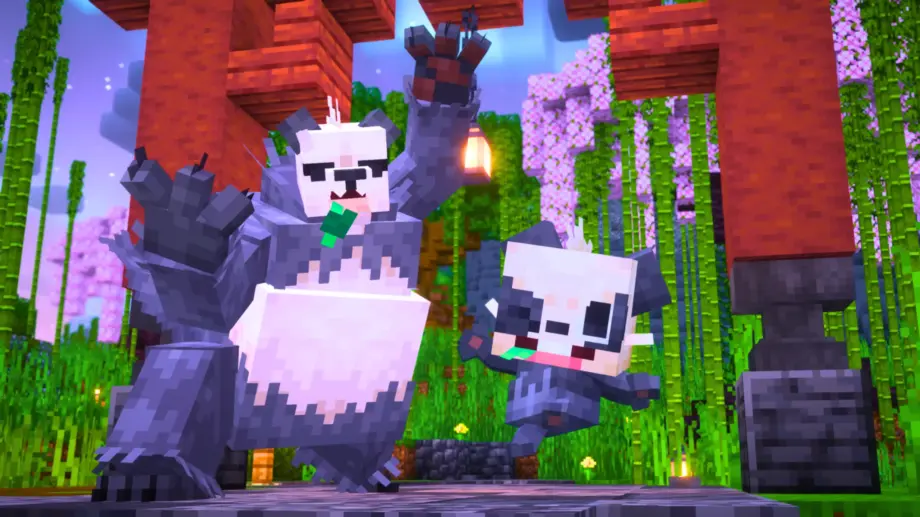
You spot a Pokémon on the way to the mine. What do you want to do after the catch? These ten Minecraft mods include three standalone options and seven Cobblemon add-ons. You can earn badges, breed Pokémon, or get a team ready for a raid.
Cobblemon
Cobblemon’s Pokémon fit right in among the blocky trees and hills. If you spot a wild Pokémon while gathering supplies, scan it with the Pokédex and decide whether it’s worth a Poké Ball.

After your first catch, try a new move in battle or put your Pokémon in a pasture if you want to keep it close to home.
- Your team earns experience in battle, learns new moves, and evolves. The Pokémon Showdown! engine handles battles. You can have a Pokémon relearn certain moves and choose when it evolves once it meets the requirements.
- The Pokédex keeps track of encounters and catches. Some Pokémon can carry you as mounts, and you can put Pokémon you want close to home in a pasture.
- Plant compatible berry trees side by side for a chance to harvest a new kind of berry. Look for fossils in suspicious blocks at excavation sites. Use a dedicated machine to revive a Pokémon from a fossil you find.
- On
1.21.1, the Fabric build requires Fabric API and the NeoForge build requires Kotlin for Forge. In multiplayer, install Cobblemon on the server and each client. If you spawn certain species in, you’ll still see a placeholder doll instead of their model.
✅ Cobblemon fits a Survival run where you want to find Pokémon as you go. Even before you have a team for serious battles, there’s a Pokédex to fill, room for a pasture, and fossils to look for.
Pixelmon
In Pixelmon, there’s a goal you can set from the start. Go earn a Gym badge. Look for a town with a Gym, see who you’ll be up against, and build a team to fight the Gym Leader. You can leave home for wood and find a bigger challenge along the way.
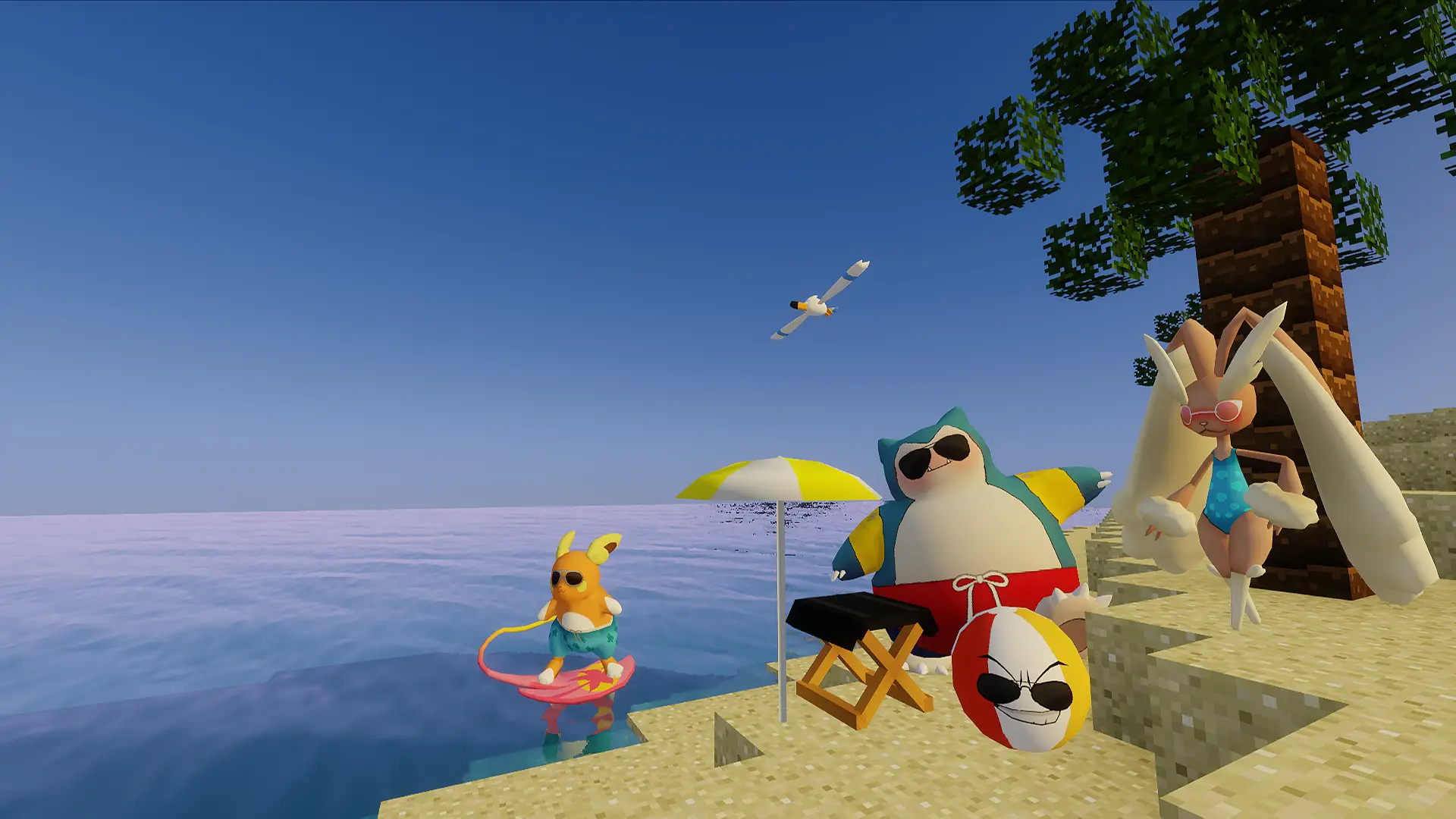
Looking for Pokémon gives you plenty to do whether you’re filling a collection or building a team for battle.
- Look for Pokémon in the world, catch and train them, and record encounters in your Pokédex.
- Battles bring back Mega Evolution and Dynamax from the series. If you find a den, you can join a raid. Think about who else belongs on the team alongside your favorite.
- The developers recommend
Pixelmon 9.4.1for Minecraft Java 1.21.1 with NeoForge and Java 21. The changelog for that release specifies NeoForge21.1.248or later. For multiplayer, pick the Pixelmon version your server runs.
✅ Pick Pixelmon if you like having a fight to work toward. Train your team for the opponent and keep an eye out for rare Pokémon along the way.
Pokecube AIO
A Pokémob can get into a fight in Pokecube AIO even when there isn’t another trainer in sight. It can take on zombies and creepers, and some species can help harvest crops or supply power back at your base.
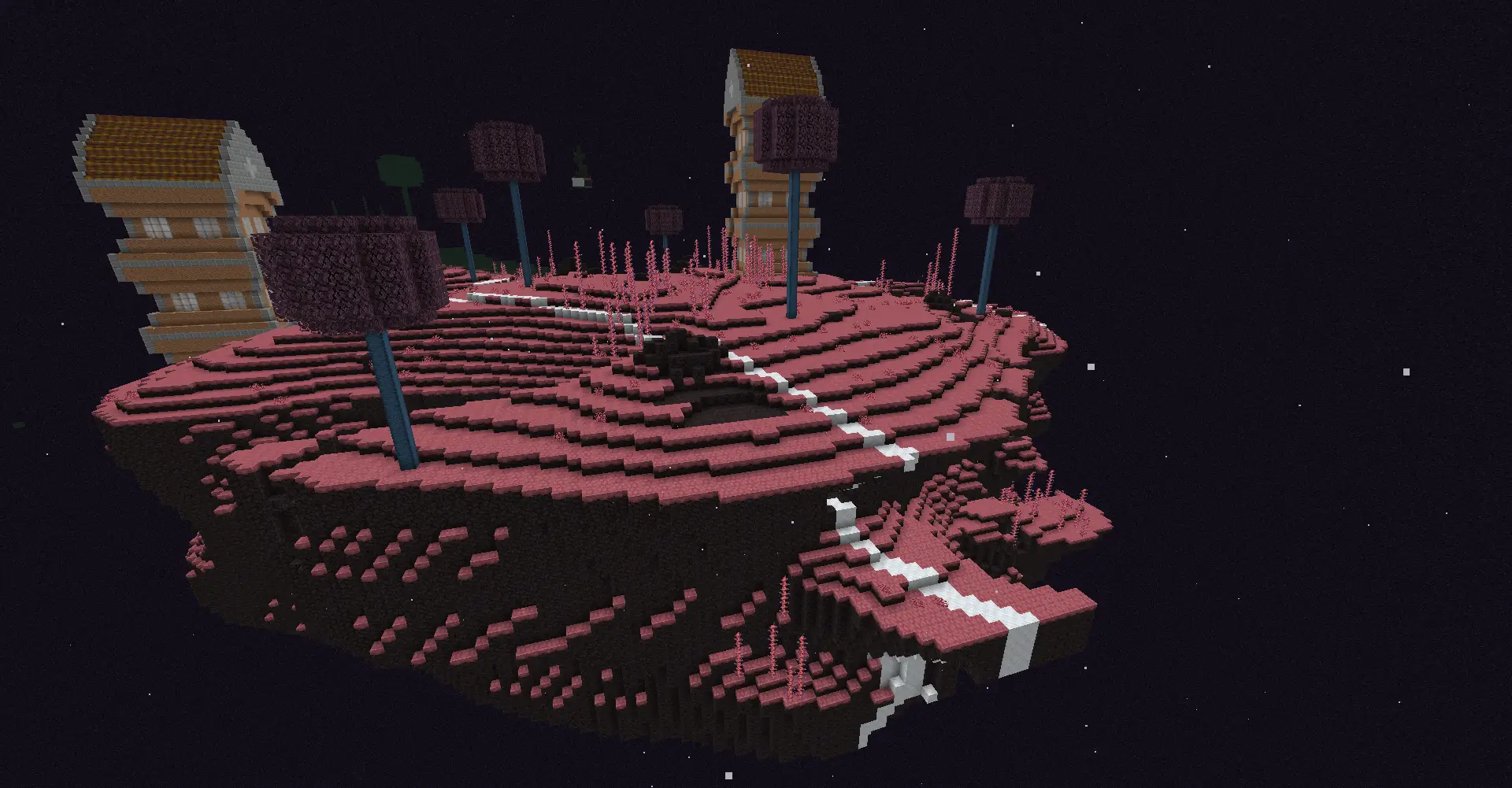
Start by opening your Pokéwatch. You get one with your starter, or you can make one yourself.
- The Pokéwatch explains Pokémobs, their care, and their genetics. It also lets you reorder their attacks. In battle, you can choose which attack your Pokémob uses or tell it to hold off.
- Bring Pokécubes for catching Pokémobs. The odds depend on the Pokécube you use and go up if you weaken a wild Pokémob before you throw a Pokécube. Defeating other Pokémobs or regular enemies earns your companion experience.
- Pokémobs can harvest crops. An Energy Siphon draws power from Electric-type Pokémobs and sends it to genetics machines or compatible tech blocks.
- The
4.2.2file for Java 1.21.1 and NeoForge has no required libraries listed on CurseForge. For Java 1.20.1, there’s a separate Forge build, 3.25.1. Install the mod on the client and server for multiplayer.
✅ Try it if you want to take a Pokémob on a regular Survival outing and give it something to do back home.
Cobblemon: Mega Showdown
Mega Showdown is for when you’ve put a team together in Cobblemon and want to train it for a new set of battle rules. Plan around the forms your Pokémon can use and the items they need.
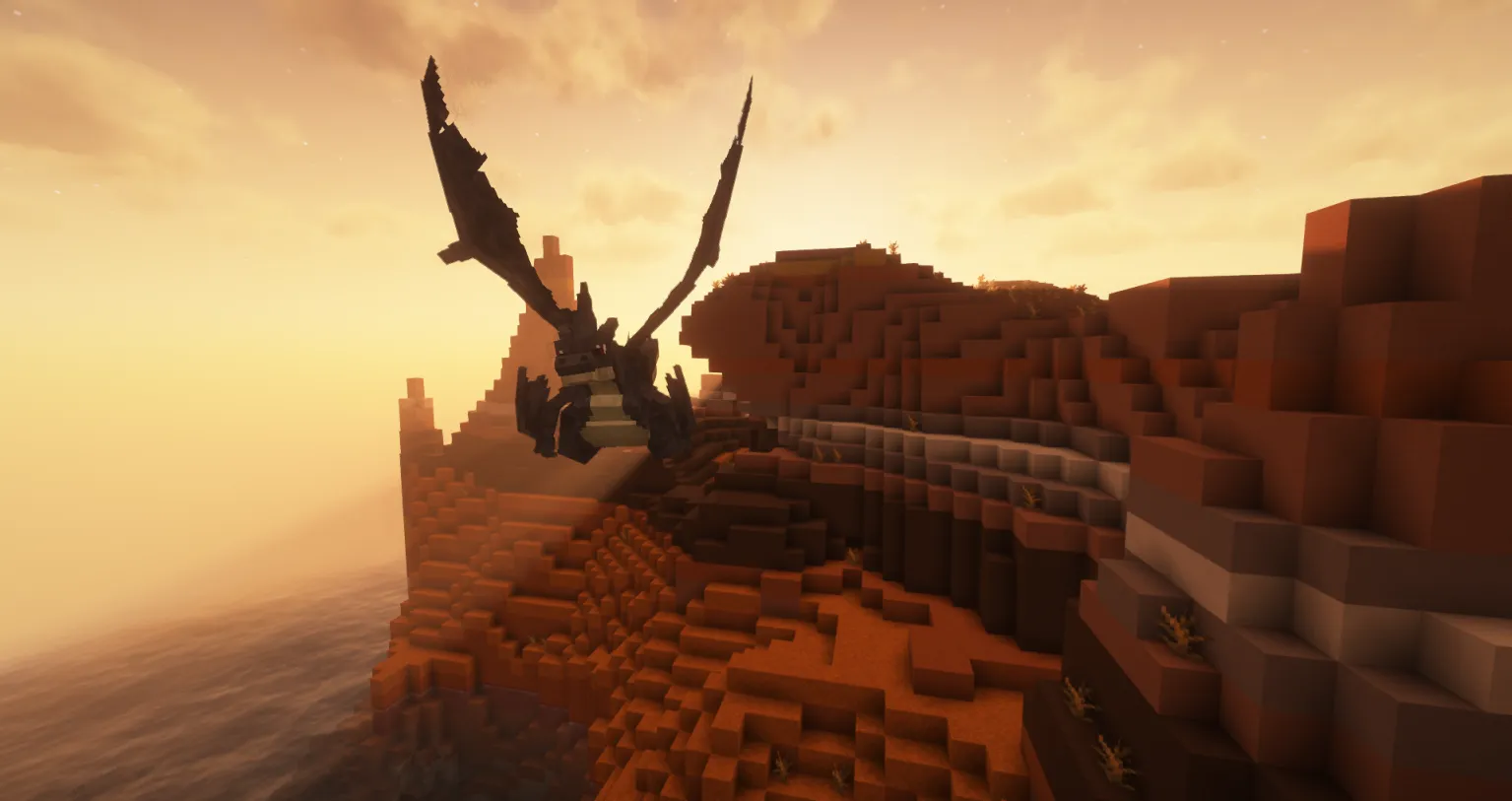
Start by trying one new mechanic with the team you already have.
- The add-on brings Mega Evolution, Dynamax and Gigantamax, Z-Moves, Terastallization, and Ultra Burst. Special mechanic items have their own Accessories slots.
- Form changes and fusions give you ways to get new variants. Some legendary Pokémon are missing from the base add-on. Check the author’s incompatibility list before adding it to a pack with other mods or data packs.
- Release
1.4+1.8.4+1.21.1-releasetargets Cobblemon 1.8.4 and Minecraft 1.21.1. Get the matching Fabric or NeoForge file for the client and server. You’ll need Architectury API 13.0.8+, Accessories 1.1.0-beta.52+1.21.1 or later, and oωo (owo-lib), plus Fabric API on Fabric.
✅ I’d add this once you’re comfortable with ordinary battles and want a reason to rethink your lineup.
Radical Cobblemon Trainers
A walk through a biome can turn into a Trainer battle with Radical Cobblemon Trainers. The fights build into a route with rivals and leaders, giving you a new reason to catch and train Pokémon.
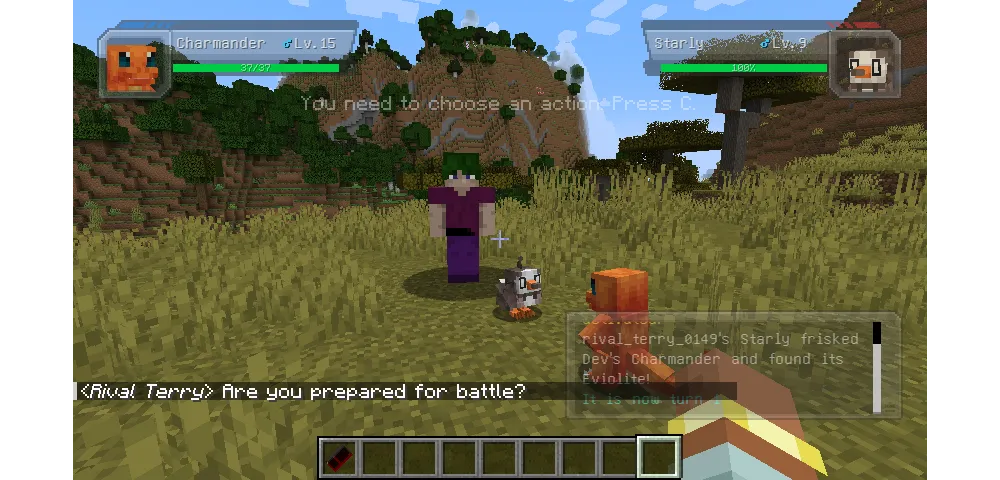
Check your Trainer Card between battles.
- The card tracks results, shows details about opponents, and helps locate a nearby key Trainer.
- The beta has a level cap. Once your Pokémon hit the cap, they can’t level up again until you beat the required Trainer. Look at the card first if you reach that cap.
- The
0.19.2-betabuild runs on Minecraft 1.21.1 with Cobblemon 1.8.0+ and Radical Cobblemon Trainers API 0.16.0-beta or later. Choose matching Fabric or NeoForge files for the client and server. On Fabric, also use Fabric Loader 0.17.2+, Fabric API, and Forge Config API Port 21.1.1+.
✅ Pick it if you want a clear sequence of fights and are happy to work within a level cap between them.
For co-op in Cobblemon, try the Raid Dens add-on. For a separate co-op world with different things to do, see the roundup of Minecraft modpacks to play with friends.
Cobbreeding
With Cobbreeding, a pasture becomes somewhere to raise the next member of your team. Pick a pair, then see which traits the offspring inherits.
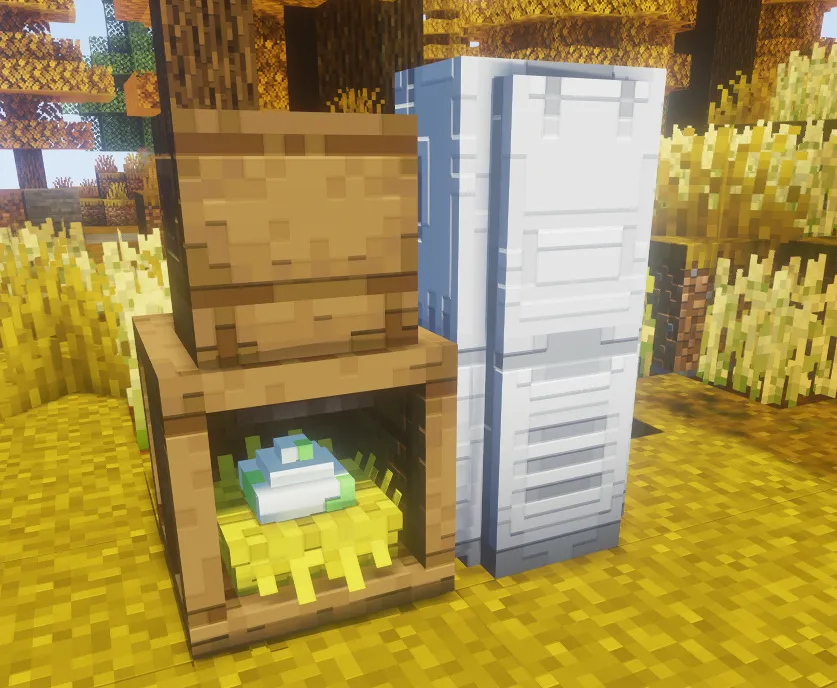
Leave compatible Pokémon in a pasture and start breeding from the block’s interface.
- Eggs show up at the bottom of the pasture block. Pick one up and carry it in your inventory until it hatches.
- Offspring can inherit natures, moves, and individual values. Look at both parents if you’re raising a Pokémon for a particular job.
- For
2.4.1on Minecraft 1.21.1, use Cobblemon 1.8.2 or later, Architectury API 13.x, and Cloth Config API 15+. Add Fabric API on Fabric or Kotlin for Forge on NeoForge. In multiplayer, install the add-on on the client and server.
✅ It gives you a reason to return to base between trips, especially once you know your lineup and want to work on its moves or stats.
Cobblemon PokeNav
A rare Pokémon might spawn near your base while you’re looking for it in a completely different biome. Cobblemon PokeNav shows what can appear nearby and how likely you are to see it.
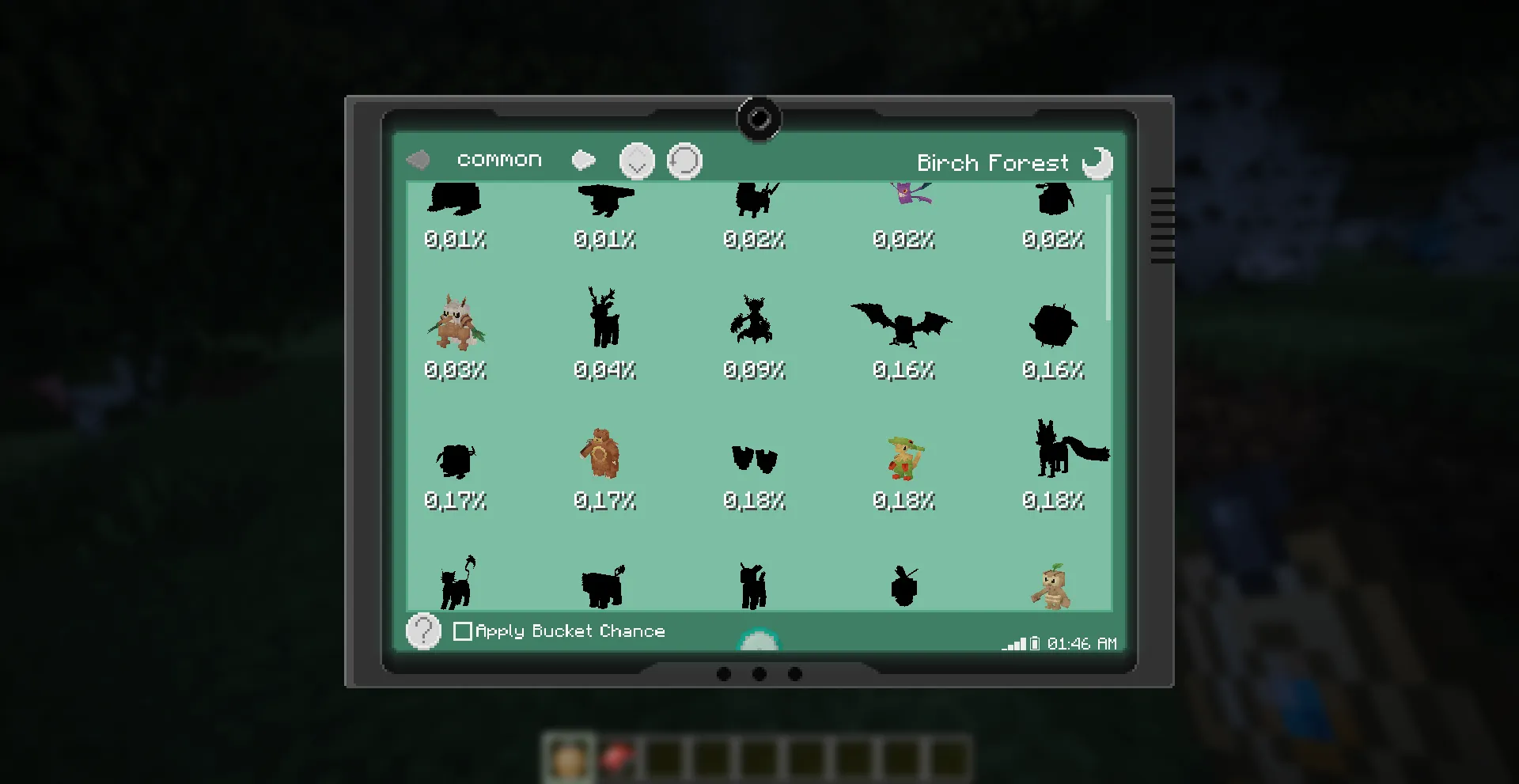
Different tools help you plan a search on land or on the water.
- PokéNav lists local species, their spawn chances, and the conditions that affect them.
- PokéFinder has a configurable radar. PokéNav can point you toward a Pokémon that has already spawned, and FishingNav previews possible catches.
- Release
2.4.2is for Minecraft 1.21.1 and Cobblemon 1.8.0+. There are Fabric and NeoForge files for the client and server. Fabric needs Fabric API. Use a separate older file for 1.20.1.
✅ Pick it when you’re looking for a particular species and want to know if it’s worth waiting where you are.
SimpleTMs: TMs and TRs for Cobblemon
In SimpleTMs, a disc from a loot haul can give a Pokémon the move your lineup is missing. You can also take a blank disc and record a move one of your Pokémon knows.
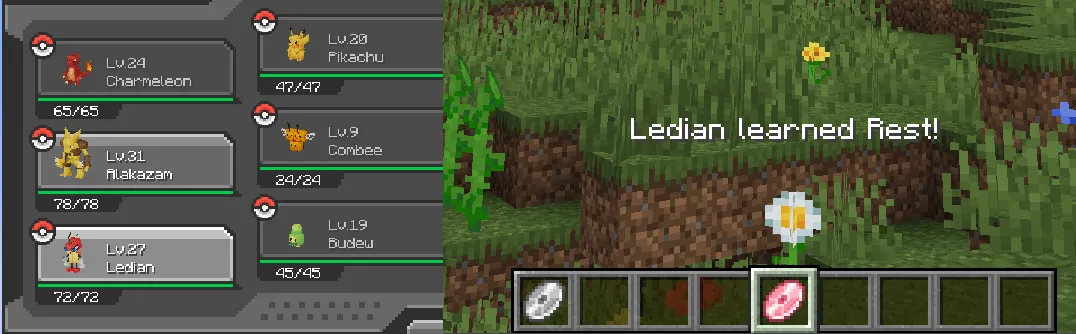
Check the kind of disc before you use it.
- A TM teaches the move to a compatible Pokémon and has 32 uses by default. A TR works once.
- Discs can come from loot or battle rewards. Record a move from a Pokémon in your party onto a blank disc.
- For
2.3.3on Minecraft 1.21.1, use Architectury API 13.x, with Fabric API on Fabric or Kotlin for Forge on NeoForge. Install the add-on on the client and server. The Fabric file lists Cobblemon 1.7.1 as its minimum, and the release predates Cobblemon 1.8. Check it in a separate instance if you use a newer Cobblemon build.
✅ Useful when you already know which move your team needs and who should learn it.
Cobblemon Raid Dens
Spot a crystal in the Overworld? Cobblemon Raid Dens takes you from there to an arena where you fight the same boss as everyone else. You can get friends together and decide which Pokémon to bring.
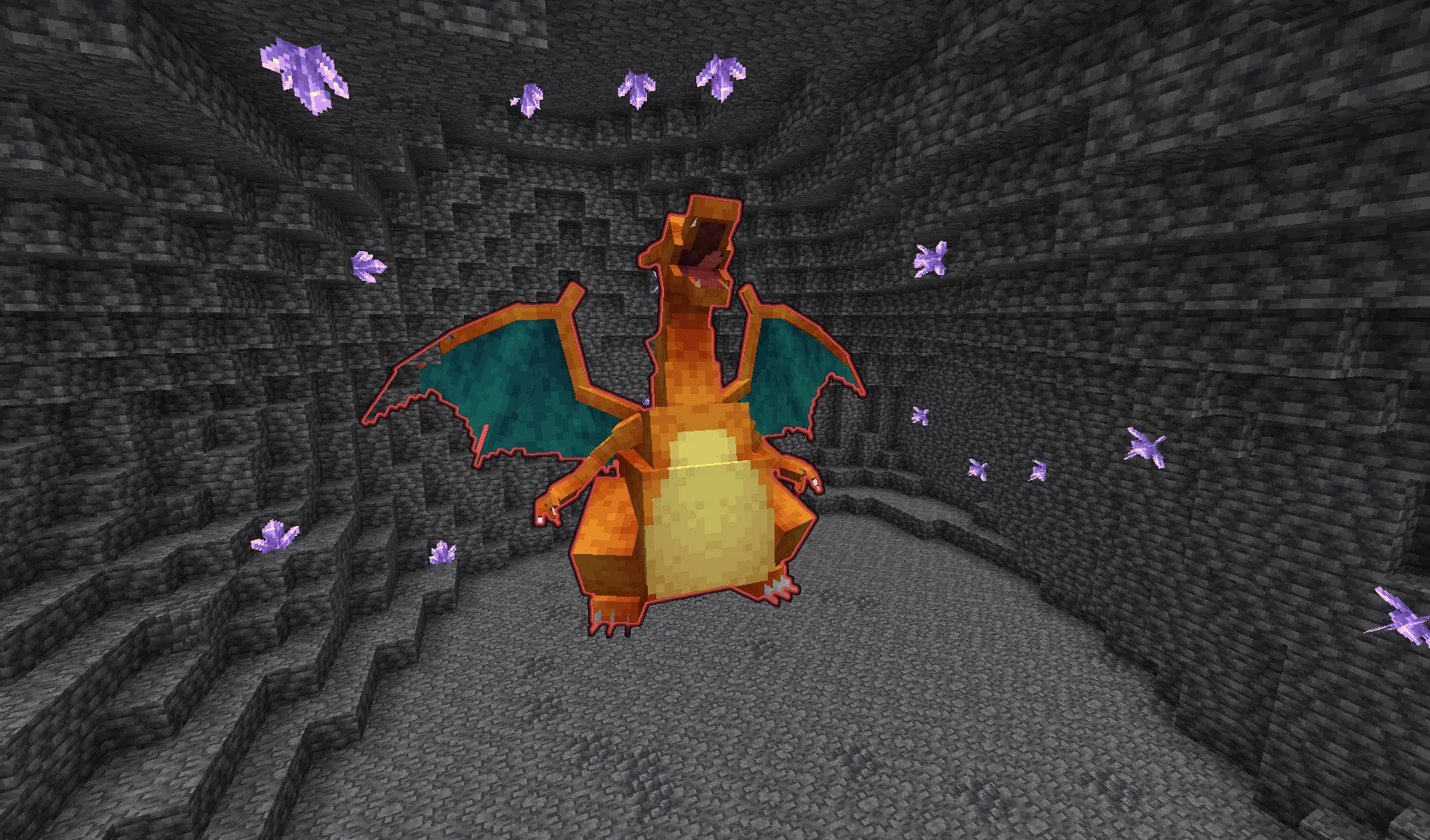
The whole group fights against a shared boss health pool.
- If your Pokémon faints, your part in the fight ends. You can still receive rewards if the group wins.
- After a win, you have a chance to catch the Pokémon and can collect a pouch of items. In 0.14.3, Wishing Pieces let you reroll a den’s boss.
- For
0.14.3+1.21.1, you’ll need Minecraft 1.21.1, Cobblemon 1.8.2+, GeckoLib 4.7.0+, and Asymmetric Battles API 1.4.1+. Install the Fabric or NeoForge file on the client and server. Add Fabric API on Fabric. The author still describes the project as beta.
✅ Pick it for multiplayer. A shared boss gives everyone a reason to prepare for the trip together.
CobbleDollars [Cobblemon Addon]
In CobbleDollars, beating a wild Pokémon can give you money to spend before your next trip. When you run low on Poké Balls, you can visit a merchant for more.
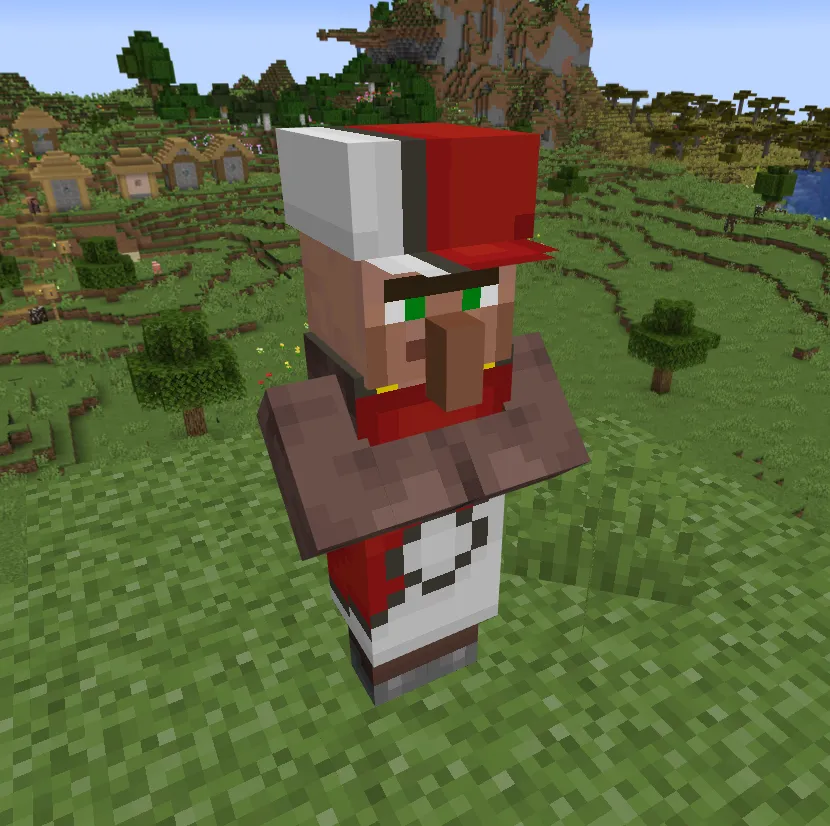
You can set up a shop in a village you already know.
- Place a Cobblemon Display Case to let a villager become a merchant. The shop sells supplies, including Poké Balls.
- Use the bank menu to sell items allowed by the configuration. Back up your world and configuration before updating to the new beta. The update changes how shop and bank data is stored.
- Release
2.0.0+Beta-6.1runs on Minecraft 1.21.1, and the Fabric file lists Cobblemon 1.7.0 as its minimum. Use the matching file on the client and server. Add Fabric API on Fabric or Kotlin for Forge on NeoForge.
✅ A good fit if you want to replenish supplies between fights and make a village your stop before the next hunt.
How to install a Minecraft Pokémon mod
Give each standalone mod its own instance. Put add-ons in an instance with the version of Cobblemon they support. If you want a ready-made pack, see the guide to installing Minecraft modpacks.
- Choose Java Edition and check the Minecraft version, loader, and dependency versions. For add-ons, also check the Cobblemon version listed for the file.
- Put the
.jarfiles in that instance’smodsfolder. For multiplayer, match the server’s versions. Add the add-ons one at a time so you know what changed if the game stops launching. - Start with a fresh world to see the new creatures and structures in newly generated terrain. Back up any existing world before you change it.
Which mod should you try on your first Pokémon hunt?
If your first goal is a Gym badge, pick Pixelmon. If you want a companion that can help out in everyday Survival, try Pokecube AIO. For a world where you want to run into Pokémon while gathering supplies, I’d start with Cobblemon.
Choose your first Cobblemon add-on based on what you want to do next. If you’re looking for a specific species, check PokéNav. If you’re ready for the next opponent, open the card in Radical Cobblemon Trainers. Once you and your friends have teams to bring, try Raid Dens.