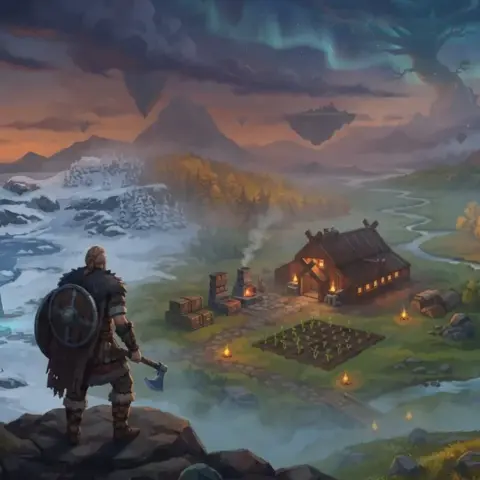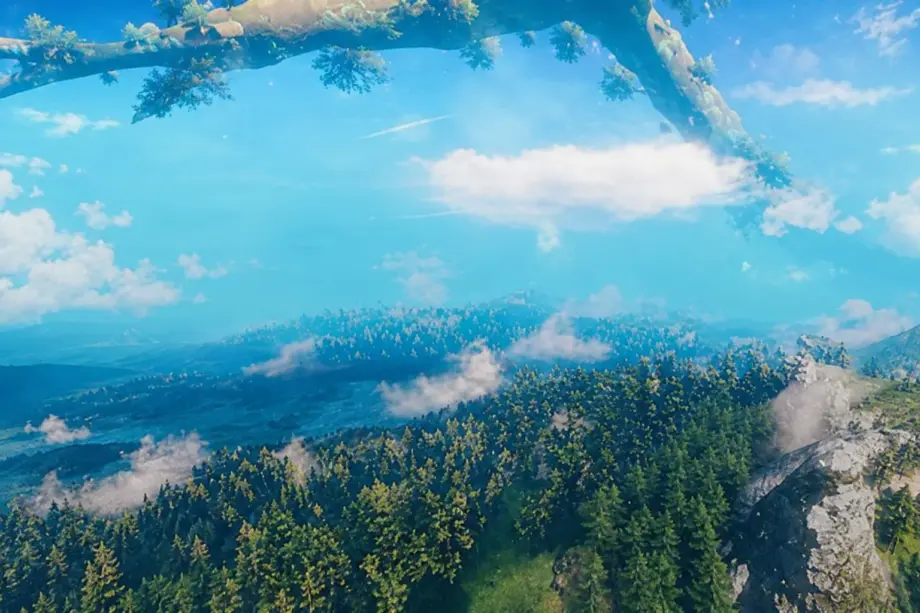
Valheim graphics mods address three sore spots in the base game: blurry textures, abruptly cut-off horizons and excessively deep darkness. This article looks at modifications that help fix them.
Willybach’s HD Valheim 2.0
Valheim's base textures look rather blurry up close, with wood, stone and metal losing detail. The HD texture mod Willybach’s HD Valheim 2.0 replaces almost all game textures while staying close to the original colors. Willybach, Panoc and BadgerInt created replacements by hand or used existing assets, with very little upscaling.

- Almost every game texture is replaced, keeping familiar colors
- Handmade replacements rather than upscaling keep details from looking smeared
- Freely available 3D models for weapons, shields, bows, fish and furniture
- The author's guide checks every installation step
Badgers HD Terrain is required: without it, the result will not match the trailer. The author also recommends Badgers Valheim Skies, Badgers Shading Overhaul, Badgers Straight Structures and Custom Loading Screens, whose images are in the main archive. He advises against Vulkan, reporting higher FPS and fewer stutters on DirectX.
✅ What changes in practice: the author states that recent content updates are not covered by the texture pack, which becomes noticeable late in the game. Crashes most often come from outdated BepInEx or old mods. Install HD separately, check startup and only then add anything else.
CustomTextures
Want to recolor your karve's sail or replace the water texture, but cannot find any relevant game setting? CustomTextures replaces vanilla textures with PNG files. Cjayride updated this fork of aedenthorn's tool for Valheim 1.0.
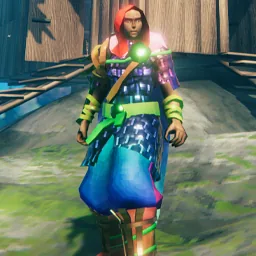
- Player, armor, weapon and tool textures
- Ground, water and environment
- Special locations: villages, crypts and runestones
- Inventory item icons
- Layers for applying several textures over one vanilla texture
Put PNGs in BepInEx/plugins/CustomTextures, naming them according to the mod description. DumpSceneTextures exports the required names into scene_dump.txt. For smoothly filtered HD textures, place files in the bilinear or trilinear subfolder.
✅ How it fits into the game: the tool draws nothing itself; obtain textures from existing packs or make your own. Page Down reloads world textures, but removing a file restores vanilla only after restarting. It requires BepInExPack 5.4.2350 or newer; disable crossplay or BepInEx will not load. Twenty-one other Thunderstore mods depend on it.
New Horizons: Treelines
Vanilla forests end at the draw-distance boundary, while shores and mountains vanish into fog. New Horizons: Treelines adds lightweight tree billboards and distant terrain beyond the normal trees. As you approach, the game's real trees take over.
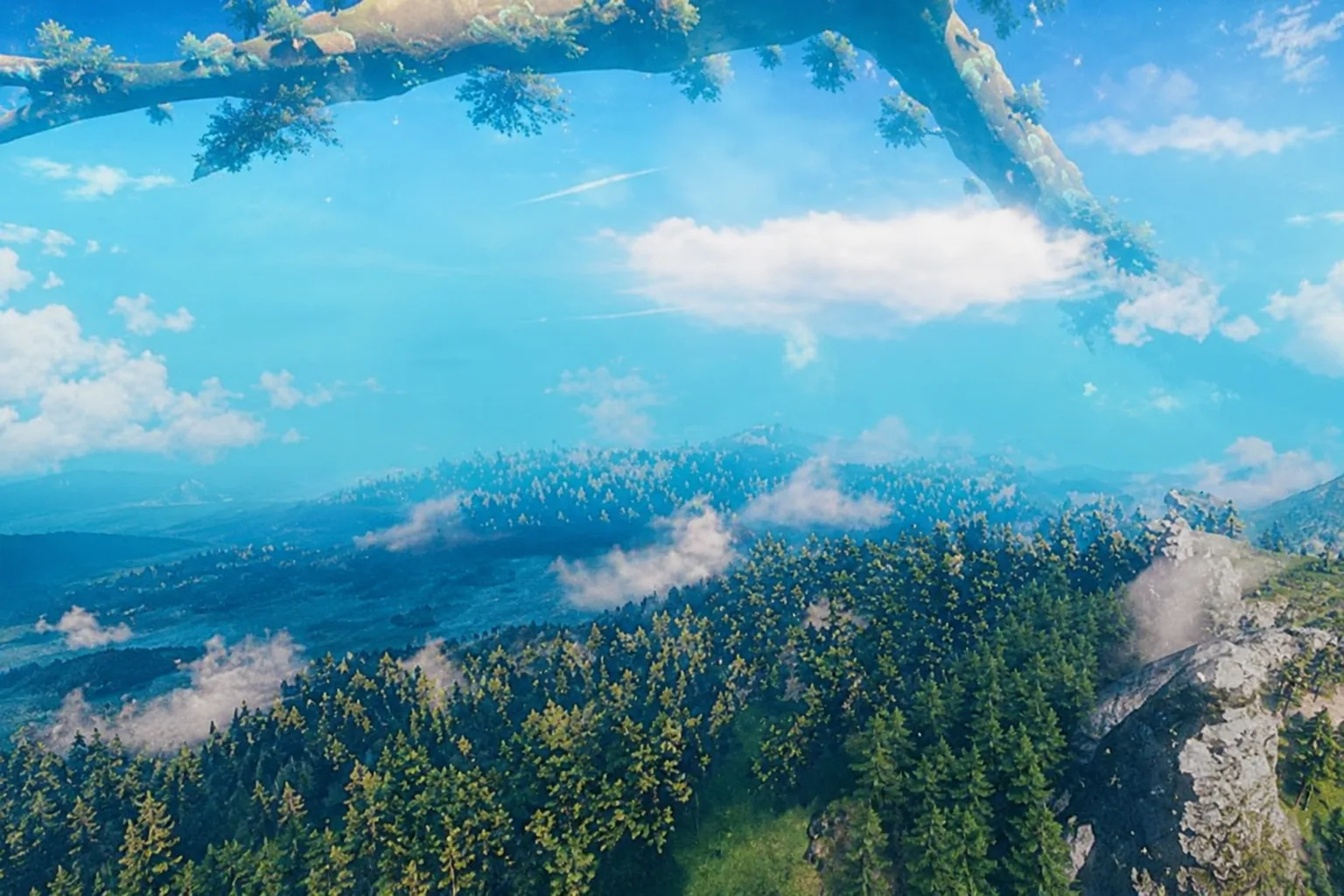
- Forests visible several kilometers ahead
- Presets from VeryLow, extending 500 meters beyond vanilla, to Horizon, covering the whole world
- Separate density and size settings for Meadows, Black Forest and Mountains
- New sections build progressively rather than dropping the frame rate all at once
- Worlds, saves and gameplay remain untouched
Take the DLL and four PNGs from the archive and put all five in BepInEx/plugins. Place marc.donegalhorizonlift.cfg in BepInEx/config before first launch. With render_limits installed, the transition radius to real trees adjusts automatically.
✅ What changes in-game: distant trees appear only in Meadows, Black Forest and Mountains; other biomes are untouched. Billboard-to-tree transitions are abrupt, without blending yet. You cannot fell distant trees because they are images. Start with Balanced, 2,000 meters, and increase until FPS drops. The Thunderstore page carries the AI Generated tag.
Enhanced Lighting
Nights and dungeons can be so dark that neither paths nor enemies are visible. Enhanced Lighting softens deep darkness without turning night into perpetual daylight. Champandchris added a slider directly to the game's graphics settings.
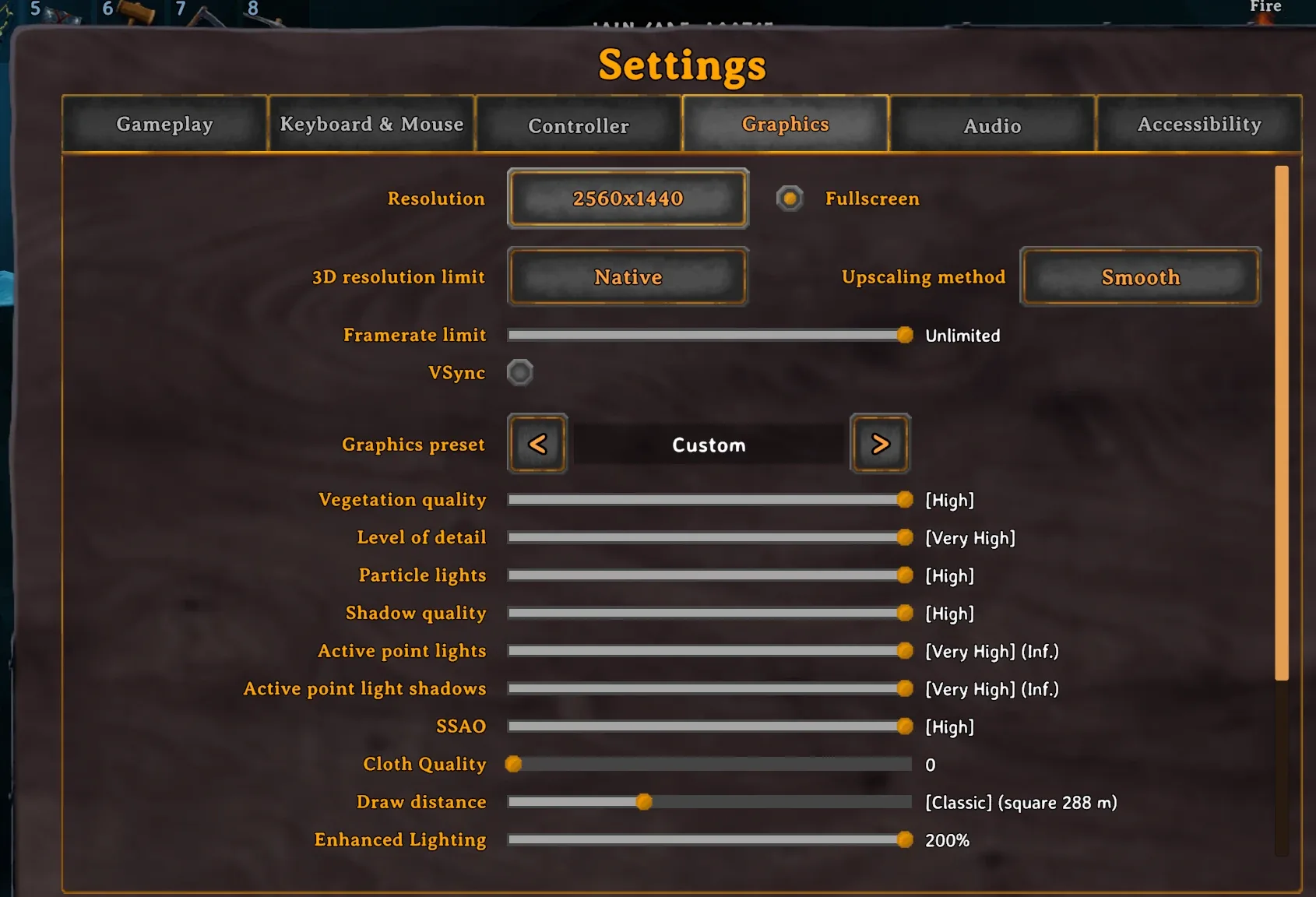
- An Enhanced Lighting slider in Settings > Graphics, matching the native interface
- Live changes as you move the slider
- A range from 0%, vanilla, to 200%, twice the preset's strength
- The same value is editable through ConfigurationManager or the cfg file
This client-side mod only requires BepInEx. The server needs no DLL. If an update changes the graphics menu, the slider may disappear, but lighting still works and a single warning appears in the log.
✅ How it feels in-game: enemy AI, stealth, time of day and weather do not change; only the image changes. At 100%, the author's preset applies; 0% restores the original appearance.
Seasonality
Valheim's world looks the same on the first day and the hundredth. Seasonality changes textures and colors as game time passes. Its season counter follows world age, so winter arrives on schedule.
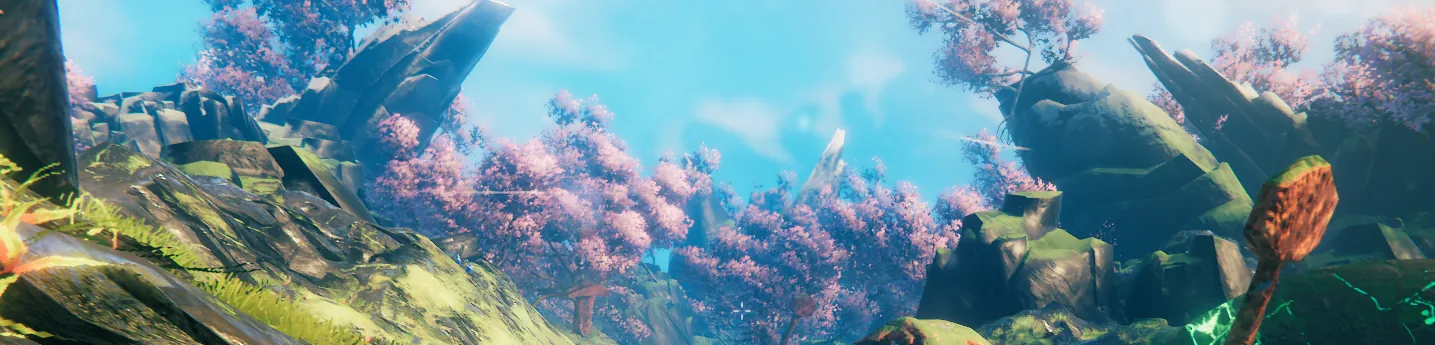
- Four seasons: winter, spring, summer and autumn
- A counter based on world age
- Configurable weather and seasonal modifiers
- Custom seasonal textures through a filename convention
- Seasonality save exports game textures to PNG
- Global keys for each season
Requires BepInExPack and YamlDotNet. Client installation is mandatory, server installation optional for configuration synchronization. Updating an old version? Valheim 1.0 changed winter weather, and the mod added Warm_Twilight_SnowStorm. Reset configurations or change winter weather manually.
✅ What changes in practice: version 3.8.4 added Affect Armor, which lets you disable seasonal armor colors. To export vanilla textures, set summer before entering the game or you will export recolored textures instead.
Immersive Portals
A Valheim portal normally looks like an opaque vortex, revealing its destination only after a loading screen. Immersive Portals turns that vortex into a window to the other side.
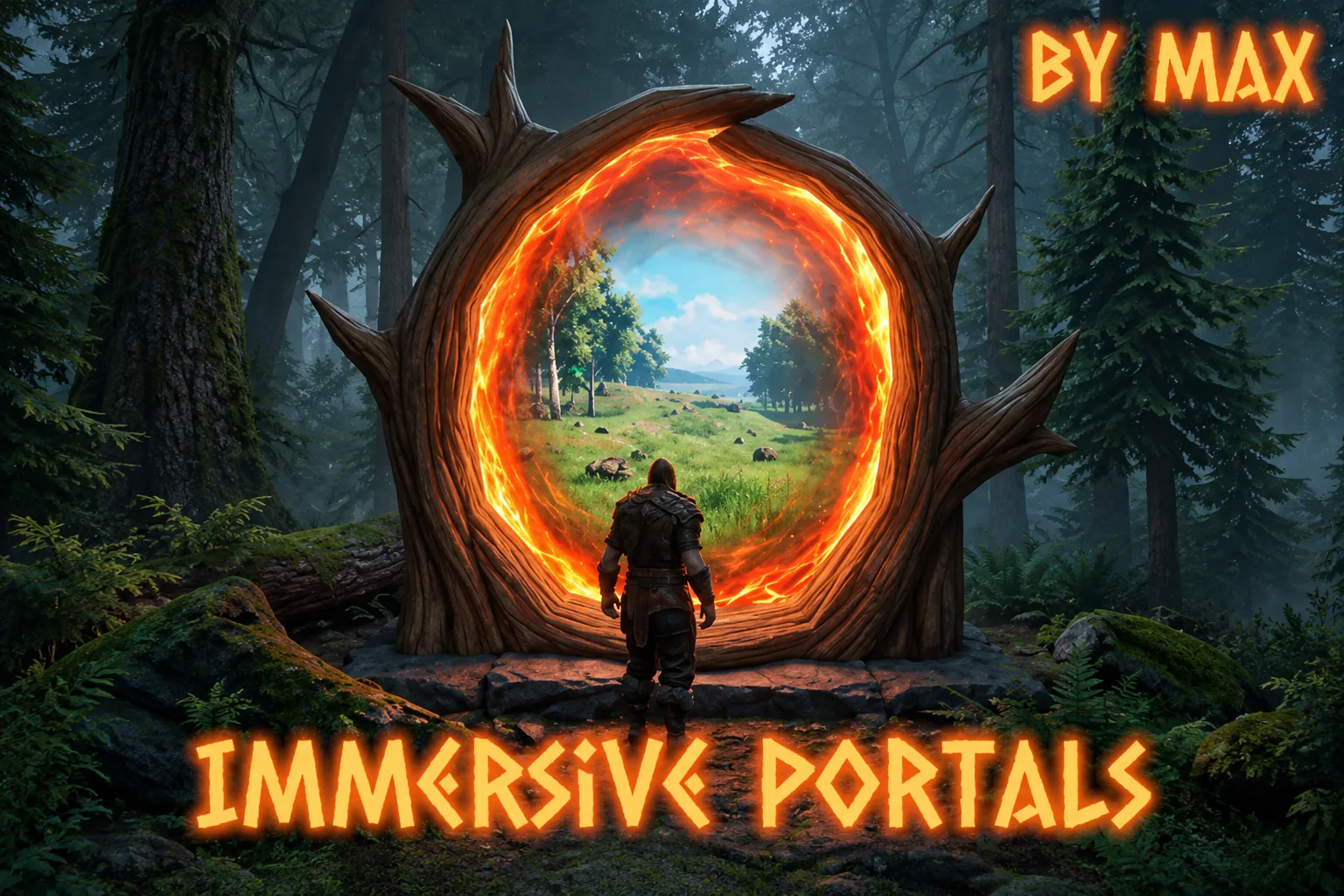
- A window with depth: nearby objects shift relative to distant ones
- A real sky behind the window, with brightness following the time of day
- Light spills from the ring onto the ground when the destination is brighter
- Both sides of the portal work as windows
- Grass moves in the wind, and torches and campfires burn
Client-side only; no server installation is needed, and other players retain ordinary portals. Put LivePortals.dll in BepInEx\plugins, or install through Gale, r2modman or Thunderstore Mod Manager. Snapshots are stored on your computer and can occupy hundreds of megabytes for a heavily populated world.
✅ How gameplay changes: the view is a snapshot from your last trip, so later events at the destination are invisible. Unused portals show the usual vortex. Rendering a window takes around 1.5 ms, with no more than eight windows open by default.
ValheimPerformanceOptimizations
A huge base with thousands of structures will clearly lower FPS: the CPU spends more time preparing frames than rendering them. Version 2.0 of ValheimPerformanceOptimizations, VPO, uses an Indirect renderer for structures, trees, rocks, berry bushes and ground items. Some work moves from CPU to GPU, potentially improving frame rates.
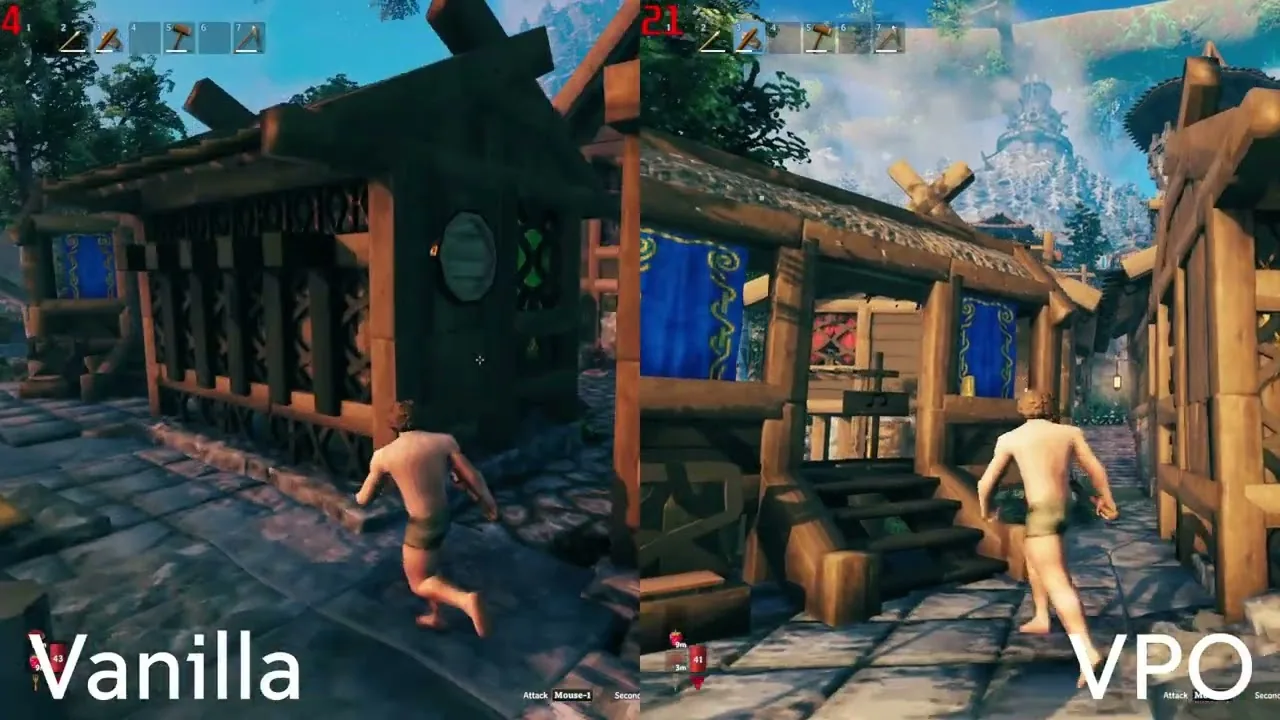
- Less CPU load around bases with thousands of structures
- Objects outside the frame cost the CPU almost nothing
- F8 toggles the Indirect renderer in-game for comparison with vanilla
- Rewritten world streaming and threaded terrain-collision calculations reduce travel stutters
- Structural-integrity caching for large bases
- A physics-update limit per frame: eight by default, configurable from five to fifteen
Extract the archive and copy BepInEx and valheim_Data into the Valheim folder. Upgrade cautiously from 1.x: before installing 2.0, remove old ValheimPerformanceOptimizations.dll, .pdb and VPOBurst_* files from BepInEx/plugins. Install on client, server or both; configuration is in BepInEx/config/dev.ontrigger.vpo.cfg.
✅ How FPS and gameplay change: the Indirect renderer is not always faster than vanilla. Dense forests may show no benefit, while bases with many shadow-casting torches can perform worse. Version 2.0.0-alpha.1 is still alpha; press F8 if performance falls. Mods changing building or tree materials may display incorrectly. Since version 1.0.3, VPO supports Badgers HD Terrain 2.0, required by Willybach’s HD.
How to install Valheim graphics mods without crashes
All seven mods use BepInEx, so the game will not recognize them without a current BepInExPack Valheim. Verify Steam files before installing: the HD texture author attributes some crashes to an outdated game.
- Update Valheim and verify file integrity in Steam.
- Install the latest BepInExPack Valheim: CustomTextures requires 5.4.2350 or newer, while Seasonality and VPO list 5.4.2351.
- Disable crossplay or BepInEx will not load.
- Download through Gale, r2modman or Thunderstore Mod Manager. Manual files go in BepInEx/plugins.
- Start with Willybach’s HD and Badgers HD Terrain, launch the game, then add the rest individually.
- If you use Vulkan, switch to DirectX as the HD pack's author recommends.
- Start demanding mods such as New Horizons: Treelines and Immersive Portals on low presets, then increase them.
Which Valheim graphics setup preserves your FPS?
Willybach’s HD and Badgers HD Terrain are enough for sharper visuals. Add New Horizons: Treelines for the horizon and Enhanced Lighting for dark nights. Install Seasonality and Immersive Portals last.
If FPS drops, install VPO and compare with F8. Adjust New Horizons presets first, then try disabling individual mods.
I may have missed a mod. Tell me and I will test it, then possibly add it to the list.
Before downloading these graphics mods, check my guide on where to find Valheim mods after version 1.0 to see which platforms mod authors now use for their releases and updates.