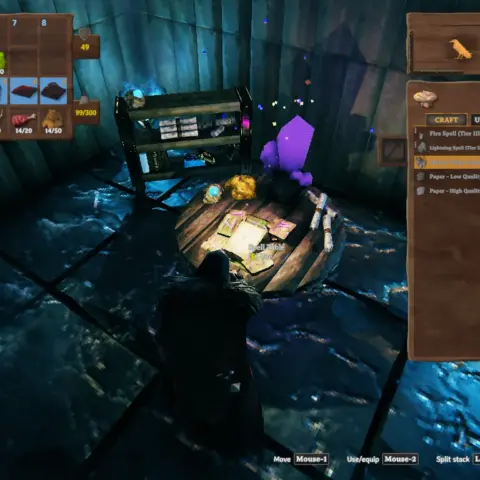
Looking for Valheim server mods that bring order without breaking the game? I have collected ten tried-and-tested options. They counter cheaters, back up characters, configure raids, enemy spawning and loot, and send Discord notifications.
ServerManager
A server without an administrator quickly becomes a free-for-all. People connect with whatever plugins they like, while character saves live on their own computers. Sighsorry's ServerManager checks DLLs using SHA-256 hashes and stores characters directly on the server. It also includes backups, admin commands and Discord integration.
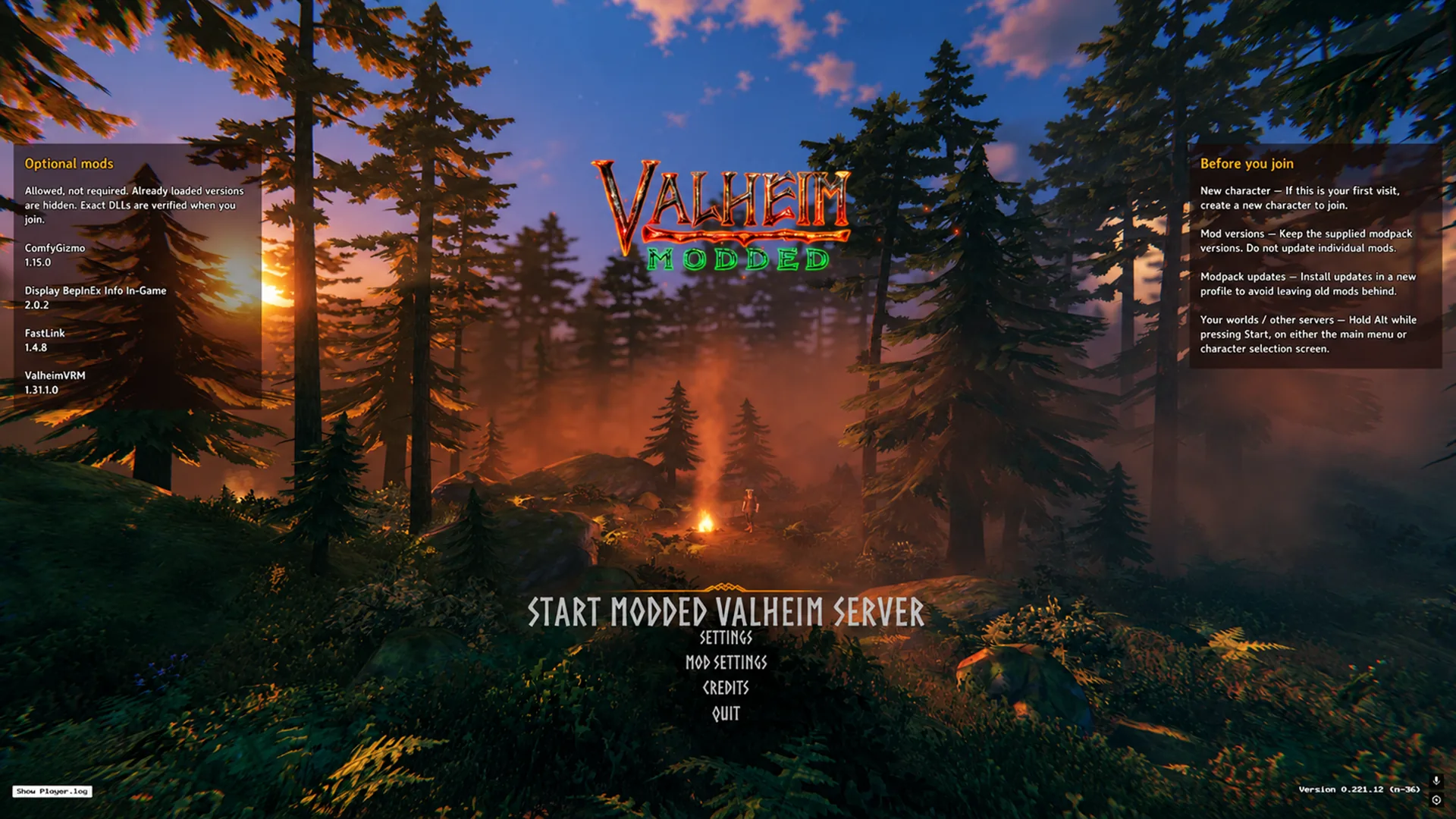
- A mod allowlist prevents connections with unauthorized plugins.
- The server stores characters and supplies them on connection.
- Character backups, thirty per player by default, with rollback through the admin console.
- Protection against cheats, forbidden commands and items, with kicks, bans and log entries.
- Notifications, shared chat and management through Discord.
- Scheduled server commands, such as saves and announcements.
Put ServerManager.dll in BepInEx/plugins on the client and server. Disable crossplay and remove older ServerCharacters and OrbOfDiscord plugins. Everyone needs Valheim 1.0.20. Default messages are in English and Korean.
✅ How it works in-game: players stop moving characters between worlds, so importing a cheated sword from single-player is no longer possible. The mod is recent, from September 2026, and marked AI-generated. Test it on a server copy first, then invite players.
Server Devcommands
A dedicated-server administrator needs console access; otherwise every minor task means editing files. JereKuusela's Server Devcommands enables developer commands on the server. To use every feature, the host needs the plugin too.
- Gives administrators access to developer commands.
- Adds world-editing tools.
- A detailed command reference is on the wiki, with documentation on GitHub.
Install it on your client, optionally on the server. Add your steamID64 or playfab ID to adminlist.txt.
✅ The benefit: administrators get a proper console to investigate complaints or fix the map in minutes.
Serverside QoL
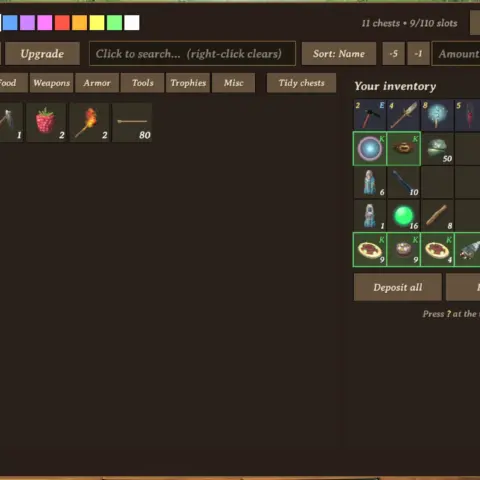
People on Xbox, PlayStation and Switch play without mods and miss conveniences such as automatic chest sorting. ArgusMagnus' Serverside QoL adds them from the server side. The plugin alone is just a foundation for ServersideQoL modules and is useless without them.
- Automatically deposits inventory items into chests.
- Builds a portal hub through the server itself.
- Sorts chests.
- Automatically loads smelters with coal and ore from nearby boxes.
- Removes stamina costs for building and gardening.
This list comes from the mod's main page. Each feature needs its own module by the same author; search Hexium for ArgusMagnus. Install only on the server, along with YamlDotNet. First launch creates BepInEx/config/ArgusMagnus.ServersideQoL.cfg.
✅ The benefit: console players gain convenience without installing files. Do not enable UnifiedConfig until every ServersideQoL module is at least version 2.0.11.
Valheim ServerGuard
Server protection usually means combining three or four mods. TaegukGaming's Valheim ServerGuard combines the essentials: plugin allowlisting, anti-cheat, admin commands and logs. Download one file and install it everywhere; the plugin determines whether it is running on server or client.

- An allowlist blocks players using unauthorized mods.
- Ordinary players cannot use console cheats such as devcommands, god, fly and spawn.
- Administrators receive suspicious-item reports and can automatically remove cheated loot.
- Boss progression becomes personal, with credit only for fight participants.
- Owners and moderators receive console access without editing adminlist.txt.
- Construction and demolition logs use CSV, while raids trigger Discord notifications.
Start the server, find sharedSecret in settings.yaml and give it to players to enter in client.yaml. Add your SteamID to owners.yaml and helpers to moderators.yaml. Remove the old Valheim_ServerGuard_Client package. YamlDotNet and JsonDotNET are required.
✅ How it works in-game: newcomers avoid being overwhelmed in a world where veterans have pushed raids to maximum difficulty. Each player's boss-kill progression is separate. The mod is recent, from August 2026; its author openly describes writing it with AI, and it has only 67 downloads. Do not combine it with ServerManager or AzuAntiCheat, because their file checks conflict.
AzuAntiCheat
Manually tracking every connecting player's mods is unrealistic, while cheaters can ruin everyone's game. Azumatt's AzuAntiCheat directly compares client files with server files. Unauthorized extras cause a kick with an explanation of what to remove.
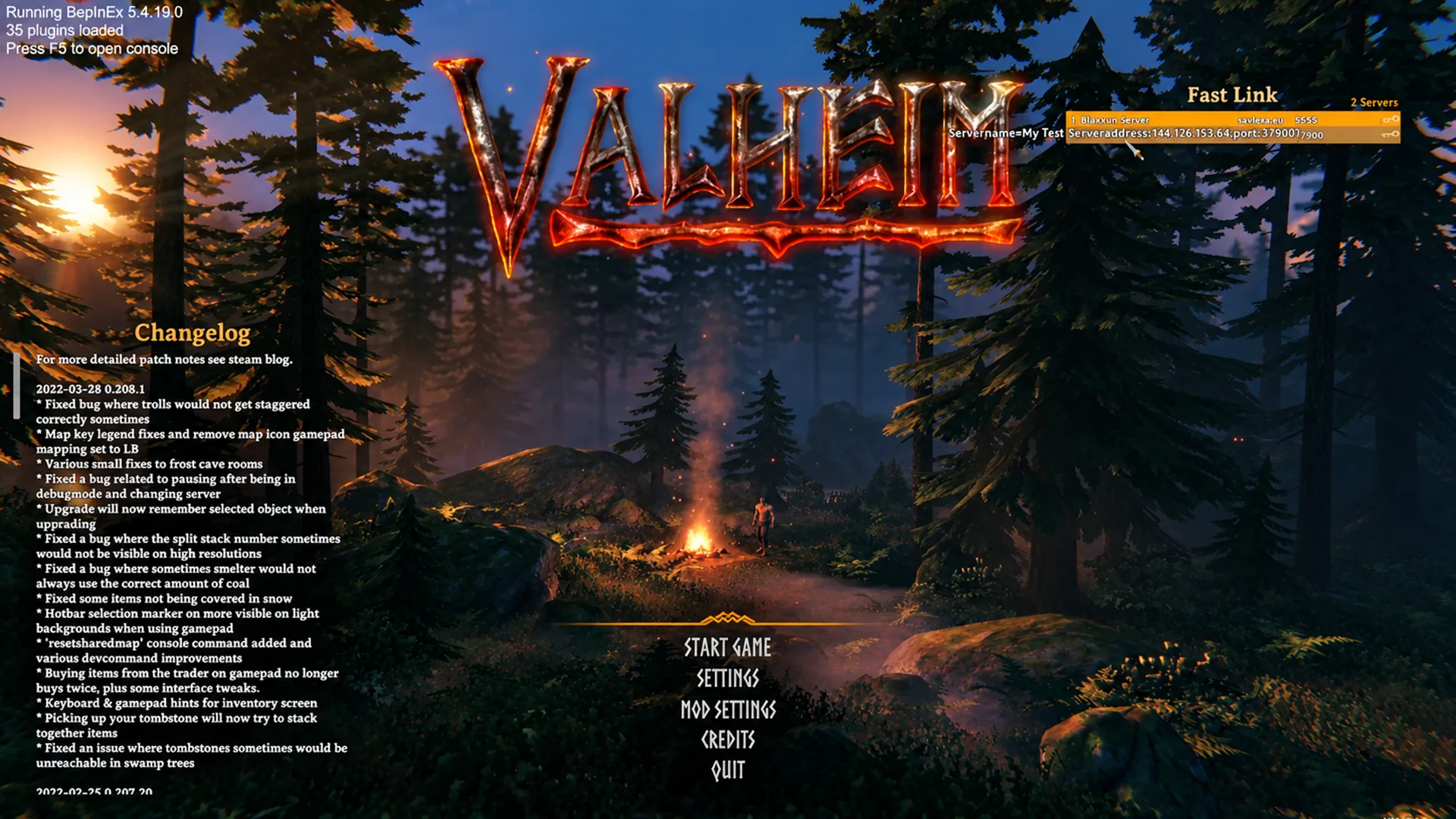
- Whitelist and Greylist folders contain required and merely permitted mods, whose contents the plugin checks.
- Default limits: 1,000 health and stamina, 5,000 carry weight and 55,000 damage per hit.
- Looks for running background cheats and terminates their processes by default.
- Sends Discord logs through Webhook.yml.
- ModeratorList.yml provides configurable moderator permissions.
- Optional player-action logging, disabled by default.
Install on the server and every client. Put AzuAntiCheat.dll and all required mods in BepInEx/config/AzuAntiCheat/Whitelist/, or nobody will be able to connect.
✅ How it works in-game: legitimate players continue as usual, while cheaters disconnect with a detailed error report. Start strict checking in Report mode: spend a couple of days testing, inspect the logs and only then switch to Enforce. The mod does not collect extra telemetry; data goes only to your server and connected Discord channel.
WardIsLove
Vanilla wards work identically everywhere, with no way to change radius or rules. Azumatt's WardIsLove adds a convenient menu for setting each base's protection level. Administrators set basic limits, while territory owners adjust the available sliders.

- Individual ward settings: protected radius, guest lists, building damage and PvP rules.
- Hold Left Shift while interacting with a ward to open its menu.
- Convenient player lists show nearby people, previous visitors and existing permissions.
- Protects structures from rain, snow, ashfall and lava.
- Disables base raids while the owner is offline.
- Wards require charging: initially thirty real days of operation, replenished with five Thunder Stones.
The default recipe costs 10 fine wood, 10 surtling cores and 1 Thunder Stone near a forge. Ordinary wards stop working after installation. BetterWards and BetterNetworking are incompatible. Install everywhere with matching server and client versions. The default protection radius is 30, adjustable up to 100.
✅ The benefit: base owners manage access without bothering administrators over small details. Ward-to-ward teleportation is deliberately disabled to preserve travel balance. Marketplace Territories and PvPAlwaysOn conflict with WardIsLove over PvP control.
DiscordConnector
Administrators normally learn about players' nighttime adventures through dry logs, while everyone else has no idea what happens. Nwesterhausen's DiscordConnector relays game events to a Discord channel. It works with dedicated servers and locally hosted games launched through the menu.

- Posts server startup, readiness and shutdown messages.
- Relays joins, departures, character shouts and map pings.
- Reports deaths and raid stages: starting, pausing, resuming and ending.
- Disable any message type. Give an event several phrases and the bot chooses randomly.
- Tracks deaths, visits and markers and compiles leaderboards.
Players need DiscordConnector_Client for shouts and map pings to reach Discord. Everything else only requires the server plugin. Detailed instructions are on the author's website.
✅ The benefit: the community becomes livelier. People can see directly in Discord who has joined, who was killed by a log and whose base is being raided.
Custom Raids
Vanilla raids are hardcoded: removing annoying trolls or staging a large siege is not straightforward. ASharpPen's Custom Raids provides flexible event control. Change raid frequency, rewrite standard sieges or create your own through a single text file.
- Flexible raid-frequency settings.
- Create events with precisely selected enemies.
- Edit standard raids, for example banning troll spawns permanently.
- Load new raids from separate configuration files.
- Dozens of conditions: time, altitude, biome, distance from map center and global keys.
- Two bundled examples, Ragnarok and Deathsquitoseason, are disabled by default.
Install on server and clients. Players receive server settings automatically without changing local files. To disable raids completely, set EventTriggerChance=0 or RemoveAllExistingRaids=true. In that case, the server component alone is enough.
✅ How it works in-game: raids fit your preferred balance. Enable Ragnarok and Deathsquitoseason cautiously; the author warns they can destroy your base.
Spawn That!
Enemy spawn points follow the game's internal rules and cannot be changed without tools. ASharpPen's Spawn That! configures any creature's spawning. Change frequency, edit vanilla points or add new ones. Remove every troll or fill the world with them by editing a file.

- Configure each monster's spawn frequency.
- Globally replace vanilla spawning across the map.
- Add entirely new configurations.
- Edit camp, dungeon and village spawn points for particular creatures and locations.
- Export default settings as text, then copy and change values.
- Full support for Creature Level and Loot Control, MobAILib and Epic Loot.
Install on host and clients. Clients download settings on connection; their personal files have no effect on the server. Configuration instructions are on the author's GitHub page.
✅ The benefit: nighttime Black Forest walks can feel entirely different when monsters follow your rules. Spawn That! works well with the same author's Drop That!, with dedicated integration settings. Test new rules in a solo world before going live.
Drop That!
Loot also follows fixed tables. Without mods, you cannot remove junk drops or add desired resources. ASharpPen's Drop That! changes loot by entry ID and assigns precise chances to new items. Optionally clear every loot table or only the ones you edit.

- Replace any loot by entry ID.
- Add items with specified chances and quantities.
- Conditional drops based on biome, weather, buffs, skill level or who delivered the killing blow.
- Clear drop tables for all creatures or only modified ones.
- Configuration templates avoid writing everything from scratch.
- Drop items in ready-made stacks with configurable limits.
Install in both server and client folders. Players receive the required files on connection. The author added compatibility with Creature Level and Loot Control, Epic Loot and Spawn That.
✅ How it works in-game: a boar can drop scrap iron when killed in a Swamp thunderstorm. Gold can finally fall in a tidy stack instead of burdening server physics with dozens of coins. Drop conditions make loot meaningful, but can easily break the server economy, so change one parameter at a time.
How to install Valheim server mods
Almost every plugin here needs installation everywhere: ServerManager, Valheim ServerGuard, AzuAntiCheat, WardIsLove, Custom Raids, Spawn That! and Drop That!. Serverside QoL and DiscordConnector need only the server, while Server Devcommands is for the administrator.
- Back up the world and BepInEx/config while everything works.
- Install BepInExPack Valheim on host and clients. Most authors request version 5.4.2351.
- Put downloaded archives in BepInEx/plugins. Install the libraries: YamlDotNet for Serverside QoL and Valheim ServerGuard, and JsonDotNET for ServerGuard.
- Choose just one anti-cheat: ServerManager, Valheim ServerGuard or AzuAntiCheat. Installing two blocks everyone's connection.
- For AzuAntiCheat, copy its DLL and other permitted mods into Whitelist. For ServerManager, distribute files between required and optional.
- Start the server without players. Once configuration files appear, stop the game, adjust settings and restart.
- Join with a fresh character, inspect logs and verify that commands work and other players can connect.
Which Valheim server mods should you install first?
Start with protection: choose ServerManager, Valheim ServerGuard or AzuAntiCheat, then add Server Devcommands for world management and DiscordConnector for chat. That is the foundation of a properly managed server.
Save heavier tools such as Custom Raids, Spawn That! and Drop That! until your player population settles. They change balance substantially, and a configuration typo can make life difficult for everyone.
Before adding plugins to your server, read my guide on where to download Valheim mods after version 1.0 for an overview of the available websites and managers before choosing a source for your setup.