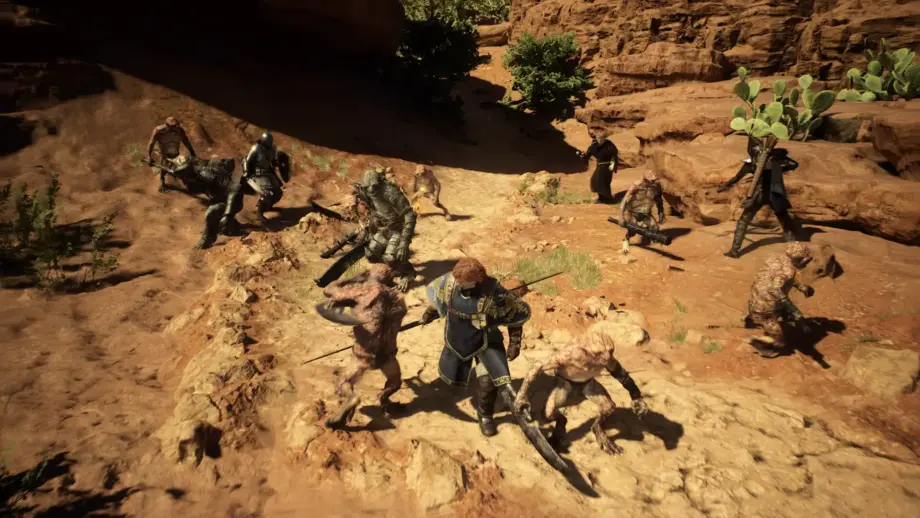
Dragon’s Dogma 2 mods can make combat tougher or cut down on walks between places you already know. Which ones are worth trying for the way you play? This list covers what each mod changes and what to check before you install it.
Modding tools
Start with the tools listed in the requirements for the mods you plan to install.
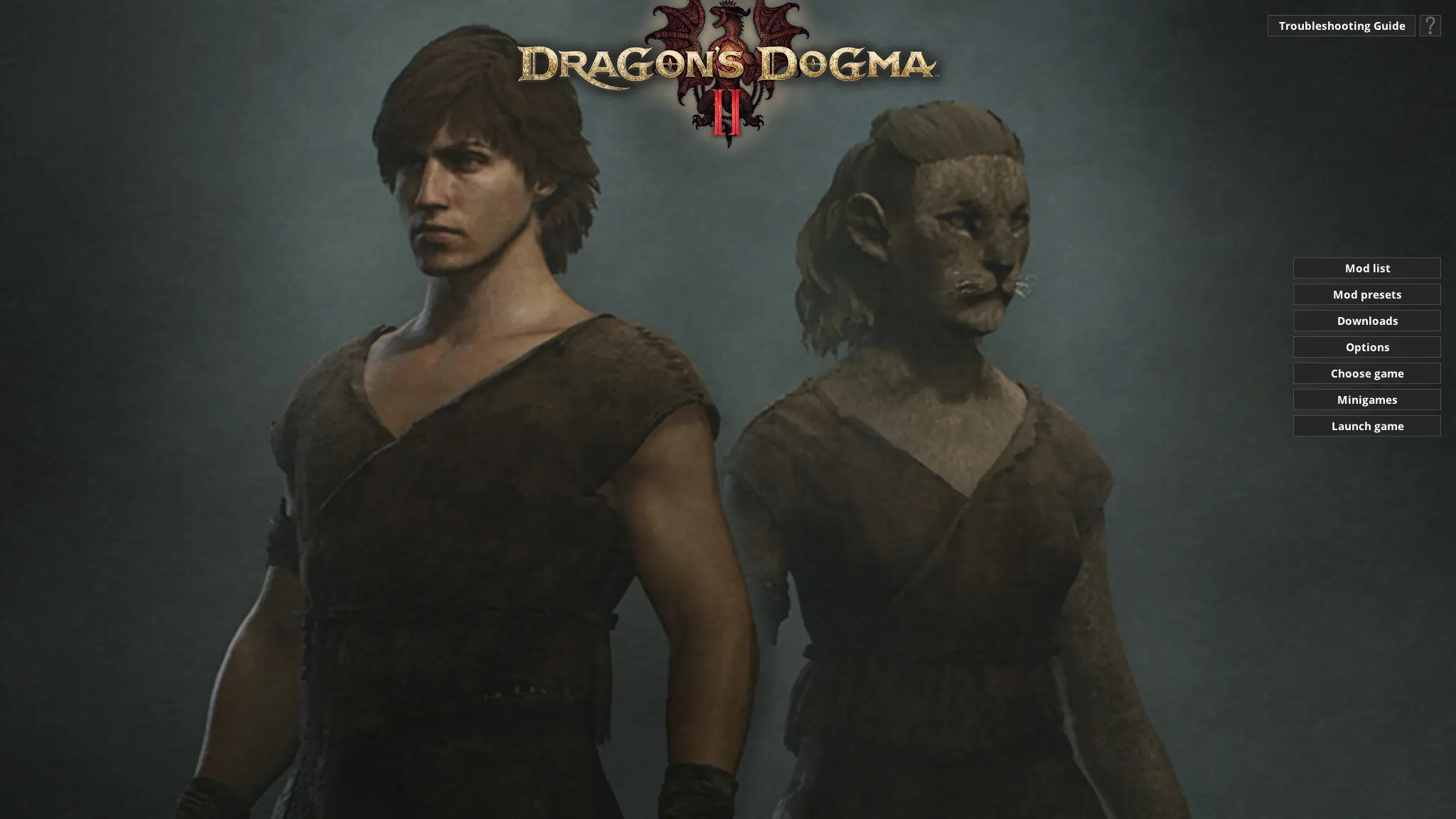
Fluffy Mod Manager
Fluffy Mod Manager installs and removes many mods without making you copy every file by hand. Extract the manager to its own folder, start it, and select Dragon’s Dogma 2. If prompted, point it to your game folder.
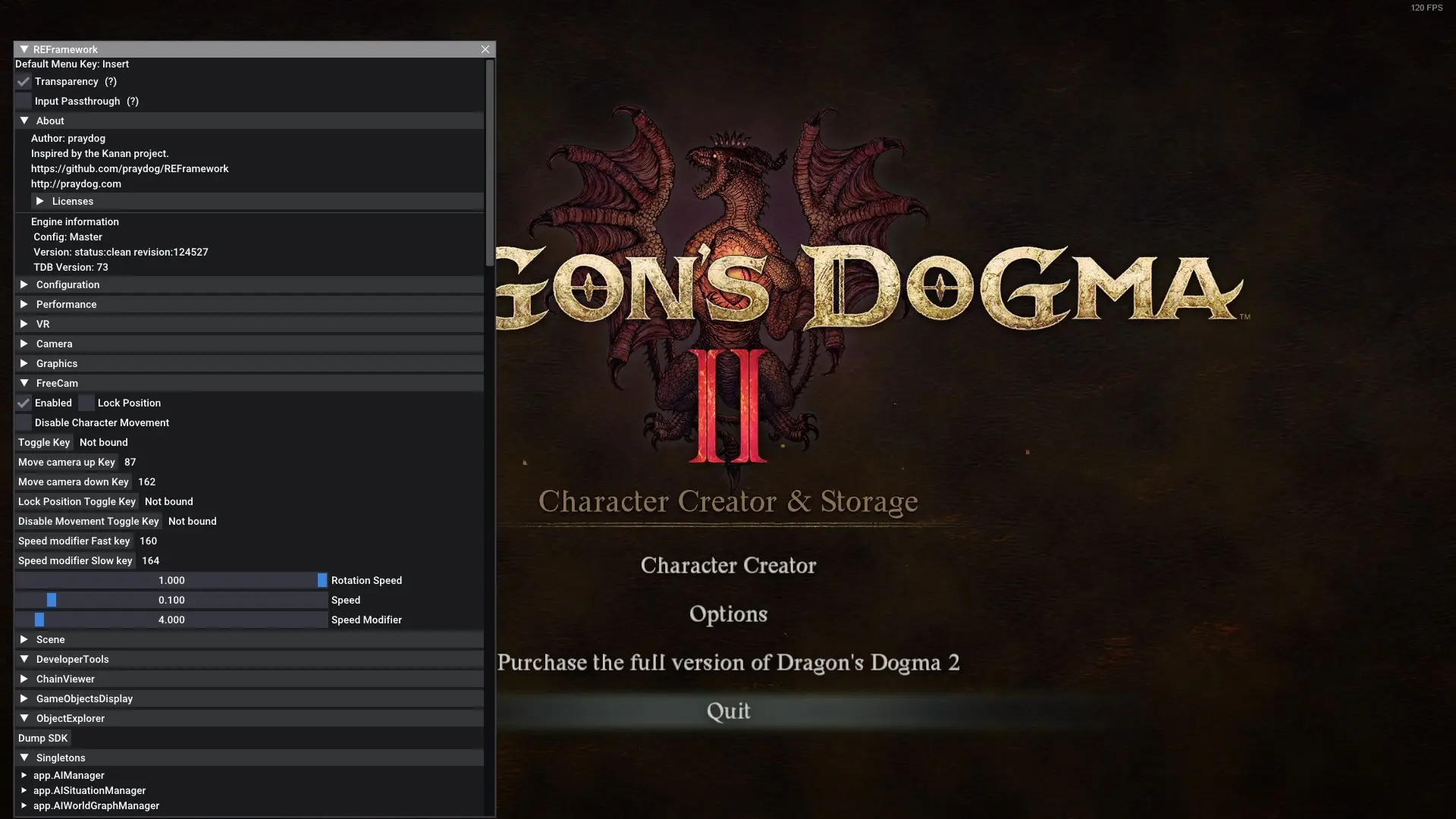
REFramework
REFramework loads the Lua scripts many mods depend on. It also includes a free camera, field-of-view and game-speed controls, and VR support. For non-VR play, the developer’s instructions say to extract dinput8.dll from the Dragon’s Dogma 2 archive into the folder containing DD2.exe.
Combat, travel and equipment mods
These changes have the biggest effect on how you play, from vocation balance to fast travel and equipment restrictions.
Dullahan – Modular Vocation Overhaul
If you keep falling back on the same few skills, Dullahan rebalances vocations and adds new options.
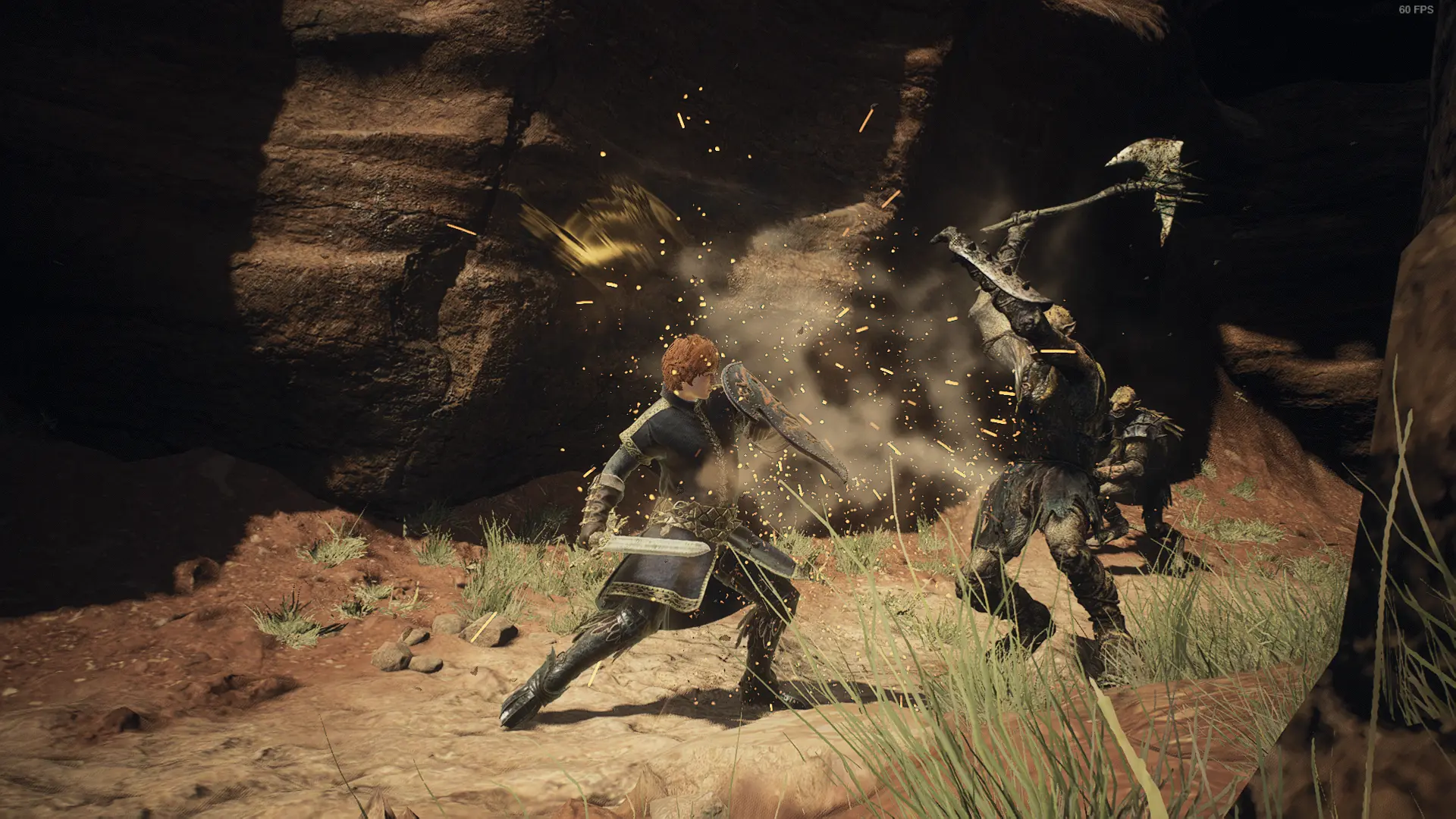
- Changes how existing skills behave across vocations.
- Adds new abilities. Individual changes can be disabled in
Config.lua. - Requires REFramework and Skill and Vocation Creator with its dependencies. Check compatibility with other mods that alter vocation skills.
✅ What changes. It gives you more reasons to try a different party or revisit a vocation you already know.
Custom Difficulty Tweaks
The game now has an official Hard Mode. Custom Difficulty Tweaks goes further by letting you tune damage and stagger separately.
- Adjust damage for your Arisen, pawns and enemies.
- Change how easily enemies stagger.
- Use different settings for ordinary enemies and bosses.
- Requires REFramework.
✅ What changes. Make bosses more dangerous without turning every roadside fight into a slog.
DD2 Save Manager
The game now offers extra save slots. DD2 Save Manager is useful if you also want separate backups outside the game.
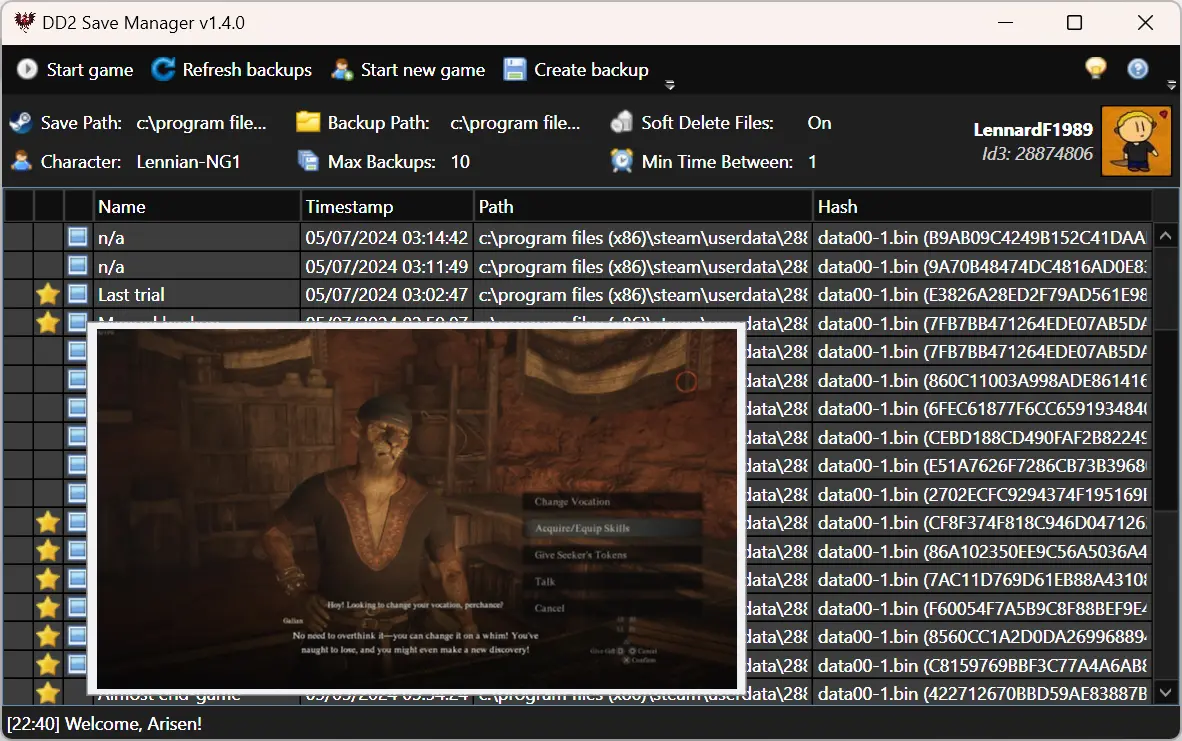
- Back up save files.
- Pick a backup from the list to restore it.
- Keep a separate copy of your current save before restoring an older one.
✅ What changes. Keep a fallback before making a quest choice or trying another build.
Arisen’s Almanac (Additional Map Markers)
Arisen’s Almanac puts more markers on your in-game map, so you can look for collectibles without opening a separate map.
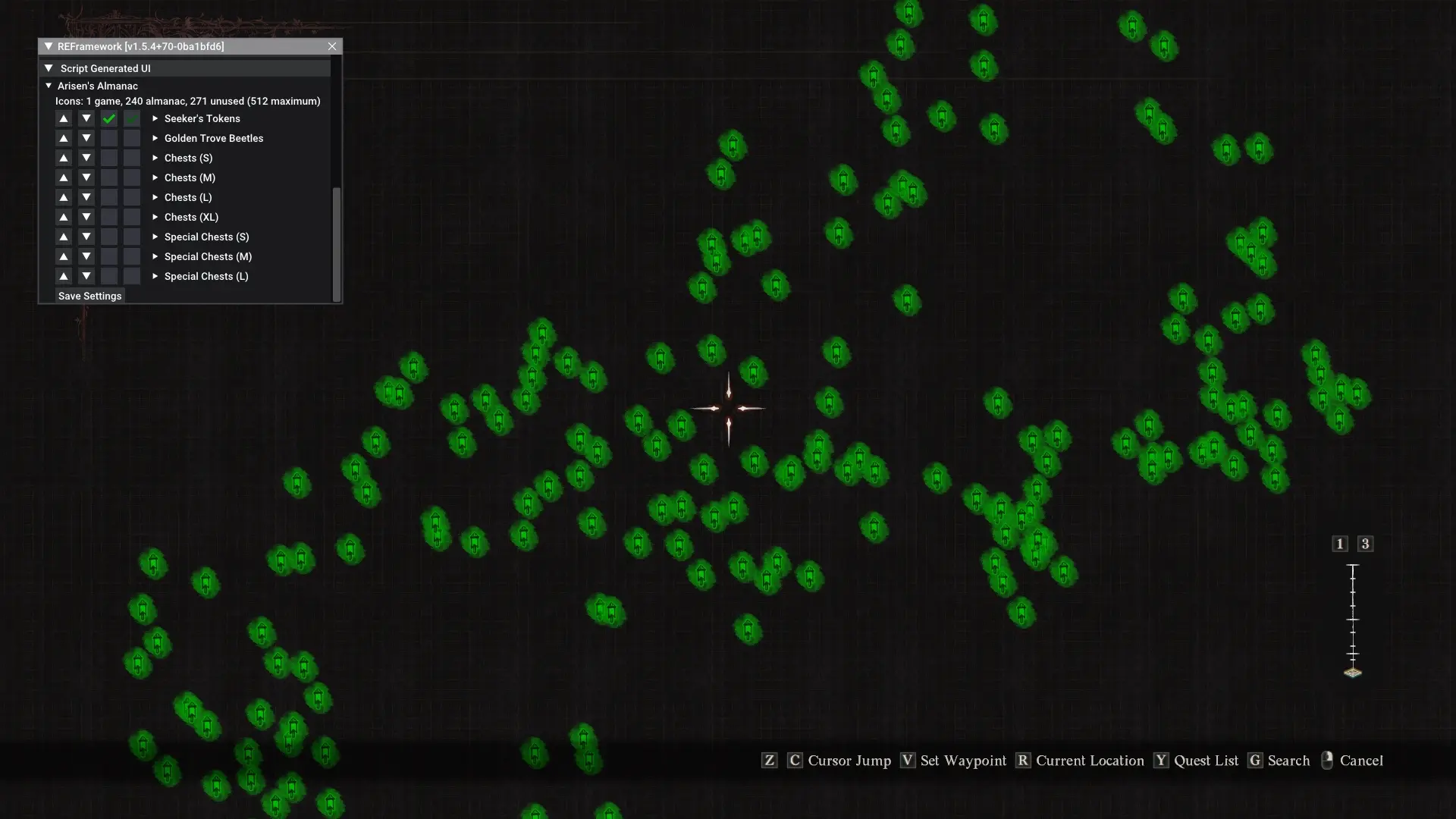
- Marks Seeker’s Tokens and Golden Trove Beetles.
- Adds markers for different kinds of chests and other points of interest.
- Requires REFramework.
✅ What changes. Items are easier to find, though fewer discoveries will come as a surprise.
Better UI – Colorful Map Icons
This standalone option gives different map symbols distinct colors. It’s useful if the map is the only part of the interface you want to change.
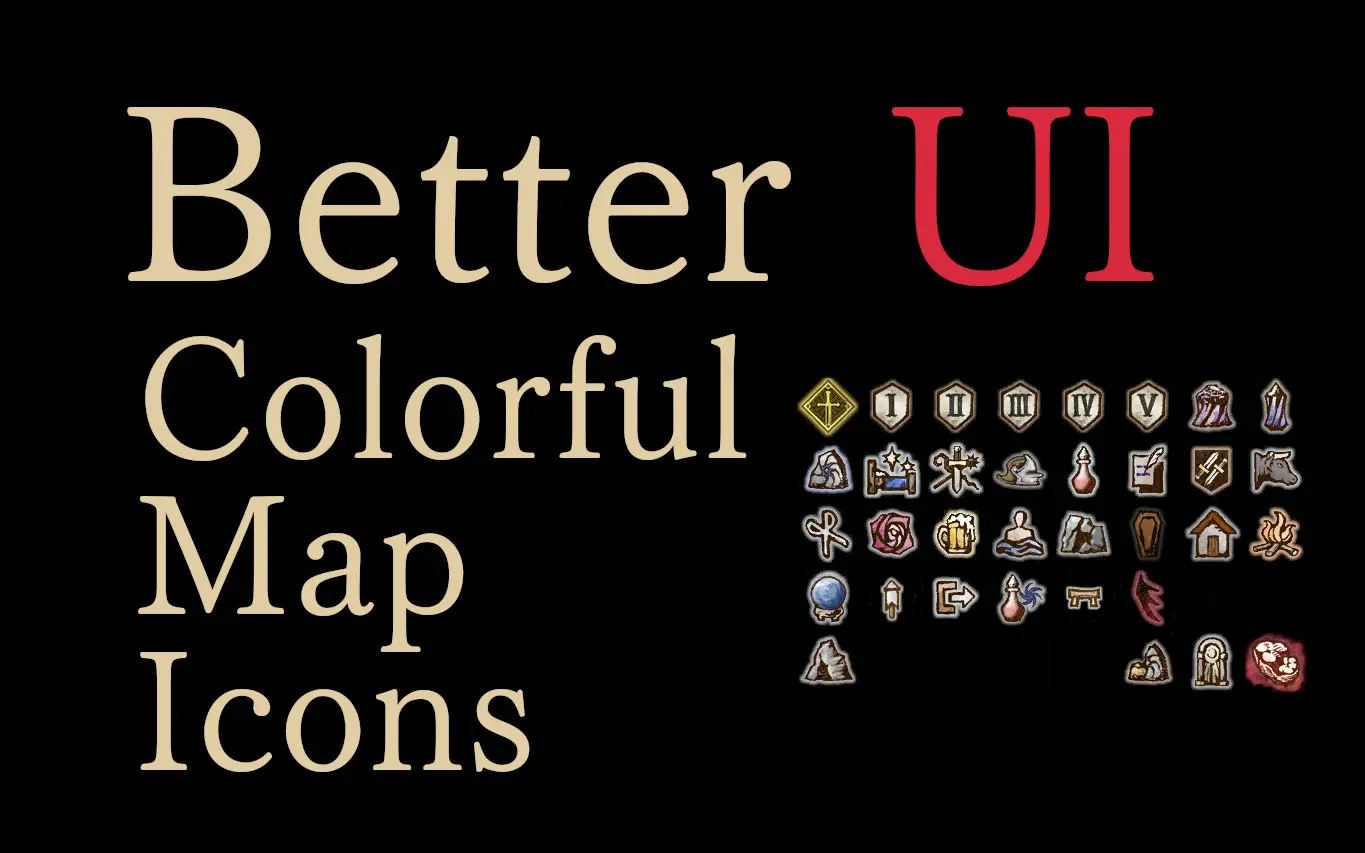
- Color-codes different map markers.
- Installation through Fluffy Mod Manager requires DD2 Pak Bridge.
- Better UI All-In-One already includes these icons. Choose one of the two options.
✅ What changes. Shops, camps, and quest markers are easier to tell apart at a glance.
True Warfarer (Revived)
True Warfarer (Revived) brings back saintzou’s removed mod. It lets you give Warfarer different skill sets and swaps them when you switch weapons.
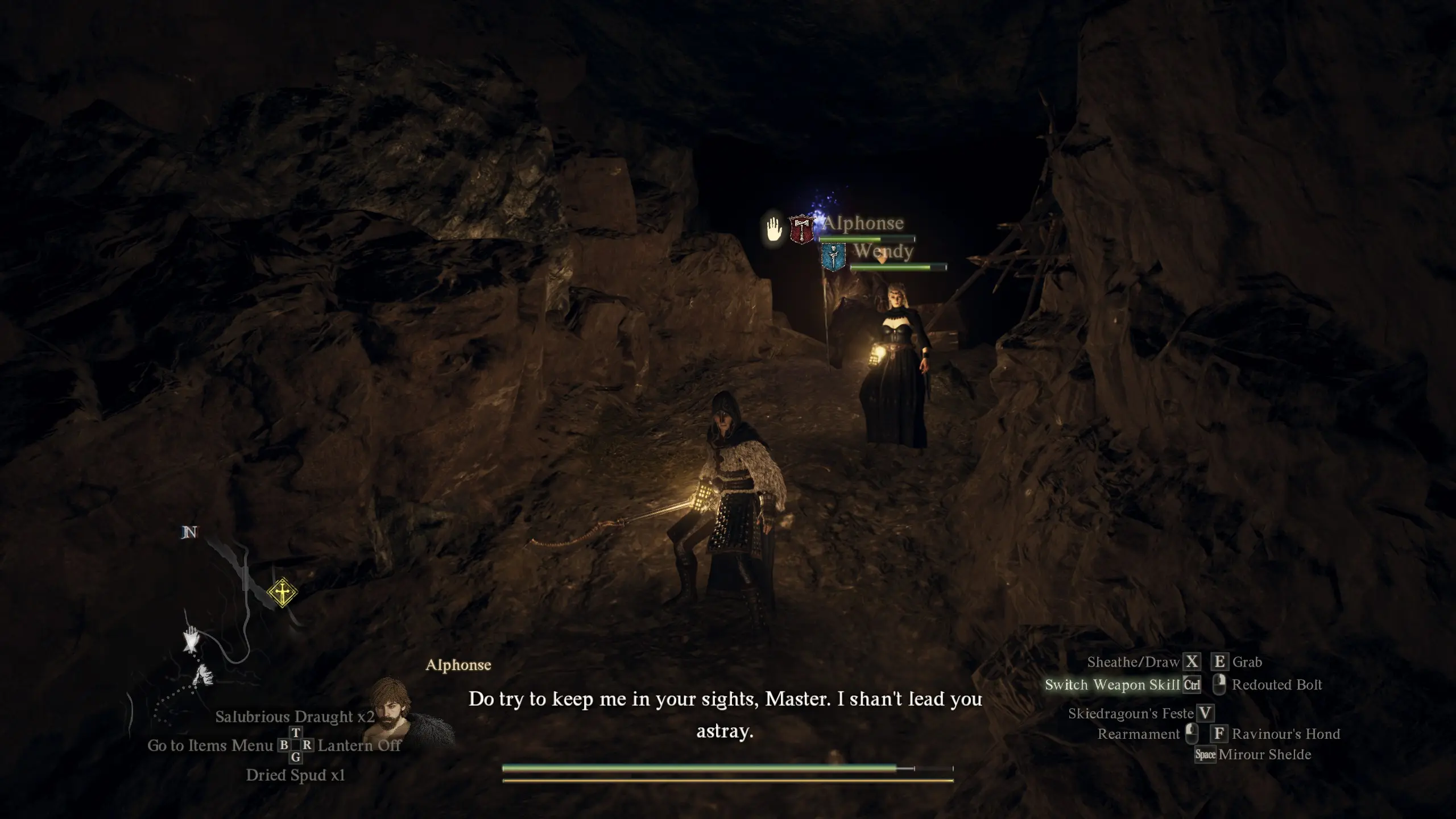
- Assign a different skill set to each weapon type.
- Swap to the matching set when you change weapons.
- REFramework is required. Check that the file supports your game version and the number of skill slots you use.
✅ What changes. Switch between combat styles without opening the skill menu in the middle of a fight.
Transmogify
Transmogify lets equipped gear take on the appearance of other items while keeping its stats.
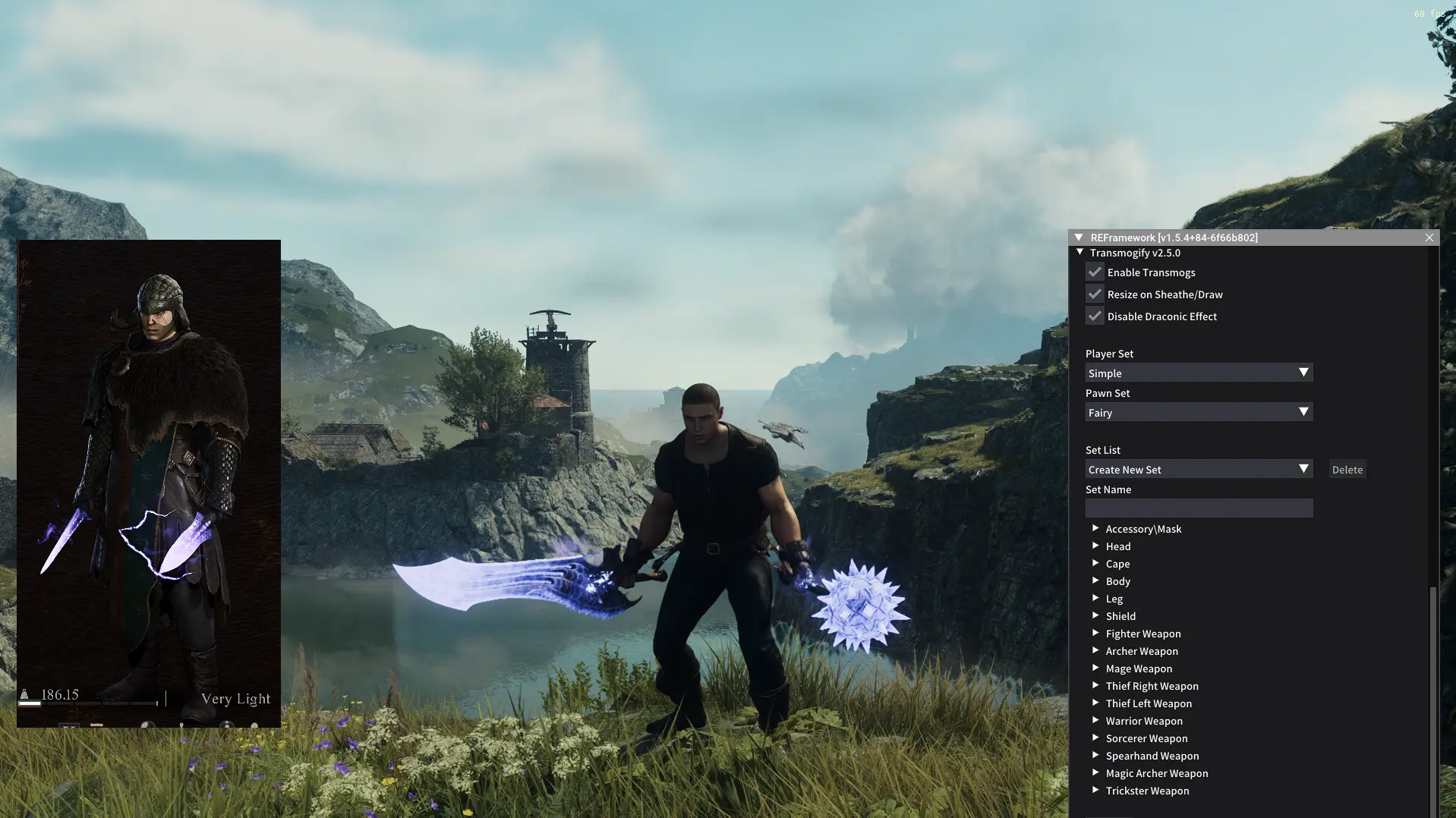
- Choose a different appearance for equipped gear.
- Requires REFramework. Check the mod page for supported slots and limitations.
✅ What changes. Keep the protection you need while giving your character the look you want.
No Job Requirements
No Job Requirements removes vocation restrictions from equipment. Choose the weapons-only, armor-only, or combined option.
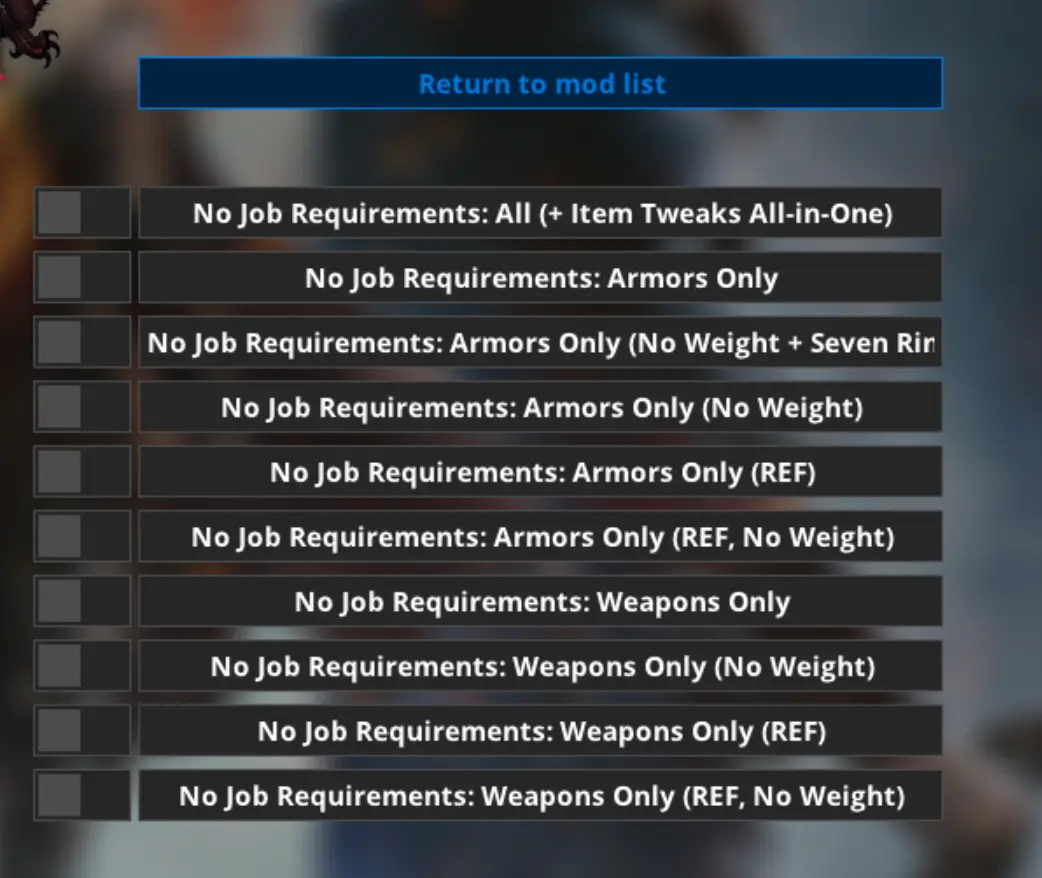
- Use gear outside its usual vocation restrictions.
- Install through Fluffy Mod Manager. Check the selected file’s limitations if you use other item mods.
✅ What changes. Try unusual equipment combinations. Changing gear on its own won’t unlock another vocation’s skills.
Teleportation
Teleportation moves your party to a selected destination without a Ferrystone or Portcrystal. You can also save a place as a new destination.
- Move your Arisen and active pawns together.
- Pick a preset destination or add your own.
- Requires REFramework and _ScriptCore. Players reported problems with the original version after update 3.2, so check compatibility before installing.
✅ What changes. Get back to places you’ve already visited without another long walk.
Quality-of-life mods
These mods deal with stamina stops, unsolicited pawn conversations, combat controls and repeat journeys.
Infinite Stamina Out of Combat
Infinite Stamina Out of Combat keeps travel from draining your stamina between fights.

- Keep moving without stopping to recover stamina.
- The effect applies out of combat. Stamina still matters during a fight.
- Requires REFramework.
✅ What changes. Cover long stretches of road without a string of short breaks.
Stop Selling Yourself
Stop Selling Yourself stops wandering pawns from opening a recruitment conversation as you walk past.
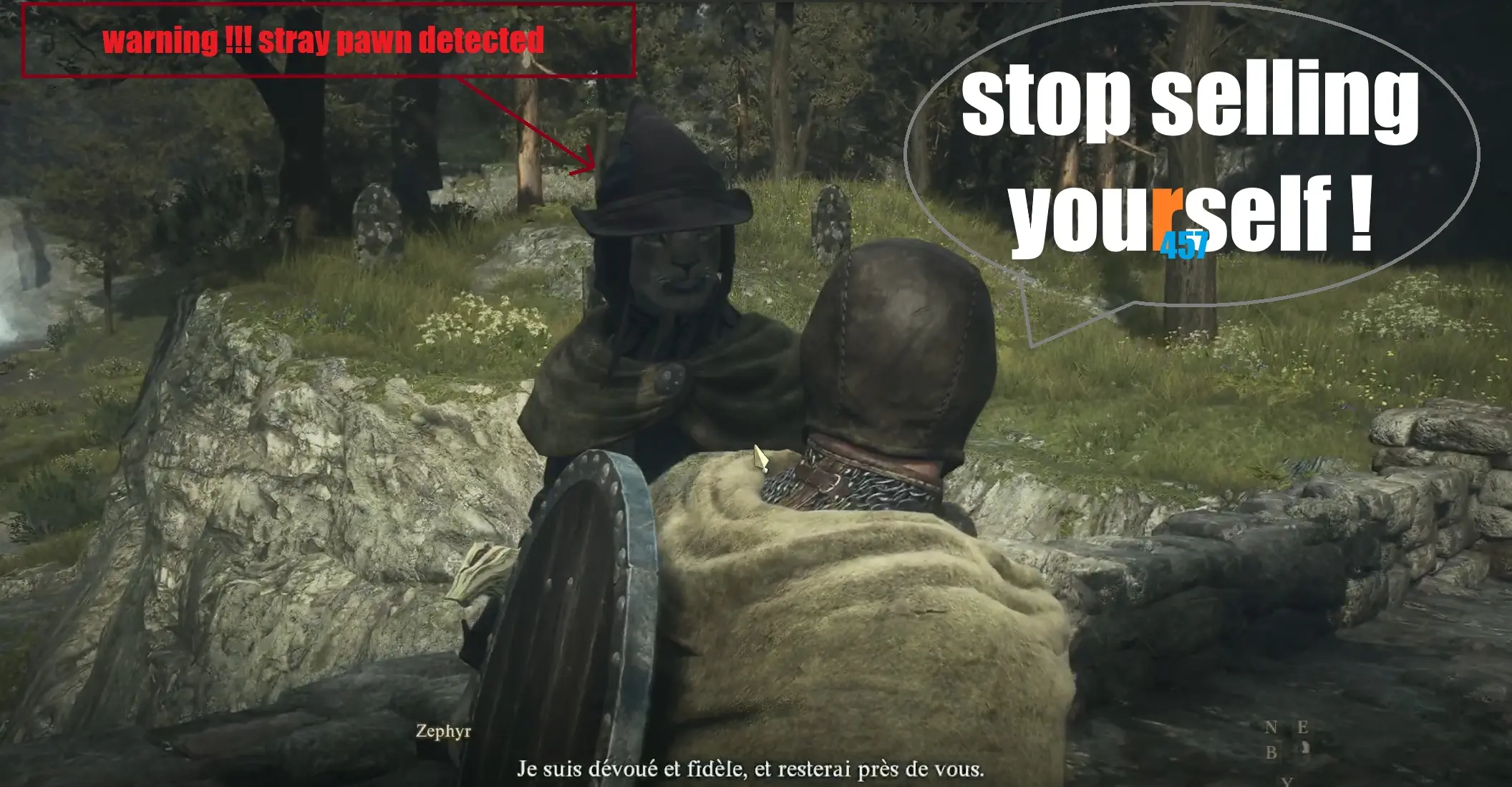
- Disable unsolicited recruitment dialogue.
- Talk to a pawn and recruit them whenever you choose.
- Requires REFramework.
✅ What changes. Walk through busy areas without having to close one recruitment prompt after another.
Lock-On Combat with Dodge
Lock-On Combat with Dodge adds target lock-on and a dedicated dodge.
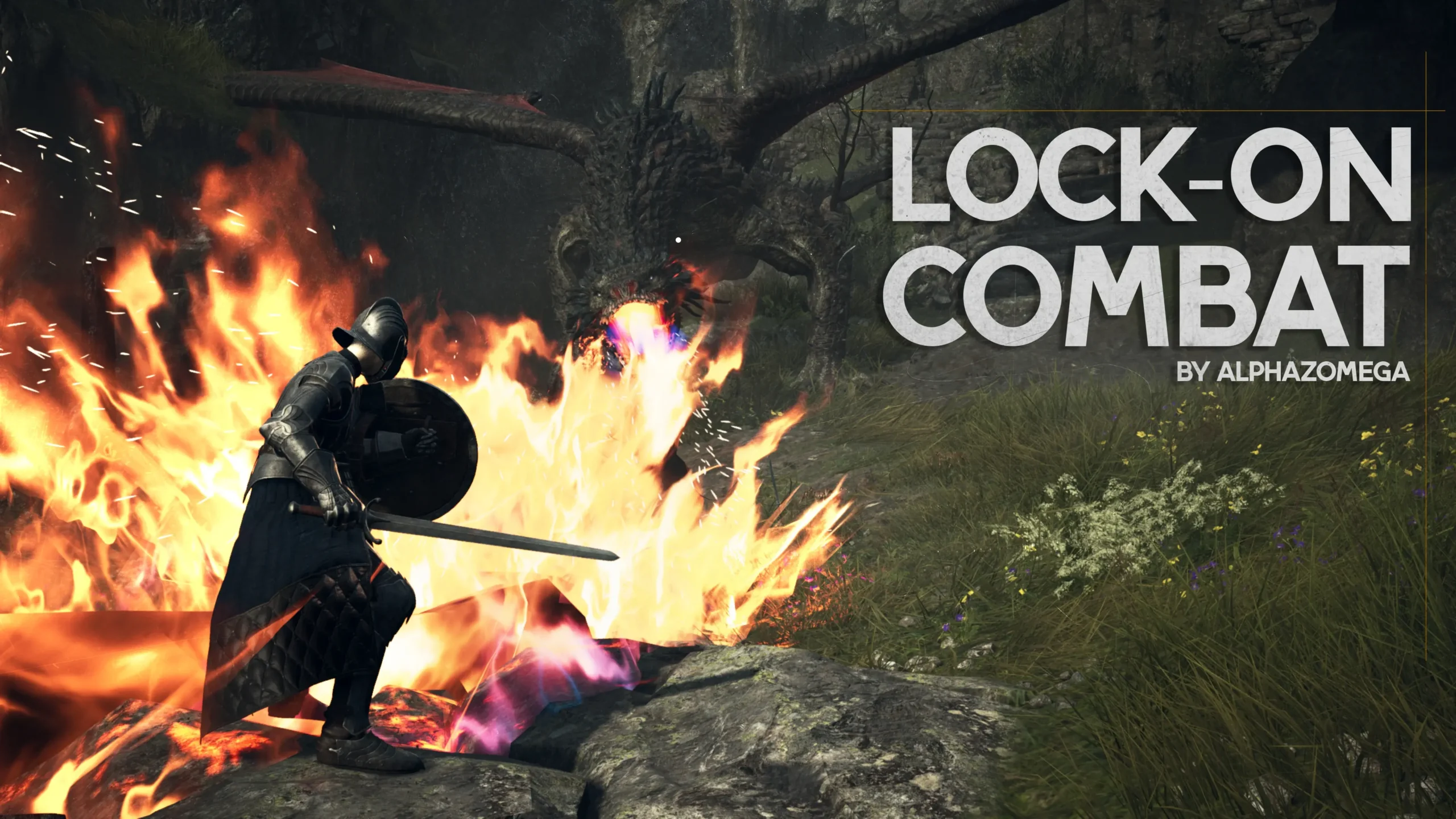
- Lock the camera onto a chosen enemy.
- Adds a dodge. The author did not test it with every skill or vocation.
- Requires REFramework and _ScriptCore.
- A separate fix for lock-on appeared after update 3.2. Check your game version and requirements before installing.
✅ What changes. Keep the target in view and get out of the way in time.
Higher Portcrystal Limit
Higher Portcrystal Limit lets you place more portable Portcrystals.
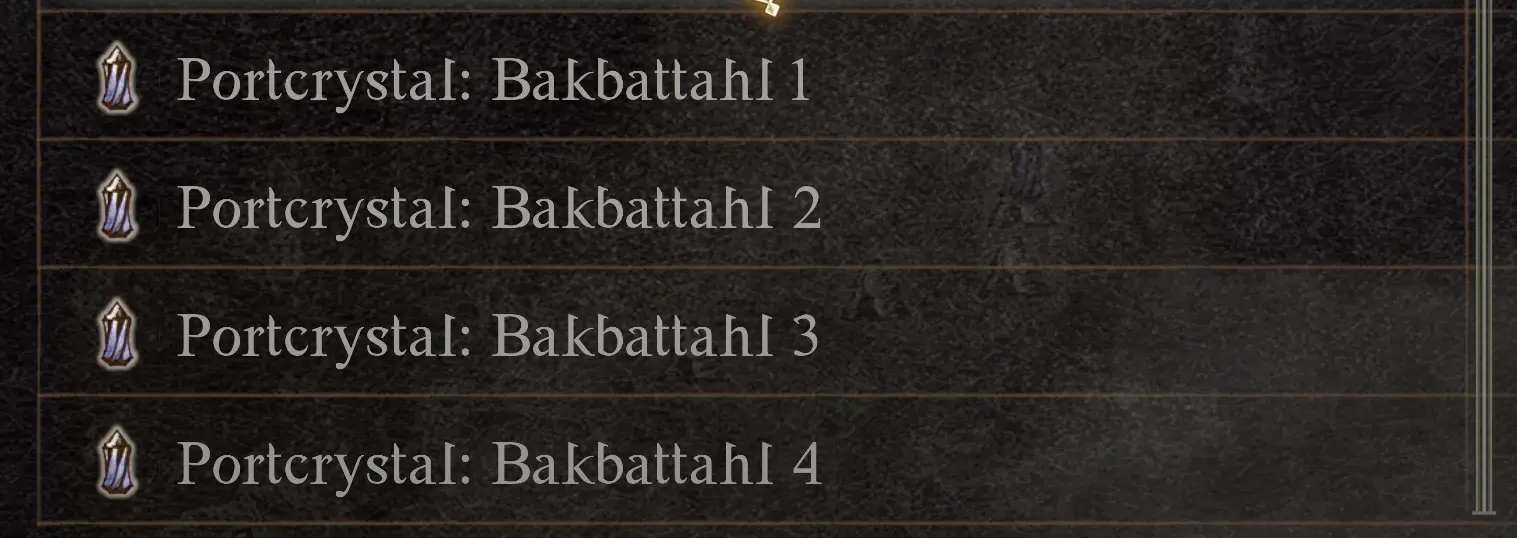
- Raise the placement limit.
- You still need to find or buy the Portcrystals.
- Requires REFramework with Loose File Loader enabled. Check compatibility after game updates.
- Leave no more than 10 portable Portcrystals placed before disabling the mod. Otherwise, loading your save can crash the game.
✅ What changes. Add more of the places you visit regularly to your fast-travel network.
Interface mods
These options make menus easier to read or show information the game usually keeps hidden.
Better UI All-In-One
Better UI All-In-One groups several interface changes into one package. It already includes Colorful Map Icons.

- Changes map presentation and vocation icons.
- Makes item categories easier to distinguish and revises the inventory layout.
- Changes health and stamina bars. If you install this package, skip the standalone Colorful Map Icons.
- The texture part requires DD2 Pak Bridge. The native UI part requires REFramework. Informative Icons covers base-game items only.
✅ What changes. Spend less time finding items or checking your character’s status.
Show Main Pawn Favorability
Show Main Pawn Favorability displays your main pawn’s hidden affinity toward your Arisen.
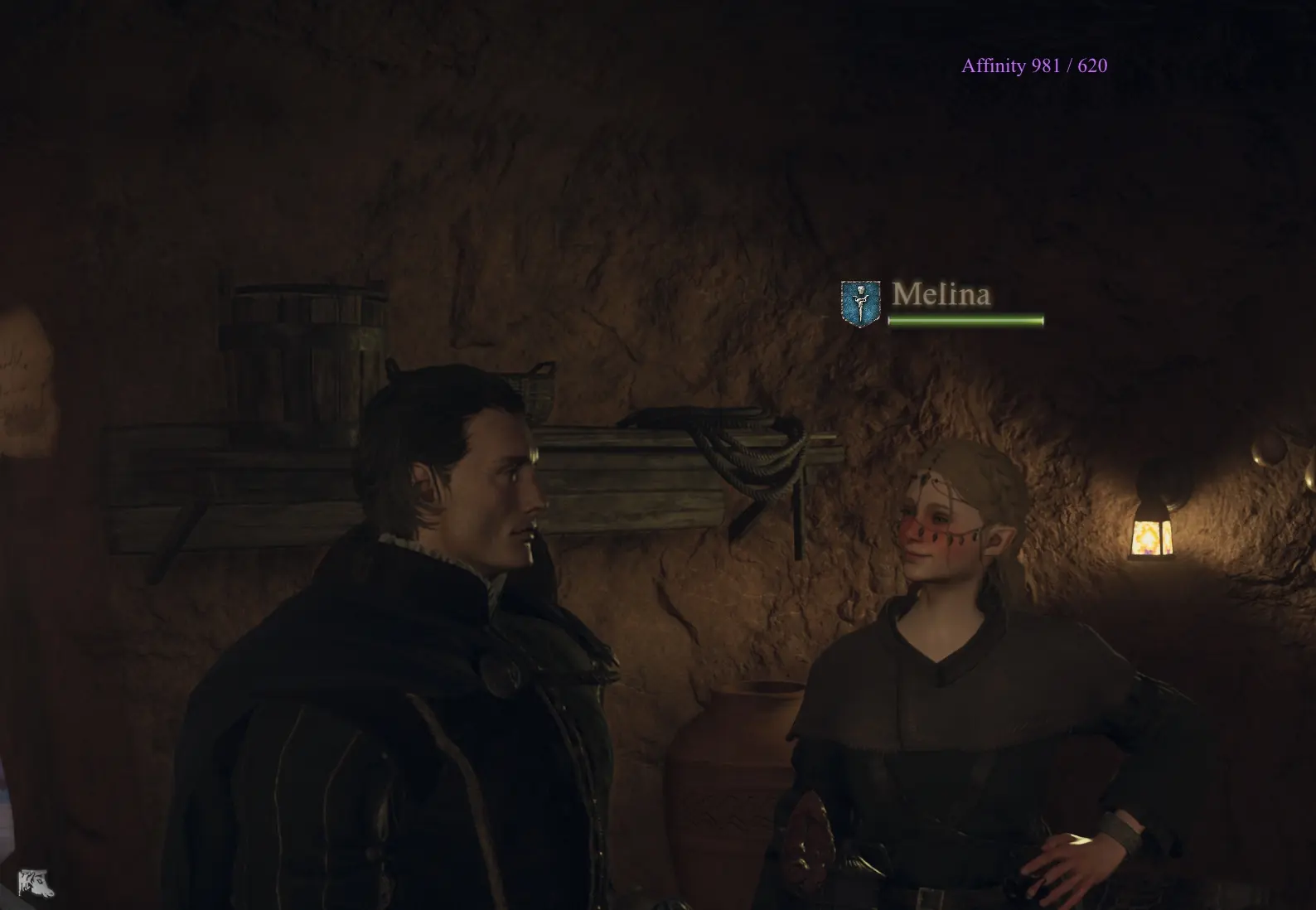
- See the current affinity value.
- Track changes after interacting with your pawn.
- Requires REFramework.
✅ What changes. See how your actions affect the relationship with your own pawn.
Food and maximum health
One mod uses food to help recover some of the maximum health you lose during an outing.
Food Fights Fatigue
Food Fights Fatigue lets food restore some lost maximum health, represented by the gray area on the health bar.
- Different foods restore part of the loss gauge.
- Food only restores part of the lost health, so resting still matters.
- Requires REFramework.
✅ What changes. Food can buy you enough time to reach a campsite after a string of fights.
Skills, dialogue and appearance
The last group covers skill presets, emotes, dialogue and helmet visibility.
Skill Preset Switcher
Skill Preset Switcher saves sets of equipped skills so you can swap them quickly.
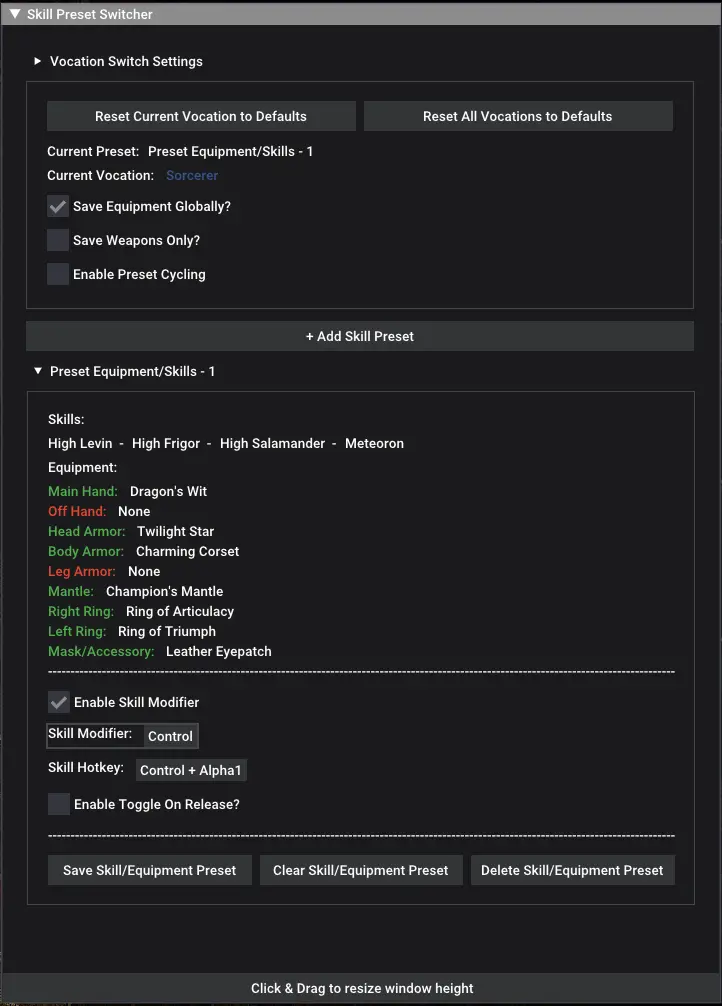
- Save several skill sets.
- Switch between saved sets without reassigning each skill by hand.
- Requires REFramework and _ScriptCore.
✅ What changes. Prepare faster if you change tactics often.
Emote Dogma
Emote Dogma adds gestures and animations for characters.
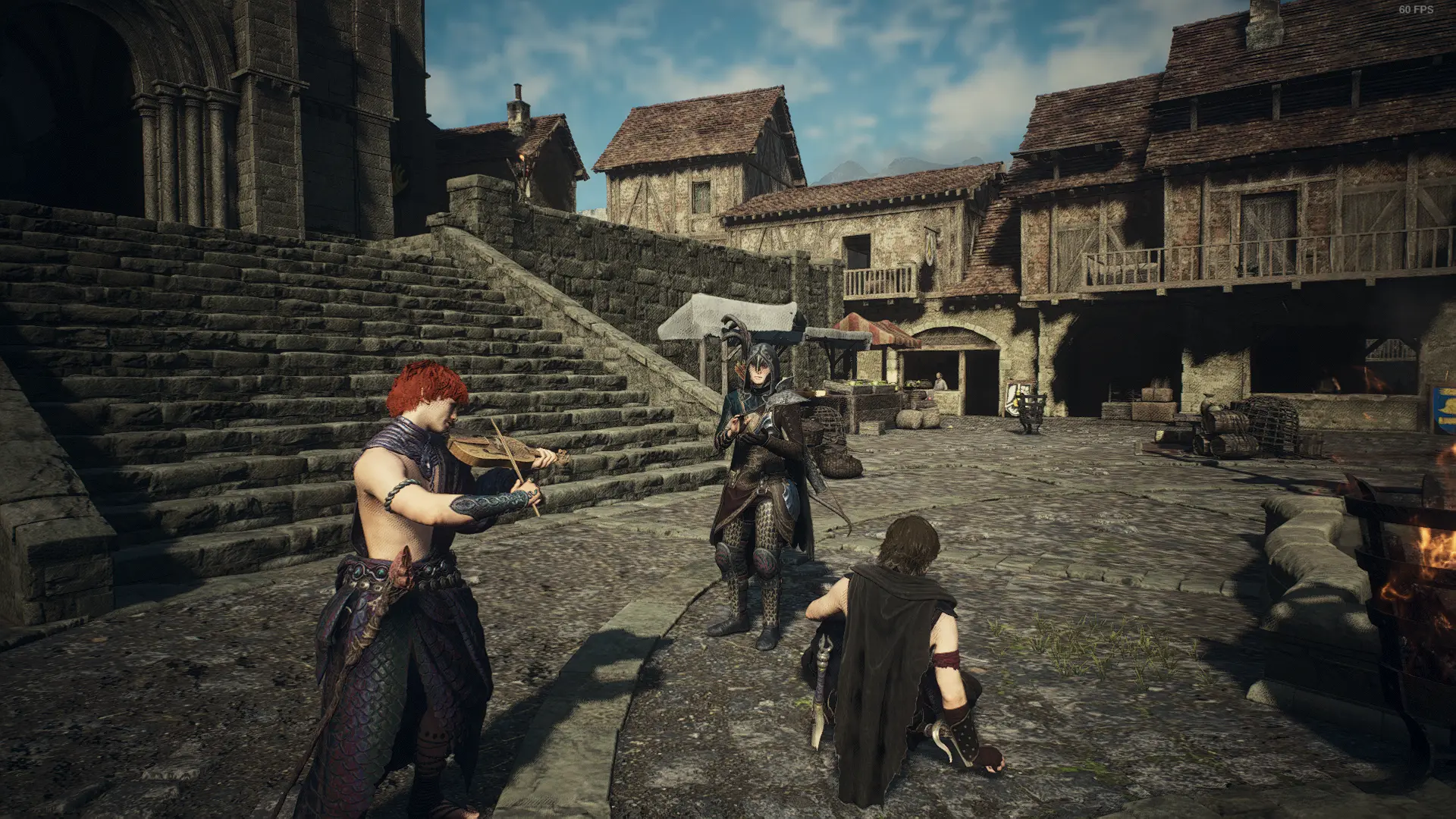
- Adds actions such as dancing with pawns.
- Lets the character sit down in different locations.
- Requires REFramework and _ScriptCore.
✅ What changes. Give a scene with your party a little more personality.
Dialogue Auto Advance
Dialogue Auto Advance moves from one voiced line to the next automatically.
- Advance through dialogue without a button press.
- Still lets you make choices when the game asks for a response.
- Requires REFramework.
✅ What changes. Useful on a replay when you want to listen without pressing a button for every line.
Hide Helmet Ho(through LUA)
Hide Helmet Ho hides the Arisen’s or main pawn’s helmet while keeping the equipped item’s stats.
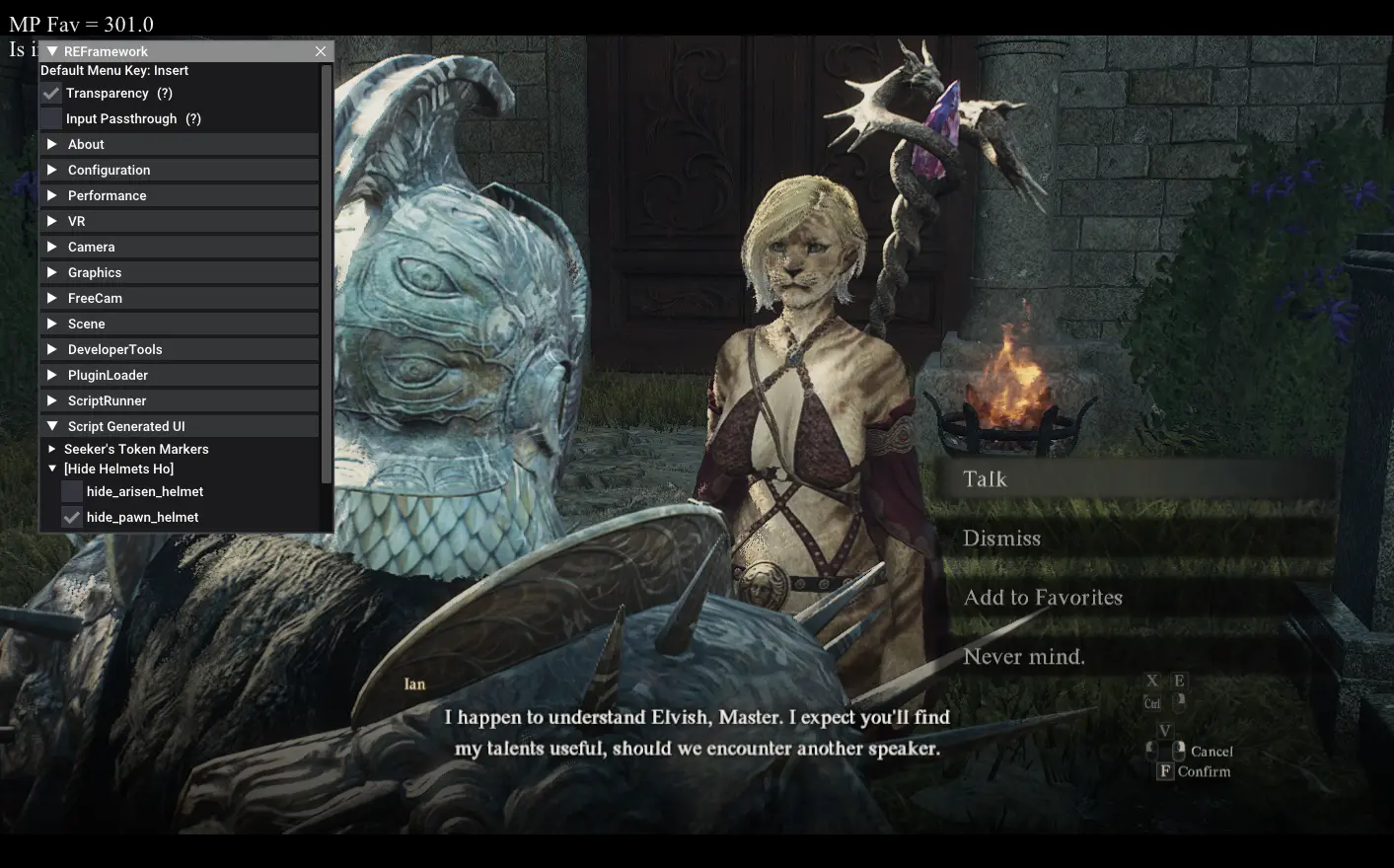
- Set helmet visibility separately for the Arisen and main pawn.
- Requires REFramework. Hotkeys also need _ScriptCore.
- Players have reported that game updates broke the script. Check the file against your version before installing.
✅ What changes. Keep the helmet’s protection and still see your character’s face.
How to install Dragon’s Dogma 2 mods
Back up your saves first. When the game updates, check the requirements, file notes and known issues for the mod you plan to use, especially if it relies on scripts.
- Download the mod and install the tools listed in its requirements. Lua mods often need REFramework.
- If the author recommends Fluffy Mod Manager, put the compatible archive in
Games\DragonsDogma2\Modsinside the manager folder. Enable it in the manager. For.pakfiles, check the mod instructions and whether you needAlternate PAK Folderin REFramework. For a manual install, follow the instructions for that specific file. - Launch the game and check one mod at a time. If it fails, compare your game and dependency versions. Before disabling a mod, check whether doing so can affect your save. For Higher Portcrystal Limit, remove the extra Portcrystals first.
Which mod should you try first?
Start with whatever gets in your way most often. Colorful Map Icons is enough if the map is hard to read. If the inventory gives you trouble too, try Better UI All-In-One. Before installing mods that change the same skills or files, check that they work together.