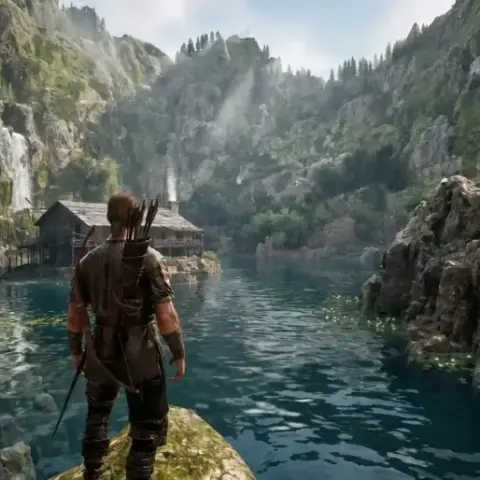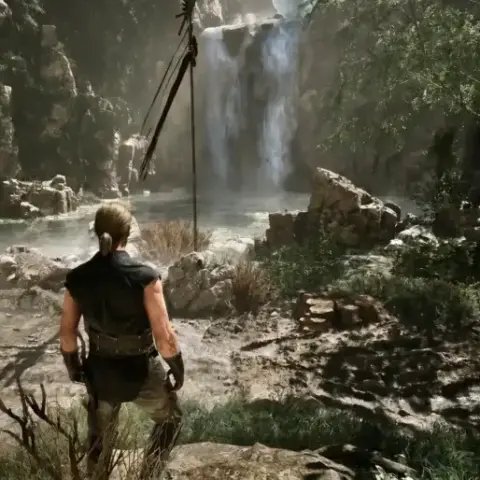
Gothic 1 Remake map mods can help when the trail between two camps is harder to find than the camp itself. If that takes more time than you’d like, these map and travel mods can make it easier to get around while keeping the atmosphere intact.
G1R Compass UI
G1R Compass UI is a lightweight UE4SS Lua mod that adds a small compass to the top center of the screen. The mod solves one specific problem: you don’t know where you’re going without opening the map.
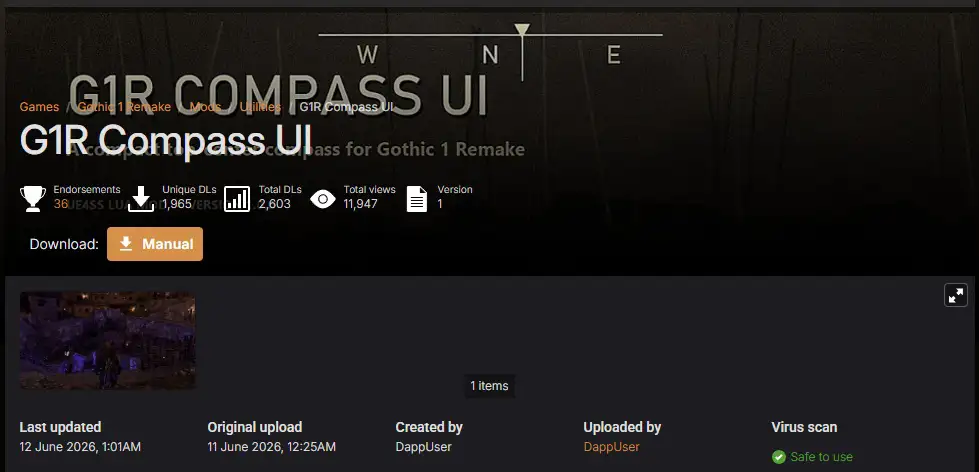
If you use Compass UI 1.0.11, see the optional compatibility patch.
- shows the nearest cardinal direction (N, E, S, W)
- moves the marker according to the camera direction
- automatically centers on the screen width
- doesn’t affect saves, quests, items, or anything else
To enable it, add G1R_CompassUI : 1 to mods.txt in the UE4SS Mods folder. Without that entry, the mod won’t start.
The compass works unobtrusively — small, text-based, without unnecessary frills. If you’re annoyed by constantly opening the map to get your bearings, this is the first thing you should install.
Teleport Rune Radial Menu
Teleport Rune Radial Menu frees up quickbar slots by giving teleport runes a wheel of their own. Press the assigned key, choose a rune by its icon and check the destination name in the center.
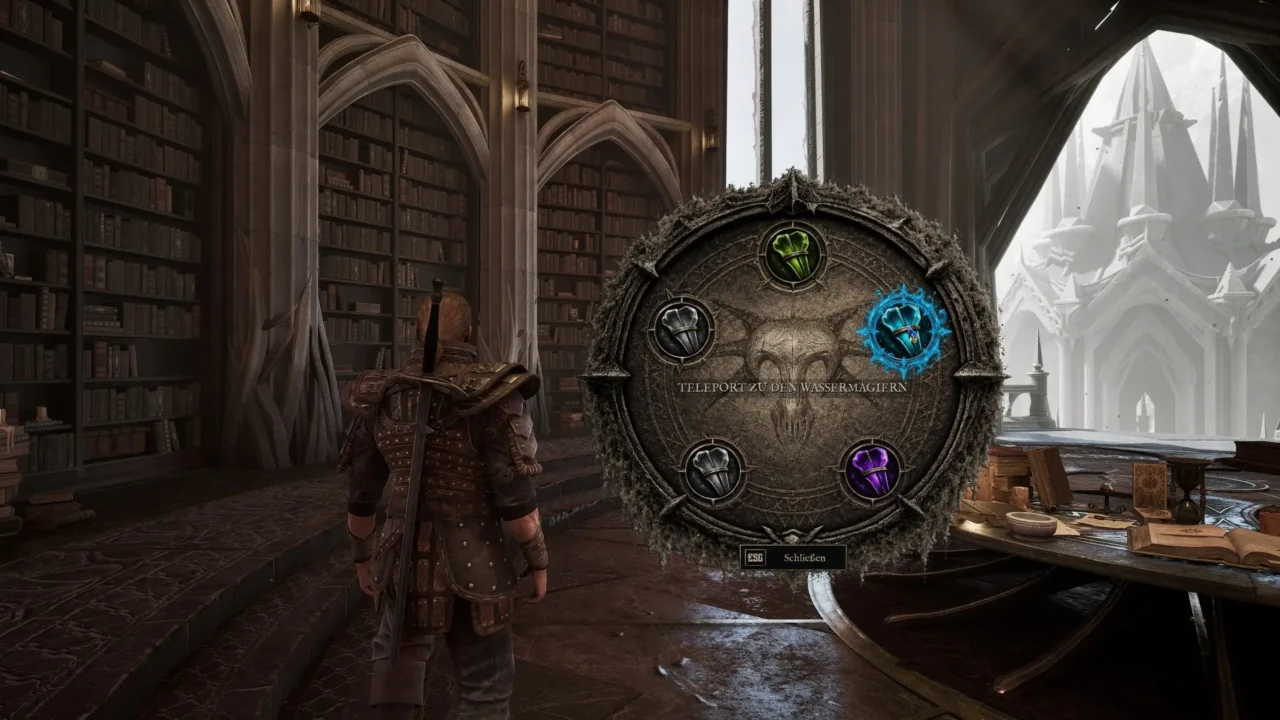
- radial menu with customizable rune icons
- an item highlights when hovered over, and the selected item looks different
- works through the original teleport runes from Gothic 1 Remake
- the key can be changed directly in the game settings (Settings → Mappings → Exploration)
- localization for English and German is included
The default key is T. You can install through Vortex or extract the archive into G1R manually, replacing files when prompted.
✅ What changes: fewer runes cluttering the action bar, and a destination you can select in a second. I’d try it if you regularly teleport between camps.
World Map with Markers (NPCs, Locations, Caves and More)
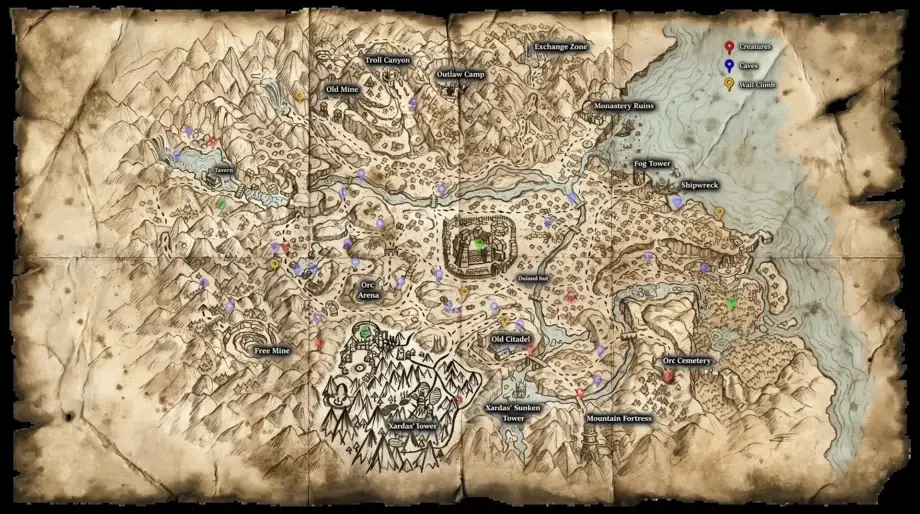
World Map with Markers labels NPCs, caves, traders, trainers, climbing points and other useful places. The author grew tired of the empty map and turned it into a practical reference for the Colony.
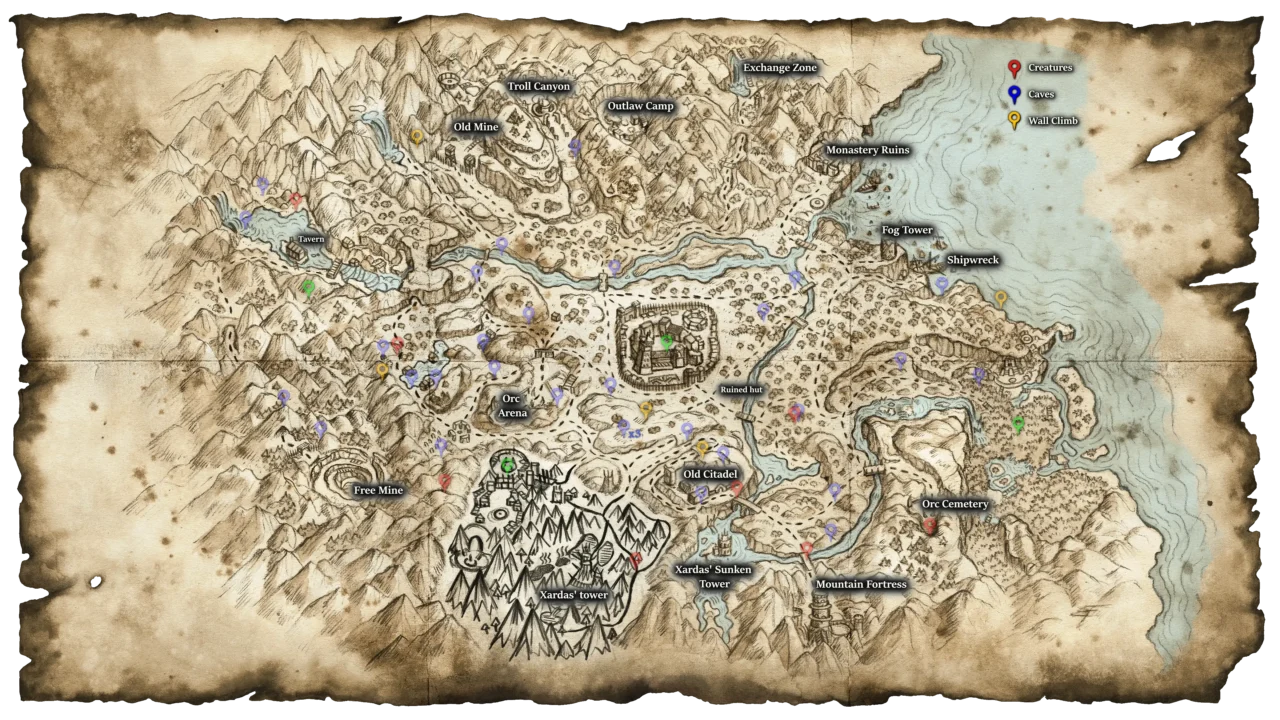
- green markers — the three main camps
- blue — caves
- red — monsters
- orange: climbing points on walls
- letters (T) and (M) next to characters — teachers and merchants
Choose the Markers & NPCs English download in the Files tab. The world map is available in five languages, and the mod includes separate maps with NPC locations for all three camps.
Installation is straightforward: create the ~Mods folder at \G1R\Content\Paks\~Mods and place the archive’s three files there. No extra tool is required.
✅ What changes: finding a specific trader or trainer no longer becomes a quest of its own. The map gives you a useful reference to return to as you explore.
Fast Travel Anywhere
Fast Travel Anywhere offers two ways to move: press T on the world map to teleport near the cursor, or open a destination list with F2. It’s still being developed, with more functions being added.
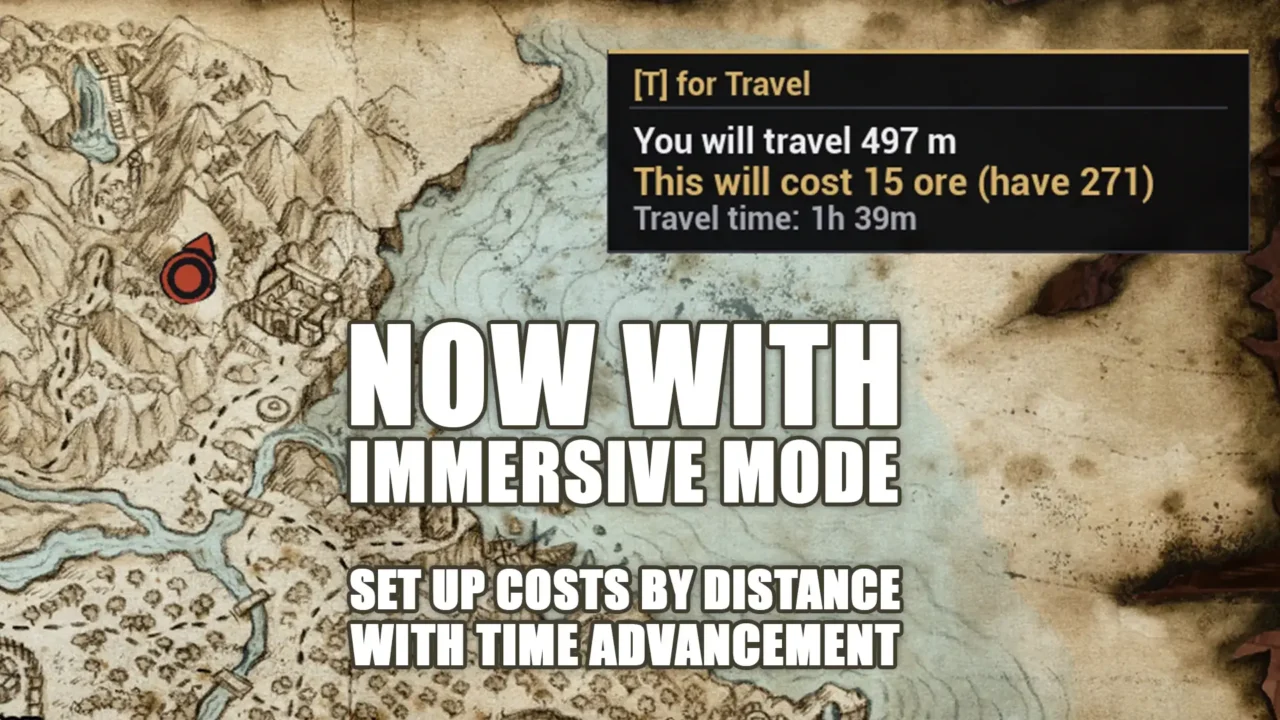
- teleportation using the cursor on the world map (T key)
- quick selection from the list of ready-made points (F2 key)
- optional mode with ore costs and in-game time fast-forward
Limitations: maps of the three camps (Old, New, Swamp) are not yet supported for cursor-based movement, only the world map.
Required for the mod to work: UE4SS (experimental build) and SharedModMenu — without the second dependency, the mod will not run.
✅ What changes: you spend less time running between distant places, particularly later in the game. The optional ore fee gives that convenience a cost if unrestricted teleporting feels too generous.
Teleport Scroll for Camps V2
Going back to camp for one more errand can mean running the same road twice. Teleport Scroll for Camps V2 adds consumable scrolls that take you straight to a public spot in the camp.
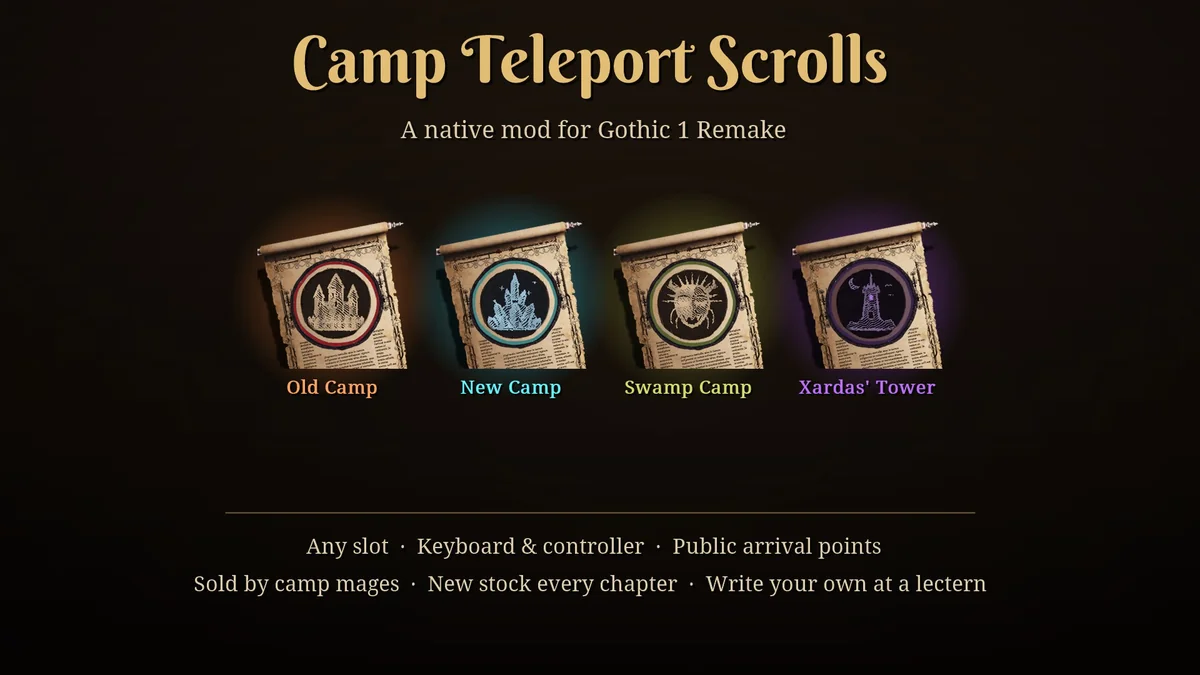
- Separate scrolls take you to the Old Camp, New Camp and Swamp Camp.
- Each teleport uses one scroll and costs 5 mana.
- Buy the camp scrolls from Torrez, Cronos or Baal Cadar.
- With the Inscription skill, you can make camp scrolls at a lectern.
- The scroll names and descriptions are available in English.
The scroll for Xardas’ Tower works once you’ve met him there. Until then, stick to the camp scrolls.
For a manual install, extract the archive into G1R/Mods. Enable Camp Teleport Scrolls in the game’s Mod Management menu.
✅ What changes: you can skip a long trip back to camp while still spending one scroll per jump. It’s useful when your next stop is a trader or a quest giver.
HUD and Map Improvements
HUD and Map Improvements gives you a minimap and a compass. It also lets you label points on the world map, which helps when a marker needs more context than a pin can give you.
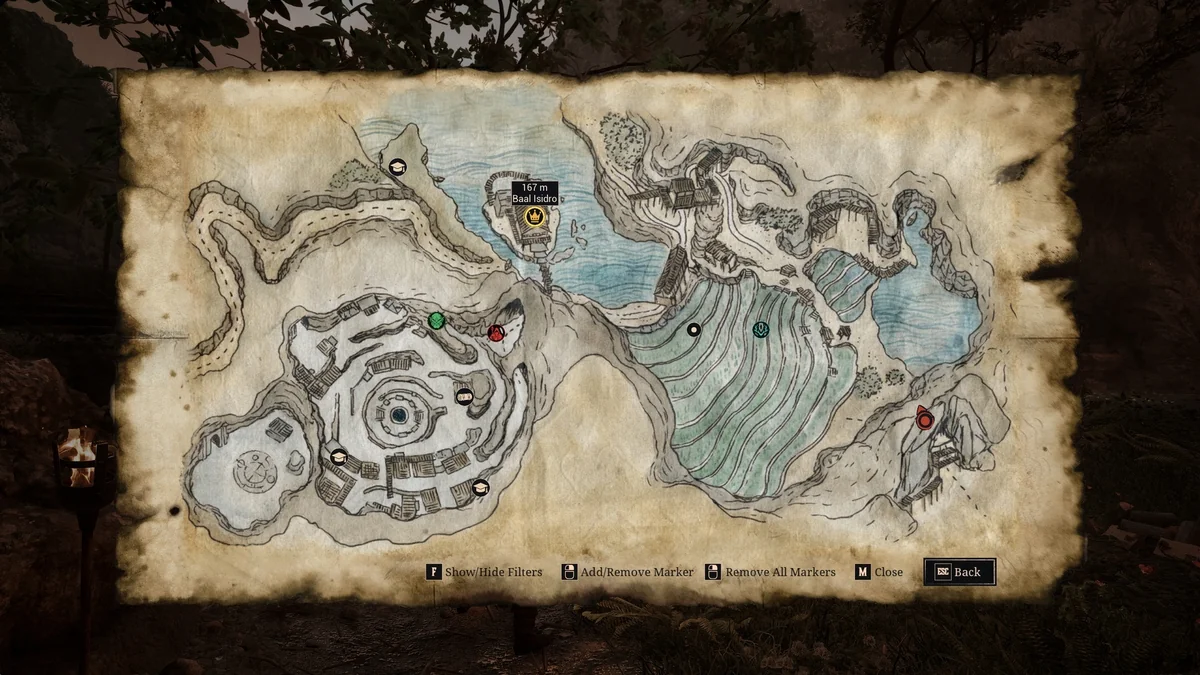
- Use a customizable minimap while you explore the Colony.
- Add notes and labels to world-map markers.
- Show marker labels and distances on the minimap.
- Search for NPCs and track them on the map.
Subscribe on Steam Workshop, then enable the mod in the game’s Mod Management menu.
The mod includes its own compass. If you also use a standalone compass, check where each one appears on screen.
✅ What changes: mark a place you want to revisit and follow its label on the minimap. You’ll spend less time reopening the world map to check your bearings.
Mod installation recommendations
Check the installation method for each mod before you start. This list includes UE4SS scripts, a map replacement and mods that use the game’s built-in mod support.
- Install an experimental UE4SS build from GitHub; the stable release isn’t the version these mods require.
- To manage mods, use G1L (Gothic 1 Launcher) — it gets rid of most of the manual setup.
- For manual UE4SS installs, add each mod’s entry to mods.txt, unless its folder already uses enabled.txt for activation.
- Fast Travel Anywhere requires SharedModMenu as a mandatory dependency — without it, the mod won’t run.
- Enable Teleport Scroll for Camps V2 and HUD and Map Improvements in the game’s Mod Management menu.
- HUD and Map Improvements already includes a compass. Check for overlapping indicators if you use G1R Compass UI alongside it.
For a first setup, I’d choose G1R Compass UI and World Map with Markers. They’re straightforward options without additional dependencies beyond their basic requirements. My Gothic 1 Remake mod installation guide explains the setup.
Which map mod for Gothic 1 Remake should you install first?
Start with G1R Compass UI and World Map with Markers if you want simple bearings and named locations. For a minimap with notes, try HUD and Map Improvements. Use Teleport Rune Radial Menu if your runes are crowding the quickbar, or Teleport Scroll for Camps V2 for direct trips between the camps. Fast Travel Anywhere is the option if you’d rather pick your destination on the map.
If I missed any mod for the map, compass, or navigation in Gothic 1 Remake, write to me, I’ll test it and possibly add it to the list.