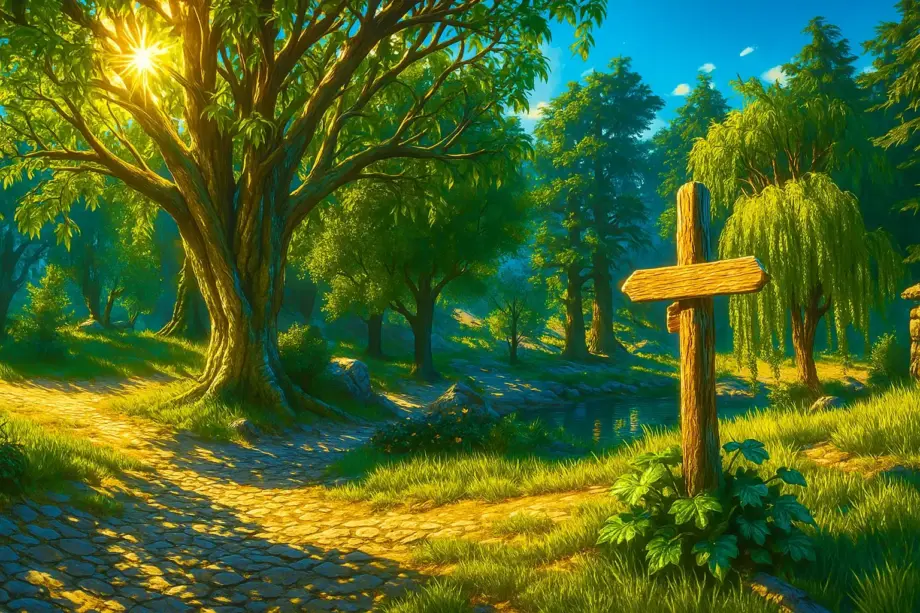
With its UE5 makeover, Oblivion Remastered has this strange brown-red filter that makes Cyrodiil look as if someone spilled coffee over it. These graphics mods restore the vivid fantasy colors we remember from 2006, while improving textures and fixing lighting without killing your frame rate.
Visit my Oblivion Remastered page for more modding guides and tutorials. Right now, though, let’s fix those visuals.
Ayleid Reshade
The remaster’s muted colors drive me mad. You launch the game expecting that bright high-fantasy atmosphere, only to get a brownish mess that Virtuos decided to call “modern.” This ReShade restores the original Oblivion’s vibrant color palette while taking advantage of UE5.

- More than 125,000 downloads on Nexus Mods
- Several versions, including Ayleid IV and Ayleid IV Lite
- Color grading, temperature adjustments and improved clarity
- Works with patch 1.512.105.0 and later
✅ Gameplay changes: Forests look lush rather than dirty, dungeons keep their atmosphere without becoming pitch black, and sunsets over Lake Rumare are worth a screenshot. Navigation improves too, because you can actually distinguish landmarks.
Lumen Remastered
Shadows disappear in broad daylight because skylight intensity is set far too high. This mod reduces light intensity and improves auto-exposure with no FPS impact.

- Compatible with hardware and software Lumen
- Toggle settings with ALT+DEL
- Works with achievements
- Improved reflections on armor and metal
- Requires UE4SS to install
✅ Gameplay changes: You’ll notice deep shadows under trees that weren’t there before. Interiors feel appropriately dark, and the color grading makes vegetation look healthy.
A Painted World Remastered — ReShade Preset
Those warm reddish-brown tones need correcting. This preset matches the brightness and color palette of the original Oblivion with subtle adjustments.

- Based on favorite mod lists for the original Oblivion
- Slightly oversaturated fantasy colors, with greens and blues standing out
- Designed with performance in mind
- Recommended with Shadow Quality set to High or lower
✅ Gameplay changes: The tone mapping restores that nostalgic Oblivion feeling without sacrificing UE5’s improvements. Your eyes adapt faster to different lighting conditions, and the world feels more cohesive.
Ultra Plus for Oblivion — Performance and Visuals
This is one of the most ambitious visual overhauls available. A complete engine overhaul offering better lighting, reduced stutter and numerous visual bug fixes, with optional ray tracing.

- Dynamic lighting based on location and time
- Increased draw distance and improved LODs
- Improved interior lighting
- Support for Ray Reconstruction and Nanite meshes
- Light transmission for skin and foliage
- Configurable Lumen quality settings
✅ Gameplay changes: Lighting responds naturally to the time of day, interiors feel believable rather than artificially lit, and extended LODs let you spot landmarks from much farther away. Ray tracing adds another layer of realism if your hardware can handle it.
Nolvus Reshade — Oblivion Edition
This is a port of the celebrated Nolvus ReShade for Skyrim SE. It’s designed to add a fantasy feel with HDR and stronger god rays, more subtly than Ayleid.

- Focuses on HDR
- Improved volumetric lighting
- Requires ReShade files for DirectX 12
- Toggle with the Home key
- Place the files in Binaries/Win64
✅ Gameplay changes: HDR makes bright areas genuinely bright without losing detail, while dark areas retain proper shadow depth. God rays add atmosphere to forest clearings and dungeon entrances without becoming distracting.
Unchainned Textures — Oblivion Remastered
A comprehensive texture-upscaling mod with 2K, 4K and 8K options for weapons, armor, clothing, landscapes, foliage and buildings.

- Several quality tiers: Chained, Unchainned and Unrealistic
- Enhanced vanilla assets that preserve the original art style
- Split into multiple parts because of its file size
- Performance tested on the ROG Ally X
- Compatible with other texture mods through load order
✅ Gameplay changes: Higher-resolution textures make environmental details easier to read. You’ll spot loot containers, recognize faction symbols on armor and appreciate architectural details you previously missed. The performance impact depends on your chosen resolution tier.
Bloom to 11 Reshade — Oblivion Remastered
A storybook fantasy preset focused on soft focus, bloom and color grading for an otherworldly, cinematic image.

- Inspired by Poupouri ENB for Skyrim
- Reduces shimmer from modern anti-aliasing and UE5
- Includes recommended Engine.ini changes
- A soft look that retains accurate colors
- Works best with r.SkylightIntensityMultiplier=0.26
✅ Gameplay changes: The softer look adds depth and a fairytale quality without losing clarity. Combat remains readable, while picturesque moments feel more cinematic, making exploration more visually enjoyable.
Rudy ReShade for Oblivion Remastered
A collection of ReShade presets restoring more natural colors, with several variations and a HUD toggle utility for screenshots.

- Four vanilla presets: Base, Lower saturation, Warmer and Teal
- Four additional presets for compatibility with Shaders Revised
- Dedicated presets for Cyrodilic and Ultra Plus users
- Preset-switching hotkeys: Page Up/Page Down
- Toggle the HUD with Insert
- Screenshots are saved in reshade-screenshots
✅ Gameplay changes: Natural colors make the world believable without pushing it into fantasy oversaturation. Multiple presets let you adapt the look to your location: warmer tones for Kvatch’s ruins, cooler ones for the Anvil coast.
Classic Graphics
This ReShade preset restores the classic colors, lighting and effects of the original Oblivion while retaining modern quality standards.

- Several preset variations available
- Simple installation
- Set the files to read-only before launching
- Companion mods: CIRC Graphics Overhaul, Denser Foliage and Optimizations
✅ Gameplay changes: If you want the remaster to look like your memories of Oblivion in 2006, but with better resolution and stability, this is what you need. No complicated setup: just instant nostalgia with modern performance.
Greener Grass — Oblivion Remastered
This mod edits grass and landscape texture colors to match the original Cyrodiil’s aesthetic, with lush, vivid greens.

- Simple installation: extract into Paks
- More than 1,500 upvotes on Reddit
- Compatible with LongGrass for greater density
- Direct texture replacement
✅ Gameplay changes: Cyrodiil feels like Cyrodiil again. The grass looks healthy and inviting, making outdoor walks more pleasant. It works well with weather mods for seasonal variety.
Mod Installation Recommendations
Most ReShade presets require ReShade itself first. Download it, select DirectX 12, point it at the Oblivion Remastered executable, then place the preset files in the game directory.
For Lumen Remastered and shader mods, get UE4SS (Unreal Engine 4 Script Subsystem) first. OBSE64 is recommended as a foundation if you’re planning extensive modding.
Graphics mods usually stay compatible across patches because they change rendering settings rather than game meshes.
Update 1.2 caused mesh compatibility problems and crashes with a “Bad name index” error, but ReShade presets and texture mods avoid that problem entirely.
Load order matters when installing texture mods: those loaded later overwrite earlier ones. Test performance after each major addition, especially 4K/8K texture packs.
Are These Graphics Improvements Worth Your Time?
Frankly, the UE5 remaster needed these fixes from day one. Virtuos delivered the technical upgrade but completely missed the art direction that made Oblivion memorable. These mods address that mistake without making you dig deep into the settings.
Start with Ayleid ReShade or Classic Graphics for immediate results. Then add Lumen Remastered for proper lighting. Leave texture mods until last, since they have the biggest performance impact.
Need mods for other parts of the game? See my complete Oblivion mod setup for different directions to explore. If I’ve missed any graphics mods you think deserve attention, contact me and I’ll test them.