Want to play Cyberpunk 2077 online with a friend? You can play through V’s quests together or hop on a server to take a drive, get into character or team up for a fight. This roundup from the Cyberpunk 2077 hub covers both. Each mod has its own game version requirements and setup steps.
NightCoop
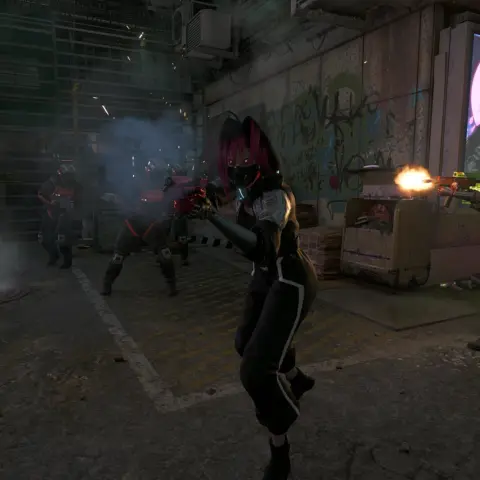
If you want to start V’s story as a duo, NightCoop lets you open your world to a friend and play the quests from your save. Your guest brings their own V, weapons and cyberware included. You both see the same enemies, so your friend can actually bail you out of a firefight.
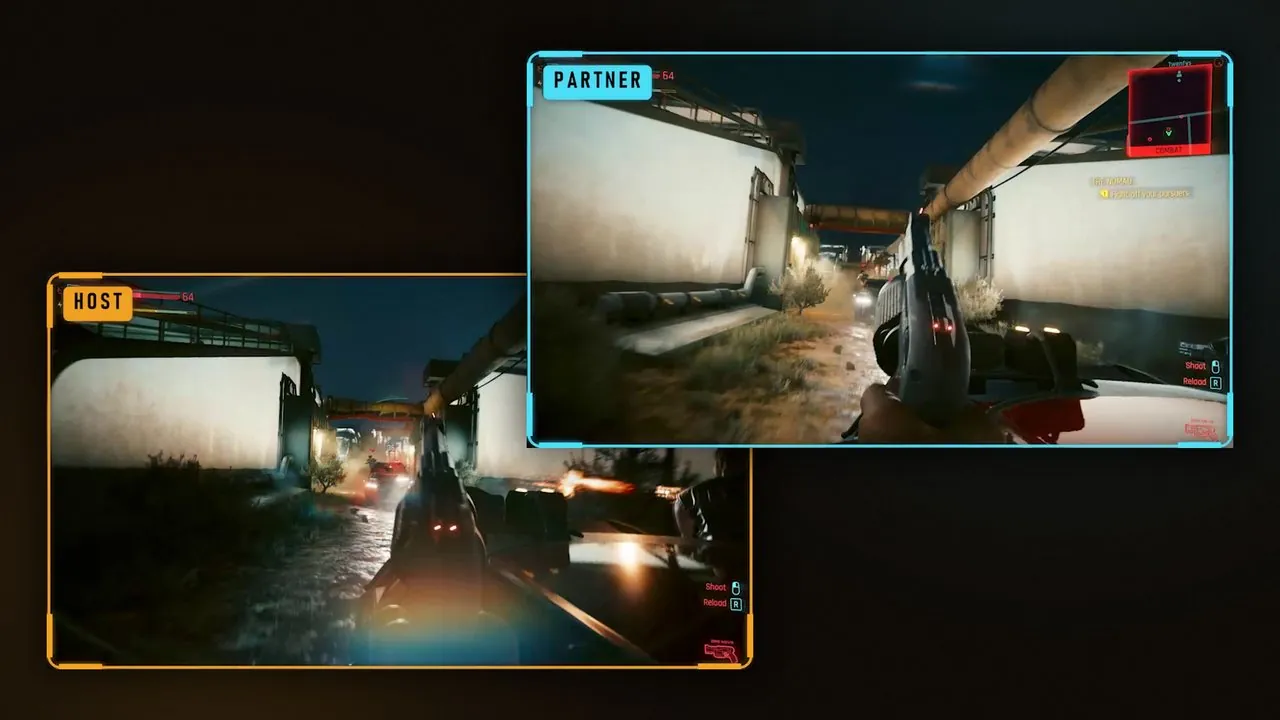
The open beta supports up to eight players, including the host. Here’s what your group can do:
- Play story missions and fixer gigs, watch cutscenes together, and vote on dialogue choices.
- Share quest items. One player picks up the item and everyone gets it.
- Revive a downed teammate by spending a healing charge, and switch PvP on mid-session if you feel like it.
- Run Claire’s races. Everyone drives their own car and hits their own checkpoints, and the race ends when the last player finishes.
On Windows 10 and 11, you’ll need a legitimate copy of Cyberpunk 2077 from Steam, GOG or Epic. The same NightCoop build supports game versions 2.5 and 2.31. Pick the archive with RED4ext for your game patch and agree on a NightCoop build with your friends. The mod works without Cyber Engine Tweaks. Unpack the archive into the game folder and Co-op appears in the main menu. The host creates a session and everyone else joins with the invite code.
Phantom Liberty is optional. If a guest doesn’t own it, NightCoop offers to restart the host’s game with the expansion disabled. A save made with the expansion won’t load that way.
✅ For your first session together, I’d start with the Act 1 quests. The developers have tested them the most. Later quests and sessions with four or more players have had less testing, so expect a few more rough edges there.
ChoomLink
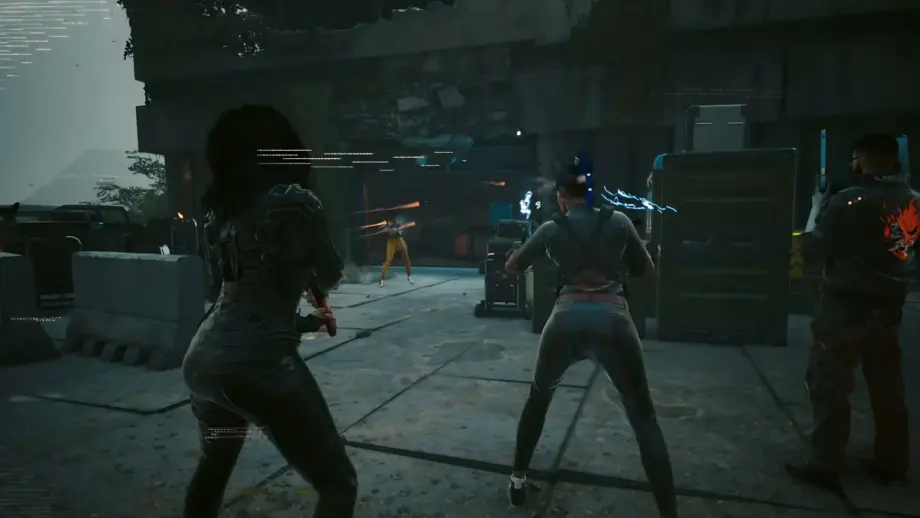
ChoomLink supports groups of up to eight players in campaign co-op, including the host. Agree on whose save you’ll play from. Guests see the host’s objectives, markers and journal for the session. Each V keeps their own money, XP and loot.
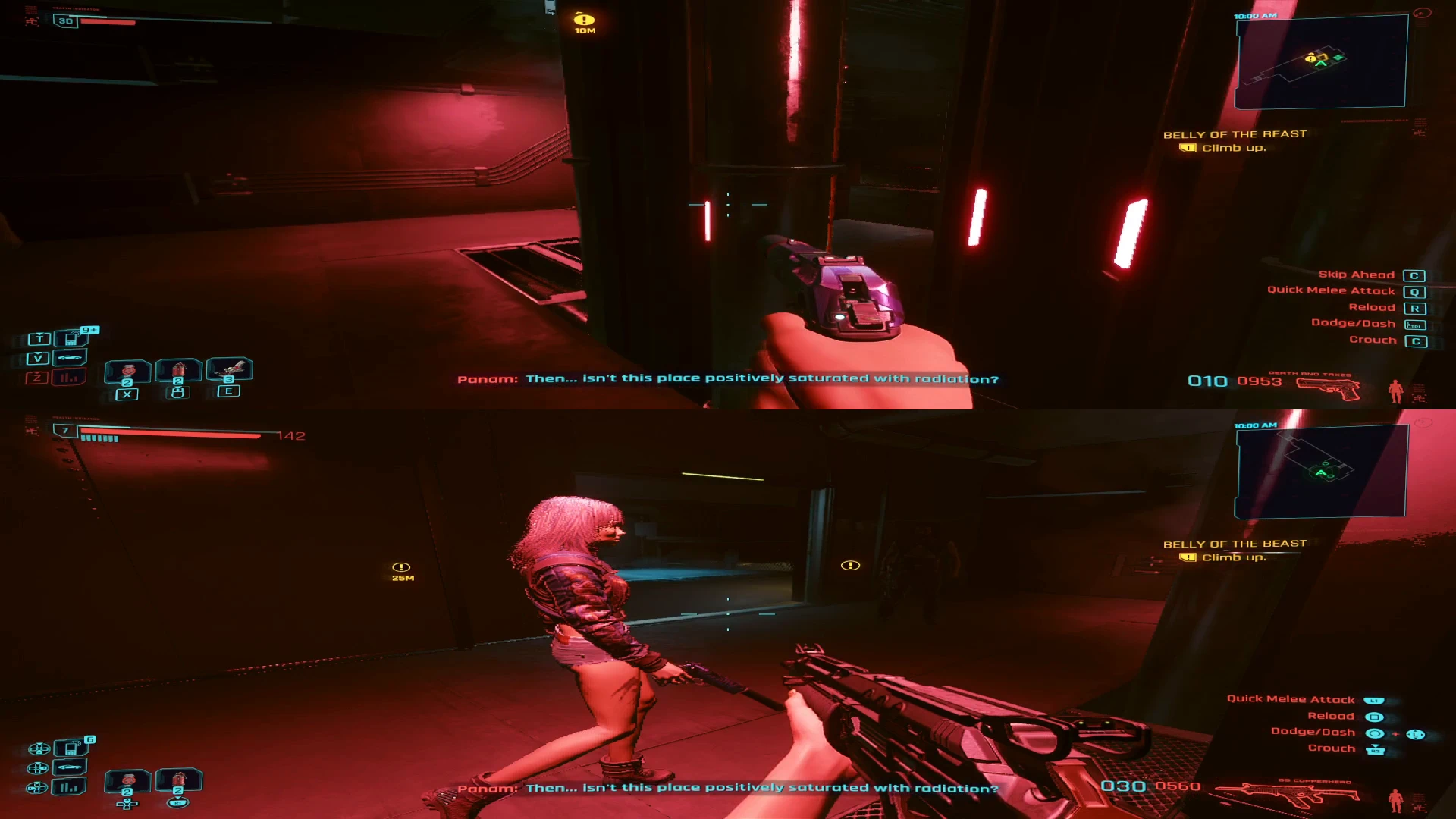
Here’s how campaign co-op and separate online matches work in ChoomLink:
- Everyone sees the dialogue options and the group votes on a reply. Guests see cutscenes from the same angle as the host.
- Braindances run on a shared timeline, and the whole group can see the clues you find.
- The host saves for the whole group. Guests can’t make separate saves mid-session.
- The experimental Free Roam mode supports up to 16 players. In Survival, up to five players fend off waves of enemies.
ChoomLink 0.2.7 targets Cyberpunk 2077 patch 2.5 on Windows. The author lists Steam, GOG and Epic and asks everyone in the group to have the same DLC installed. The launcher from ChoomLink’s GitHub releases installs the required versions of its dependencies. If you download the archive from Nexus Mods, use the versions listed on the mod page for Cyber Engine Tweaks, RED4ext, redscript, Codeware, TweakXL and ArchiveXL.
✅ ChoomLink makes sense if you want to pick apart a braindance together or argue over what V should say next. Back up your save before your first session. This is an early alpha, and the author warns that you may run into bugs or crashes.
CyberMP
If you just want to drive around Night City with a friend, meet on a CyberMP freeroam server. Other servers are set up for roleplay, with rules that vary by community.
Each server has its own lineup:
- The official server browser lists CyberMP OpenBeta Freeroam and roleplay servers, including Russian-speaking communities.
- Admins can add their own rules and game modes. CyberMP gives street races and arena fights as examples.
- You can host a dedicated server for your group. The server files are a separate download from the game launcher.
The launcher for 64-bit Windows 10 or 11 is publicly available. Download Client takes you to the project’s GitHub releases, and the website has a server browser. Individual communities can run closed tests. Before joining, check which game version the current launcher supports.
✅ Read the community rules before joining a roleplay server. They’ll tell you how to get in and what you can do once you’re there.
OPEN//77
OPEN//77 gives your group a reason to get together for PvE. It’s an online take on Night City where server owners choose which modes and activities to run. The alpha is open, so you can play without submitting an application.
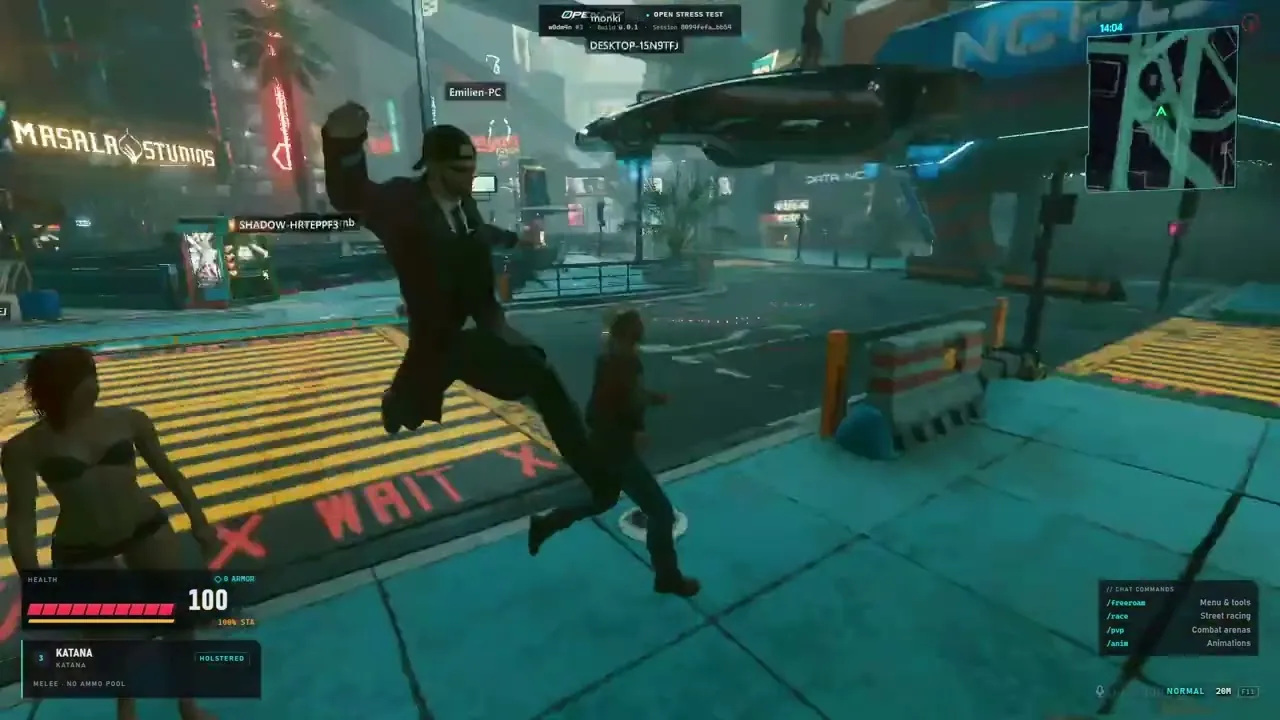
What you can do depends on the server you join:
- Explore the city on freeroam servers or follow the community’s rules on roleplay servers.
- In the experimental build, admins can set up a Chimera boss fight. Both the server and the players need the Unstable branch.
- Communities can host their own servers, add game modes and share resources through the OPEN//77 Workshop.
You need Cyberpunk 2077 patch 2.5 with Phantom Liberty. The launcher is available for 64-bit Windows and Linux. On Linux, the game runs through Wine or Proton. Anyone can download it, and you’ll need a free OPEN//77 account to play. The launcher checks your game installation, installs the client and opens the server list.
✅ If you want to take on the Chimera with friends, look for a server where the admins have set up the fight.
BlackICE
It’s hard to feel like you’re in the same city if each of you sees different pedestrians and cars. REPLAY.re says BlackICE syncs both crowds and traffic. The project runs through a separate client that’s available in public alpha.
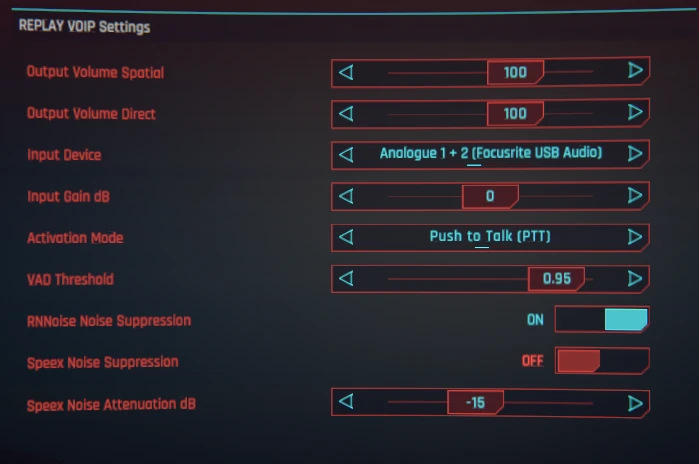
BlackICE is built for servers that run community content:
- Players move with Cyberpunk 2077’s original animations.
- Built-in voice chat accounts for distance and obstacles. The server can decide who hears whom.
- Servers send you their own content when you join. You only need Phantom Liberty if the server requires it.
BlackICE needs the base game and a current Visual C++ x64 Redistributable. Sign in through the REPLAY.re panel. The launcher installs and updates the separate client. Check the current documentation for compatibility with your game patch. BlackICE runs on Windows and uses Proton on Linux. The developers recommend a portable install with Proton and say they’ve tested BlackICE on Steam Deck.
✅ Check the server’s rules first if you and your friends own different DLC. If the server accepts players with the base game, your friend can join without buying Phantom Liberty.
Can two people play on one PC?
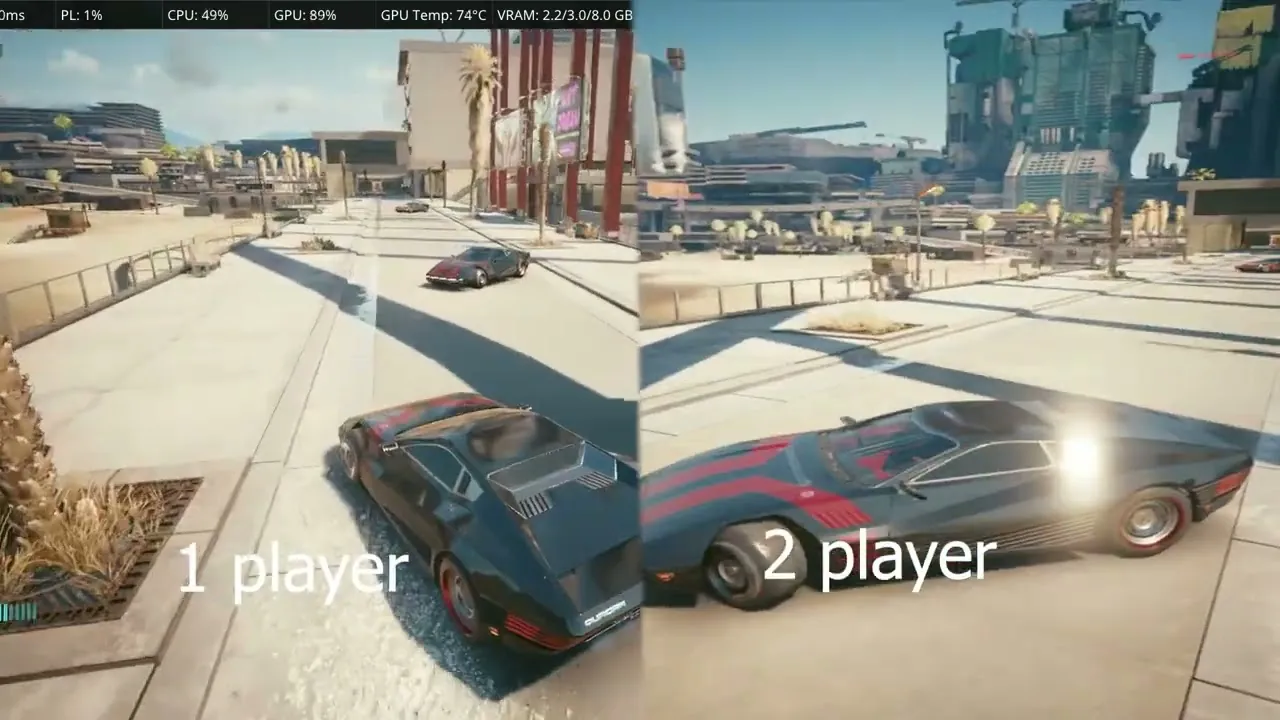
On Windows, there’s a Nucleus Co-op handler for NightCoop. Nucleus runs two copies of the game and gives each player their own window and controls. Share a single display or put each game window on its own monitor. One player hosts through the Co-op menu and the other joins through the invite. You’ll need Cyberpunk 2077 patch 2.5, Nucleus Co-op 2.4.2 and a separate install of NightCoop 0.2.1-beta, build 5a51ea59. The author tested the Steam version of the game.
The ChoomLink launcher has its own experimental split-screen mode. Player two needs a controller or a separate keyboard and mouse. Running two game windows on one PC takes more resources than playing solo.
What other projects add multiplayer?
Several other Cyberpunk 2077 projects are still in early development. If you’re looking for something to play tonight, check the game patch and look for a build intended for players.
- CyberVerse gives developers a framework for online game modes. The project has no ready-made builds for players yet.
- CyberpunkMP by Tilted Phoques syncs player appearance, equipment and movement, while CyberMP at cyber.mp is a platform for dedicated servers. NightCityMP builds on the Tilted Phoques project for patch
2.31a. It syncs player movement and chat, while each player has their own world and quests. There’s no ready-made download on the releases page. - RedSync experiments with shared fights and PvP on patch
2.31. The GitHub release is marked as a prerelease. - Two people can try CP2077 Coop by KyleBuildsAI and Bukczyk on patch
2.31. It’s a prototype that requires a separate Python relay.
How to download and install a Cyberpunk 2077 co-op mod
Pick one mod to start with and check that it supports your game version. If you need to find the game folder or work out where to extract the files, see the Cyberpunk 2077 mod installation guide. Follow the project’s own instructions for the multiplayer setup.
- Check your Cyberpunk 2077 version and operating system, and find out whether the mod requires Phantom Liberty. For campaign co-op, agree on a mod build with your friends and back up your save.
- Download the archive or launcher from the project’s own page. NightCoop unpacks into the game folder with RED4ext included. For a manual ChoomLink install, set up the dependencies separately.
- Open the Co-op menu in NightCoop or create a match in ChoomLink to invite friends. For CyberMP, OPEN//77 and BlackICE, agree on a server with your friends and check its rules for joining.
- If guests stop seeing characters or the game doesn’t mark a quest as complete, check versions and try running without other mods that change quests, NPC behavior or traffic.
Can you play the Cyberpunk 2077 campaign with a friend?
Yes. NightCoop and ChoomLink let you play story quests from the host’s save. CyberMP, OPEN//77 and BlackICE give you access to servers with their own modes and rules. These are PC mods. They’re unavailable on PlayStation, Xbox and Switch 2. For campaign co-op, start with one quest and check that the story moves forward once you’ve finished it.