Dragon Age Inquisition mods can help with the wait at the war table: after sending an advisor on an operation, the result becomes available only when the real-time timer ends. That pause recurs throughout a long campaign. This selection covers mods for other repeated tasks and three hairstyle pages where the right file depends on your Inquisitor.
War Table – No Waiting
War Table – No Waiting completes advisor operations as soon as they start. You no longer need to return to the war table just because a real-time timer has expired, and you can choose the next operation during the same visit. “Truth or Dare: A Dangerous Game” remains at one minute: setting it to zero can cause a blank-paper bug.
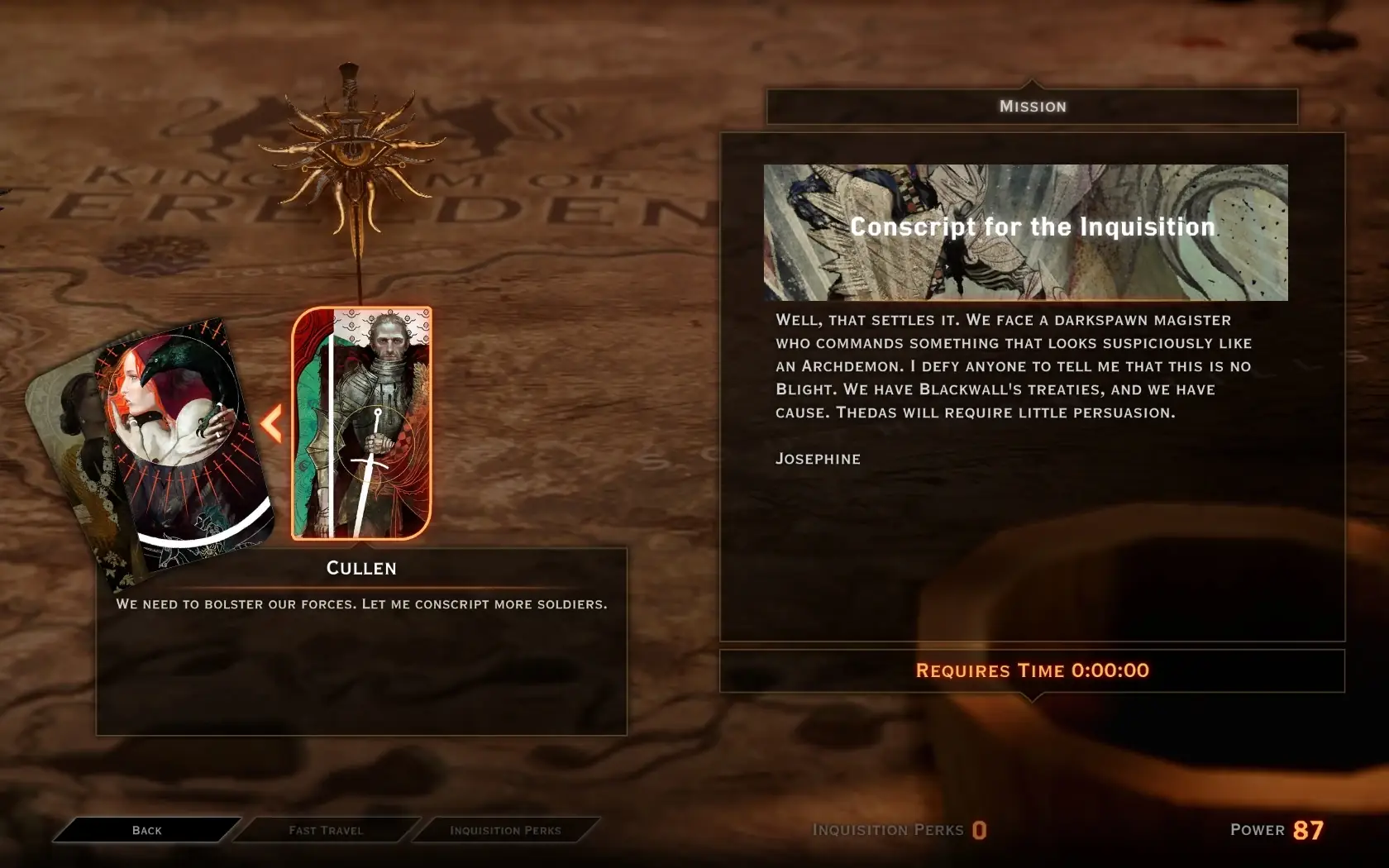
The base game and its expansions have separate files:
- Install the main
War Table - No Waiting.daimodthrough DAI Mod Manager. - Add the Jaws of Hakkon and The Descent files only if you own those expansions.
- The mod removes waiting; it does not unlock operations early or choose them for you.
✅ It suits a campaign where timers keep sending you back to the war table. The old pace disappears, including the wait between repeatable resource operations.
Party Banter Tweaks
Party Banter Tweaks lets you choose the interval between companion dialogue attempts and the balance between conversations and area comments. A long journey can stay quiet when the game picks a line that is unavailable. A shorter interval gives the party more chances to speak, but the mod does not add new lines.
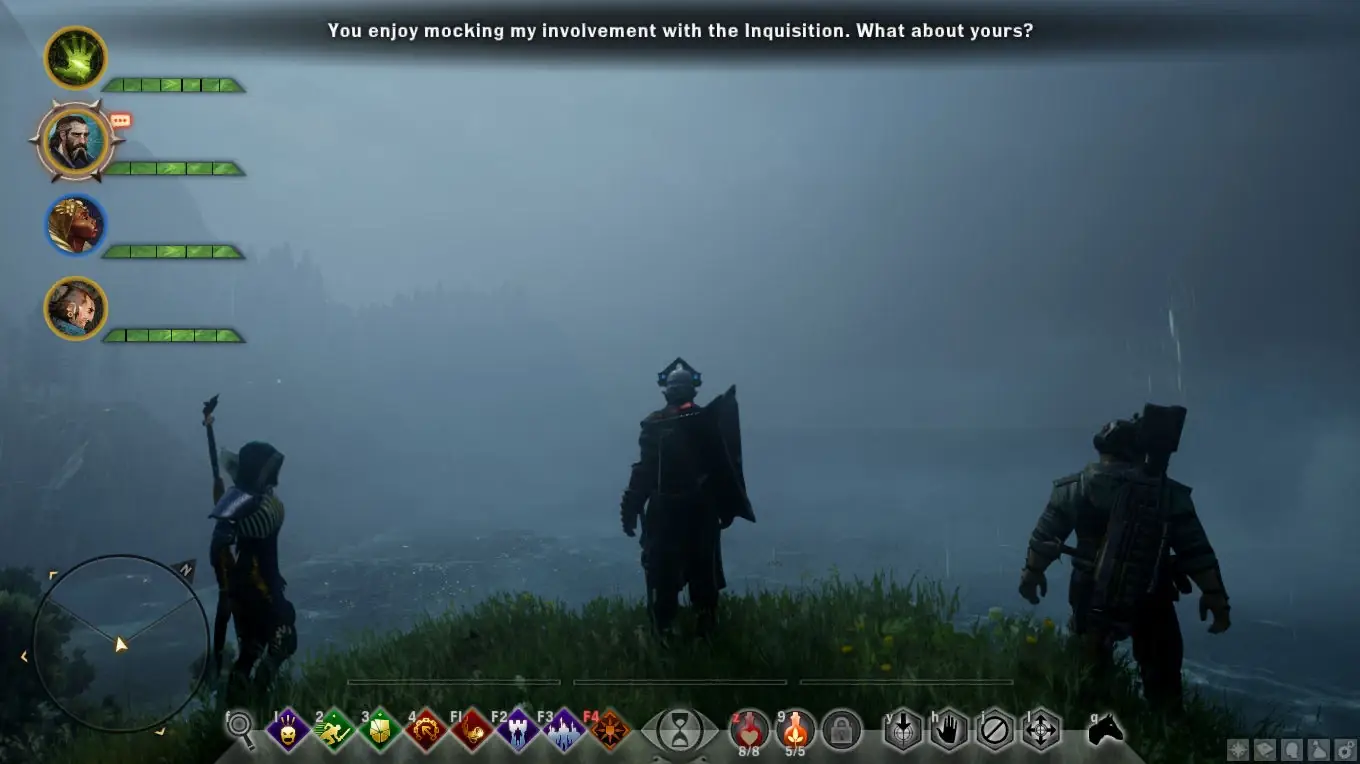
Frosty components let you choose timing and the type of line separately:
- Seven alternative timing files range from 10–30 seconds through 30–60 seconds, 1.5–3, 2–5, 3–7 and 5–10 minutes to 15–20 minutes. Choose one.
- PartyBanterType changes the conversation-to-area-comment ratio; PartyBanterLevelsFixes improves triggers in certain regions.
- DLC areas have no regional comments. A short timer cannot create dialogue after the party runs out of eligible lines.
✅ This can make the party feel more talkative on the road. The timing is adjustable, so companions need not speak without a break.
Quicker Looting
Quicker Looting skips the bend-down animation when you collect loot. After a fight with several enemies, the Inquisitor can move from one body or chest to the next sooner. It does not change the drops: the mod speeds up the action, rather than collecting items automatically.
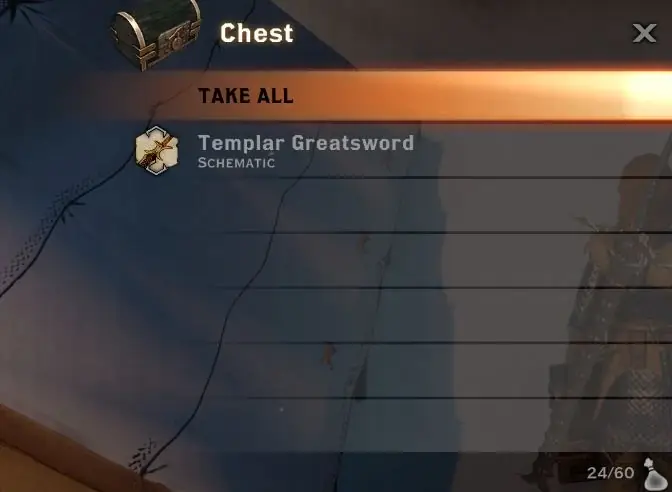
The Files tab offers two versions of that change:
- Standard
Quicker Looting.daimodremoves the pickup animation. Quicker Looting - LWalso leaves the loot window open.- Choose one version and merge its DAIMOD with DAI Mod Manager.
✅ It is a small change that becomes noticeable when you loot often. The tradeoff is simply the missing pickup animation.
Search Radius Increased
Search Radius Increased expands the search radius by 50% or 100%. An item near a ledge or behind a rock can show up even when the obstruction blocks your line of sight. Highlights last 16 seconds instead of five, giving you more time to notice them.
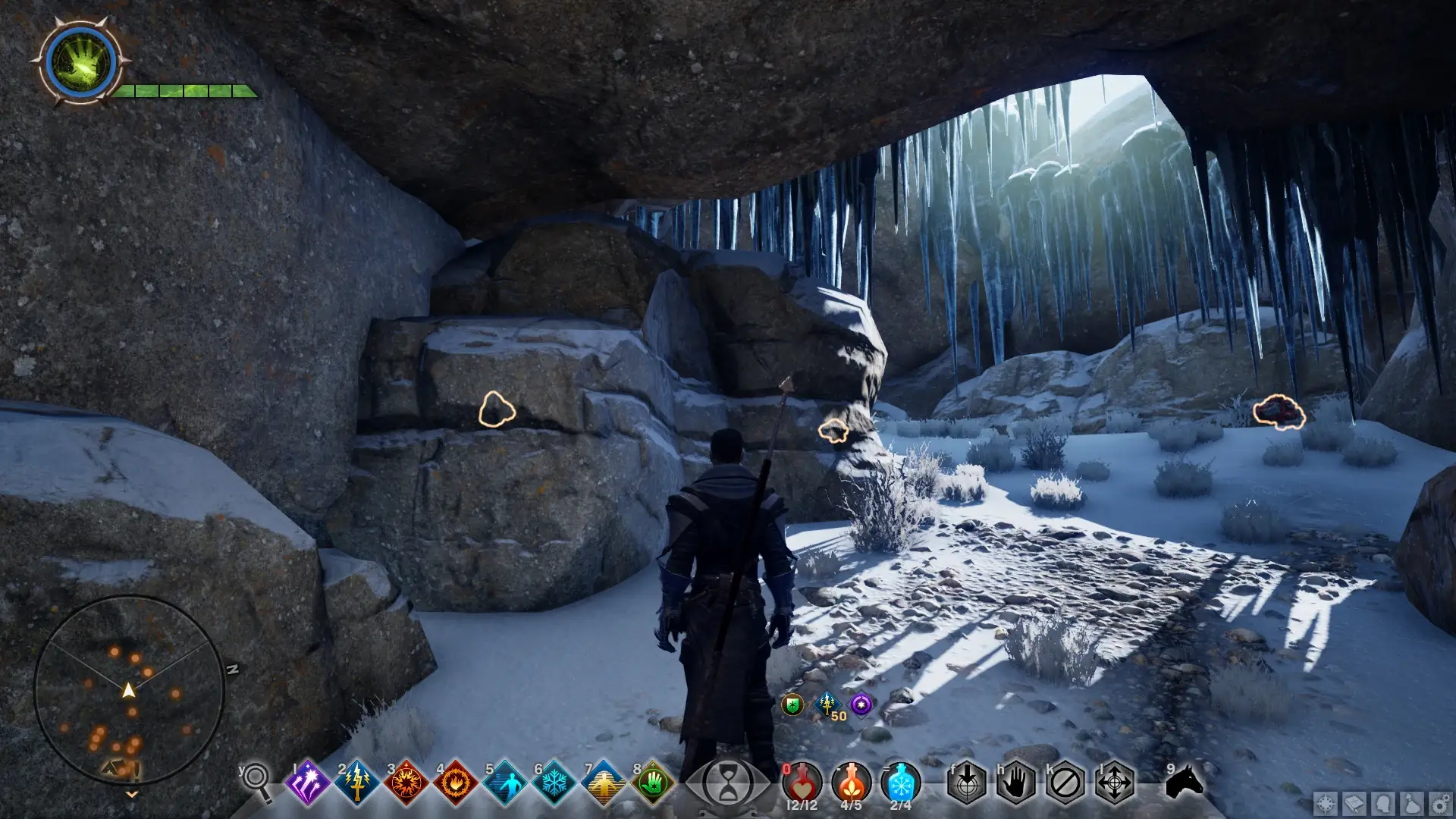
Choose one of the two current files:
- Version 1.1 offers a 50% and a 100% radius increase; these are alternatives.
- Both use DAI Mod Manager and remove the line-of-sight requirement for detection.
- The mod helps locate an item; it does not loot through a wall or reveal every map marker.
✅ The larger search area cuts repeated checks around obstacles. If you want a lighter change, the 50% version leaves more searching to do than the 100% option.
Configurable Increased Inventory Capacity 2019 update
This mod raises bag capacity, so several outings need not end with an immediate trip to a merchant. Fixed choices include 200, 400, 1,000 and 5,000 items, and there is a configurable DAIMOD option. They solve the same problem at different strengths: at 200 you still choose what to keep, while 5,000 nearly removes that decision.
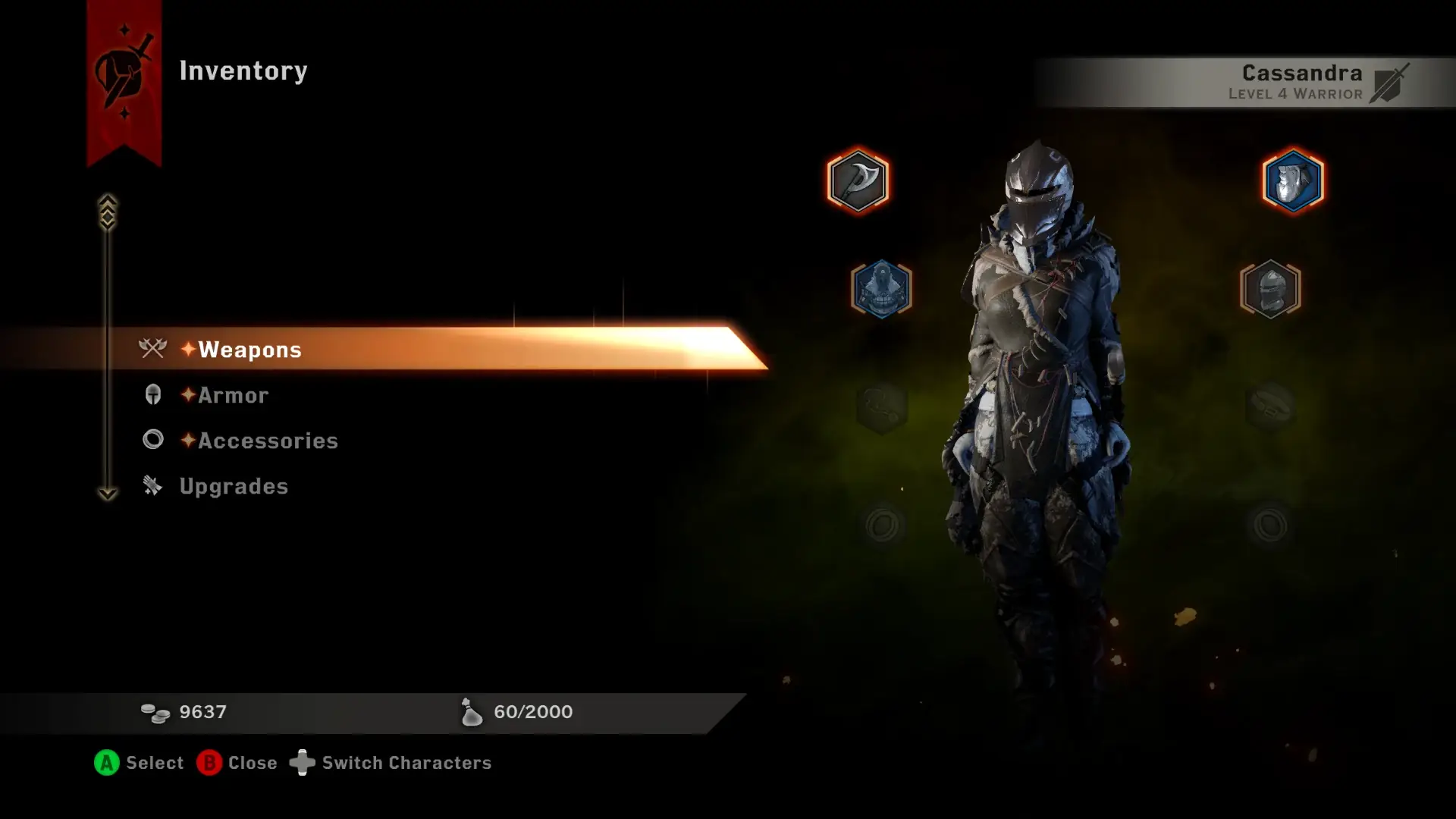
Check which inventory perks your save already has before choosing a file:
- Fixed Frosty and DAIMOD options change base capacity; keep the matching
.archivesidecar with a chosen Frosty.fbmod. - If the save has already acquired at least one capacity perk, changing the base value will not change bag size. Separate files change the perk’s increase instead.
- A perk-increase file is not a promise to restore missed space if every such perk has already been taken.
✅ A moderate increase cuts merchant trips while keeping inventory choices relevant. The 5,000 option nearly removes the limit, and the right file depends on perks already taken.
More Inquisition Levels
More Inquisition Levels raises the Inquisition’s rank cap from 20 to 30 and allows up to 34 perk points. Influence gained after the old cap can lead to more Inquisition perks. It does not raise the Inquisitor’s combat level, and the final ranks still take a great deal of Influence.
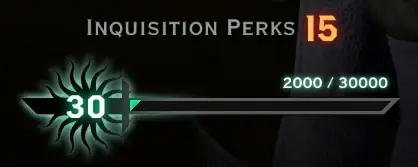
Your existing save and other Influence edits matter:
- Install
MoreInqLevels.daimodwith DAI Mod Manager. - It conflicts with NewInfluenceTable and the Perks Per Level files from Ardent Blossom Misc Store because they edit the same data.
- If existing Influence makes the save skip ranks after installation, perk points for skipped ranks are not awarded retroactively.
✅ This extends Inquisition development during a long campaign. It changes perk balance without handing out the final ranks for free.
Bugs Be Gone
Bugs Be Gone fixes a range of ability and quest problems. Damage over time could drop to one while flanking, for example, and one requisition could not finish properly. But it is more than a bug-fix list: the author also raises the mana and stamina ceiling from 200 to 500 and changes some ability interactions.
File choice and load order matter here:
- The author reports issues with the native Frosty version and recommends importing the
.daimodinto Frosty instead. - Load Bugs Be Gone before other mods so later ability edits can take precedence.
- If a later mod edits the same ability, its change can override the Bugs Be Gone fix.
✅ Specific fixes can remove real problems, but the resource and ability changes also affect balance. It helps to compare its list with other mods that edit the same skills.
No More Fog of War
No More Fog of War clears fog from the maps it edits. You can see an area without walking along every edge, which makes planning a route to a known destination easier. The Inquisitor still has to travel there; visibility and visiting a place are separate things.
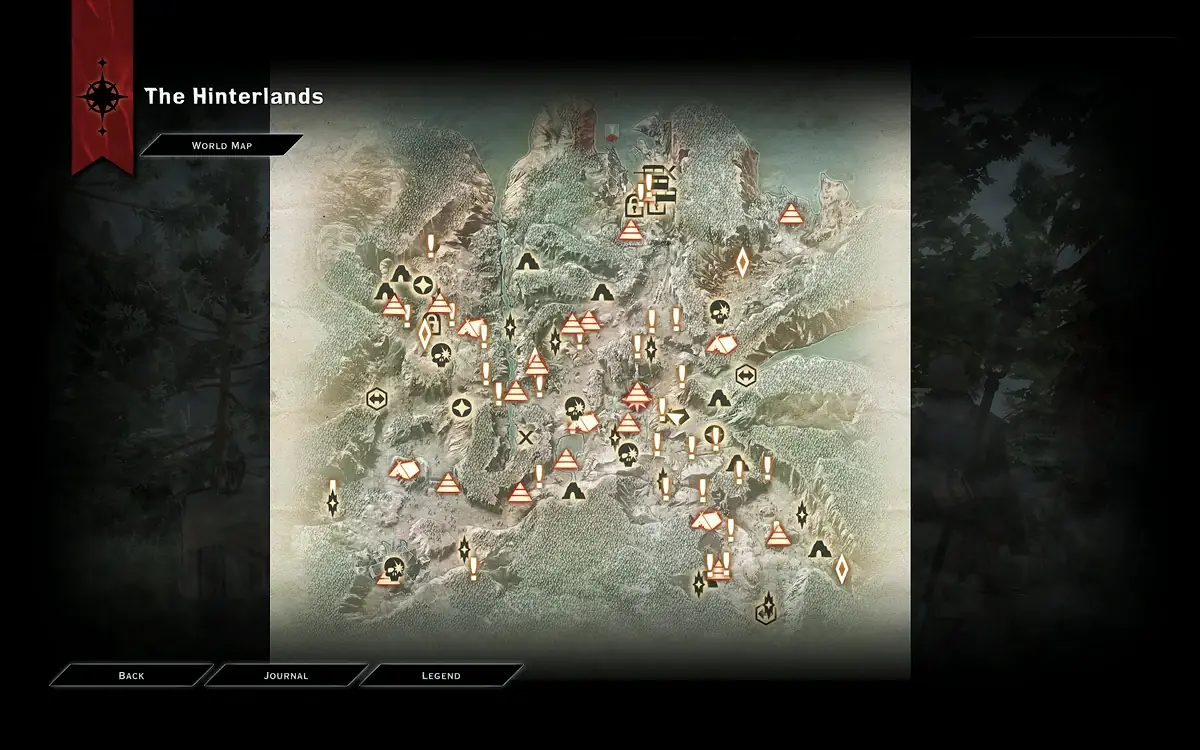
File format and an optional add-on change the result:
- The Frosty version includes base-game and expansion maps. The DAIMOD route has separate Jaws of Hakkon and The Descent files, but does not cover Trespasser.
- Remove the base mod and fog returns to its earlier state, potentially covering places first explored while it was active.
- Optional Unlock Map Pins records most revealed pins in the save once you save the game; that is a lasting change separate from map fog.
✅ An open map makes navigation easier without searching every edge. If all you want is visibility, leave out the pin add-on, which changes saved map markers separately.
Cutscene Fixes and Tweaks
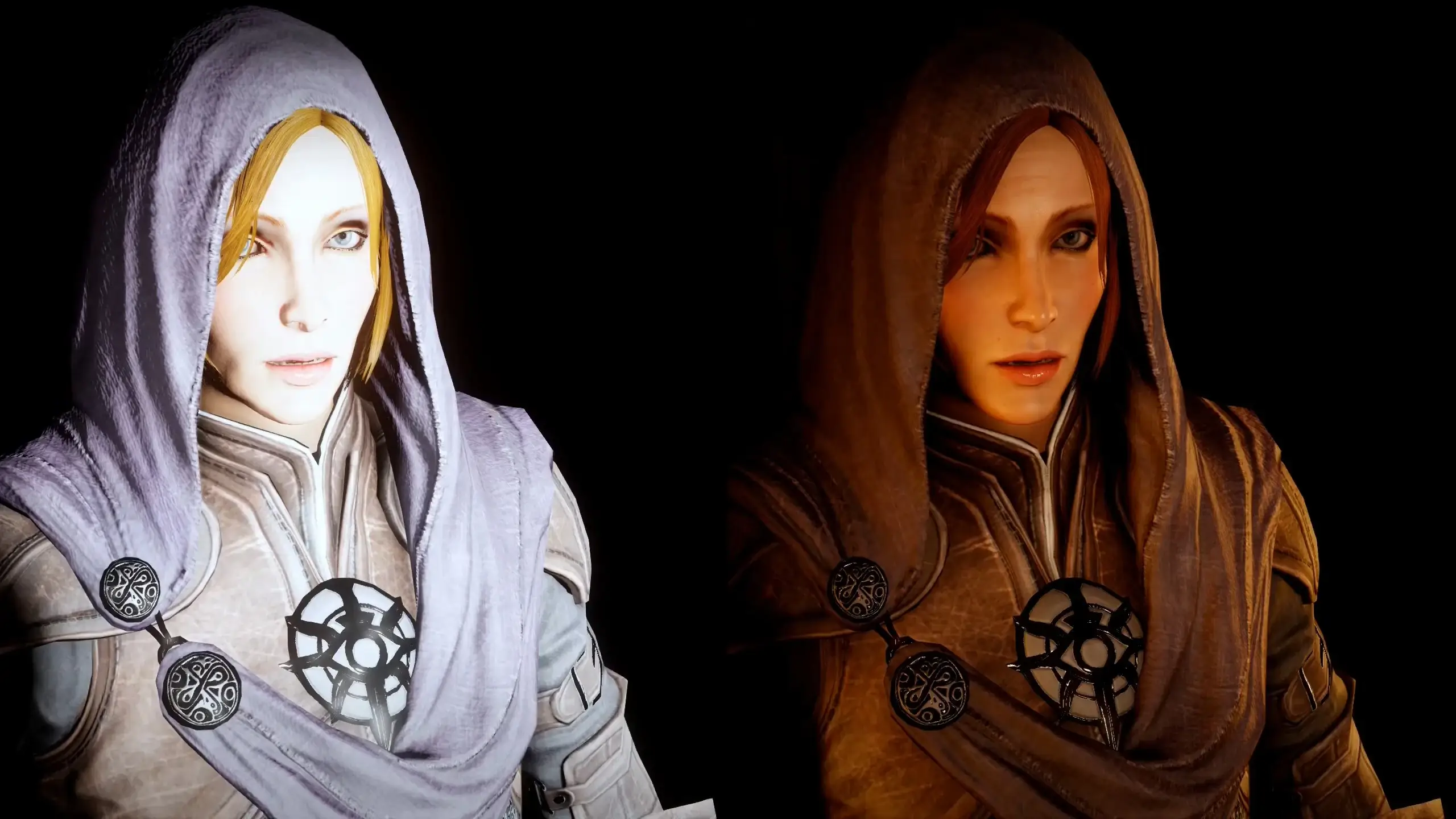
Cutscene Fixes and Tweaks adjusts the camera, lighting and depth of field in specified conversations. Early on, harsh light can wash out Leliana during an interrogation, while a training dummy can block the camera in a conversation with Cassandra. The mod fixes scenes like these rather than overhauling every cutscene.
Check the archive and the scope of its edits before installing:
- The Frosty archive contains four parts,
Cutscene_Fixes_and_Tweaks_Part_1throughPart_4.fbmod; use Frosty Mod Manager. - A brief Varric and Hawke interaction also gets a changed world-state requirement, so the mod is not limited to visuals.
- A mod that edits the same scene may conflict; the author does not claim broad compatibility.
✅ This addresses specific camera and lighting distractions in conversations. Its fixes apply to listed scenes, not the game’s entire cinematic presentation.
Anto Hairstyles for DAI
Anto Hairstyles for DAI offers separate styles for different Inquisitors. The image here shows Cara for a female elf: TH_Anto_Cara_EF_Custom Texture.fbmod replaces the existing hairM slot. That archive includes seven other alternatives for the same slot; choose one hairstyle so the files do not override one another.
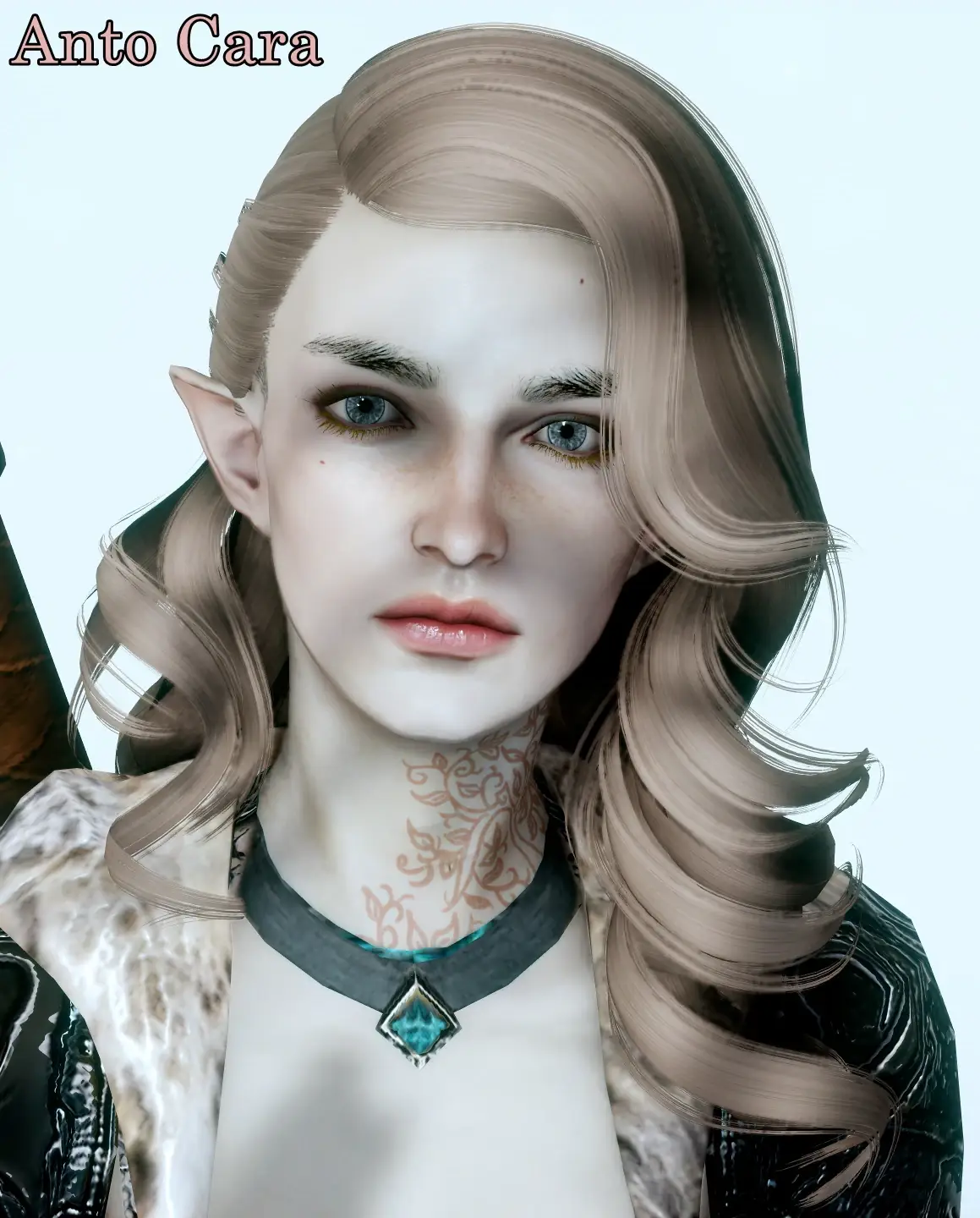
For Cara, follow the requirements of its selected file rather than assuming every style is universal:
- Choose EF Hair Pack Custom Texture and its Cara file for a female elf. For another character, choose a different style on the page with the appropriate race and gender.
- It requires Frosty Mod Manager and Ultra mesh quality. Cara uses a custom hair texture, rather than the game’s default one.
- Another mod replacing the same slot or hair texture can conflict. The author’s hair guide explains texture order and a separate Black Emporium fix.
✅ The page offers a broad range, but each style has its own race, gender and replacement slot. Cara is one choice for a female elf, not hair that becomes available to every character.
Misc Hairstyles for Frosty
Misc Hairstyles for Frosty contains individual imported styles. Charlotte, pictured here for a female elf, replaces the hairPC slot and uses a custom texture. Its hair texture can preview incorrectly in character creation, then appear normally after leaving the editor.
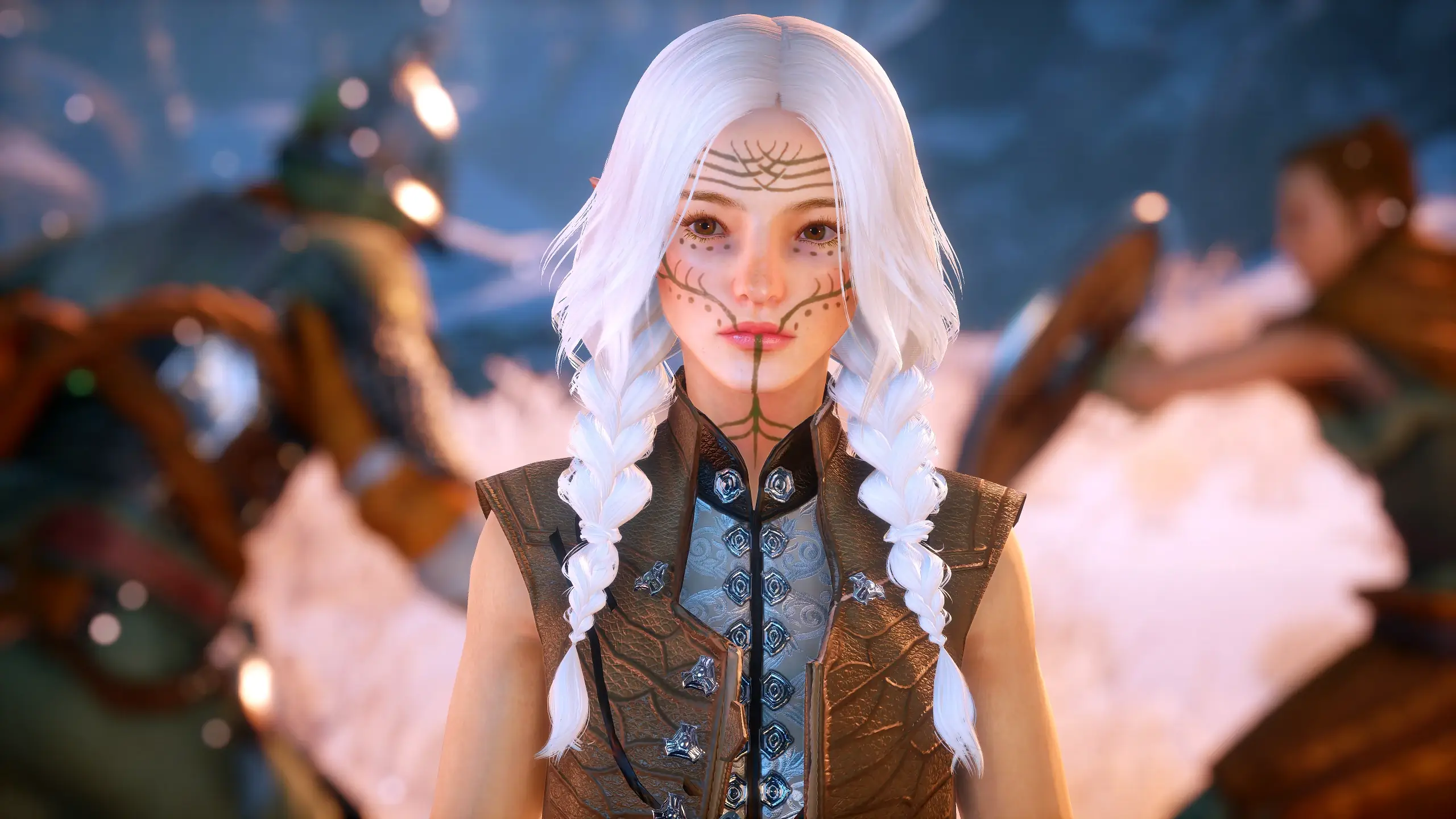
For Charlotte, check graphics settings and other hair mods:
- Use Frosty, the Black Emporium DLC and Ultra mesh quality; below Ultra, the replacement may show only in cutscenes.
- The chosen file is
Anto - Charlotte - Custom textures - EF - Hair PC, made for a female elf and slot PC. - Keep only one custom hair-texture mod active at a time. Cara from the previous section and Charlotte are alternatives, despite their different slots.
✅ This page has many styles, but for Charlotte the texture and replaced slot matter more than the gallery image alone. If you remove the hairstyle, the author says to visit the Black Emporium mirror to restore the original texture.
Frosty Braided mid Length Hair with Fringe – for Qunari Dwarves Elves and Humans
This page offers one braid with a fringe in separate files for human, elf, dwarf and qunari Inquisitors of both genders. The pictured female qunari uses the QF file, which replaces horn-related hair meshes and one hornless style, allowing different horn choices. Neck strands stay still to reduce clipping with clothing.
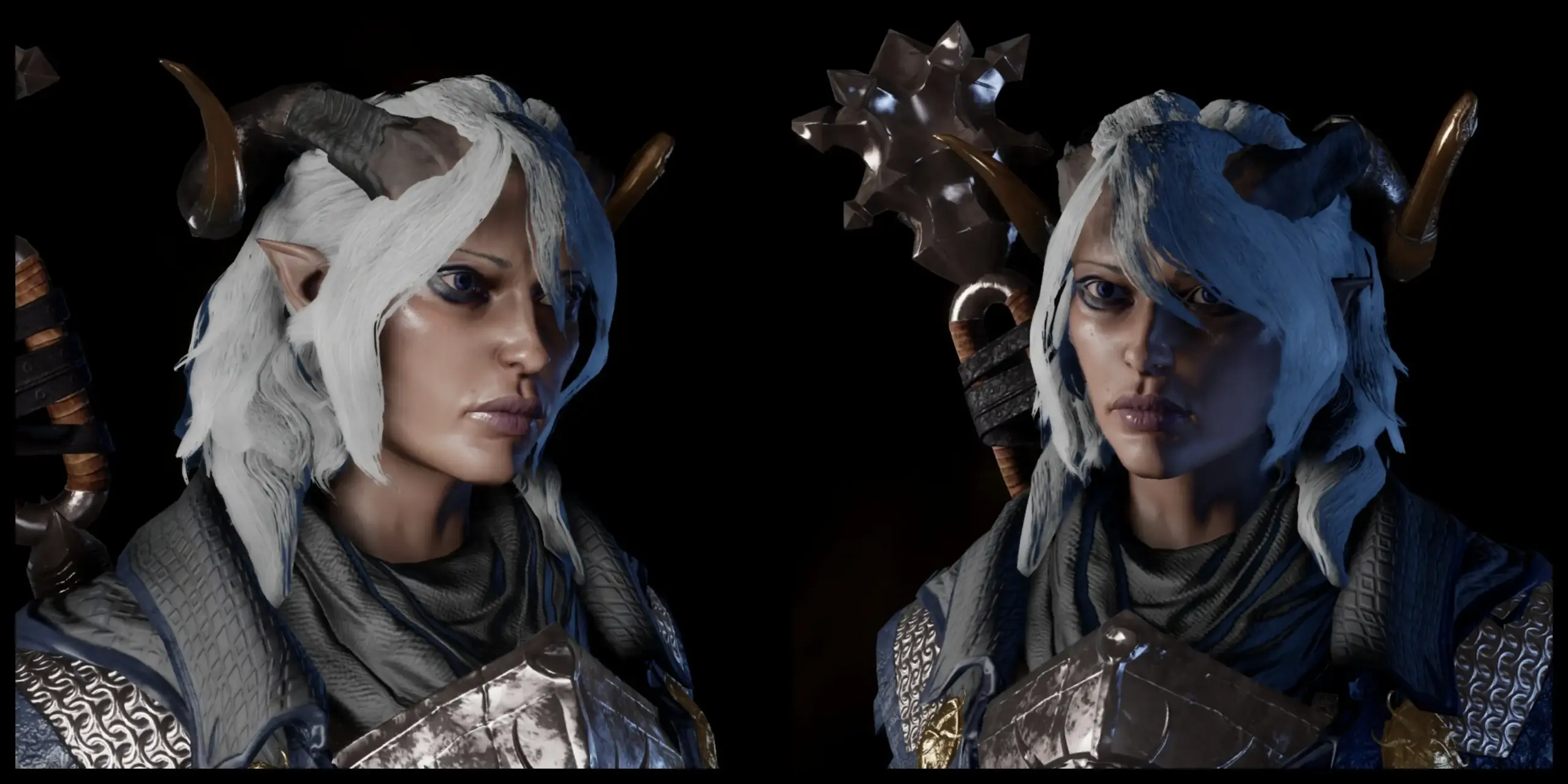
Its requirements differ from the two hairstyle collections above:
- Choose
Braided mid Length Hair with Fringe - QF.fbmodfor a female qunari; other races and genders have separate files. - Install with Frosty Mod Manager; there is no DAI Mod Manager version. According to the author, it should work at different mesh-quality settings, not just Ultra.
- Large armor can hide some hair, and shadow glitches may appear in places. Other mods editing the same meshes can conflict.
✅ This is one ready-made long style instead of a large catalog. Its still strands reduce clipping, though they do not prevent it in every outfit.
How to Install Dragon Age Inquisition Mods
A .daimod file normally goes through DAI Mod Manager, while a .fbmod goes through Frosty. One page may offer both formats or several alternatives that should not be installed together. Choose the actual file first, especially for inventory capacity and hair.
- Check the chosen file on the Files tab for its format, DLC and race, gender or graphics requirements. Note which hair slot a style replaces.
- Back up saves and settings before changing your mod setup. If a Frosty file has a matching
.archivesidecar, keep it with the chosen mod. - Use the manager required by the file. Frosty has an official release; the mod author’s hair guide explains how to handle custom textures.
- Enable one mod and check its effect in game. Use Ultra only where the selected hairstyle requires it, and check rank or inventory changes on a suitable save.
- Add more files one at a time. For hair, do not treat two replacements of one slot or two custom textures as a compatible pair.
Which Mods to Choose for Your Playthrough
Advisor timers, looting and party conversations recur throughout a campaign, so their changes are easy to judge during ordinary play. Extra Inquisition ranks and Bugs Be Gone affect progression and balance. The three hairstyles are alternatives: the right file depends on the Inquisitor’s race and gender, replacement slot and manager. A particular run benefits most from changes that address its own recurring problems.