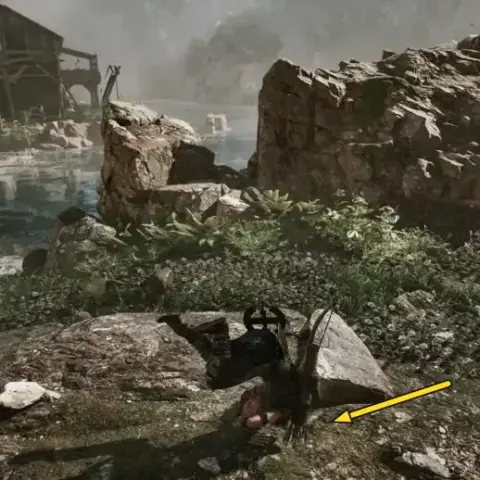
The Gothic 2 Unreal Engine 5 remaster is available on Steam, but where do you find it if your library only shows the original game? I’ll walk you through launching Dmitry Kalyuzhny’s project, adjusting its settings and deciding whether it’s ready for your next run.
What is the Gothic 2 Remaster on Unreal Engine 5?
Dmitry Kalyuzhny brought Night of the Raven to Unreal Engine 5 with support for Windows 11, along with settings the original didn’t offer. He released a remaster of the first Gothic in 2024 before moving on to the sequel. The remaster is free if you own the original on Steam. The project has THQ Nordic’s approval.
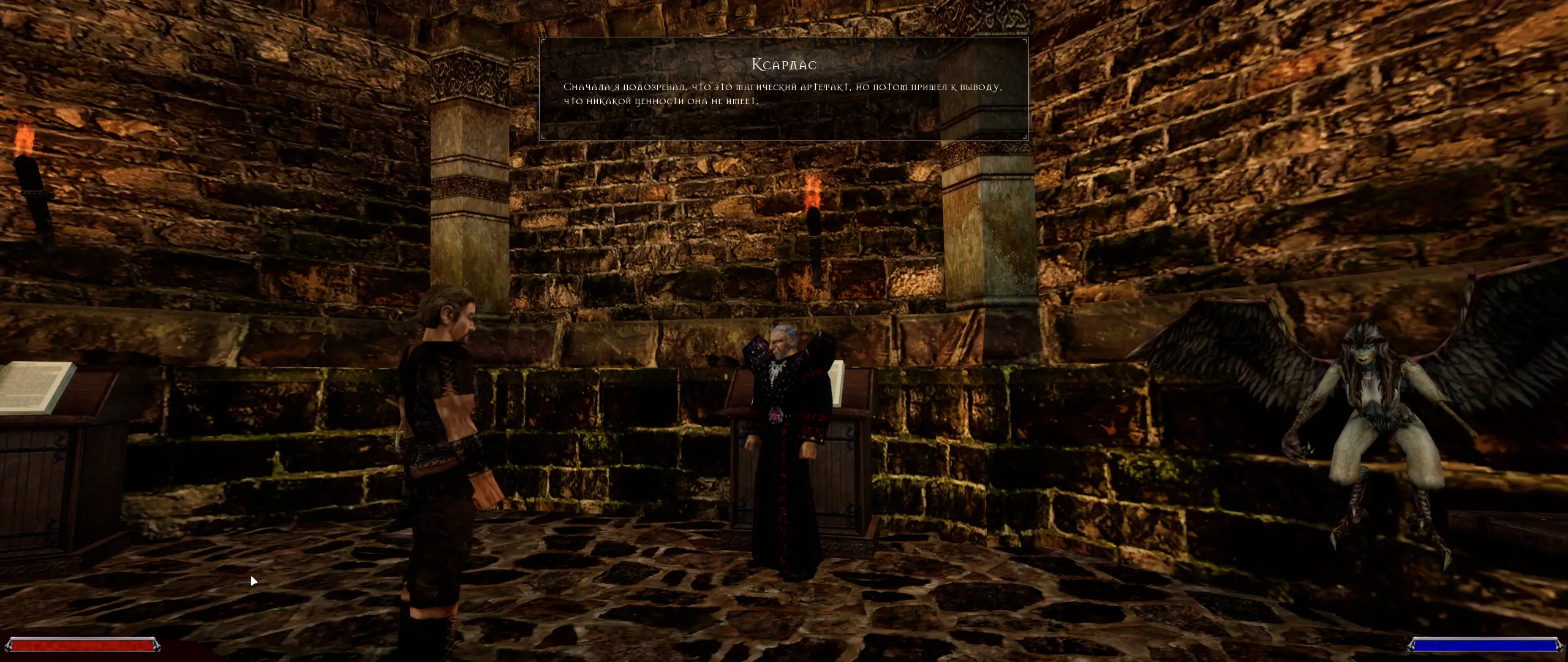
Before the May alpha release, the creator said he hadn’t encountered critical bugs during testing. The game runs with its mechanics and original voice recordings intact. Subtitles include English, German, Spanish, French and Italian, with English, German and Polish voice options.
The project lives on the author’s Discord server, where you can also report bugs. The author continues to test and update the build, so the version isn’t final, but it’s playable.
The remaster runs through a special Steam beta branch. You don’t need a separate installation of Gothic 2. An access code unlocks the branch.
How to install the Gothic 2 remaster on Unreal Engine
You need Gothic II: Gold Classic in your Steam library. If you don’t have it, you’ll have to buy it or wait for a giveaway.
Here’s how to switch to the remaster in Steam.
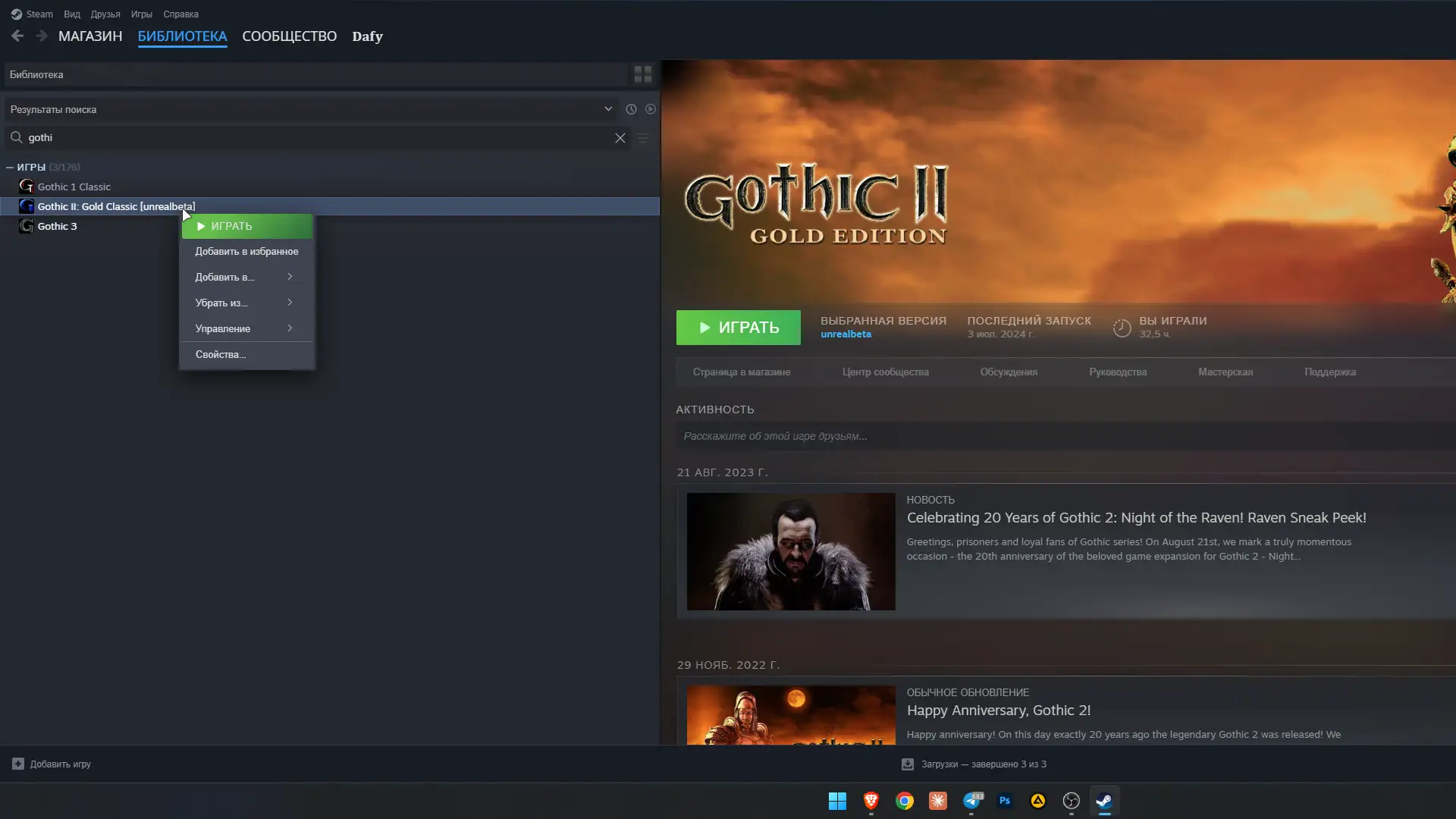
- Open the game’s properties. Right-click Gothic II: Gold Classic in your Steam library and select “Properties.”
- Find the access code field. It’s under “Game Versions and Betas.”
- Enter the code. Paste
WajocIlipa185into the field and click “Check Code.” - Join the beta branch. Once Steam accepts the code, click “Unlock:
unrealbeta.” - Wait for the download. It’s usually several gigabytes, depending on the build.
- Launch the game. Once Gothic II: Gold Classic [
unrealbeta] appears in your library, click “Play.” - Select the remaster in the launch menu. Choose “Gothic II Complete Classic in Unreal (Community Project)”. Tick “Always use this option” if you want Steam to remember it.
- Once the game starts, you can change the interface language and voices in the settings.
The screenshots show the access code field, the beta branch and the Play button in Steam’s Russian interface.
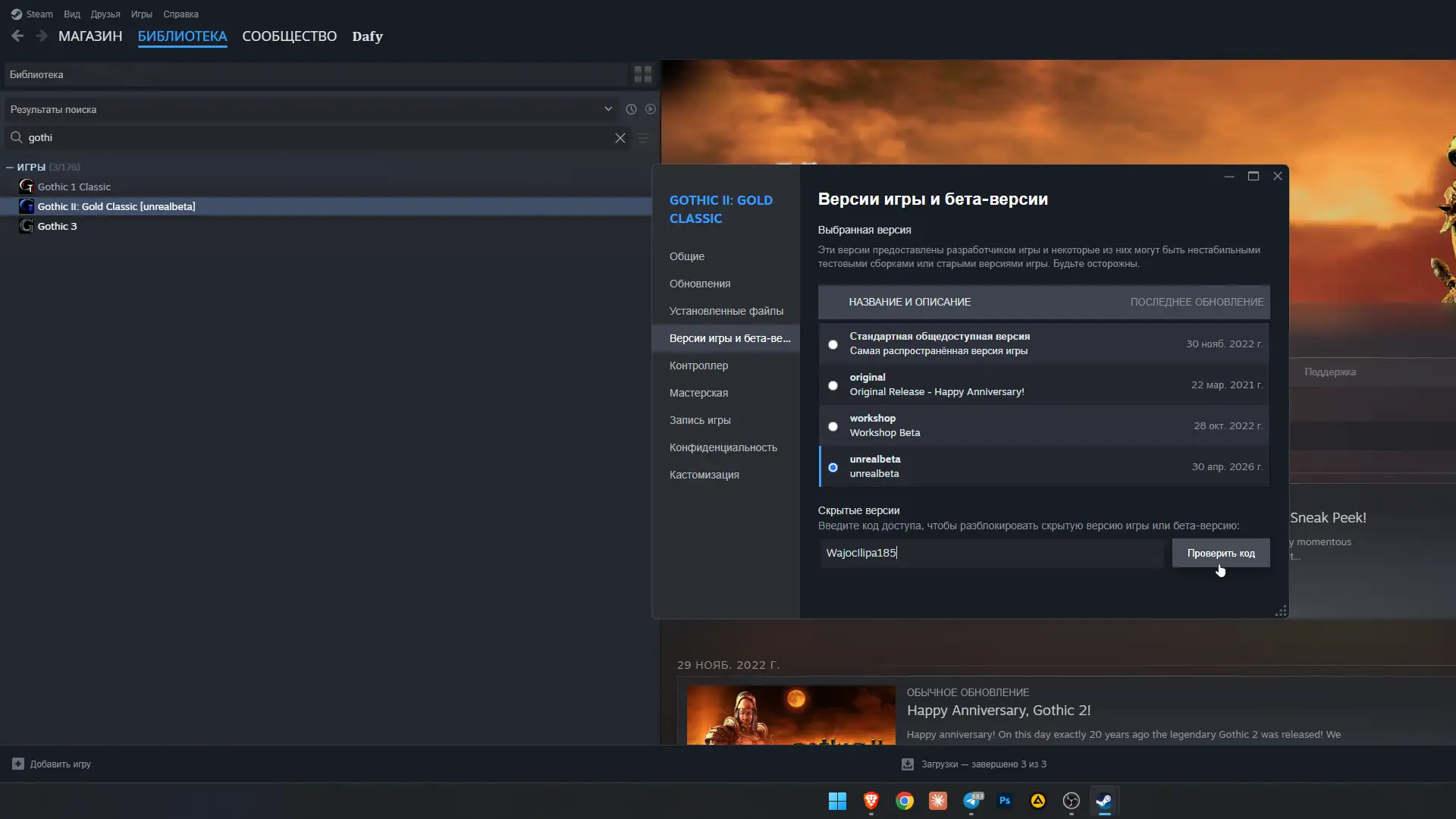
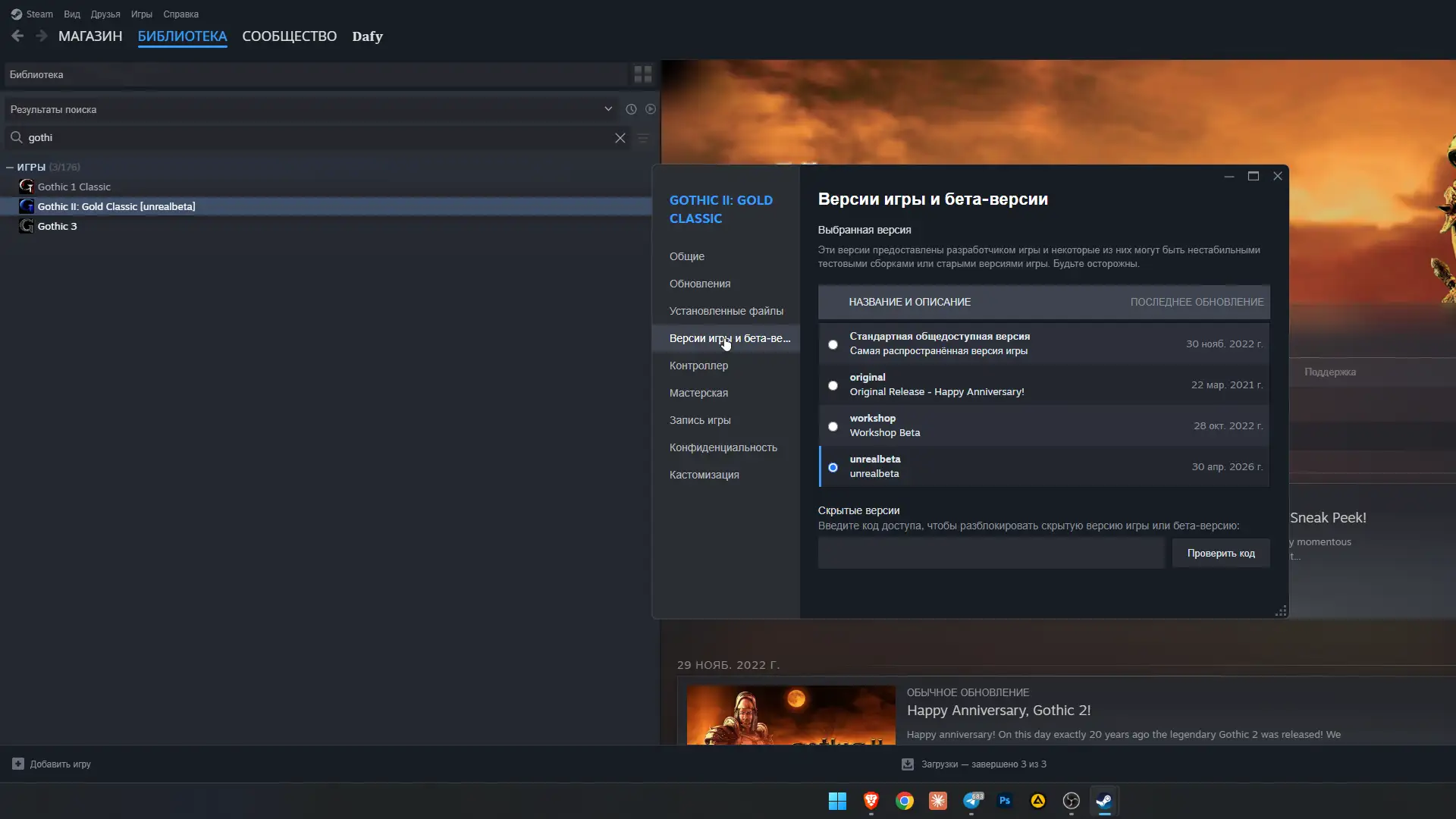
If something goes wrong, check that the code is entered correctly. Copy it fully, without any extra spaces. If the beta branch doesn’t show up, restart Steam.
What’s new in the remaster
The remaster doesn’t copy the original one-to-one. The author added settings that change the game’s pace and make the mechanics more convenient.
Useful hotkeys
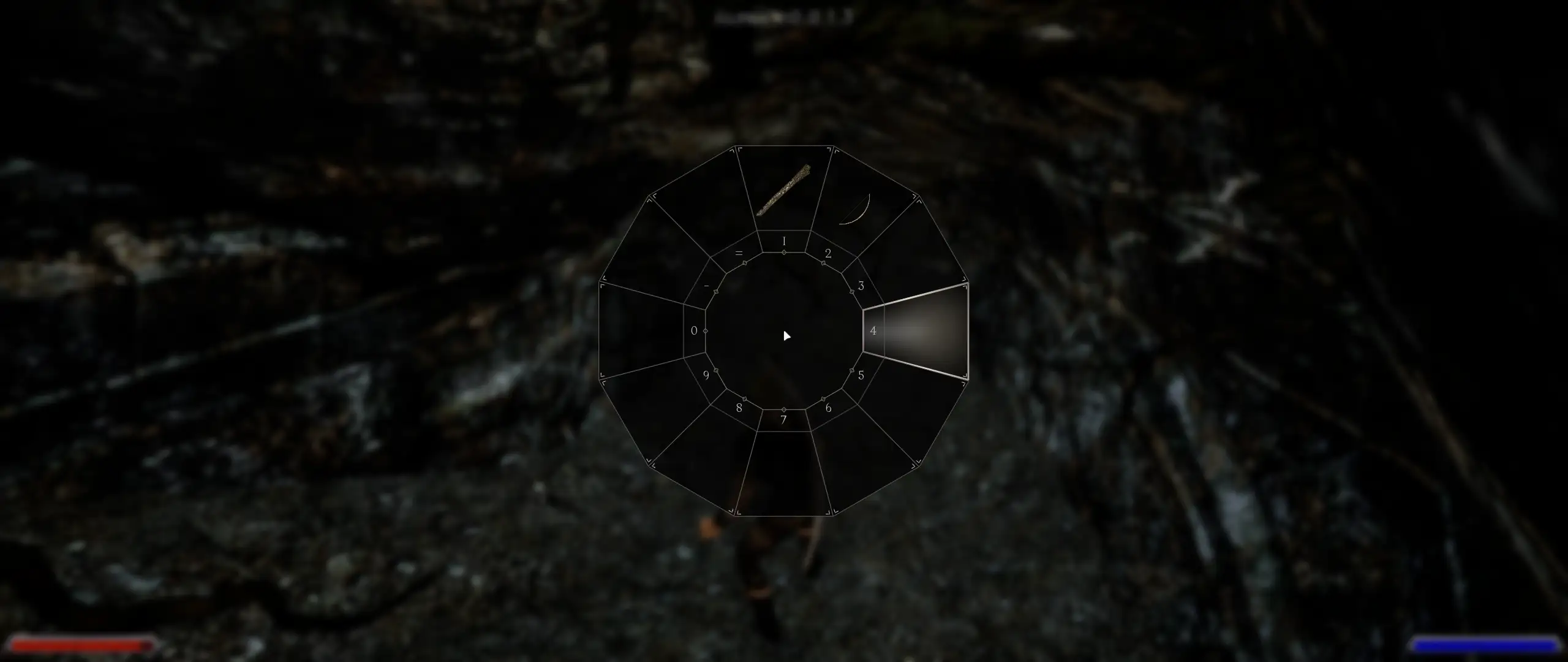
Shiftswitches between running and walking.Ttoggles camera follow. The camera can follow the hero or stay in place.Xturns on auto-run, handy for those trips across the entire map.Vpicks up loot quickly without opening your inventory.Qopens the item wheel. Assign potions or food to use them on the move.
Combat system: what’s changed
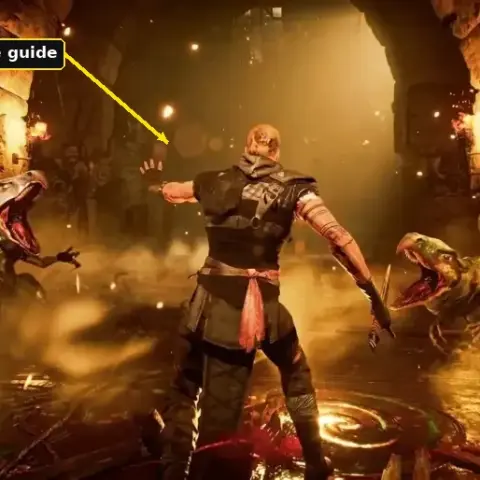
The combat system in the mod works differently than the original. The author reworked timings, animations, and hit mechanics.
- Combo timing is tighter. You need to follow up within a shorter window than in classic Gothic 2, which takes practice if you’re used to the old rhythm.
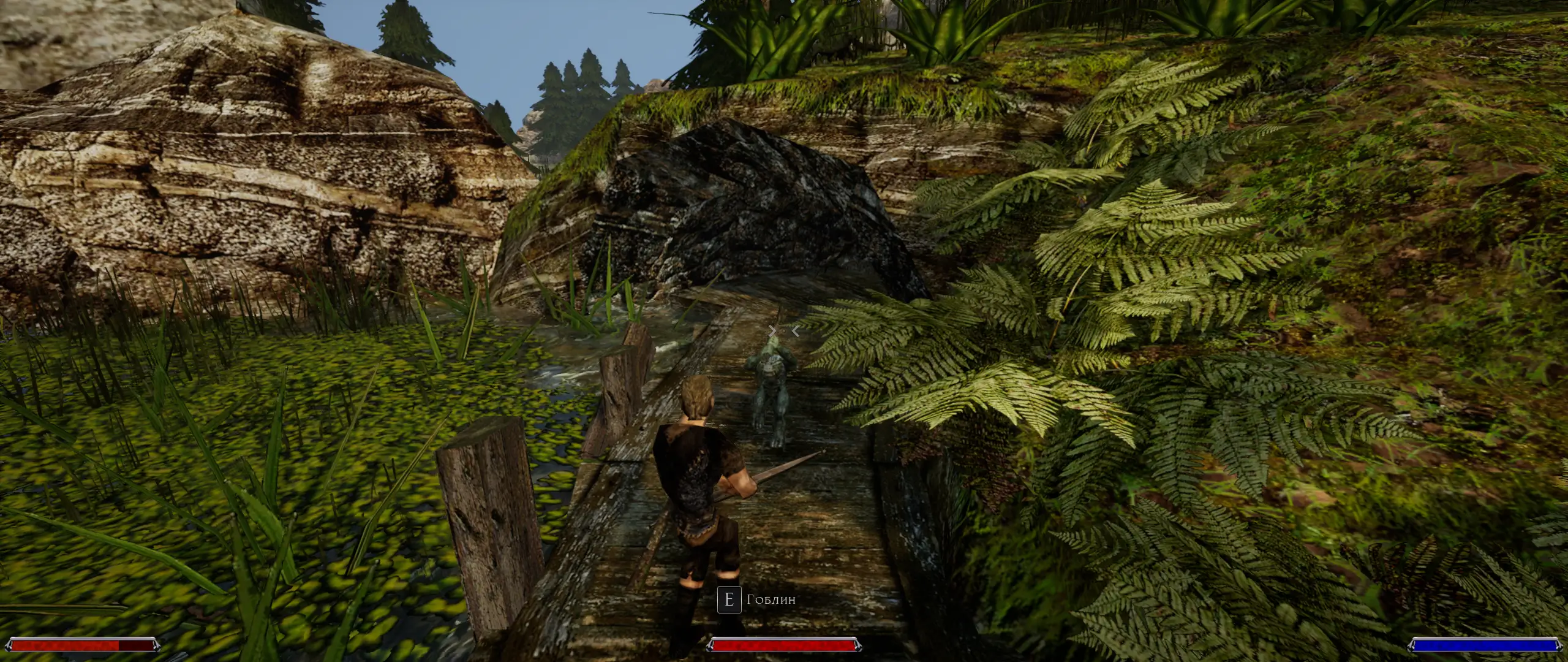
- A swing can hit several enemies. This makes a two-handed sword much more useful when you’re surrounded. In the original, its slow attack and single target often made a one-hander more appealing.
- Melee attacks no longer lock onto enemies automatically. You have to line up each swing so the weapon connects. It feels awkward at first, but starts making sense after a few fights.
- Aim bows and spells manually. You have to line up each shot or spell yourself.
- New combat animations. The hero’s movements are smoother. The strikes look more convincing than in the original. Running animations have been updated too, so the Nameless Hero no longer runs like a wind-up toy.
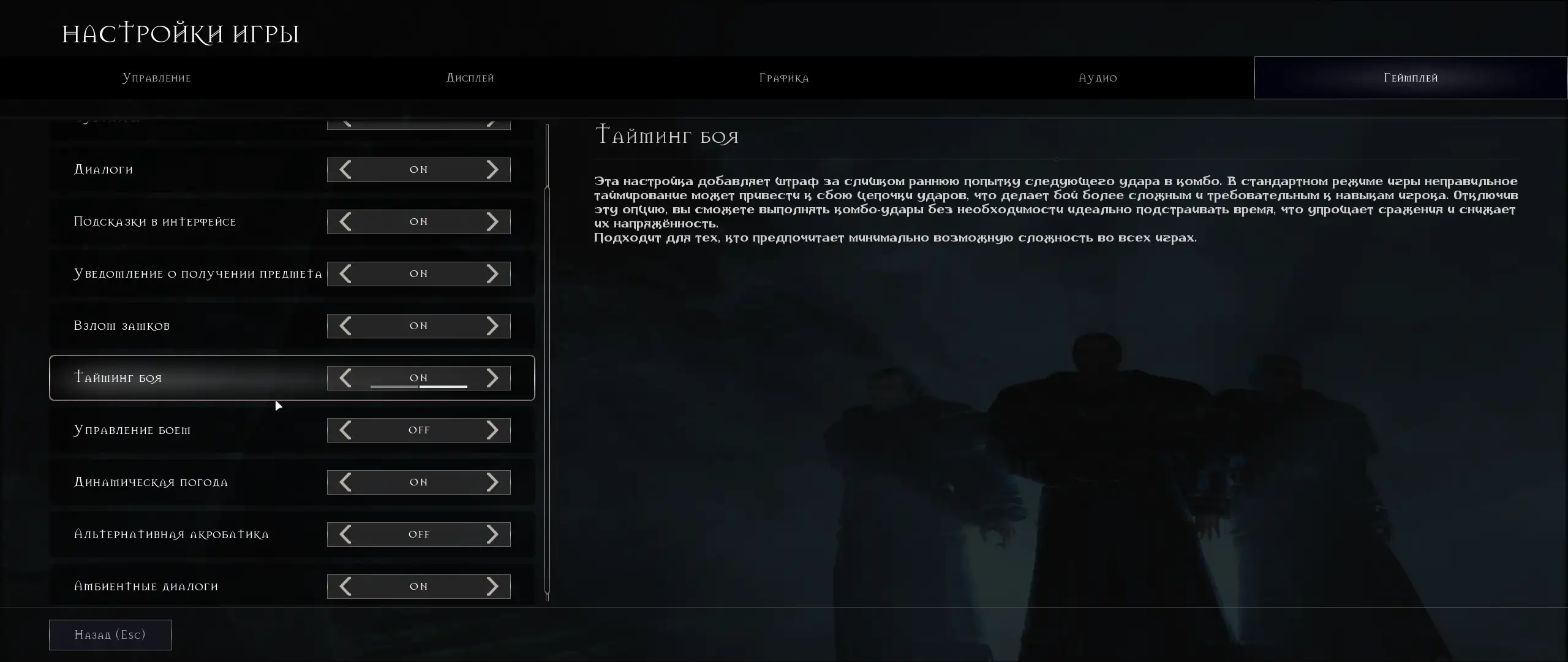
- Combo timing setup. In the gameplay settings, you can adjust how strict the windows for combo attacks are.
Graphics and atmosphere: what the remaster looks like
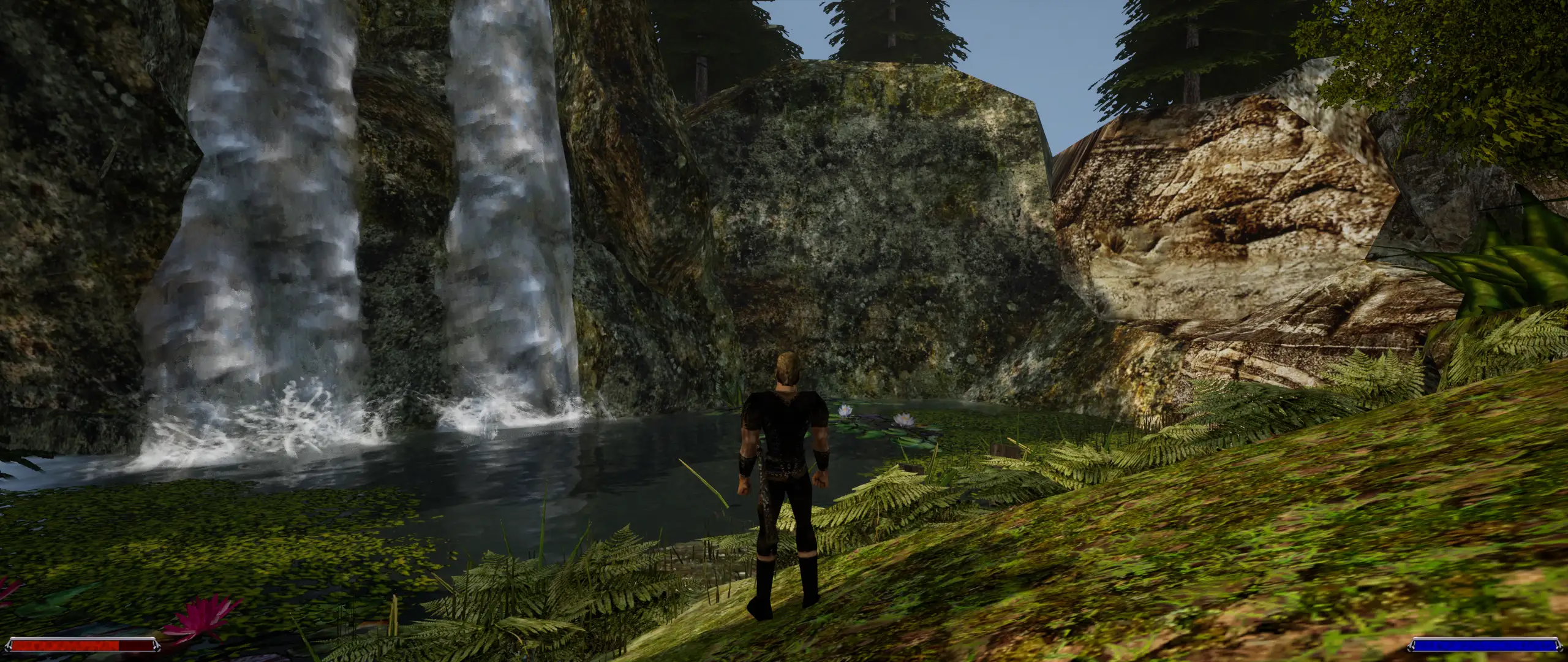
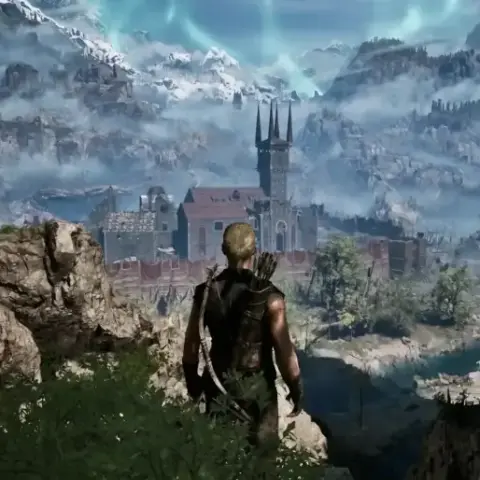
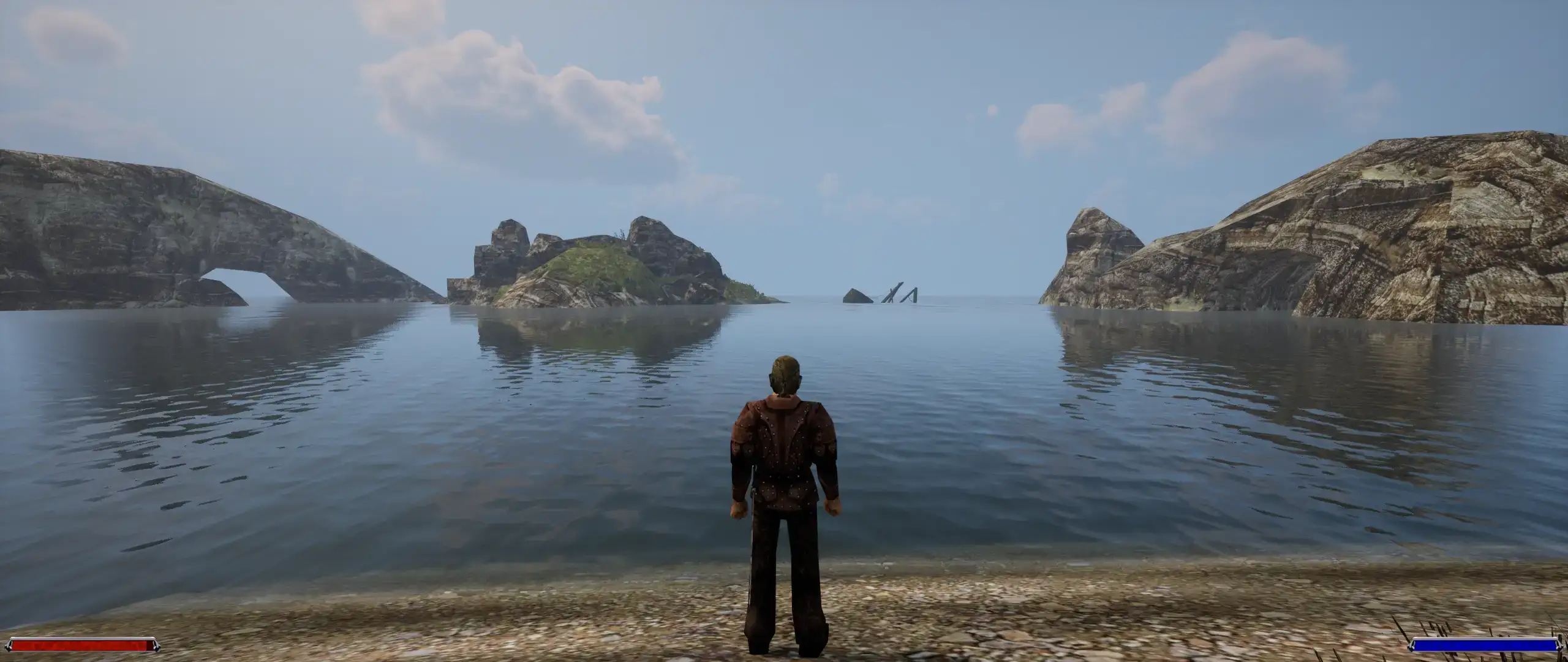
The port modernizes the lighting while keeping Gothic 2’s dark fantasy style. It doesn’t try to turn Khorinis into a photorealistic technology demo.
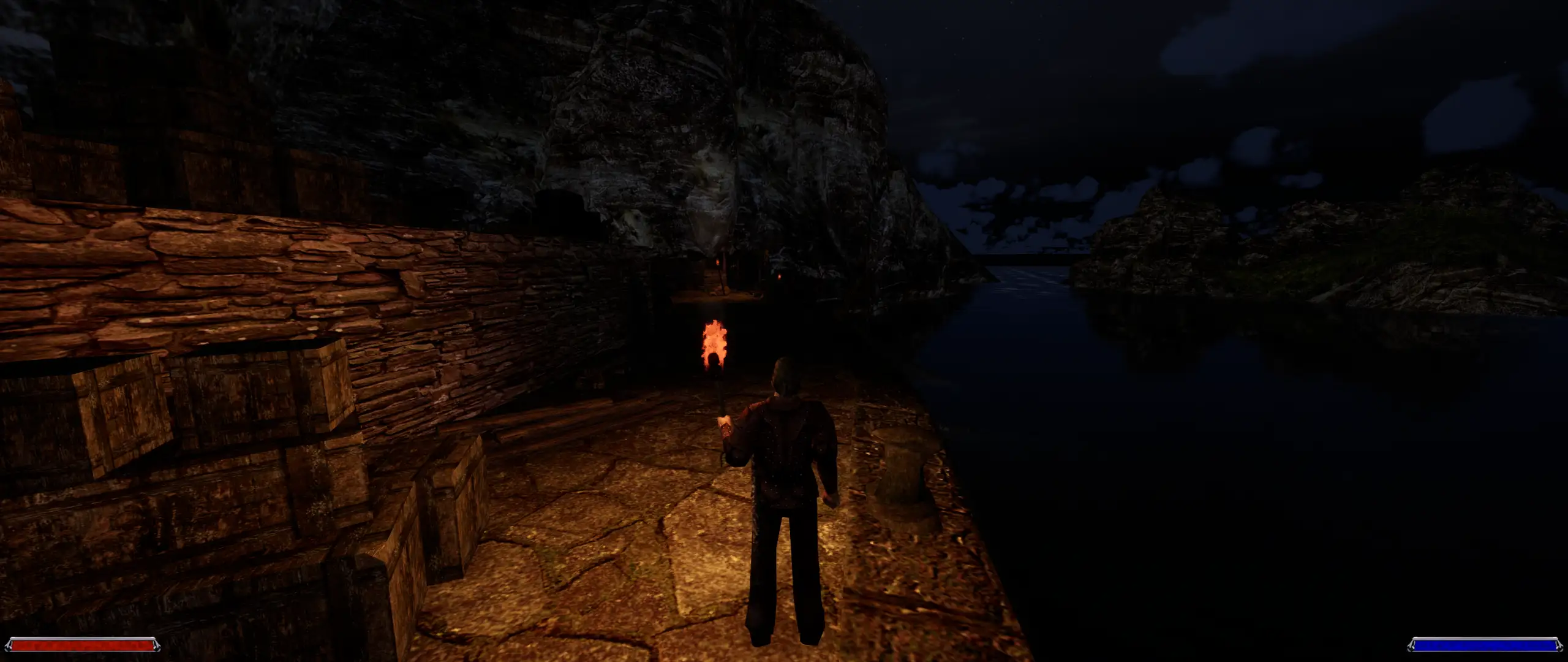
- Shadows and lighting. Because of the richer shadows, the game has become darker. At night, it’s actually dark. You’ll definitely need torches now. Without them, you can’t see anything in the forest or cave. It brings back that sense of danger, which was lost in the original after the first few hours.
- Frame rate. Your hardware and graphics settings will determine how smoothly the game runs.
- FOV adjustment. You can now adjust the field of view. In the original, the camera was too close to the character. Here, you can widen your view and see more of your surroundings. Especially useful in fights when you need to watch multiple enemies at once.
- Saturation tip. Lower the saturation to
95%. At100%, the picture is too bright and harsh. At95%, the colors look more natural and the atmosphere is darker.
The new interface and other updates
Several smaller changes also make routine actions less fiddly.
New interface. The cleaner layout marks unread documents and new items. You can see that you haven’t opened something yet, so you don’t have to guess which notes you’ve already read. You can rotate items in the inventory to see them from different angles.
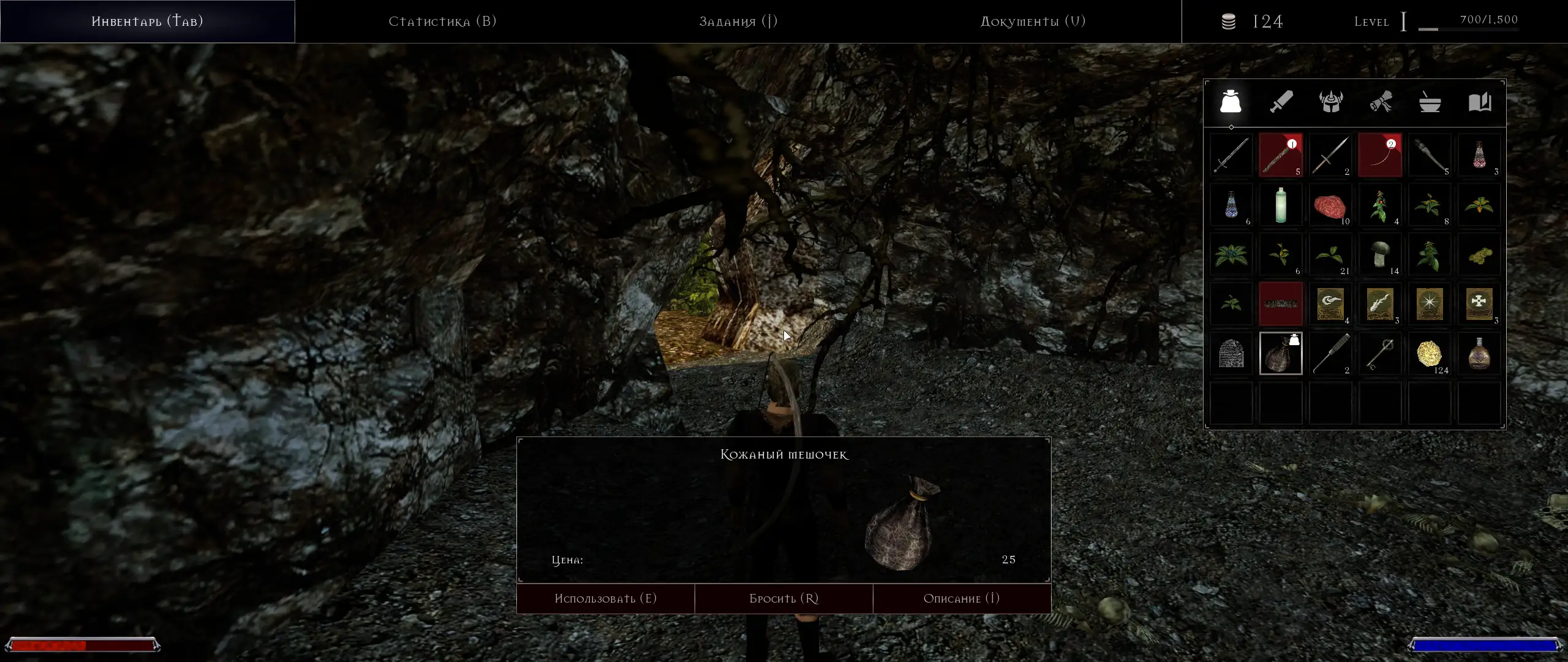
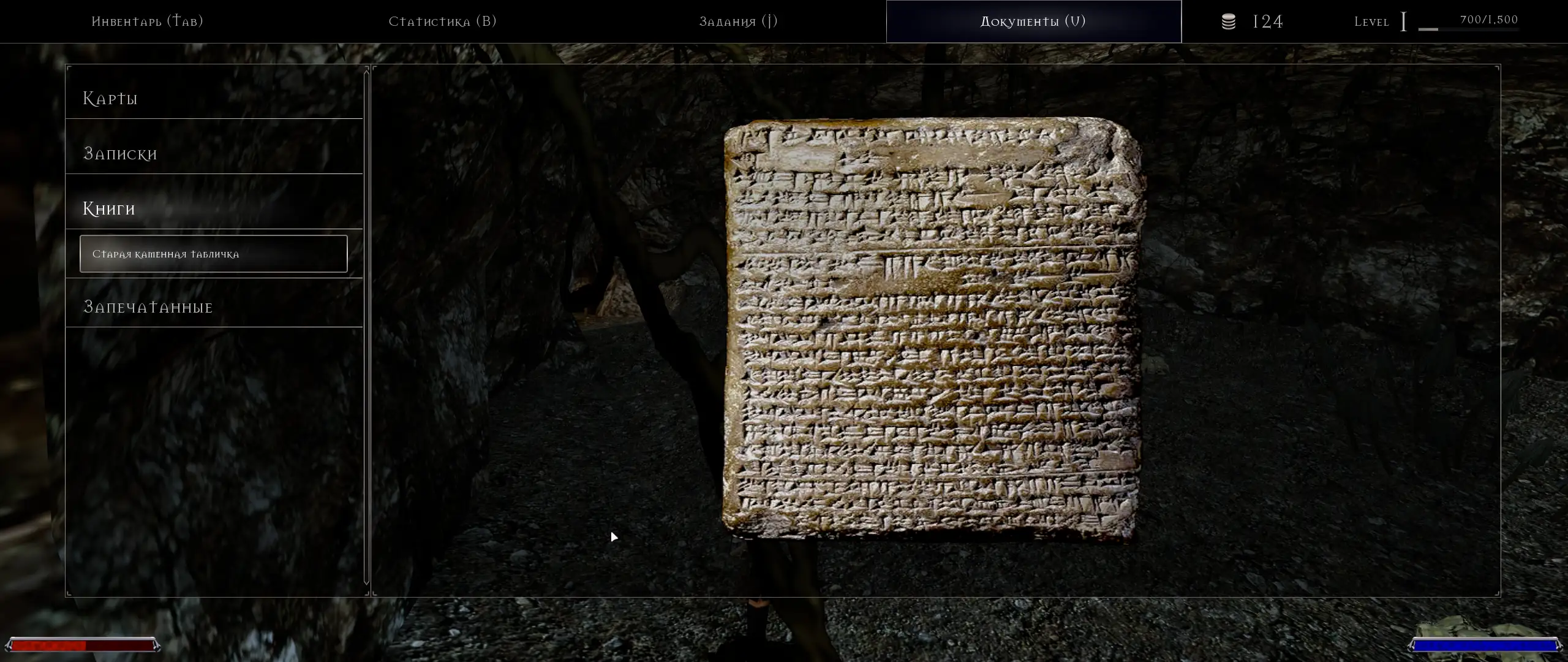
Ledge grabbing lets the hero pull himself up after catching an edge. That makes routes such as the jump toward the leather armor in Khorinis’ storage building less frustrating: reaching the ledge can be enough to recover instead of falling.
Batch cooking gives you a dedicated screen for frying meat. Choose the quantity and cook it together instead of repeating the same input for every piece.
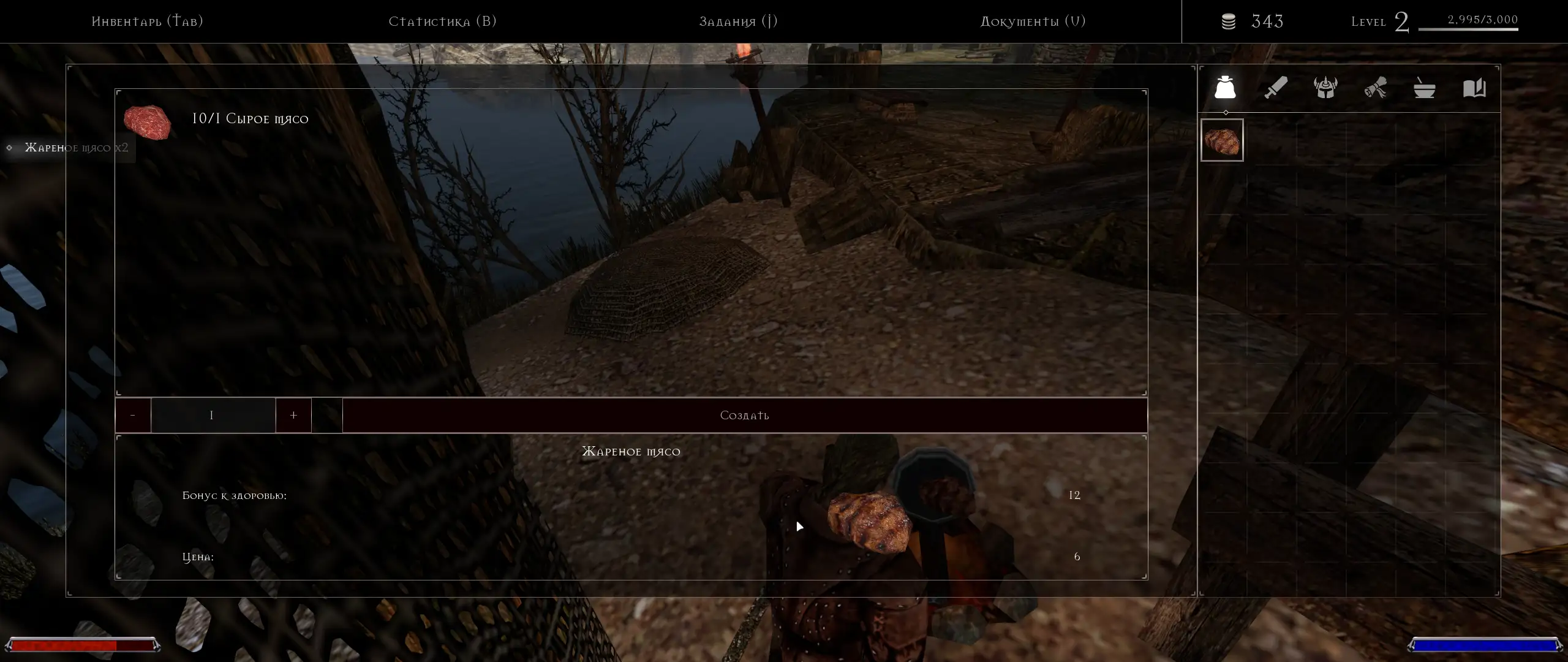
You can pick up Meatbugs alive. That saves you the trouble of killing them first.
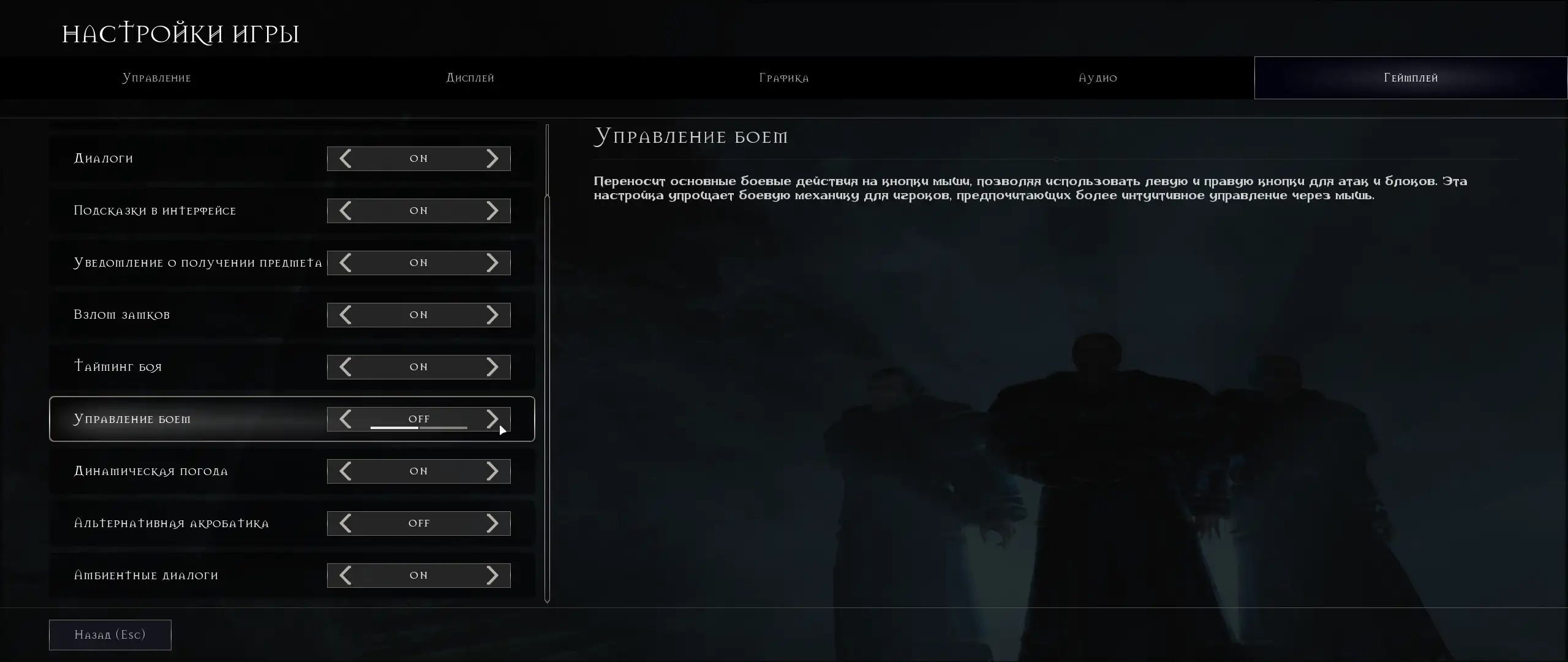
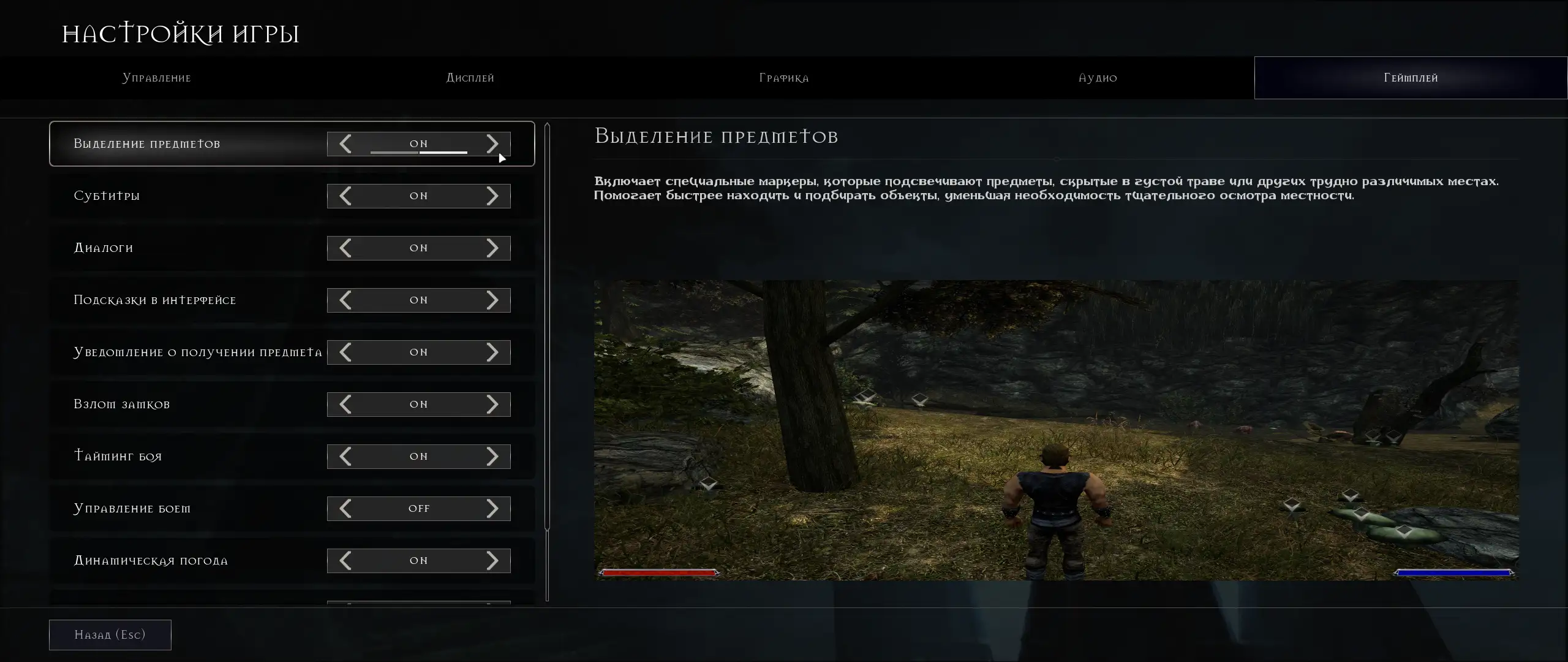
Gameplay settings. Use these to adjust difficulty and controls.
- Item highlighting
- Interface hints
- Item Pickup Notifications
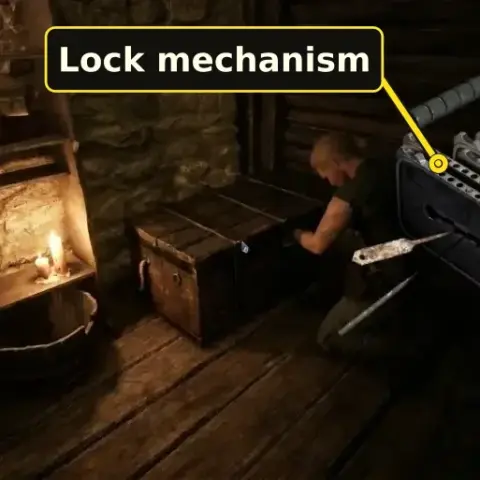
- Lockpicking
- Combat Timing
- Combat Controls
- Alternative Acrobatics
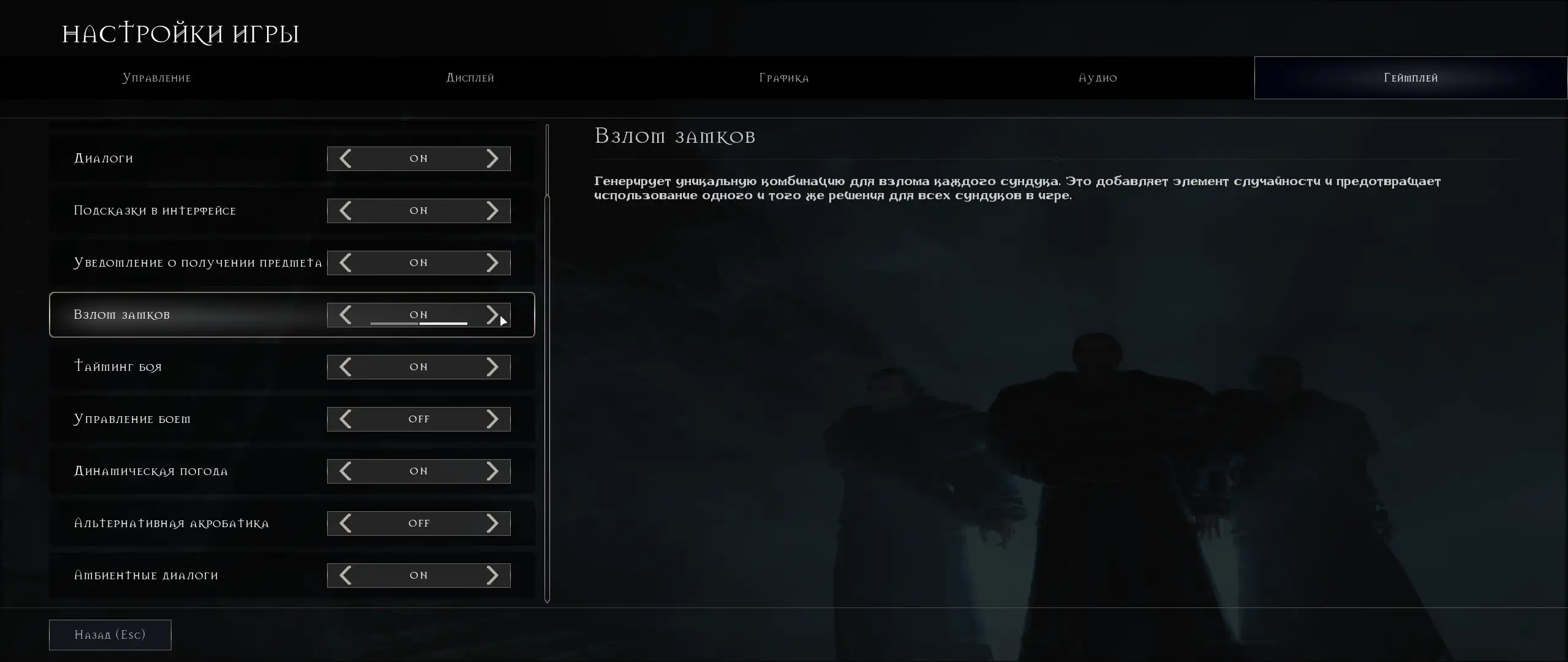
Each setting has a description on the right. If you’re not sure what an option does, just hover your cursor — an explanation will pop up.
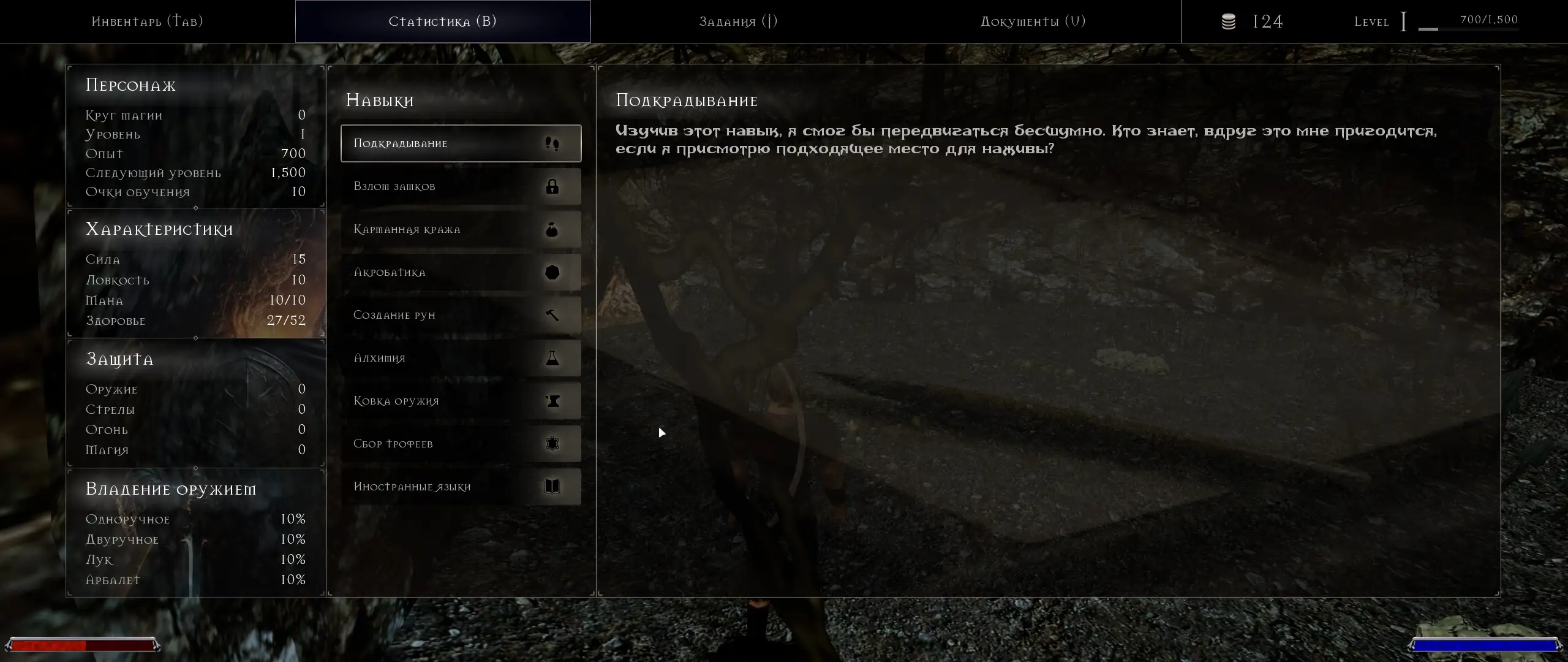
Sound Settings. Six separate sliders: music, dialogue, environment, effects, interface, and master volume. You can crank the music to max and lower the dialogue if you want to read subtitles in peace.
Language settings let you combine different voices and subtitles. Try German voices with English subtitles if you’re learning the language, or reverse the combination. The original game didn’t offer that flexibility.
Graphics settings. In the menu, each setting is explained. You can tweak shadows, reflections, draw distance. There are more settings than in the original.
Is it worth playing the Gothic 2 remaster on Unreal Engine?
The remaster is a convenient way to revisit Night of the Raven on modern hardware, with flexible settings and the original voices. The May 2026 alpha had no quest journal. Keep a guide handy if you can’t remember where the quests lead.
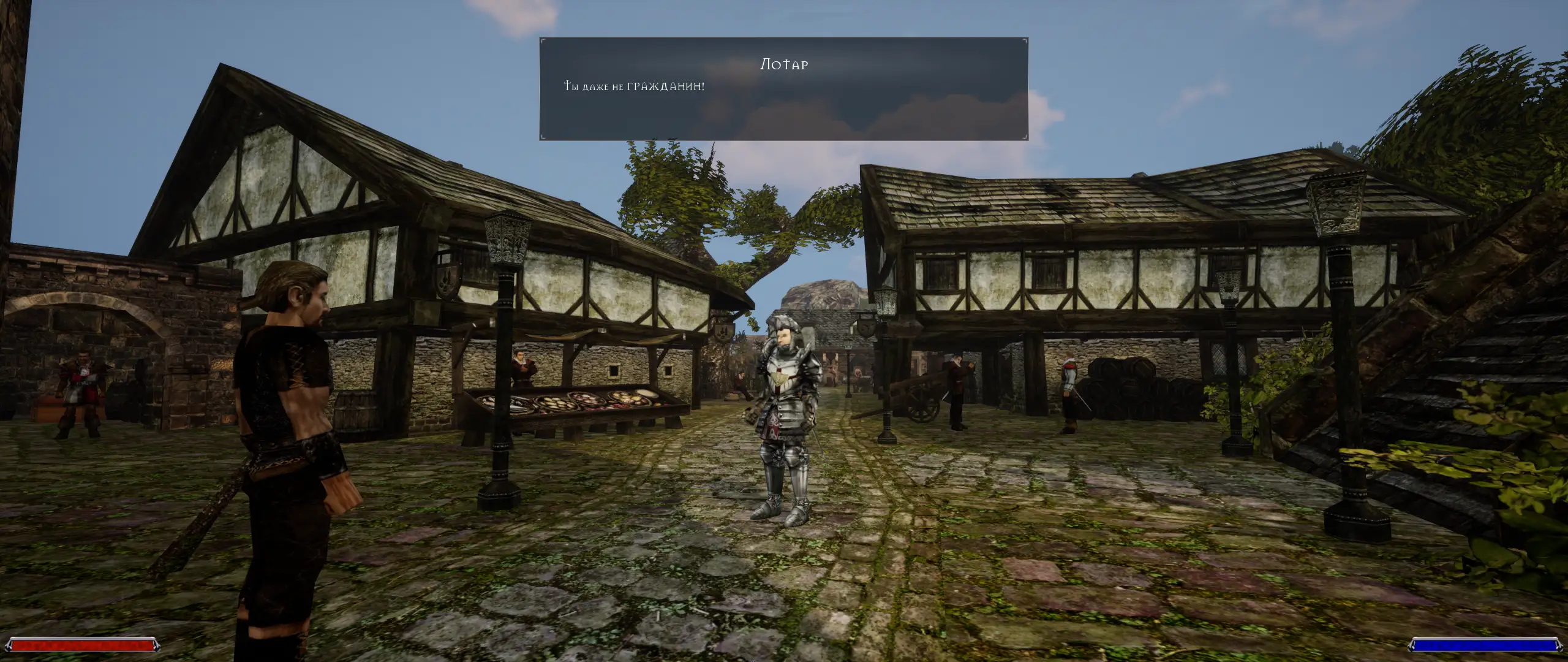
If you’ve finished Gothic 2 many times, the changed combat and visuals make another run more interesting. Newcomers also get easier controls and a clearer image while keeping the core mechanics of the original.
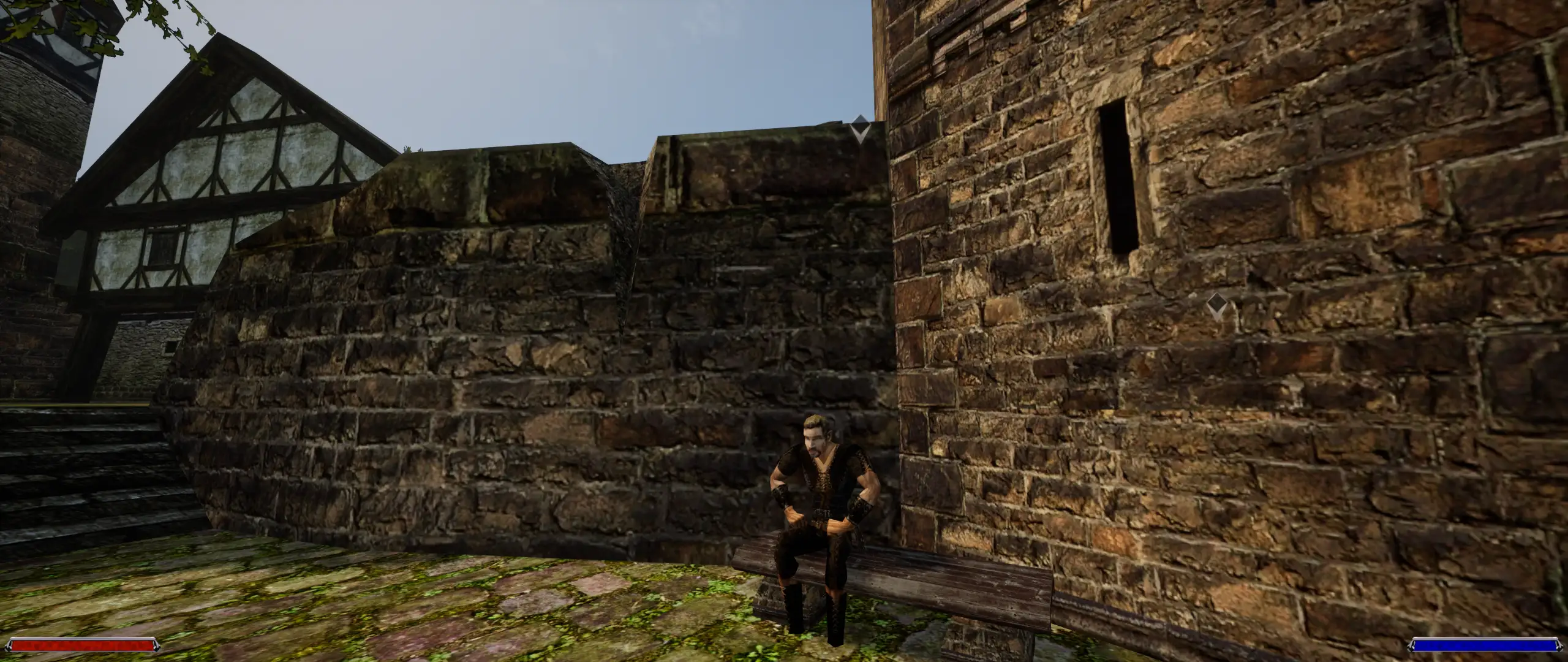
Check the project’s Discord for updates. If Khorinis leaves you in the mood for Myrtana, my Gothic 3 Union Plus installation guide covers that setup in Russian. As for me, I think it’s time to clear Beliar’s creatures out of the Valley of Mines again.