When you want to change up your usual Minecraft experience, new blocks and weapons are only part of the picture: 18+ mods add characters, animations and custom models. I’ve put together eight options with different purposes, from meeting new NPCs to replacing textures and customizing your avatar.
You’ll need to find the mod files yourself: fake Minecraft mods are common. Whether you download them is your decision, and you are responsible for installing them. I do not guarantee the safety of third-party files or accept responsibility for the consequences of using them.
This collection is for adult readers only. If you are under 18, do not follow the links or download the materials mentioned in this article.
Jenny Mod
Jenny Mod adds nine female characters to Minecraft, along with associated buildings and 18+ animations. The characters can act as companions, and certain interactions are unlocked with in-game resources. This changes both the inhabitants of your world and the ways you can spend time with the new NPCs.
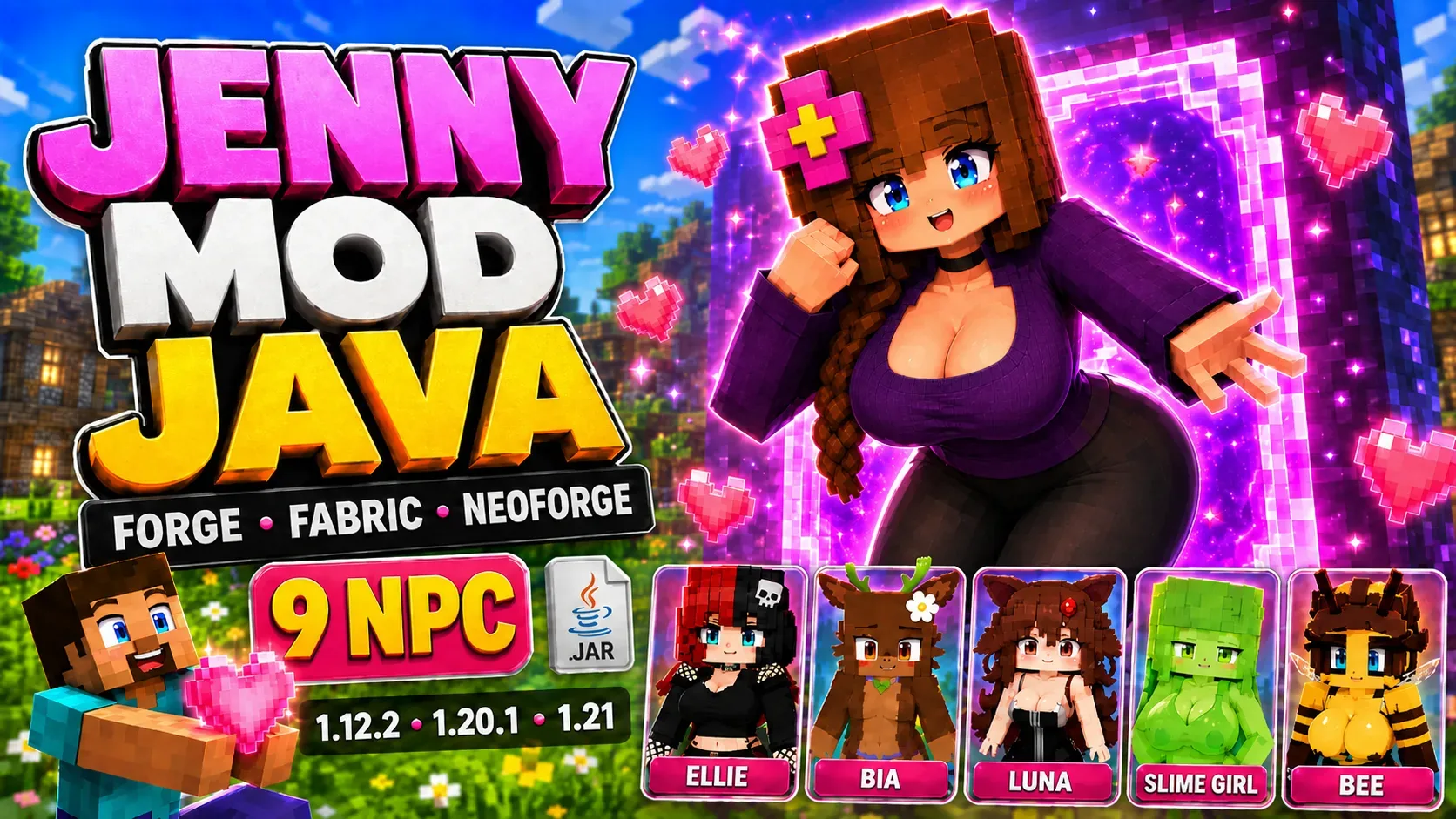
- Nine characters with their own models.
- Buildings associated with the new characters.
- Companion roles and interactions unlocked with in-game resources.
- Animations and scenes for an adult audience.
The cast isn’t limited to humans: it includes a slime girl, a ghost girl, a bee girl, a goblin girl and a kobold girl. That variety makes the choice of characters a significant part of the mod, giving you different kinds of characters to meet in the world.
Choose the Java pack and the Bedrock add-on separately. Even when both pages use Jenny’s name, files for the different editions of Minecraft are installed in different ways.
✅ Jenny Mod is a good fit if you want to populate your world with new characters and add interactions with companions. I’d choose it primarily based on which characters you want to play alongside.
FapCraft
FapCraft introduces Jenny, who can breathe underwater, teleport and regenerate health quickly. Her abilities add another side to meeting the character: you can take her on your travels and use in-game resources for gifts and interactions. This option calls for a separate Minecraft Java 1.12.2 setup.
- Jenny and a building where you can meet her.
- Teleportation, health regeneration and underwater breathing abilities.
- Gifts of diamonds, gold and emeralds.
- Traveling together and 18+ animations.
This pack uses Minecraft Java 1.12.2, Forge 1.12.2 and Java 8. It is designed for Creative mode, so a separate world set up for this version of the game is the most convenient place to meet the character.
✅ FapCraft is an option if you want a character with her own abilities and interactions. Keep Creative mode in mind: it determines the kind of playthrough this pack is designed for.
Jenny MCPE 1.16+
Jenny MCPE brings the idea of a character add-on to Minecraft PE / Bedrock. Her house appears in the world, and you can spawn the character with a spawn egg, after which 18+ interactions become available. For playing on a phone, this is a separate add-on with its own installation format.
- Jenny’s house in the game world.
- A spawn egg for spawning the character.
- Interactions with the character for an adult audience.
- Installation of two .mcpack files.
Less powerful devices may have problems with structures: the character may stand still without performing any actions. In that case, the page recommends moving farther away from the house and spawning her somewhere else.
✅ This option is intended for Bedrock and mobile Minecraft. Spawning the character with an egg lets you choose where to meet her, taking into account how the add-on works on your device.
Pretty Flesh
Pretty Flesh lets you create creatures using soul magic, memories and ritual components. Before you can interact with a new character, you need to prepare items and perform a summoning ritual, making the character’s arrival part of the gameplay. Visually, the mod uses detailed character models and textures with 18+ content.
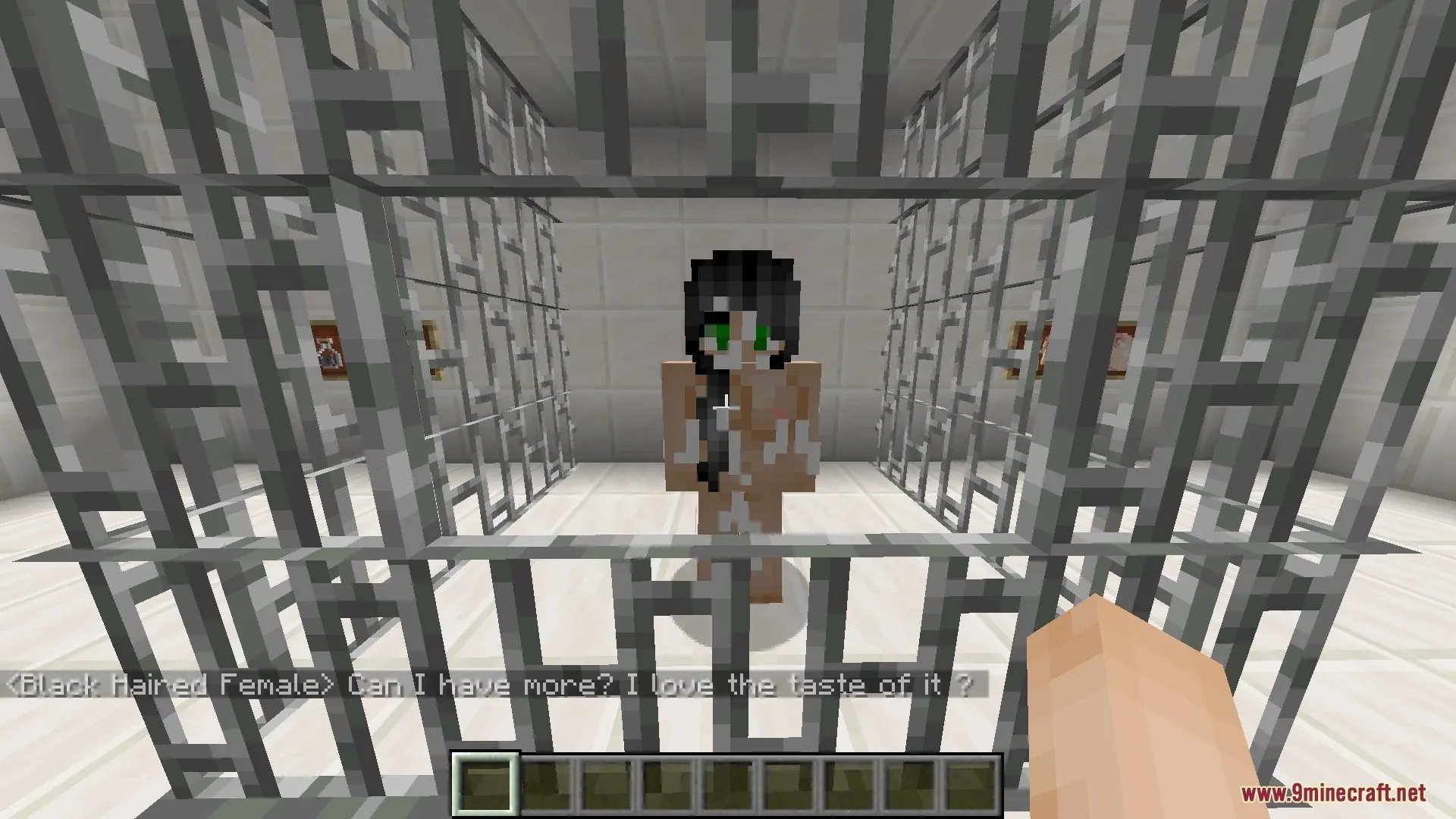
- Creating creatures through magical items and rituals.
- A Soul Stone for summoning.
- A Thought Extractor and ritual components.
- Pile of Flesh material for creating the creature’s physical foundation.
The rituals have a particular feature: summoning an identical creature makes its previous body disappear. Creating a new body therefore does not give you a second copy of the same soul existing at the same time, which is worth keeping in mind when summoning again.
The mod is for Minecraft 1.16.5.
✅ Pretty Flesh is worth a look if you want the process of preparing for and summoning a character. Its items serve a specific purpose: gather components, create a creature and then interact with it.
Lewd-Craft
Lewd-Craft changes the appearance of creatures by adding 18+ elements to their models. The changes cover various mobs, including creepers and spiders, so the pack affects familiar inhabitants of the world. Rather than replacing building textures, it focuses on the creatures themselves.
- Visual changes to mob models.
- A range of creatures, including creepers and spiders.
- Appearance changes for an adult audience.
- Minecraft version 1.16.4.
Lewd-Craft is installed as a resource pack: put the archive in resourcepacks without extracting it. Its purpose is to change how creatures look, so when choosing it, examining the modified models matters more than comparing it with descriptions of mods that add new NPCs.
This kind of pack changes the appearance of familiar mobs while keeping the focus on Minecraft’s existing inhabitants. If visual changes to the familiar world are what interest you, that helps distinguish it from add-ons featuring separate female characters.
✅ Consider Lewd-Craft if you want a new look for mobs. Here, I’d choose based on which model changes appeal to you and whether they fit the rest of the game’s visual style.
Girl Mod
Girl Mod adds female characters with their own models and 18+ animations. They appear as new characters in the world, and interacting with them adds to your usual Minecraft activities. The mod focuses primarily on the characters themselves and their visual design.
- New female characters.
- Individual character models.
- Animations for an adult audience.
- Additional interactions with NPCs.
This add-on is worth considering if you want more variety in your world through characters you can interact with. In purpose, Girl Mod is closer to the NPC mods in this collection: rather than replacing environmental textures, it adds female characters with their own models and animations.
✅ Girl Mod suits players looking for new characters and ways to interact with them. The main things to consider are how the characters look and which animations the add-on includes.
Figura
Figura lets you change your own character through custom models, animations and avatar settings. The mod works with Blockbench and supports Lua scripts, so you can customize both the model’s appearance and its behavior. Figura itself is not a sex mod: the content depends on the avatar you install separately.
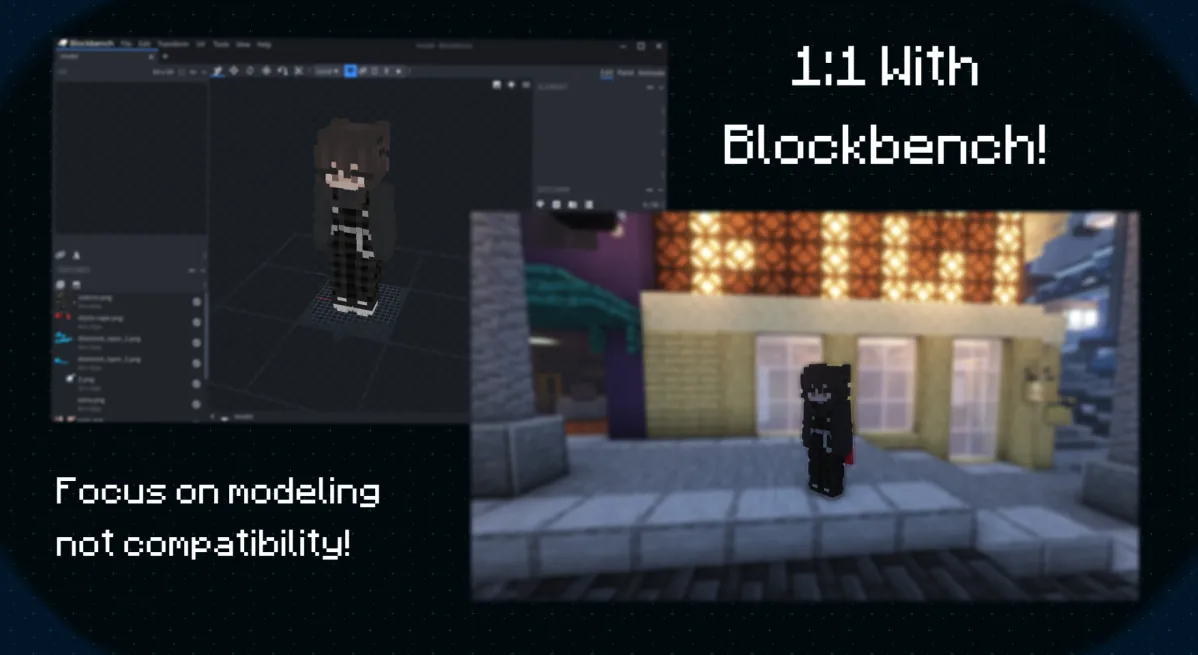
- Editing and customizing the player model.
- Custom avatars and Blockbench animations.
- An optional Lua API for scripting model behavior.
- A permissions system for limiting what other people’s avatars can do.
First, choose a Figura version for your Minecraft version and mod loader, then choose the avatar itself. The tool and the custom model are installed as separate components: having Figura does not mean the character you want is already included.
This approach is useful if customizing your own character matters more to you than adding new NPCs to the world. You can choose a model to suit the look you want, while its design and animations determine how your character appears in the game.
✅ I’d choose Figura for working on my own avatar. It is a character customization tool, so its capabilities are best assessed together with your chosen model.
Pleasure Horizons
Pleasure Horizons adds characters, models and animations, and also lets you create new characters. In version 0.8.2, this involves custom models and additional files, so you can treat the pack both as a collection of assets and as a foundation for further customization. SandyMandy and NotNightSky are listed as its creators.
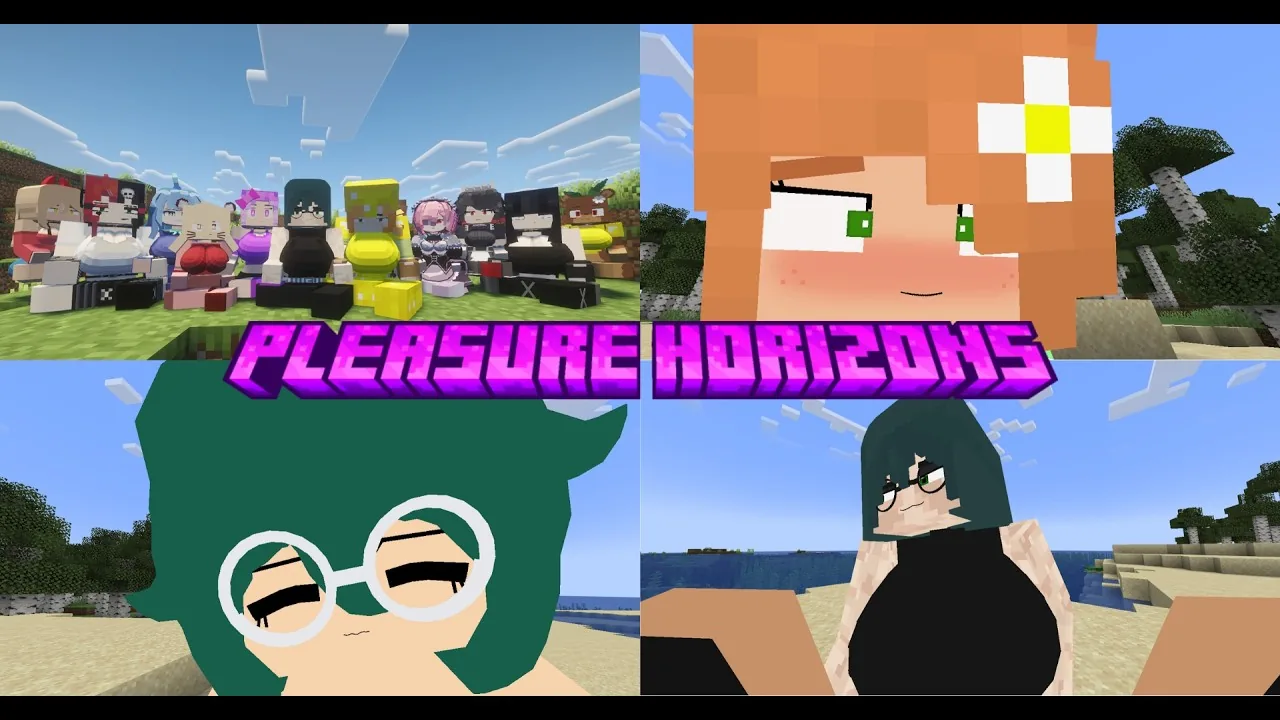
- Characters, models and animations.
- The ability to create new characters.
- Minecraft 1.21.1 and the Fabric loader for version 0.8.2.
- The Fabric API, GeckoLib, Cloth Config, Mod Menu and SmartBrainLib libraries.
Version 0.8.2 requires Fabric 1.21.1 and the libraries listed above. Put the Pleasure_Horizons-0.8.2-1.21.1.jar file in the mods folder; there is no need to extract the JAR itself.
A separate file is provided for the custom models shown in the project’s illustrations. When setting up your pack, account for both the main mod and the additional models: their combination determines which characters you will have in the game.
✅ Pleasure Horizons is worth considering if you want to work with characters and expand the roster. I’d start by choosing models, then prepare a setup with the libraries they need.
How to prepare Minecraft for installation
First, identify exactly what you are adding to the game: a Java mod, a resource pack or a Bedrock pack. The installation process depends on that choice, so it is easier to prepare a separate setup, test one add-on in it and only then add the others.
- Check the Minecraft version and the type of add-on. Files for Java Edition and Bedrock are used differently.
- Install the required loader for a Java mod. FapCraft uses Forge 1.12.2, while the version of Pleasure Horizons described here needs Fabric 1.21.1.
- Add the mandatory libraries listed in the chosen mod’s requirements. For Pleasure Horizons, these are Fabric API, GeckoLib, Cloth Config, Mod Menu and SmartBrainLib.
- Put the complete JAR in the mods folder. Texture packs go in resourcepacks, while .mcpack files are imported into Bedrock following the add-on’s instructions.
- Back up your world and settings before changing your main setup. Use a separate test world for the first launch.
- Check that the expected characters, items or textures appear and that interactions work. Do not disable your computer’s protection for a third-party installer.
Which 18+ mods should you choose for your playthrough?
If you want new characters and ways to interact with them, start with NPC mods: Jenny Mod, FapCraft or Girl Mod. For Bedrock, this collection includes Jenny MCPE, while Pretty Flesh adds item preparation and summoning rituals to the process of bringing creatures into the world. Your choice depends on whether you want to meet ready-made characters or create them yourself.
Resource packs with mob textures and models suit visual changes, while Figura is useful for customizing your own character. Consider Pleasure Horizons if you are interested in custom characters and working with additional models. Choose the changes you want and the game version first, then put together the appropriate files: that makes it easier to get what you installed the mods for in the first place.